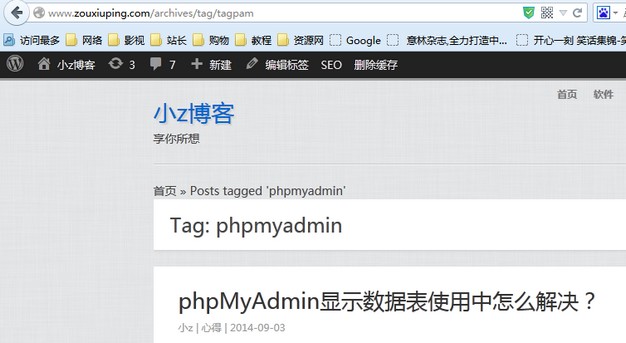
How to Fix WordPress Tag Access Denied or 403 Errors
wordpress access deniedwordpress 403 errorfix wordpress tag errorwordpress tag alias conflictphpmyadmin wordpress tag
Published·Modified·
Have you encountered Access denied or 403 errors when visiting WordPress tag pages? I searched online but couldn't find a solution initially.
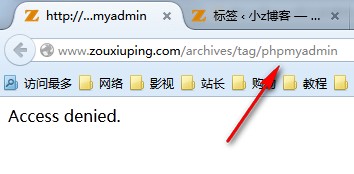 Access denied error
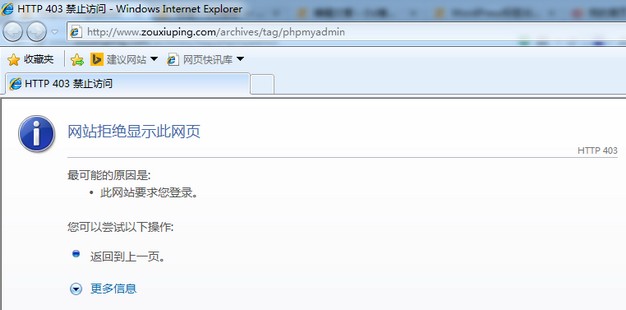 403 error
I eventually discovered that the issue was caused by a conflict between the tag's slug and a system reserved name. For example, I had a tag where both the name and the slug were set to phpmyadmin. The solution was simply to modify the tag's slug.
You can find the tag in the WordPress dashboard under Posts > Tags. Search for the tag name and edit its slug.
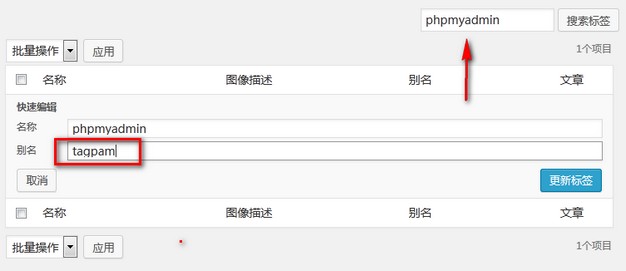 Edit tag slug
After updating the tag, click to view it again, and the issue will be resolved.