Niche but Excellent Apple TV: Unboxing, Setup, Pricing, and Essential App Recommendations
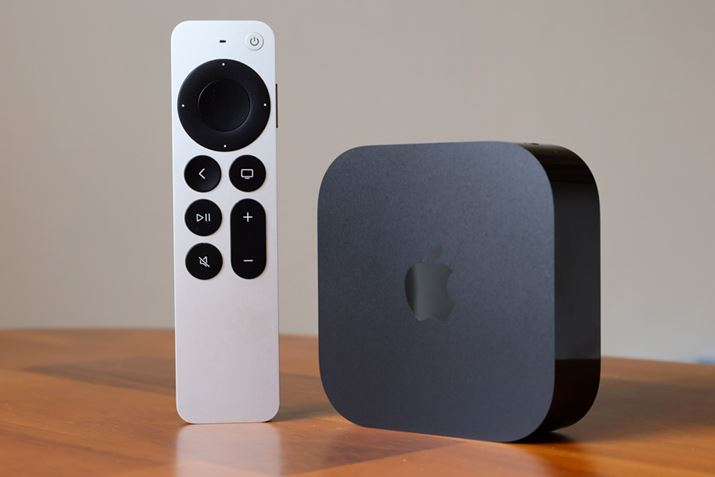
Recently, while visiting a friend's home, I was deeply impressed by their Apple TV. After trying it out, I was convinced by its performance and user experience, which sparked my desire to buy one. So, xiaoz placed an order on Taobao and purchased my own Apple TV. In this article, I will share my unboxing experience, the purchase price, and some essential apps I personally recommend. I hope this provides useful information for those who are also interested.
Introduction
Apple TV is considered niche because the product is not officially sold in mainland China, and many apps (such as Netflix) require a tool to access the internet to work smoothly. Therefore, it is not recommended for beginners, as many apps may not be usable. If you are considering purchasing one, here are some tools and accessories you need to prepare:
- Prepare your own internet access tool
- A non-mainland Apple ID, such as a Hong Kong or US Apple account
- A TV that supports 4K or higher resolution
- HDMI cable (not included)
- Type-C charger (not included)
- An iPhone (optional)
Configuration and Price
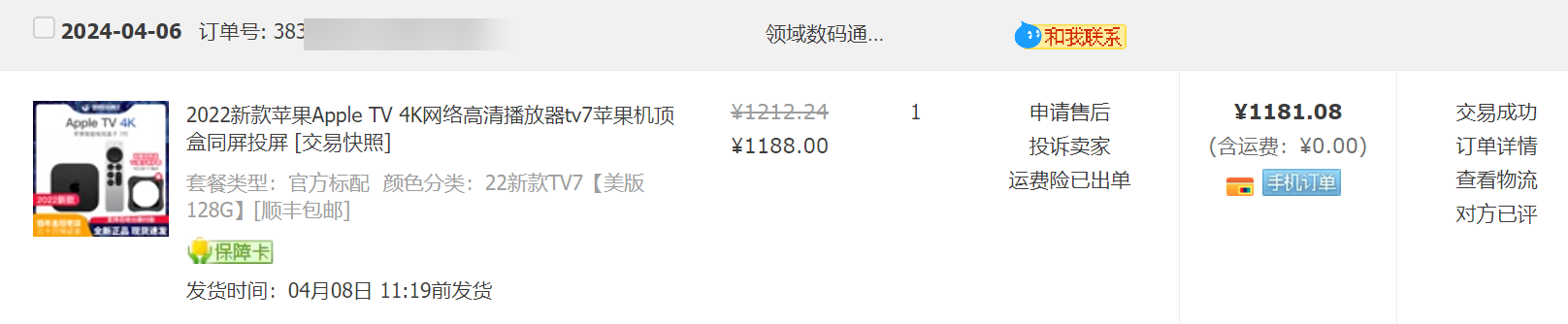
The model xiaoz purchased is the 2022 Apple TV 4K (7th Gen), US version, 128GB. There are differences between different versions, as detailed below:
- The Hong Kong version's power plug is not suitable for mainland China and requires an adapter, so the US version is recommended as it does not need an extra converter.
- The 64GB version supports only wireless connectivity, while the 128GB version supports both wireless and Ethernet (wired) connections. Only the 128GB version supports a network cable.
The 2022 Apple TV 4K (7th Gen), US version, 128GB, was purchased for ¥1188.00. It was shipped via SF Express with free shipping. The purchase link is: https://m.tb.cn/h.gZSbpCr
Unboxing
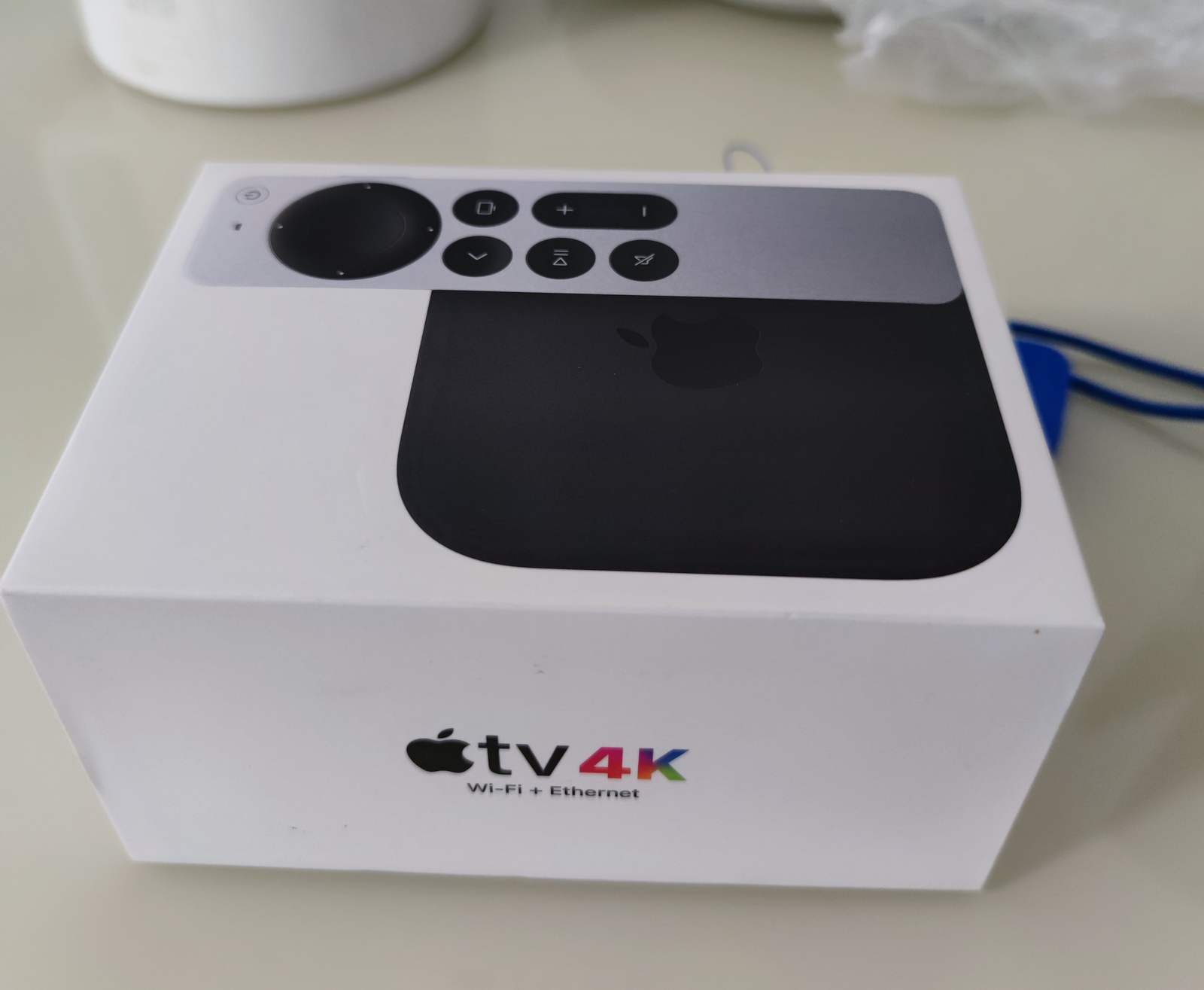
For environmental reasons, Apple does not seal the box with plastic wrap, which is normal.
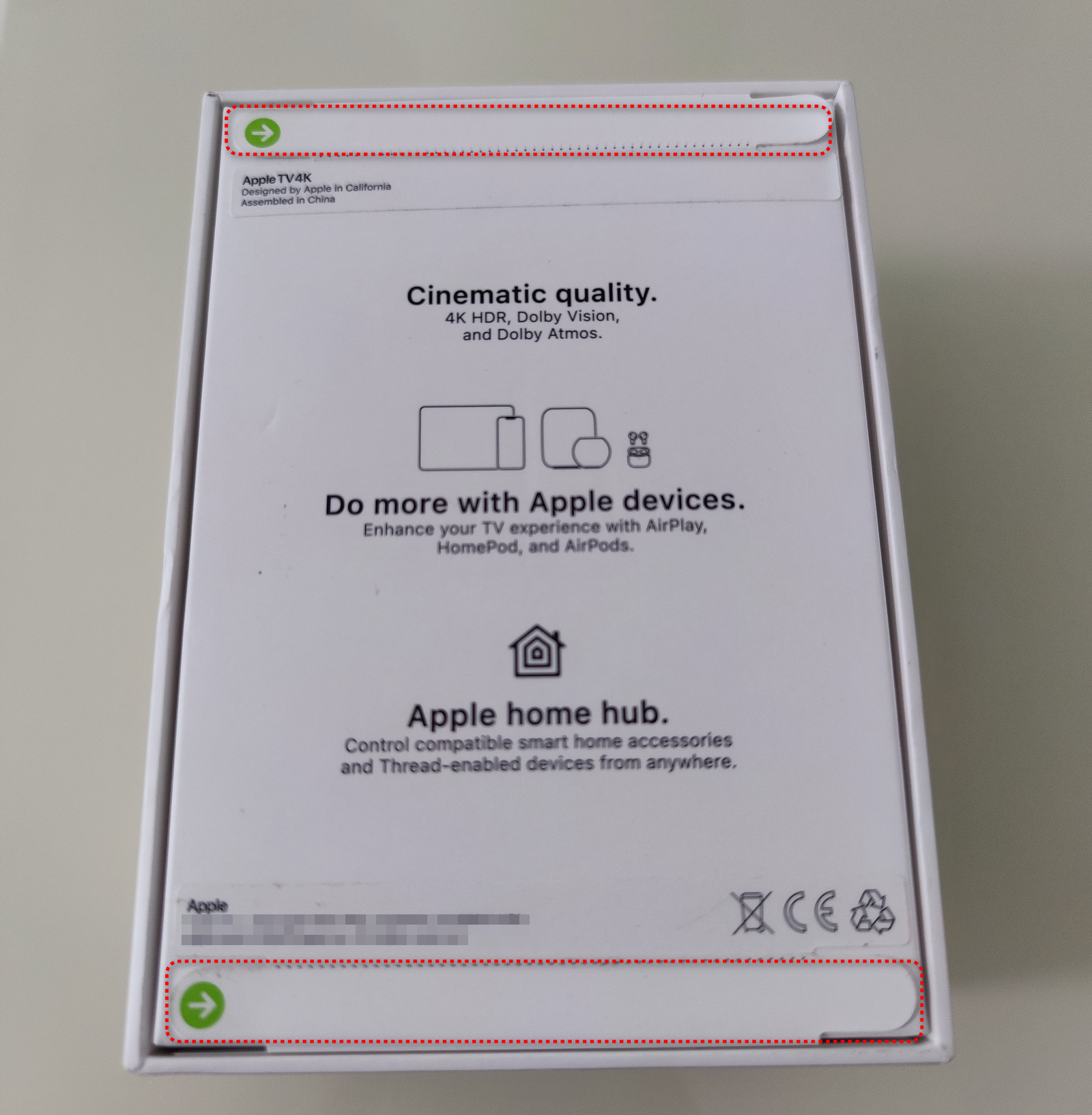
The bottom of the box uses a pull-strip seal for anti-counterfeiting. Note: If the strip is missing, the box may have been opened before.
The seller included a remote control protective case.
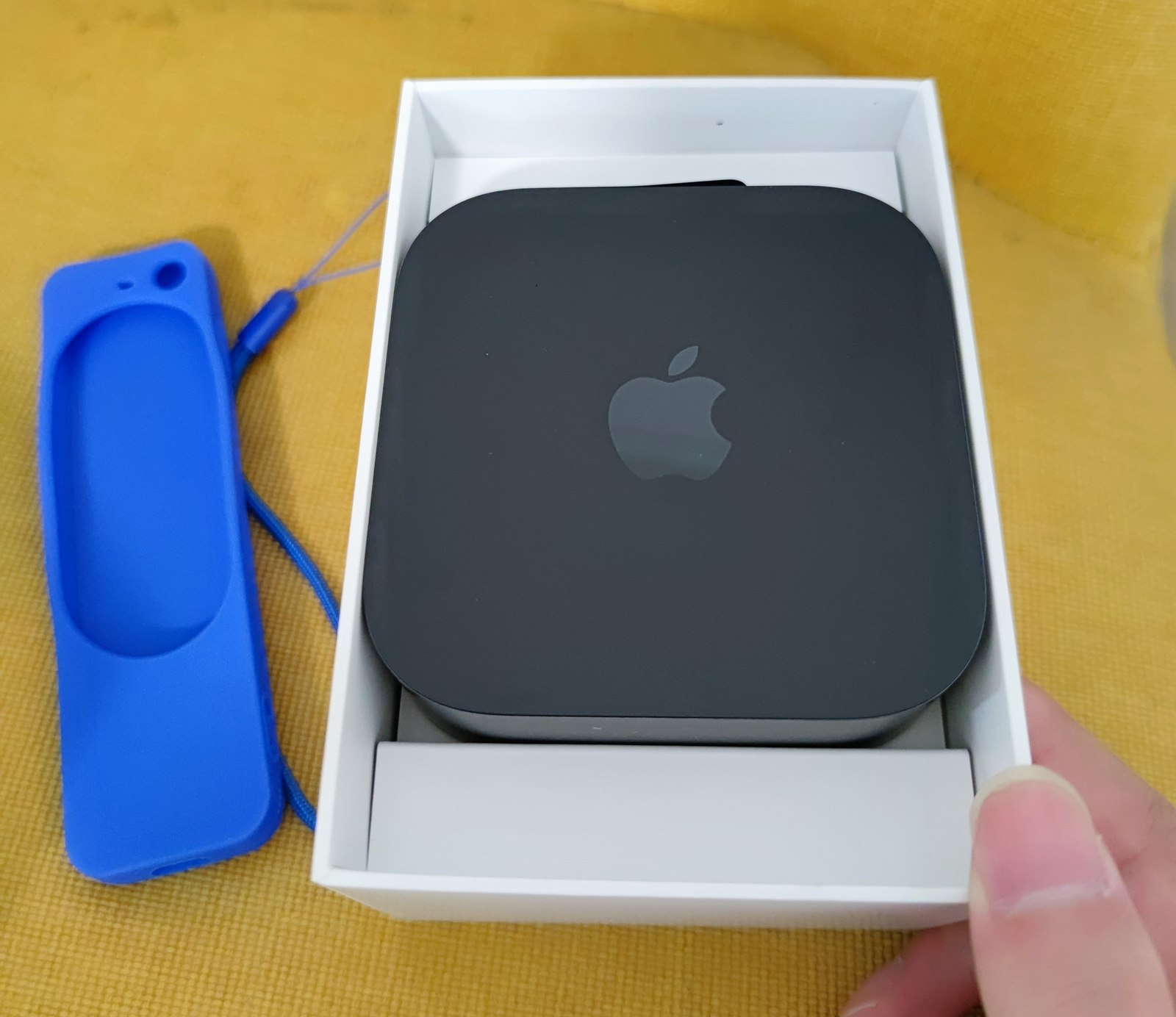
Official accessories include only the power cord, the TV box, and the remote control. HDMI cables and chargers are not included.
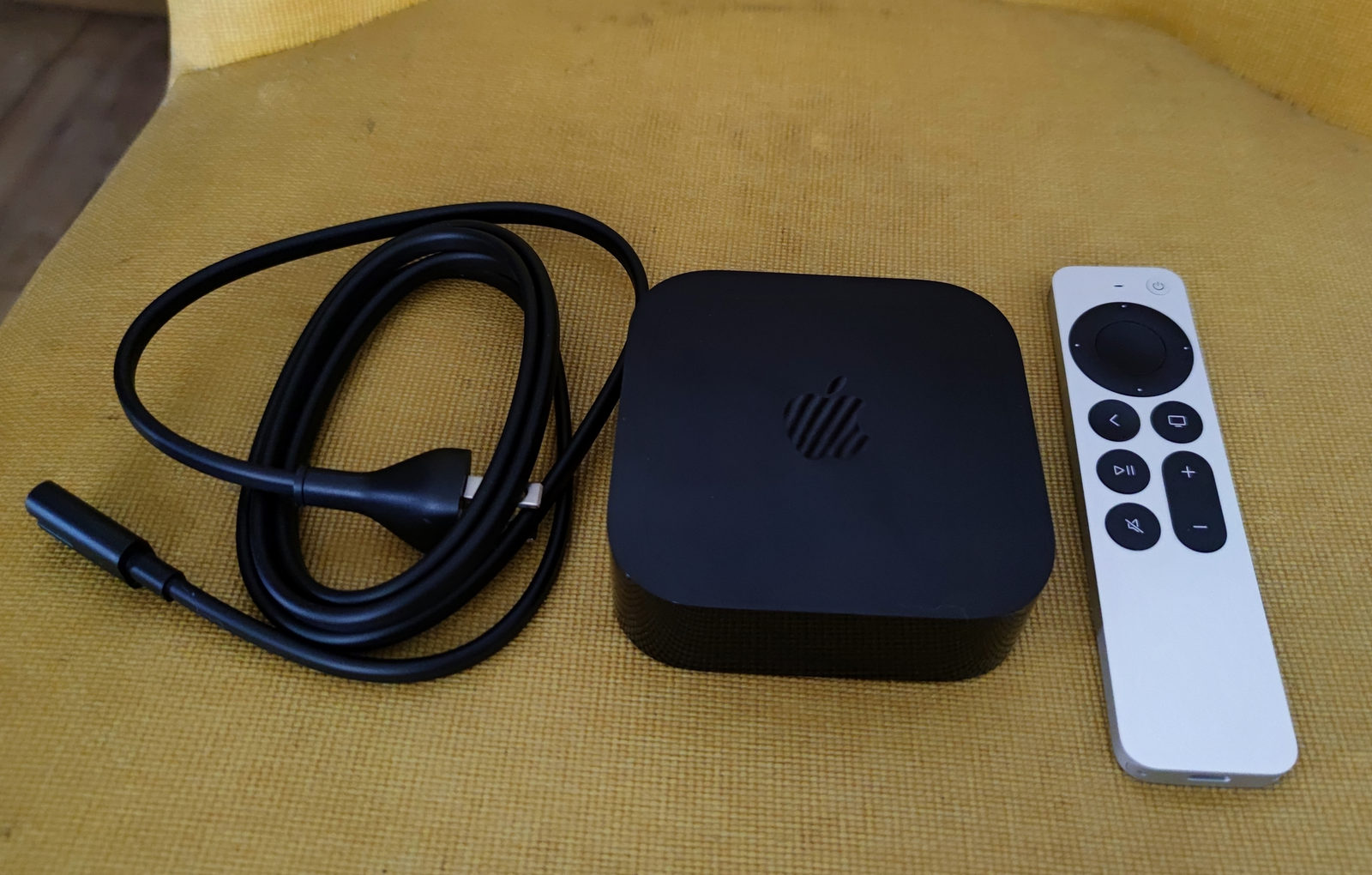
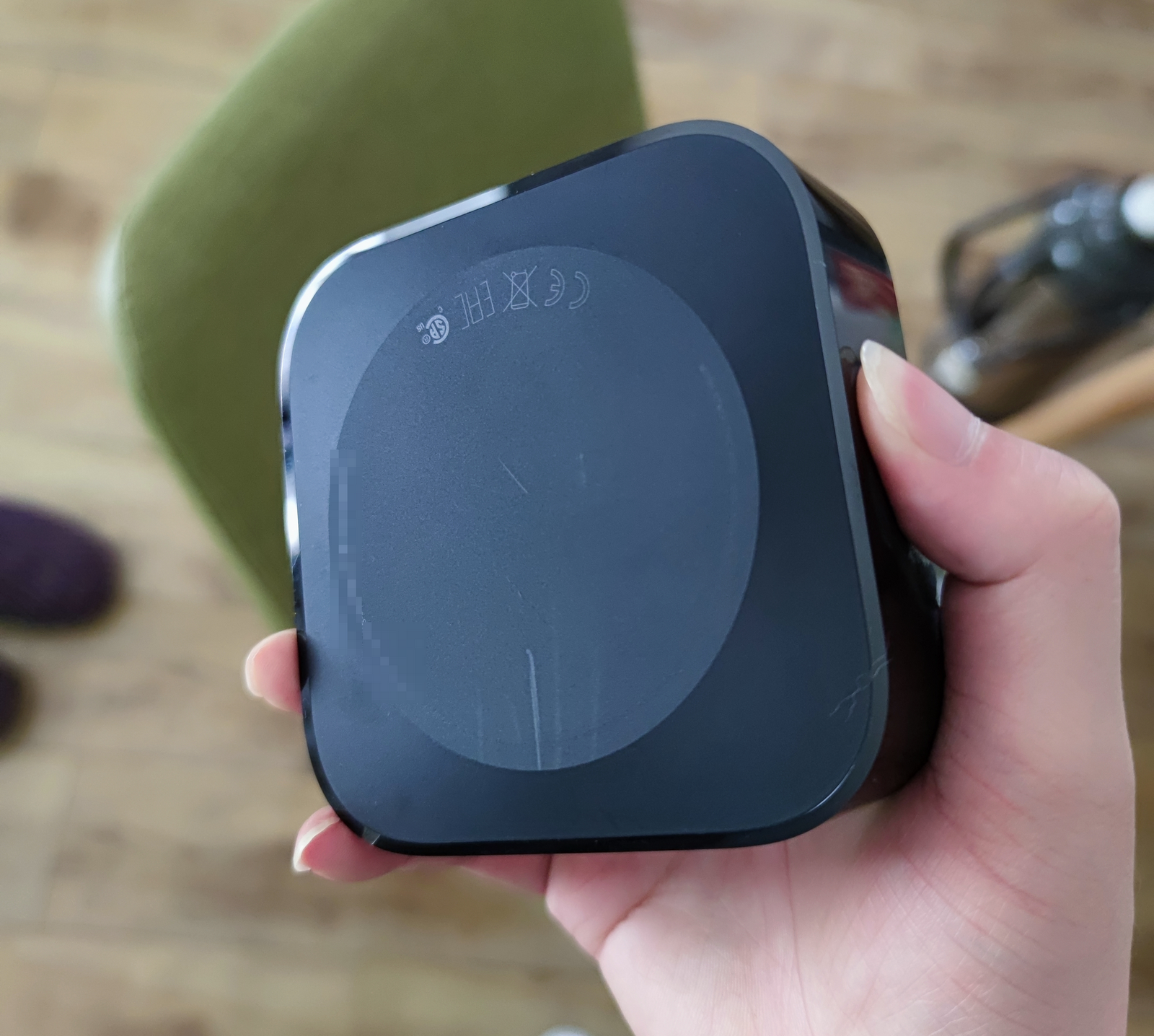
Next is a display of the box (the box is very small and can be held in one hand).
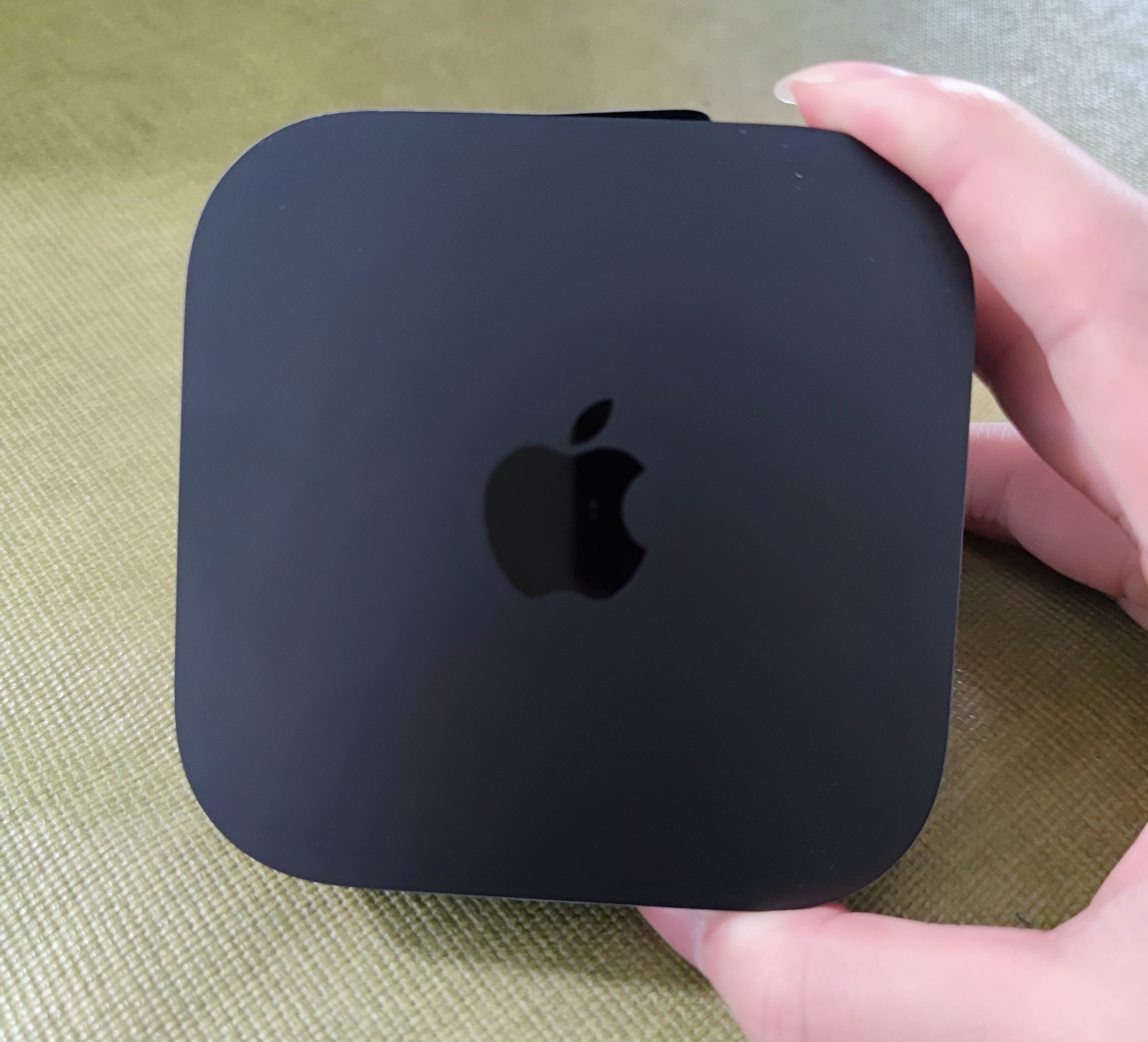
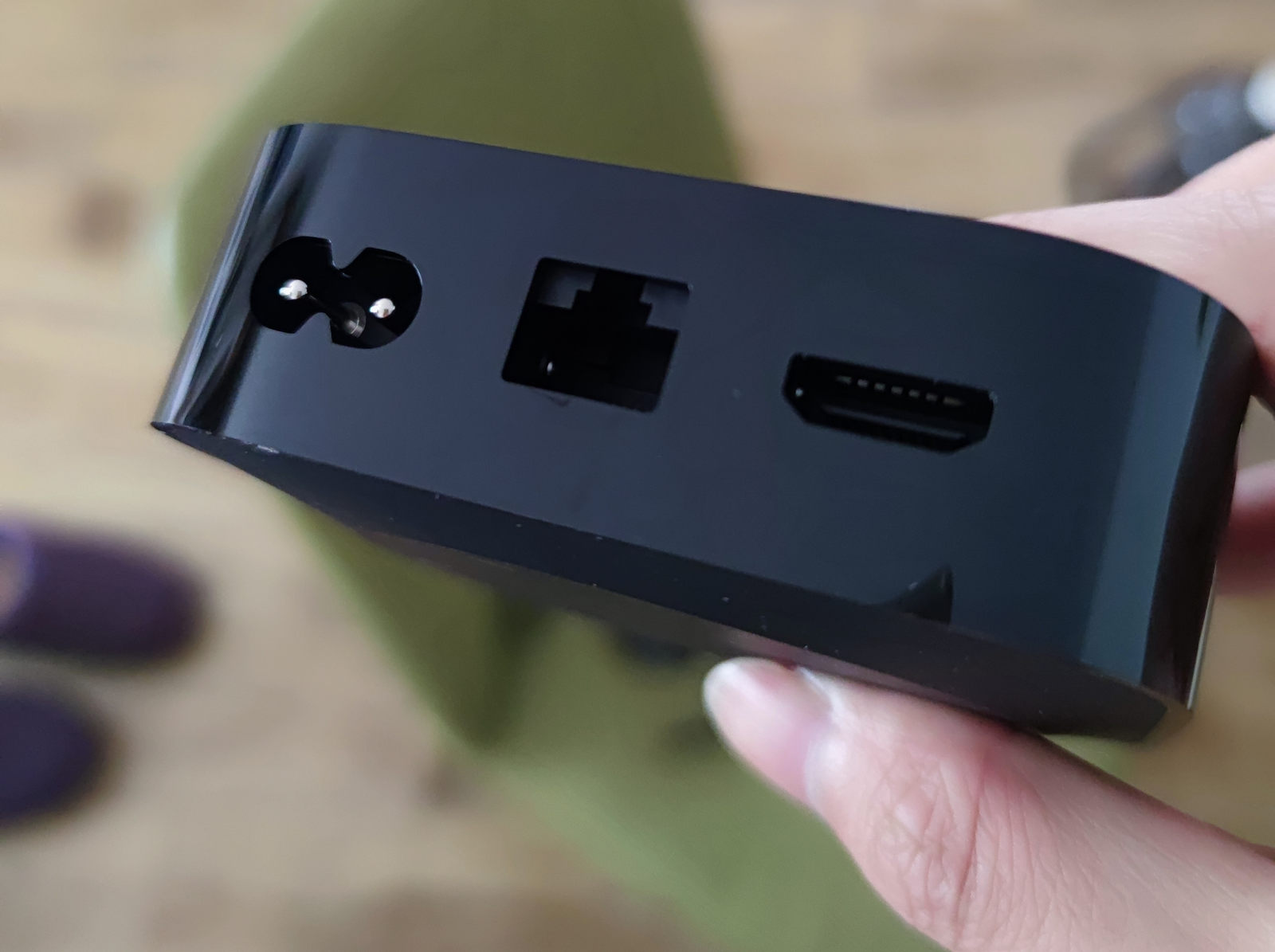
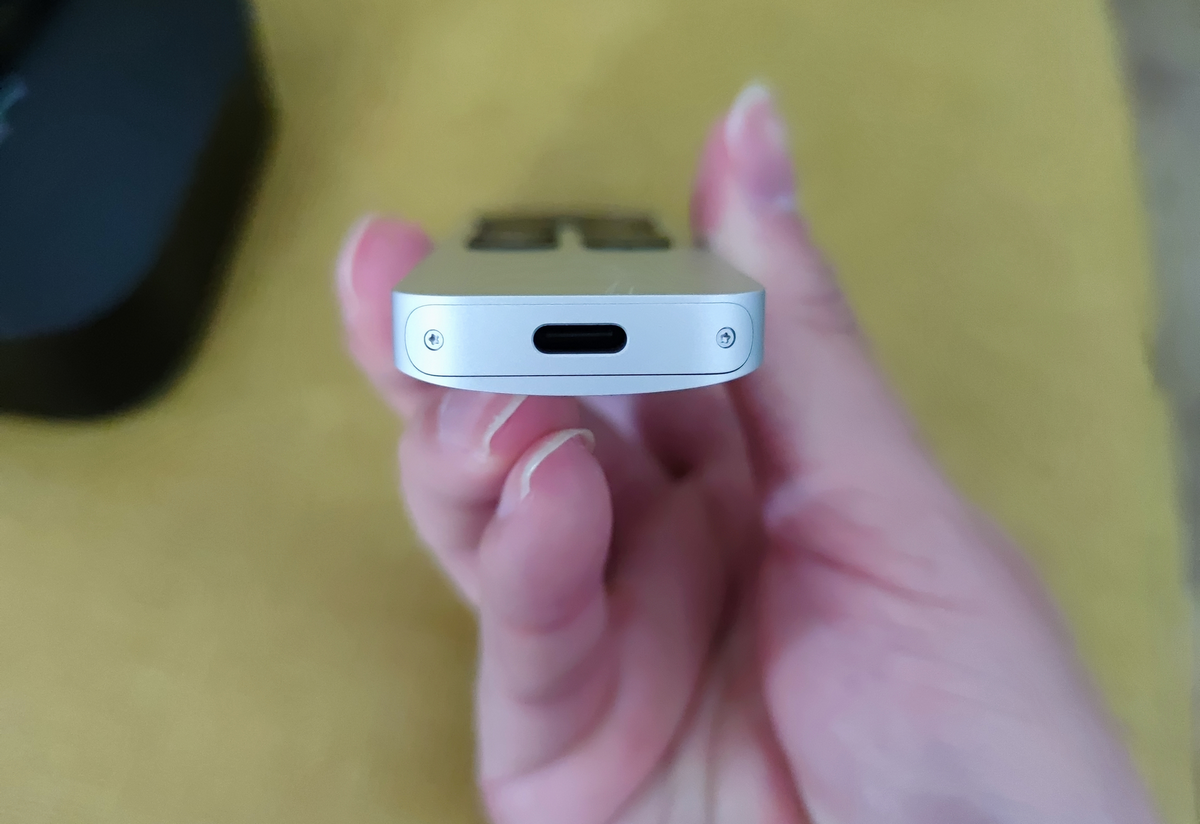
The remote control case is made of metal with a strong texture. It uses a Type-C charging interface and can be charged with an Android charger. When received, it had about 80% battery life.
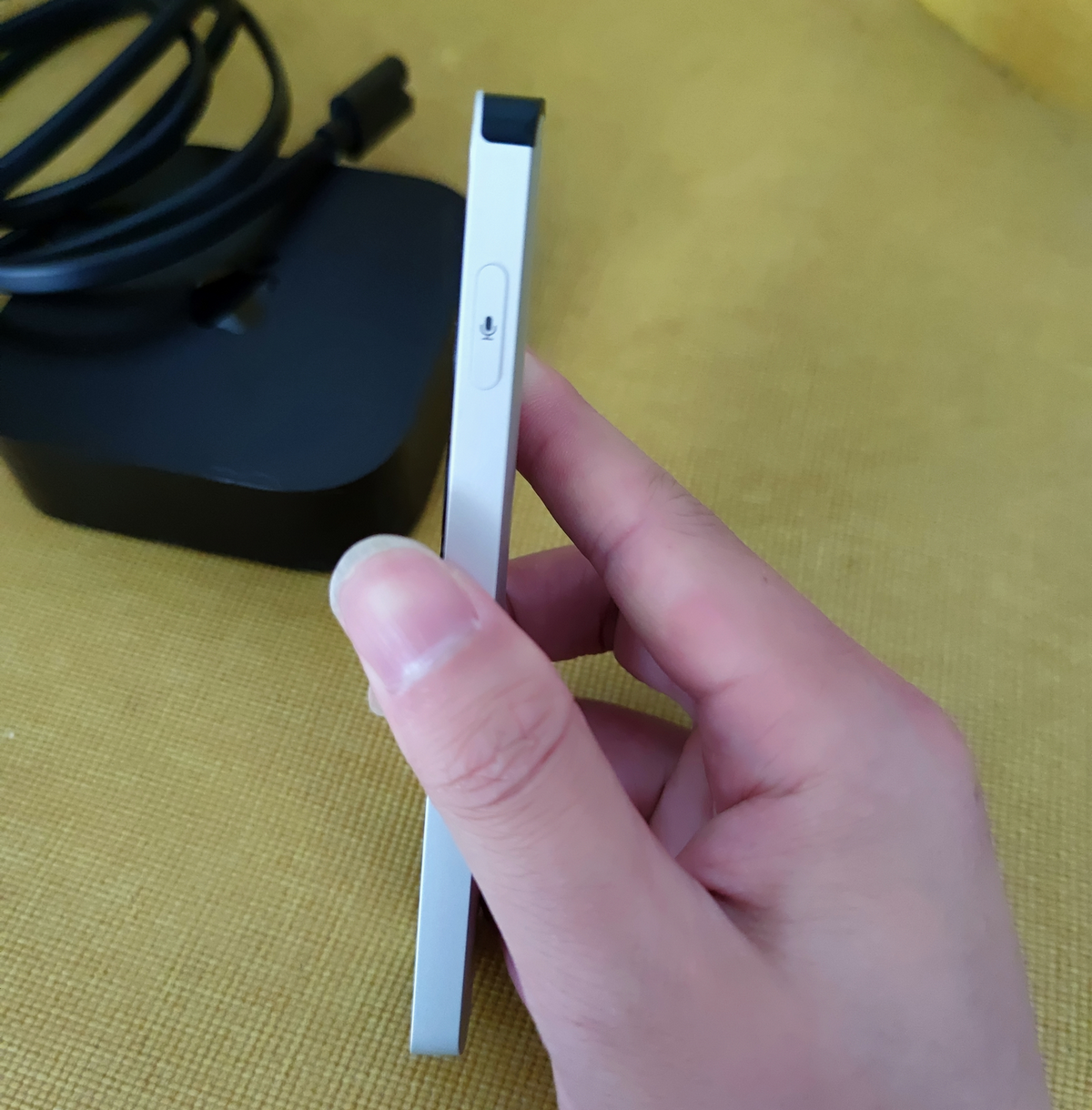
The side of the remote supports Siri voice input, but it seems to support only English.
Recommended Apps
Below are some apps recommended by xiaoz. These choices may not suit everyone, so please select apps based on your needs. Note that installing these apps may require a non-mainland Apple ID, and some apps may require payment.
- Shadowrocket: A tool for accessing the internet (name abbreviated for obvious reasons; purchase required).
- Netflix: A popular streaming service offering a wide range of movies, TV shows, and original content. Suitable for users who enjoy following new dramas and movies. (Subscription required)
- YouTube: The world's largest video-sharing website, covering educational, entertainment, and informational videos. Suitable for users of all ages looking for tutorials, music, news, and more. (Free + Subscription)
- Infuse: A powerful video player supporting various video formats, offering excellent organization and playback experience. Ideal for users who want to play high-quality video files directly on the device. (Purchase required)
- Vidhub: Similar to Infuse, it is considered the best free alternative to Infuse and supports connecting to Jellyfin (Free).
- Fileball: Provides file management, a music player, and a video player. (Free + Paid)
If you have more excellent app recommendations, feel free to share them in the comments below.
User Experience
The Apple TV user interface feels clean, tidy, and comfortable, which contrasts sharply with many Android TV boxes in China that are filled with bundled software and cluttered ads. At the same time, Apple TV operates very smoothly, and the quality of third-party apps is also quite high. However, it is worth noting that most apps are paid, and without purchasing them, you may not fully utilize the full functionality of Apple TV.
The voice input on the side of the Apple TV remote seems to recognize only English and cannot recognize Chinese. Is this a deliberate limitation because it is not sold in mainland China? Or perhaps I am using it incorrectly? I welcome your comments and guidance.
Apple TV does not support Chinese voice input, making text input via the remote control less efficient. However, if you own an iPhone, you can use it to remotely input text, significantly improving input speed and convenience.
Conclusion
In summary, although Apple TV is a relatively niche choice in the domestic market, its clean and elegant user interface and high-quality third-party apps provide users with an exceptional experience. While Chinese input and app purchases may bring some inconvenience, these are not insurmountable obstacles for users seeking high-quality audio and visual enjoyment. I hope this article helps you better understand the features and value of Apple TV and brings new possibilities to your smart home life.
Additionally, xiaoz has created a dedicated discussion group for NAS users. If you are interested, you can join by scanning the WeChat QR code below. If the group is full or expired, you can add xiaoz's WeChat ID: xiaozme, and please note "NAS Player" so I can invite you to the group.