Boox Leaf3 Unboxing and First Impressions: A Kindle Alternative
In 2016, I purchased an entry-level Kindle ebook reader, which I have used for 8 years. Although it still powers on and functions normally, with Kindle exiting the Chinese market and its closed system increasing domestic usage costs, I decided to upgrade. Taking advantage of the Double 11 sale, I bought the Boox Leaf3 7-inch ebook reader on JD.com. This article shares a simple unboxing and initial usage experience to provide reference for others.

Specifications & Purchase
Specifications
| Category | Specification |
|---|---|
| Screen Size | 7 inches |
| Inner Screen Size | 141.9×106.8mm |
| Resolution | 1680*1264 |
| PPI | 300ppi |
| CPU | Qualcomm Octa-core 2.0GHz |
| RAM | 3GB LPDDR4X |
| ROM | 32GB EMMC |
| Microphone | 5.1 High-sensitivity microphone |
| Speaker | Supported |
| WiFi | 2.4G & 5G Dual-band |
| Bluetooth | BT 5.0 |
| Dimensions | 156x137x6mm |
| Weight | Approx. 190g |
| Interface 1 | Type-C |
| Interface 2 | TF Card Slot |
| OS | Android 11 |
| Battery Capacity | 2300mAh |
Purchase
JD.com Purchase Link: https://u.jd.com/MgRDKAX
Unboxing
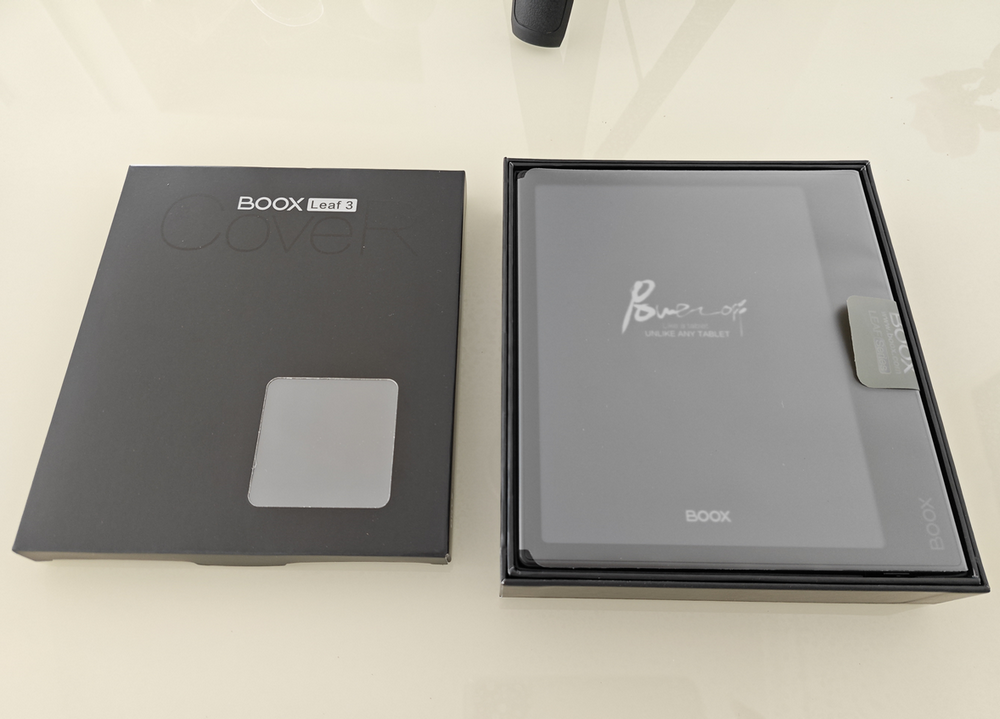
The black packaging is simple and atmospheric, making it a good choice for gifting.
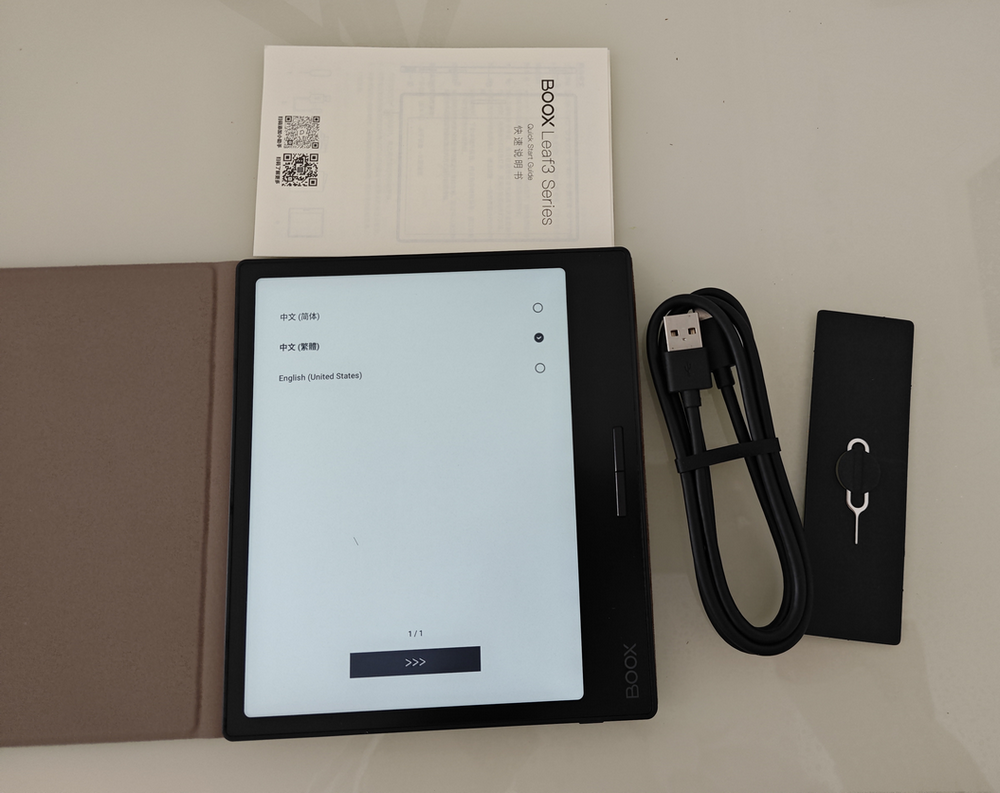
Besides the reader itself, the accessories include a charging cable, a SIM card tool, a manual, and a protective case. Note that a charger is not included!
Holding just the main unit, it feels quite light and comfortable.
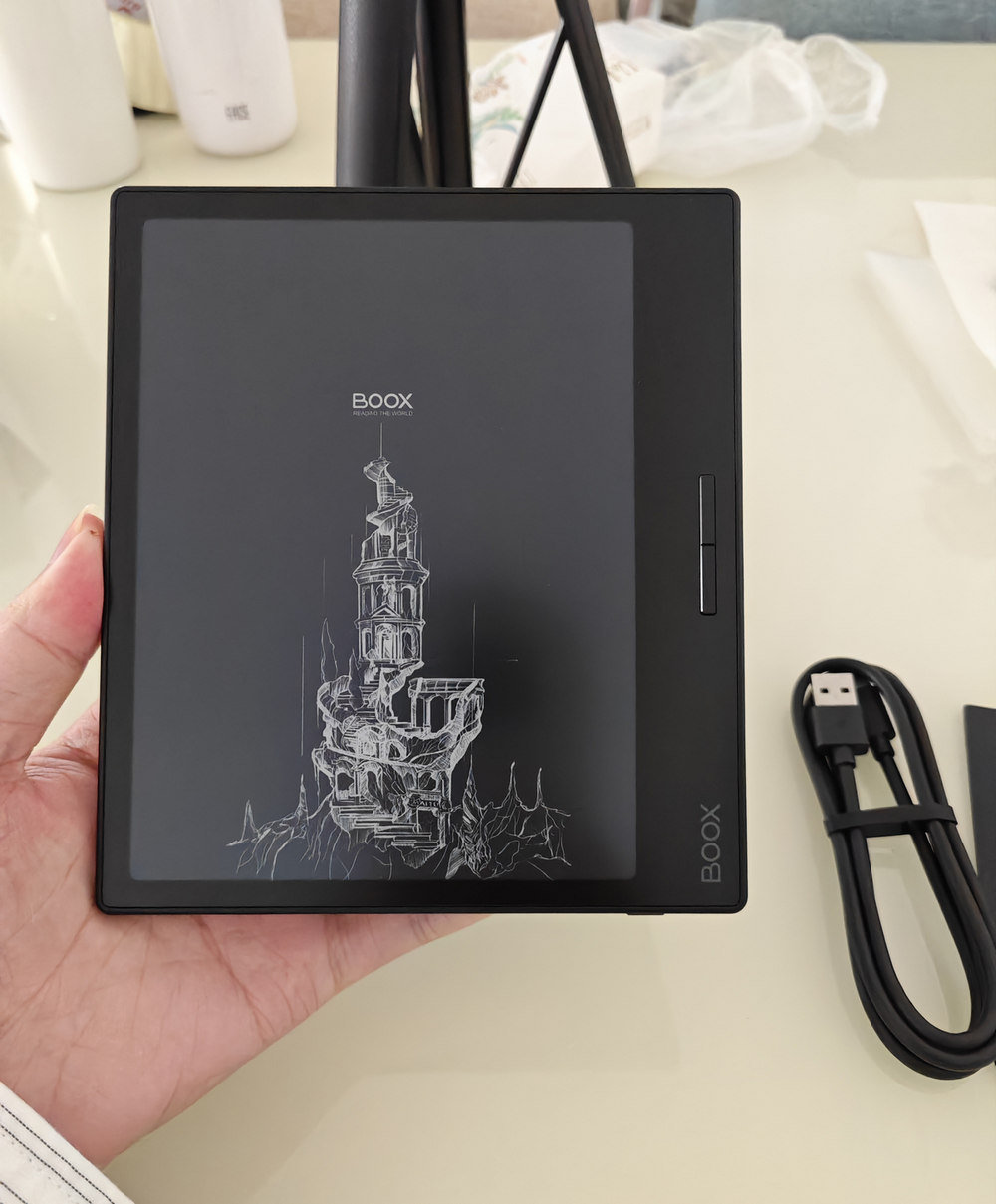
The back features a flat design, not an ergonomic one. I am unsure of the material, but it feels comfortable to the touch with a special treatment that provides friction, making it less likely to slip. However, the shell is plastic.

The included magnetic protective case has poor edge finishing, feeling slightly sharp to the touch, and lacks edge sealing, which may cause peeling over time. Purchasing this case separately costs around 130 RMB, which I feel is not worth the price.
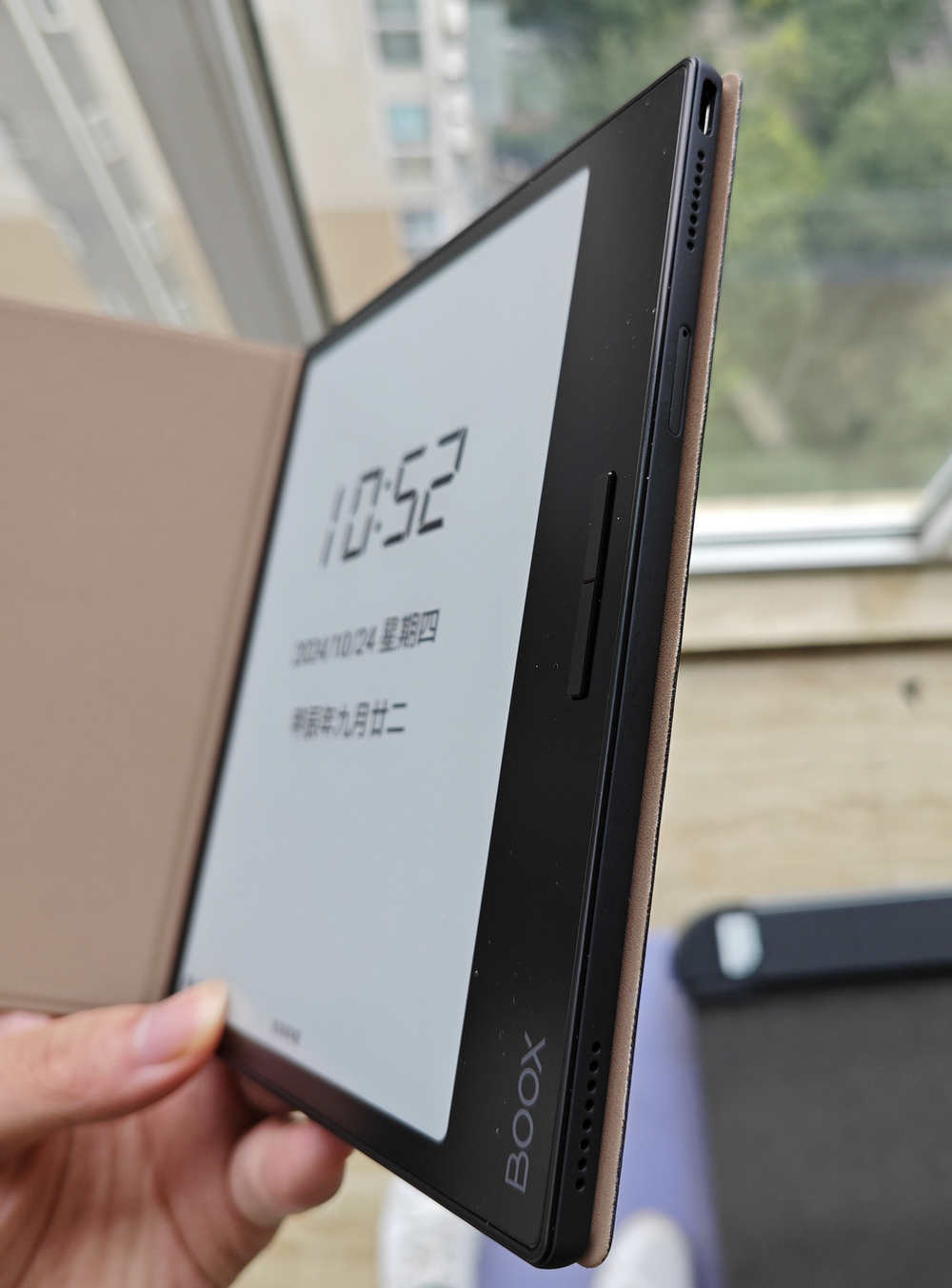
After putting on the protective case, the weight increases slightly, and the hand feel drops immediately. However, to protect the fragile e-ink screen, using a case is necessary.
Usage Experience
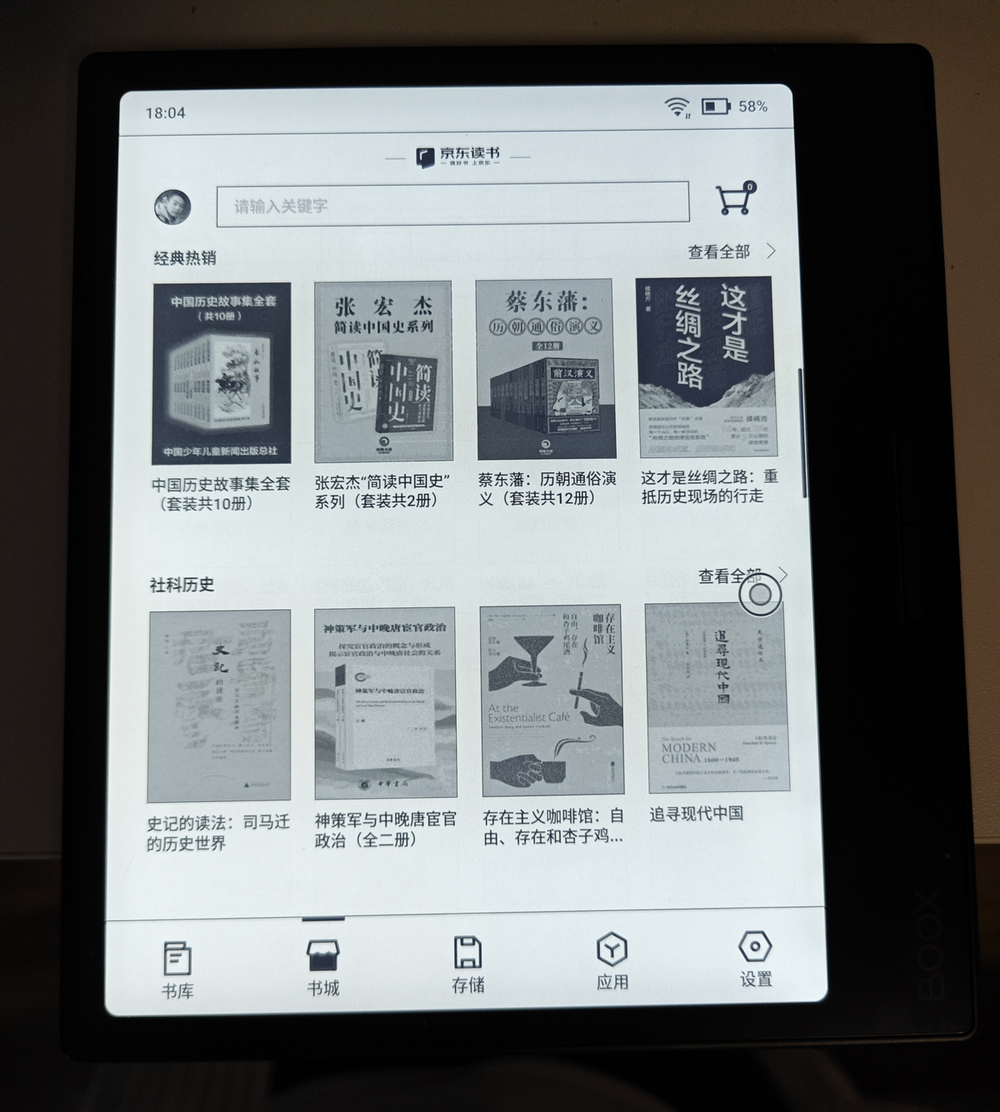
The built-in bookstore uses third-party JD.com Bookstore and Dedao Bookstore, allowing free switching between the two, unlike Kindle's official store. In my test, even with a JD VIP membership, while some books are free, others still require individual purchase; not all are free. This is worth noting.

The built-in app market allows installation of various third-party apps, such as WeChat Read. If an app is not in the store, it can be downloaded and installed directly. Compared to the closed Kindle system, Boox's system is much more open.

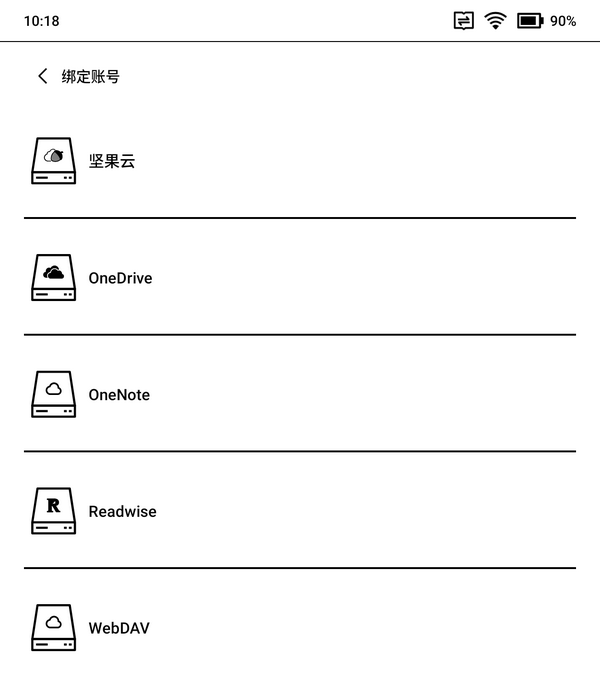
Additionally, you can add third-party cloud storage, such as Aliyun Drive, Baidu Netdisk, Nutstore, or any cloud drive supporting the WebDAV protocol (e.g., Zdir). Once added, Boox scans the cloud drive for ebooks and displays them. This feature is very convenient for reading ebooks downloaded from Z-library, eliminating the worry of finding and reading books.
About Ghosting
Due to the common issue with e-ink screens, the Boox Leaf3 still has slight ghosting, but it does not affect usage or reading. This phenomenon can be reduced by adjusting the refresh rate.
About Front Light
One reason I bought this reader was its front light, allowing reading at night. However, my test showed the effect is not very good; reading with the front light on still tires the eyes compared to natural daylight reading. (The image below was taken with the front light on.)
About Physical Buttons
The Boox Leaf3 has two physical buttons on the side for page turning. However, the build quality and hand feel are poor, with average feedback.
About Speakers
The Boox Leaf3 comes with a built-in speaker for audiobooks, but the effect is very average—just enough to hear sound. For audiobooks, a phone is still better.
About Bugs
Using quick gestures to adjust the front light sometimes fails, though manual adjustment works fine. It feels like a system bug.
Pros
Here are the subjective pros of the Boox Leaf3:
- Open system allowing free installation of third-party apps (e.g., WeChat Read)
- Simple and smooth system
- Although cost-performance is average, the configuration (Octa-core + 3GB + 32GB) is higher than competitors at the same price point
- Supports audio output
- Supports physical buttons for convenient page turning
- Supports connection to third-party cloud drives
Cons
- Low cost-performance ratio (a common issue in all ebook readers, possibly due to e-ink screen monopolies)
- Average build quality
- Slight ghosting (though it doesn't affect reading)
- Official magnetic case has poor edge finishing
- Average speaker effect
- Average physical button feedback
Conclusion
Overall, the Boox Leaf3, as an open ebook reader, offers more freedom in app installation and cloud drive support, making it suitable for users with diverse needs. While there is room for improvement in cost-performance and some design details, it is undoubtedly a good choice for users hoping to leave the Kindle ecosystem. I hope this unboxing and initial experience review provides useful reference.
Boox Leaf3 JD.com Purchase Link: https://u.jd.com/MgRDKAX