555 Movie: A Cross-Platform Streaming Tool with 4K Quality and Bonus Resources
Tested Platforms: Desktop + Mobile (7 Browsers)
555 Movie
Many have asked me if there are any good movie-watching software options for desktop. I haven't recommended any before mainly because they tend to become invalid too quickly, but today, one has arrived!
Today, I'm sharing a movie website. I rarely share such sites because they often go offline, including my own self-hosted movie site, which I haven't specifically promoted due to concerns about stability and quality. However, this site is excellent and has been running stably for several years.
Features
1. Massive Resource Library: 4K movies, movie collections, domestic and international content, daytime and late-night shows—basically everything you can think of is available.
2. Fast Updates: New content is added rapidly.
3. Multiple Streaming Lines: If one line doesn't work well, simply switch to another.
Since this is a website, I will cover both desktop and mobile perspectives.
First, let's look at the site's biggest advantage and core highlight: the ultra-high quality of its resources. The site has a dedicated section called 【Netflix Blu-ray 4K】. All resources in this section are Blu-ray/4K quality, extremely clear, and include only the best content.
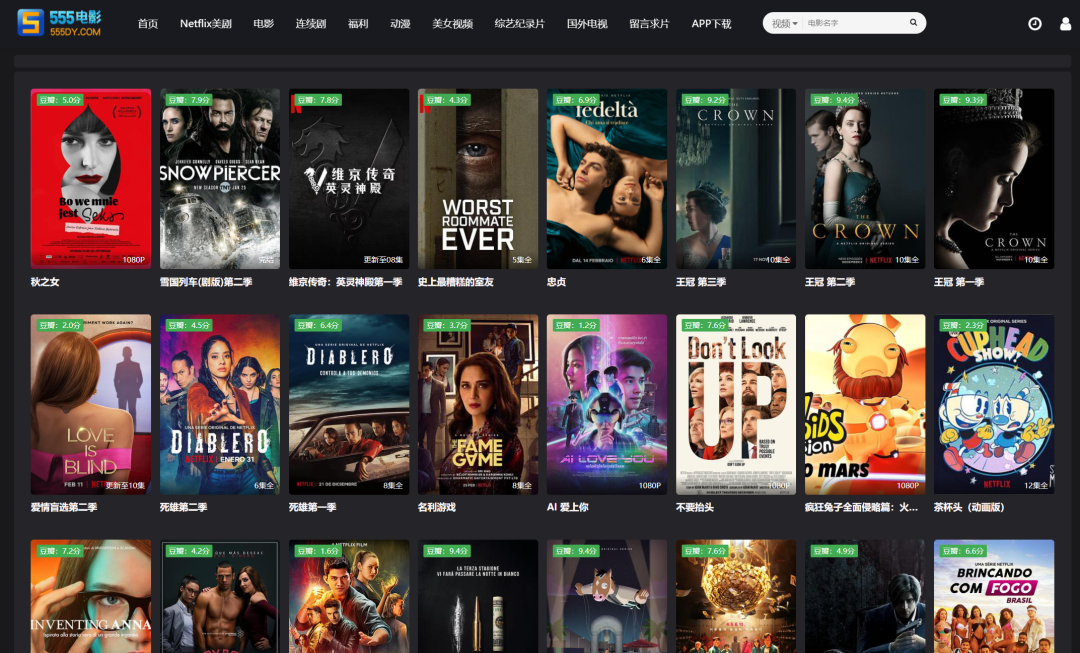
Desktop Experience
Looking at the homepage, the dark color scheme offers a pleasing overall aesthetic. The layout and content are on par with well-known sites. All categories and buttons follow a minimalist style, making navigation intuitive—click and you're there.
Recently popular shows like The Detective's Guide are featured on the homepage, confirming the site's fast update speed!
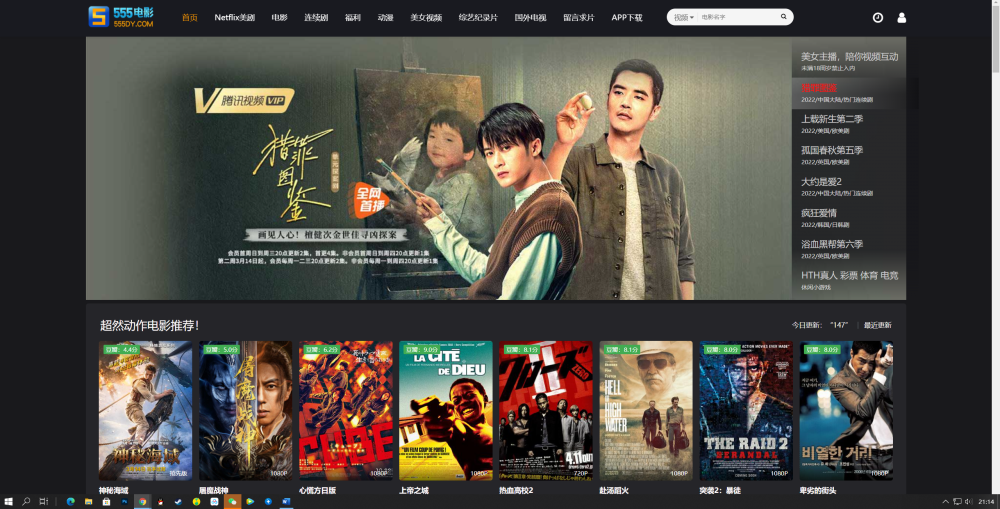
Resource Details
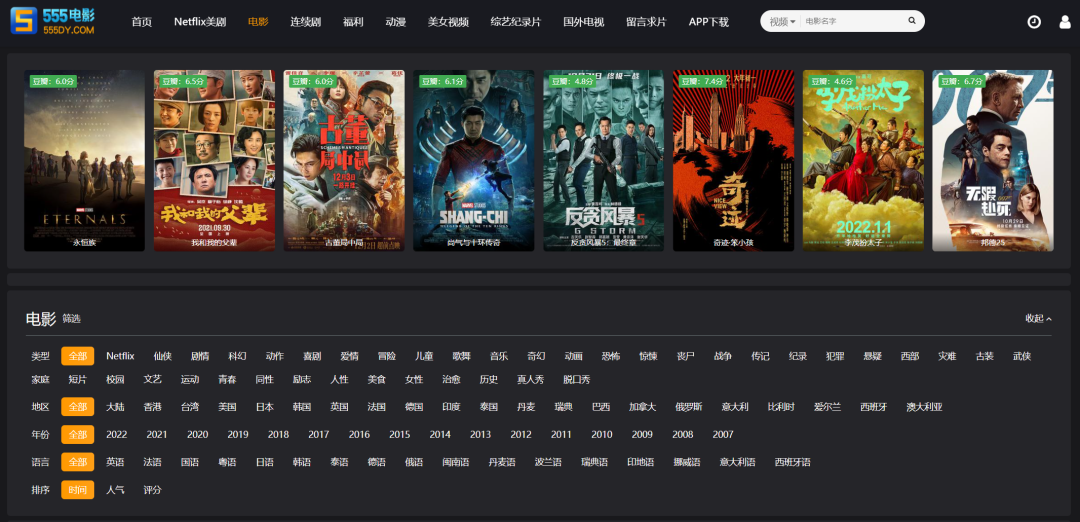
The richness of the site's resources is truly impressive. Categories are clearly organized and arranged by major sections.

Clicking on a major category leads to a detailed classification page. At the top, you'll find recently popular resources and Douban high-rated movie recommendations.
Below that are more classification dimensions, including genre, region, year, language, and sorting, with over a dozen sub-options for each dimension!
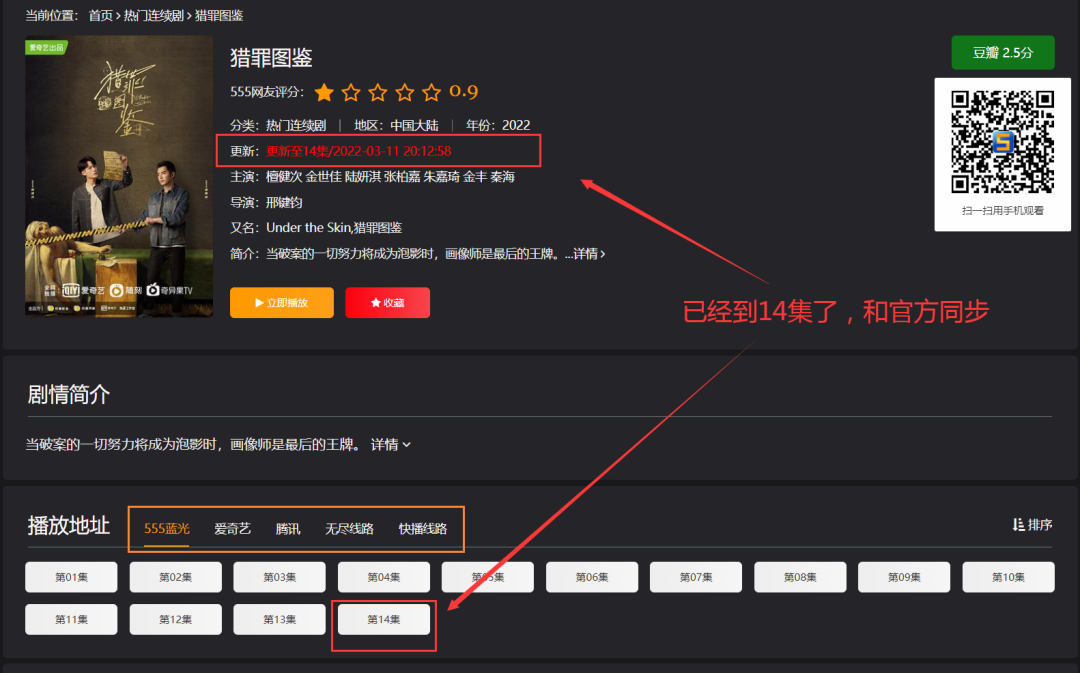
Regarding streaming smoothness and clarity, the site prioritizes built-in Blu-ray lines, which are very fast.
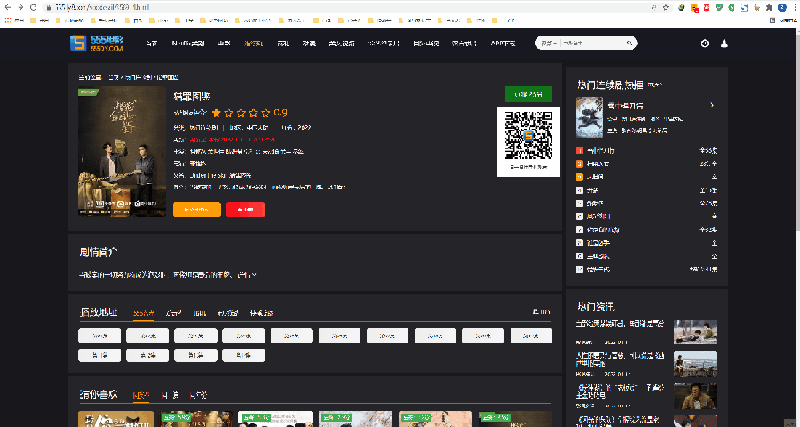
Taking the latest popular drama The Detective's Guide as an example, the official site has updated to episode 14, and this site has synchronized it as well. It offers 5 streaming lines, which are smooth to click, load quickly, and provide excellent picture quality!
Demonstration
This is a normal demonstration without acceleration. The entire process of clicking to watch, switching lines, and sniffing for downloads is incredibly smooth! The GIF has been processed due to size constraints, but the original experience is lag-free.
With so many lines available, IDM also supports sniffing for downloads!
Download
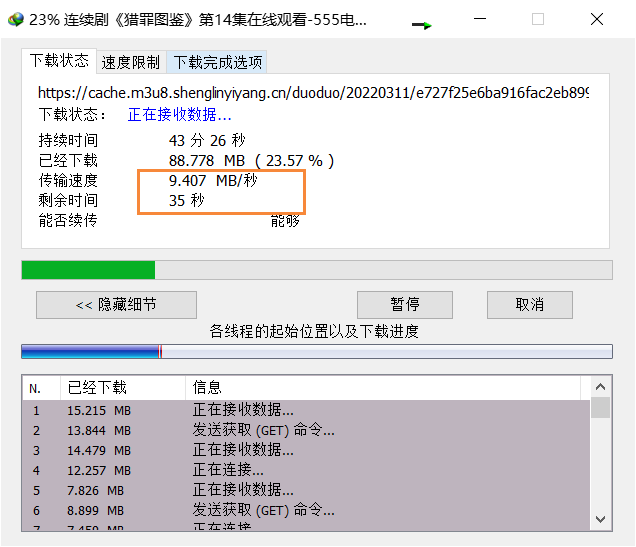
Although the site doesn't offer a direct download function, you can use plugins to sniff the streams. With IDM, download speeds can reach 8-10 MB/s, which is the maximum speed for this server.
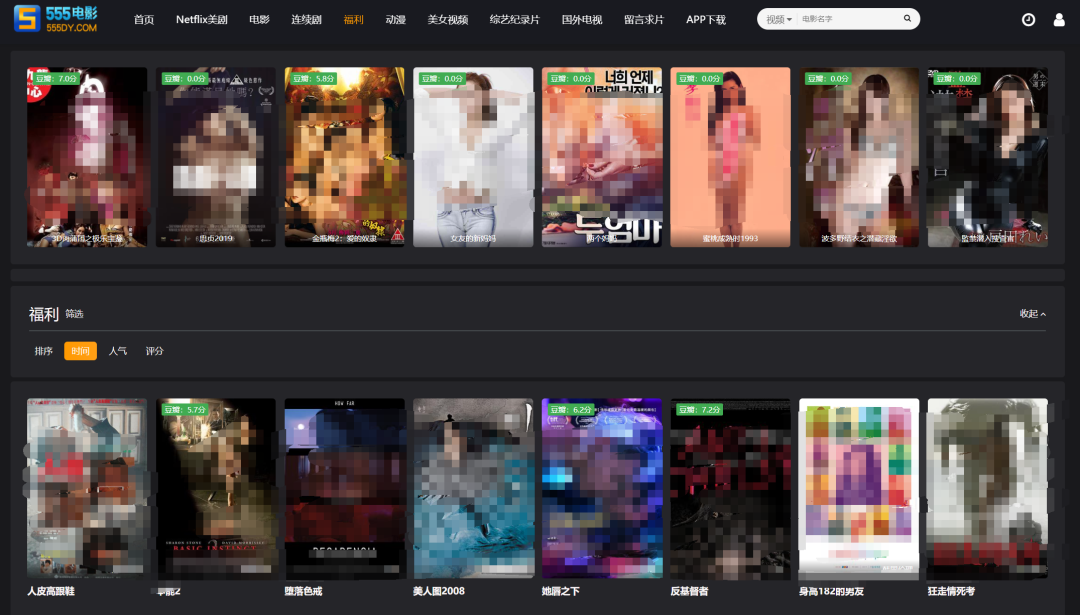
Of course, there are also many resources for those who prefer adult content. The site has bypassed monitoring, so there are plenty of options. I roughly counted nearly 2,000 titles!
Mobile Experience
Now, let's look at the mobile version, which is equally impressive.
Note that the site cannot be opened within WeChat, as most movie sites are blocked by WeChat. You must open it in your own browser.
I don't recommend niche browsers just for one site, but this site offers a great experience even in commonly used browsers.
Here are a few recommended browsers with their features:
Quark: Officially recommended, supports buffering, playback speed, casting, downloading, and small-screen playback.
QQ Browser: Also supports buffering, playback speed, casting, downloading, and small-screen playback.
Xiaomi Built-in: Supports buffering and playback speed.
Huawei (HarmonyOS) Built-in: Supports buffering, playback speed, casting, and downloading.
Via Browser: May show violations under Jiangsu mobile networks; try other regions or carriers.
X Browser: Similar to Xiaomi's built-in browser initially, but with plugins, it offers most of the same features.
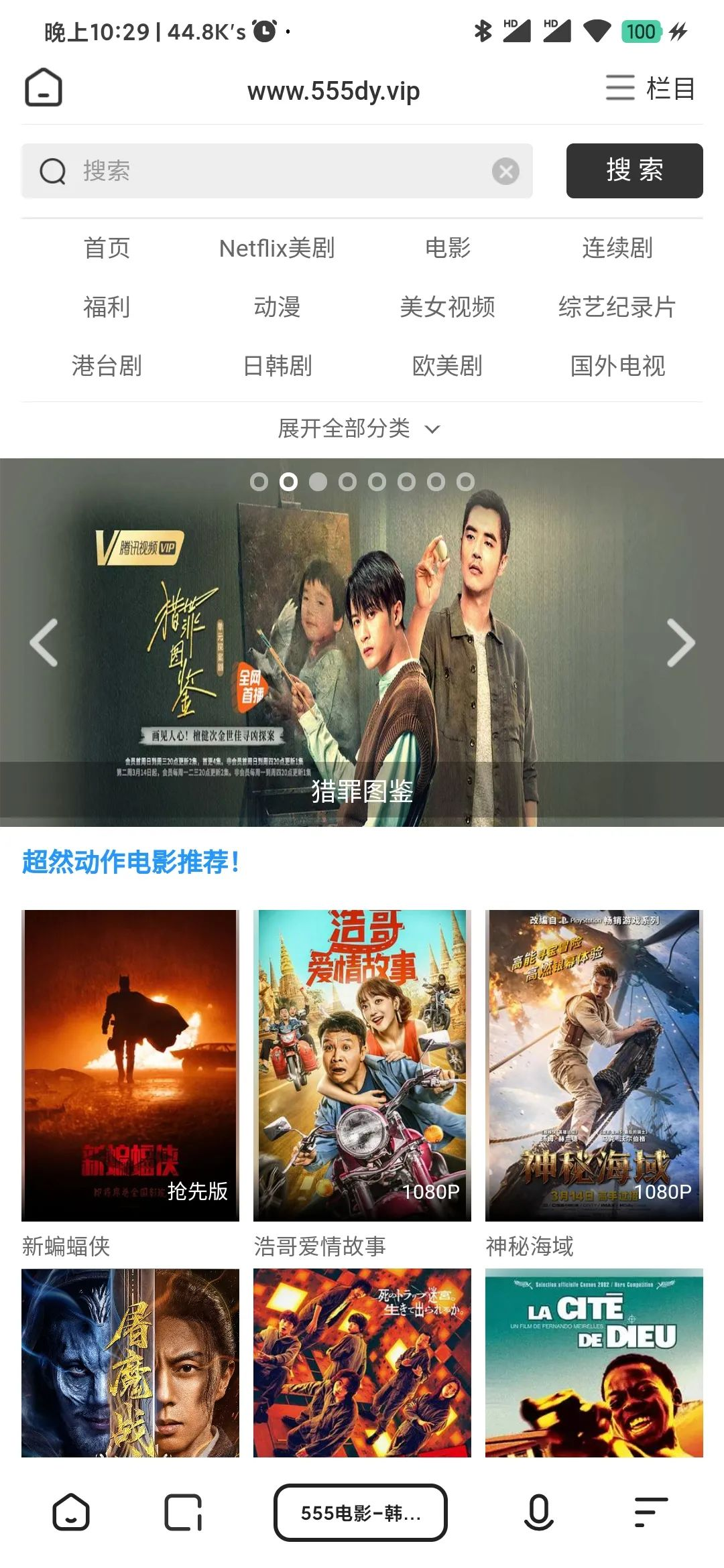
Below are the interfaces for Quark, Xiaomi Built-in, and QQ Browser. Interestingly, Quark has some layout issues but is the cleanest.
Summary
The browsers listed above are the most commonly used. Generally, all browsers have ad-blocking capabilities. In terms of experience, Quark and QQ Browser perform the best, followed by Huawei, then X Browser, Xiaomi Built-in, and Via Browser.
Note that Via is still a great browser; I use it myself. There might be an issue with my specific carrier or region, so switching might resolve it.
Mobile Interface
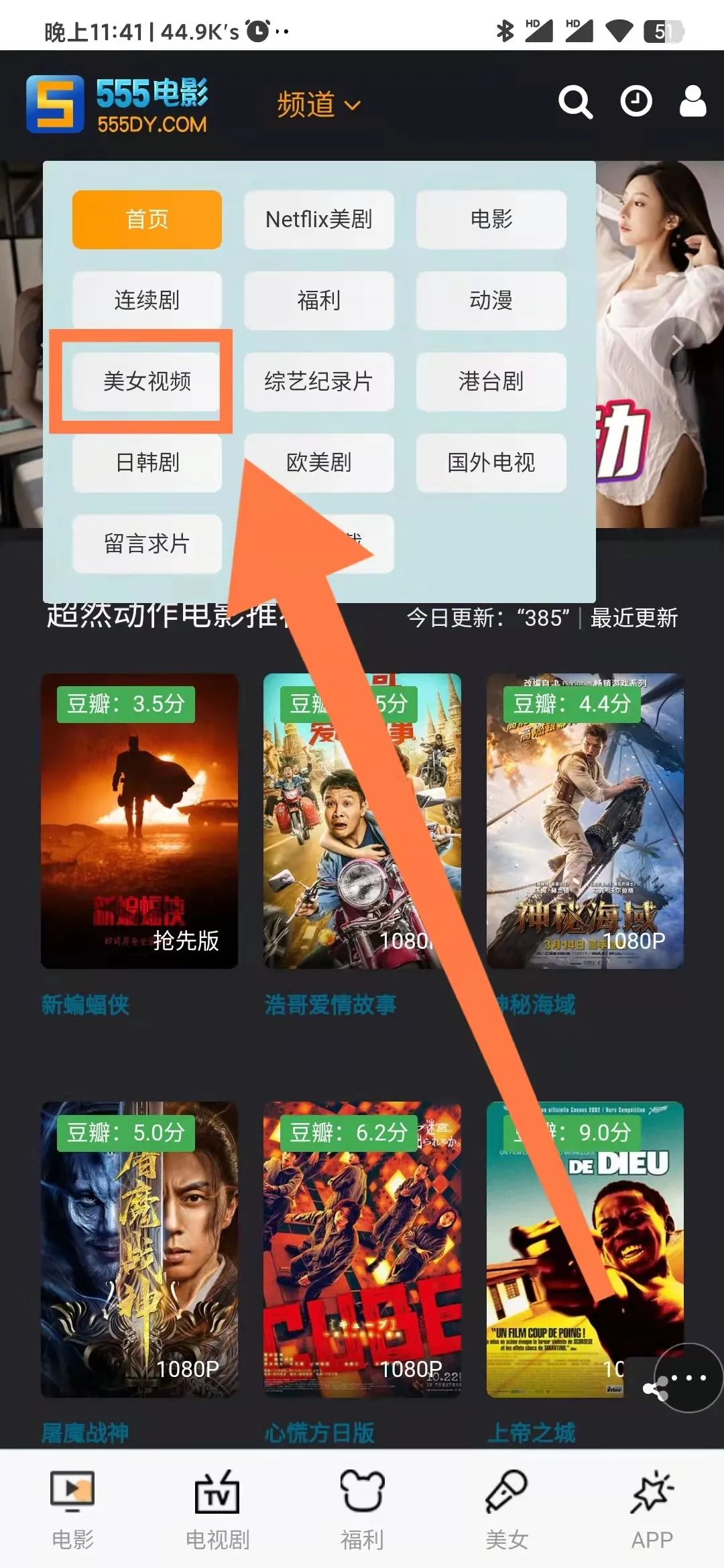
The site adapts well to mobile devices. Save it as a bookmark, and it functions like a movie app.
There is a category for beauty videos. While viewable on desktop, the mobile experience is superior. Similar to TikTok, you can swipe up and down to browse, and it's just as smooth.
App Interface
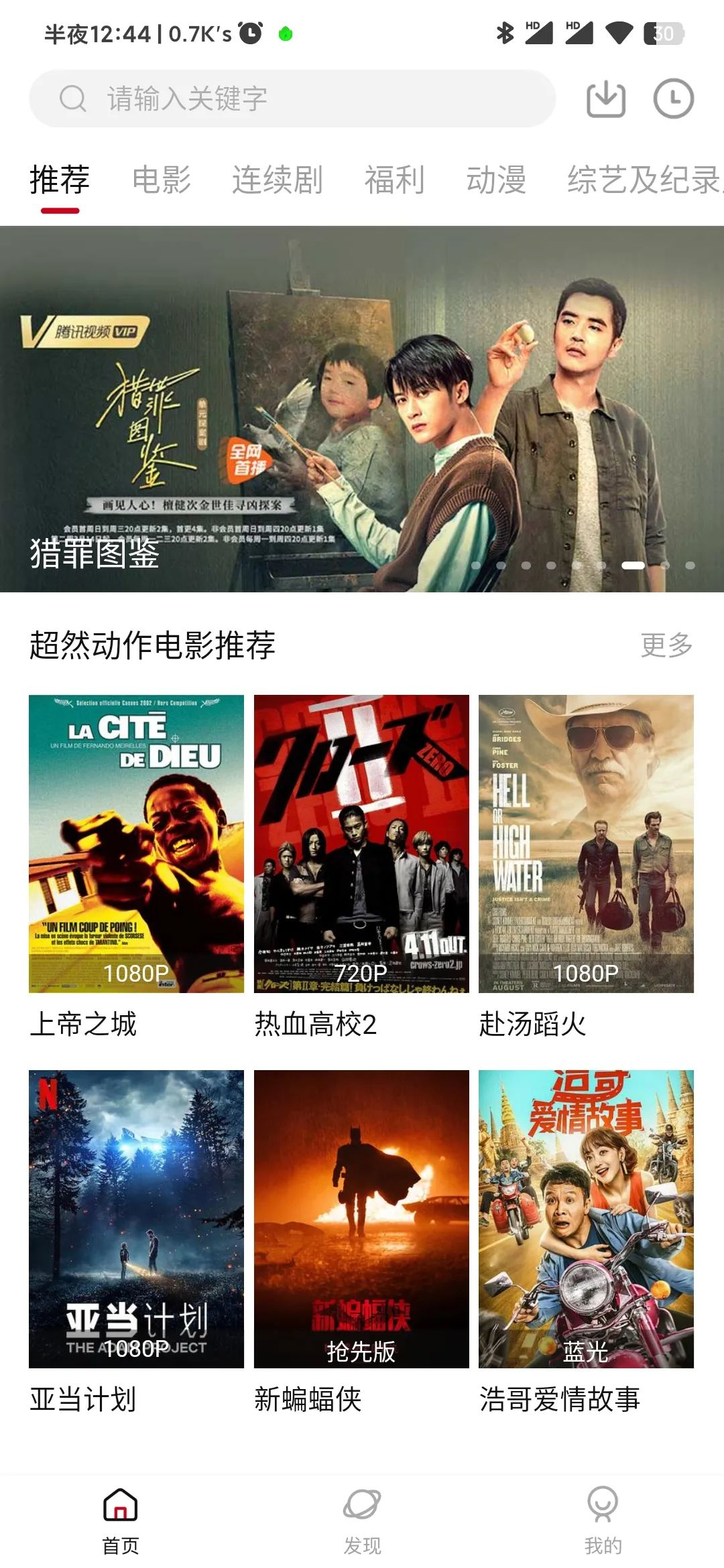
I only have an Android device, so I installed it to show you. The interface is very clean, free of annoying ads, and runs smoothly, similar to previously recommended apps.
However, it's clear the app is still under development, with some errors appearing. As the developer continues to update, these issues should be resolved.
Final Summary
Desktop: Browser usage is fine; installing ad-blocking plugins makes it perfect.
Mobile: If you have one of the browsers I mentioned, simply visit the URL for the best experience!
If you don't have those browsers and don't need them daily, download the site's APP. The developer ensures the best experience for the app and will continue to improve it.
I haven't mentioned ads much because there are very few, and they don't affect usage at all. With ad-blocking plugins installed, there are zero ads.
If anyone doesn't know how to install ad-blocking plugins, leave a comment, and I'll create a separate tutorial.
To prevent the URL from being blocked, here are multiple addresses to copy and open in your browser:
- Address 1: https://www.555dianying.cc/
- Address 2: https://www.555kyy.com/
- Address 3: https://www.555dy8.com/
- Publish Page 1: http://www.555dianying.cc/
- Publish Page 2: http://www.5ying.fun/