YoMail Email Client: A Fresh Alternative Worth Trying
YoMail launched in 2014 as a new email client, yet its functionality is far from lacking. If you work with emails frequently, I recommend giving YoMail a try.
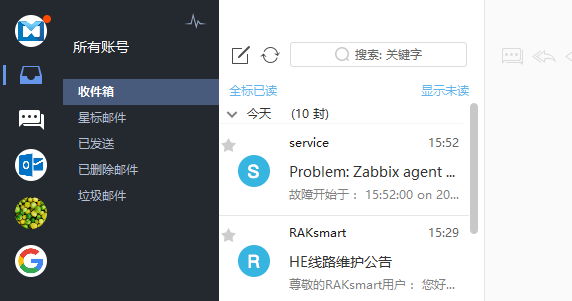
I have been using the established email client Foxmail for a long time and felt it was sufficient, but after using YoMail, I found it even more convenient. Here are the reasons why.
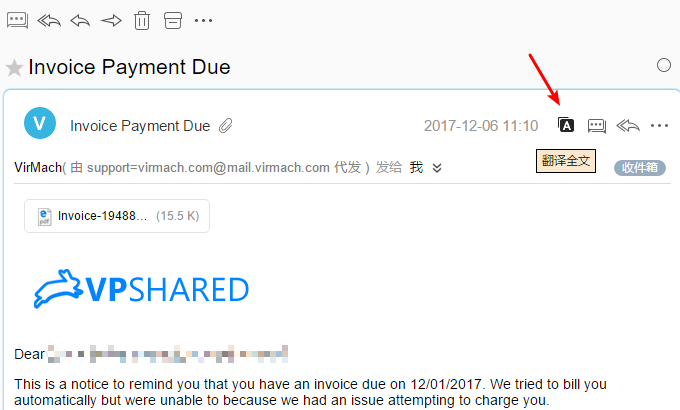
Support for Email Translation
Users familiar with Gmail may know that the web version includes a built-in email translation feature, saving you the trouble of copying and pasting content into a translator. Yes, YoMail also supports one-click translation of email content. If you, like me, frequently purchase foreign VPS services and receive notification emails from overseas, YoMail's one-click translation makes handling them effortlessly.
Support for Markdown Editor
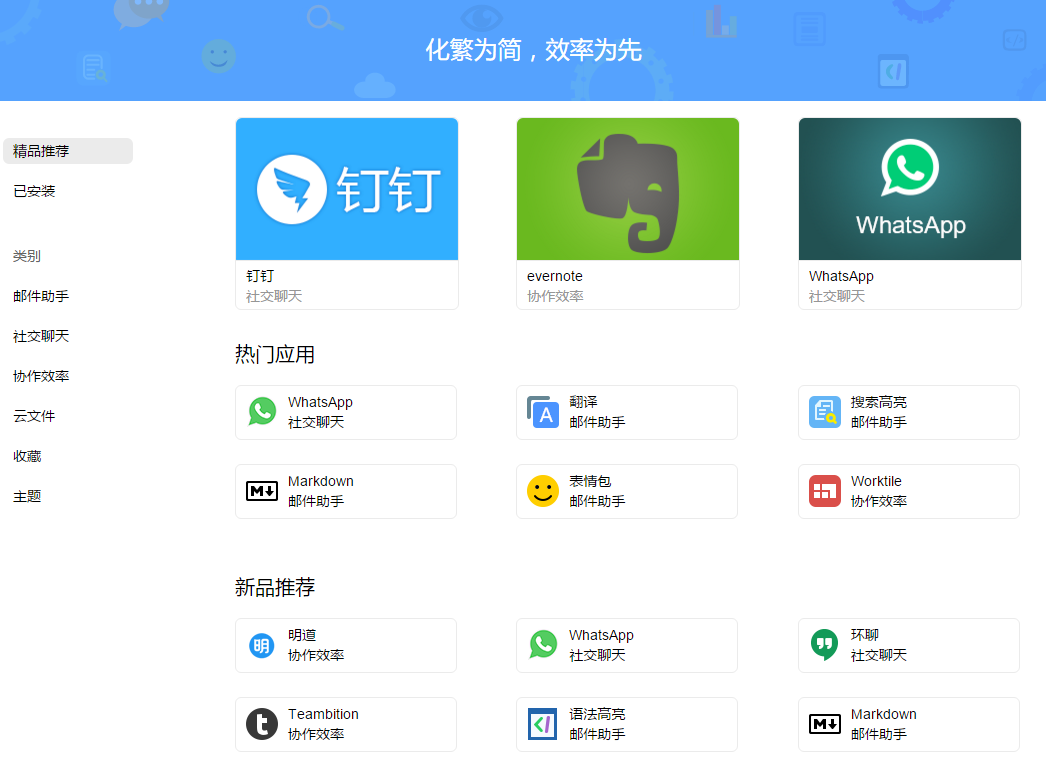
Markdown allows you to focus on writing content while generating beautiful and comfortable layouts, making it a favorite among programmers. You can install the Markdown editor through the YoMail app store. However, it is a bit puzzling that regular users are limited to installing only three applications.

Account Synchronization
YoMail supports clients on Windows, Mac, iPhone, and Android. After registering a YoMail account, you can synchronize your email accounts, eliminating the hassle of repeated configuration. However, free users can only synchronize up to three email accounts. The security of this feature remains unclear, and the membership tier system feels somewhat restrictive.

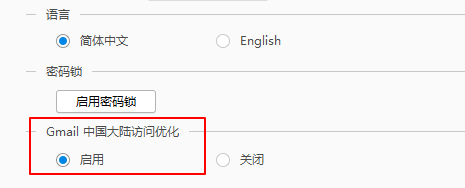
Support for Gmail
Due to well-known reasons, Gmail is inaccessible by default in some regions. YoMail has implemented special optimizations, allowing you to send and receive emails from Gmail without any special measures (it feels like it has a built-in proxy).
Other Features
YoMail also includes cloud storage, social chat, and office collaboration features. For someone like me who only sends and receives emails, many of these features seem unnecessary.
Summary
YoMail looks much better than Foxmail and offers a rich set of features, making it definitely worth a try. As a new product, bugs are inevitable, but the good news is that the official team updates it quite frequently.
Official Website: YoMail Email Client