How to Easily Deploy Zdir File Sharing on Amazon Lightsail
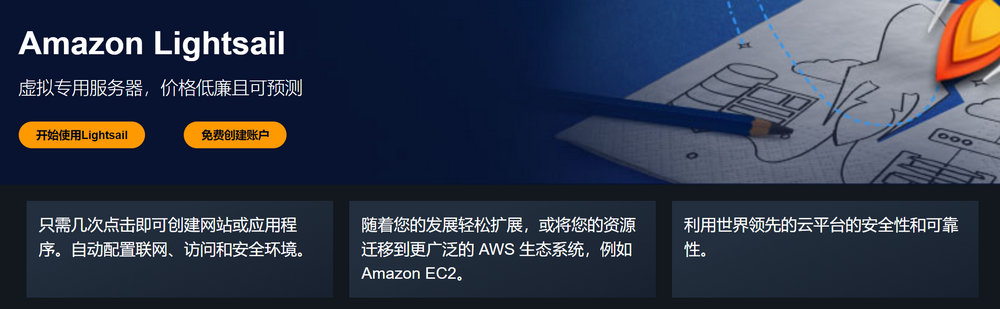
Amazon Lightsail is a simplified virtual private server (VPS) service provided by Amazon Web Services. It offers pre-configured virtual server instances and a range of convenient features, enabling users to quickly create, manage, and scale server instances for applications and workloads of various sizes. New users can also enjoy a 3-month free trial to experience its powerful features and fully understand its value.
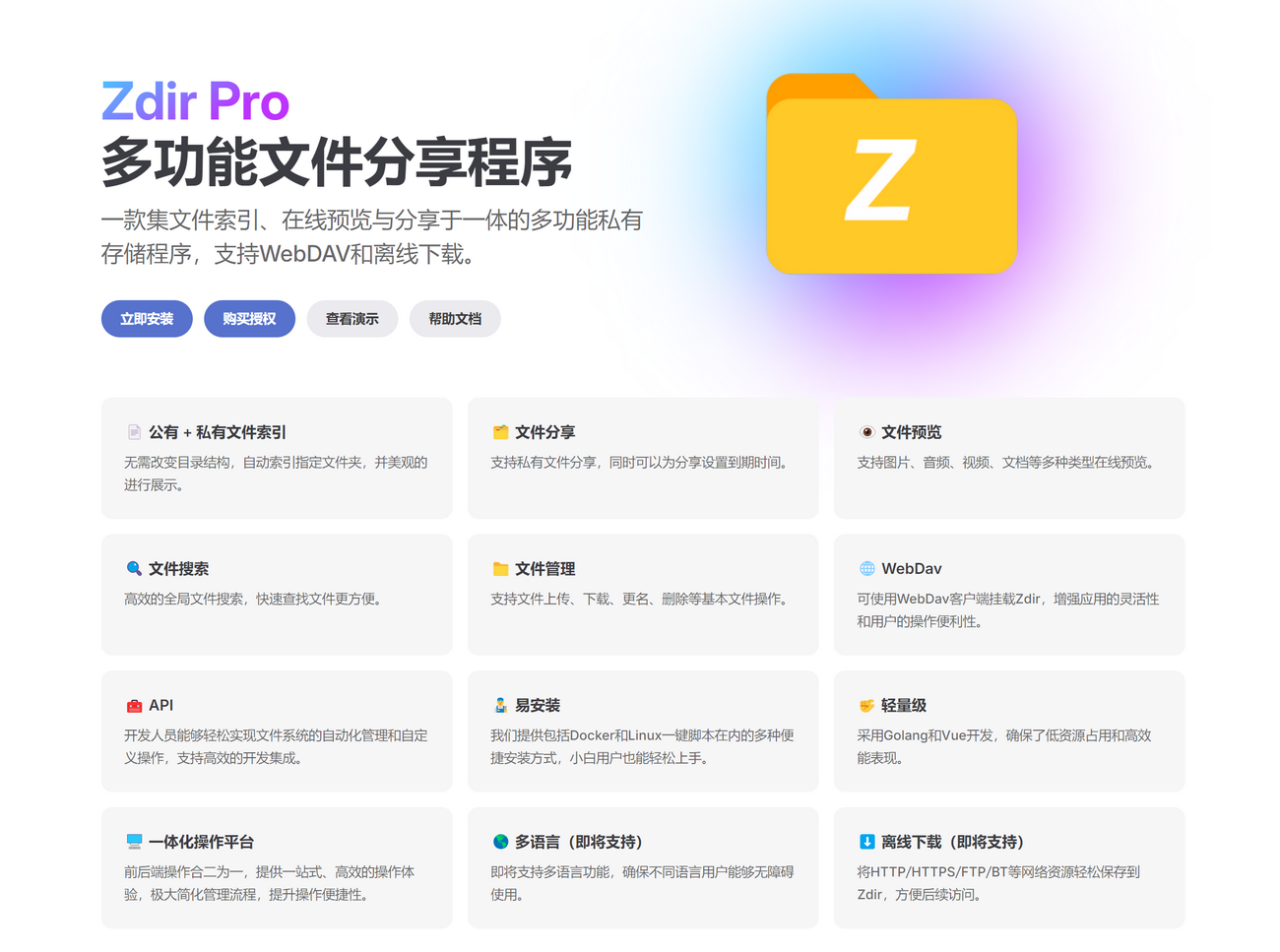
Zdir is a versatile private storage program that integrates file indexing, online preview, and sharing capabilities. It supports WebDAV and will soon introduce offline download functionality. This article demonstrates how to easily deploy the Zdir file sharing program using Amazon Web Services.
Register an Amazon Web Services Account
Before using S3 object storage, you need to register an Amazon Web Services account. You will need the following:
- A frequently used email address
- A frequently used phone number
- A UnionPay/VISA/MasterCard credit card
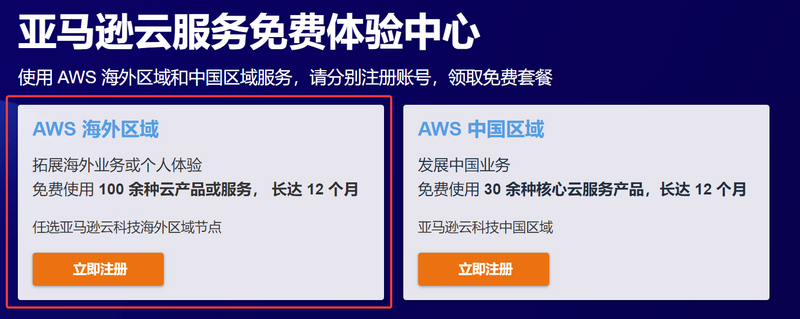
Click the link: Amazon Web Services to register. During registration, be sure to select the "Amazon Web Services Overseas Region," as overseas regions do not require enterprise certification.
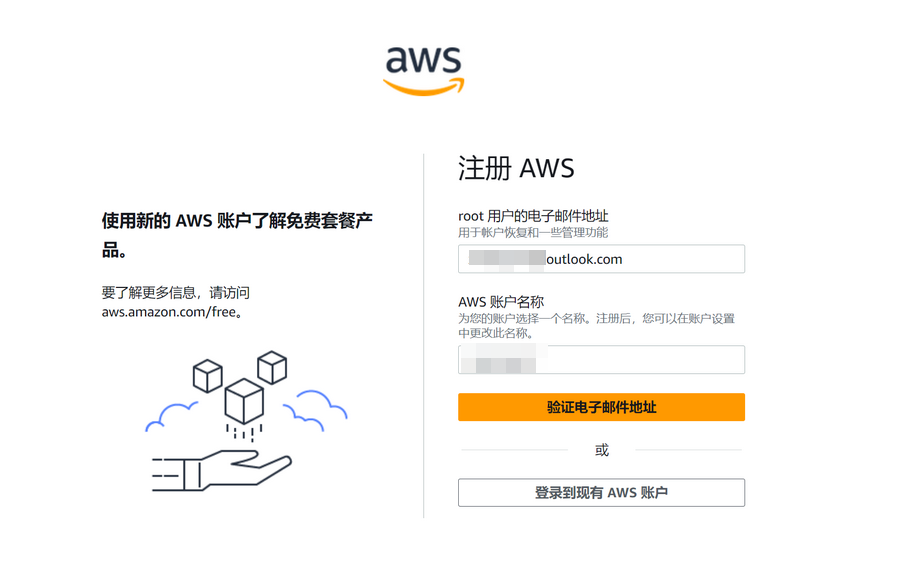
Enter your email and account name.
Enter the verification code sent to your email by Amazon Web Services to verify your account.
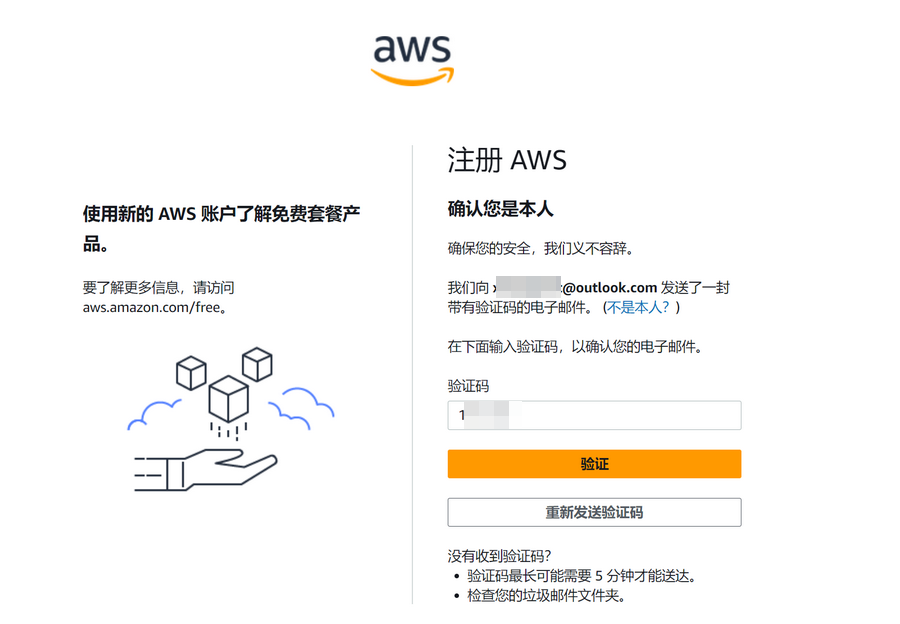
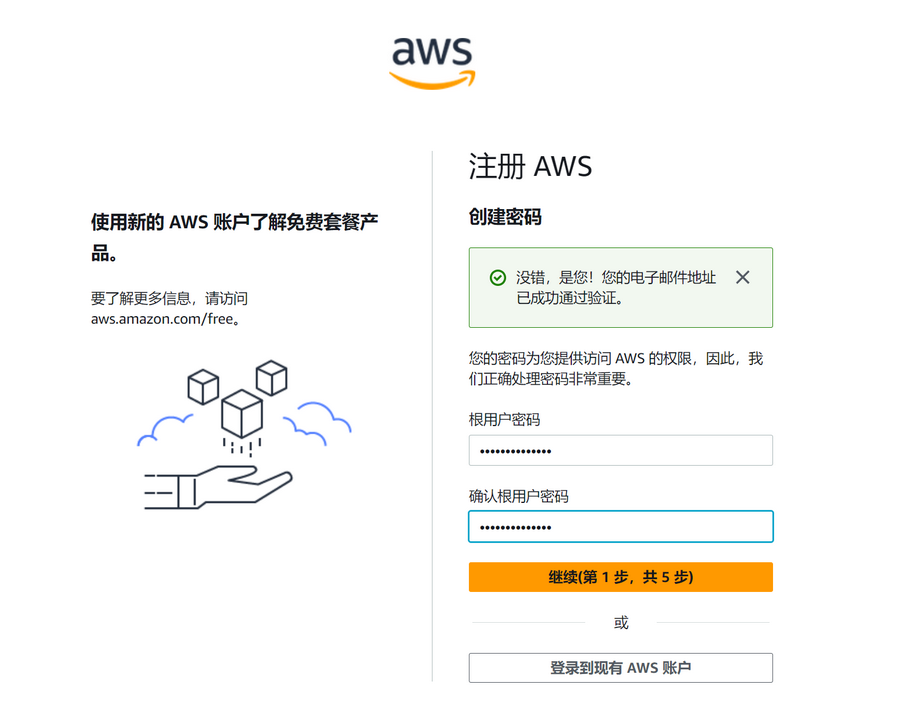
Continue to set your account password.
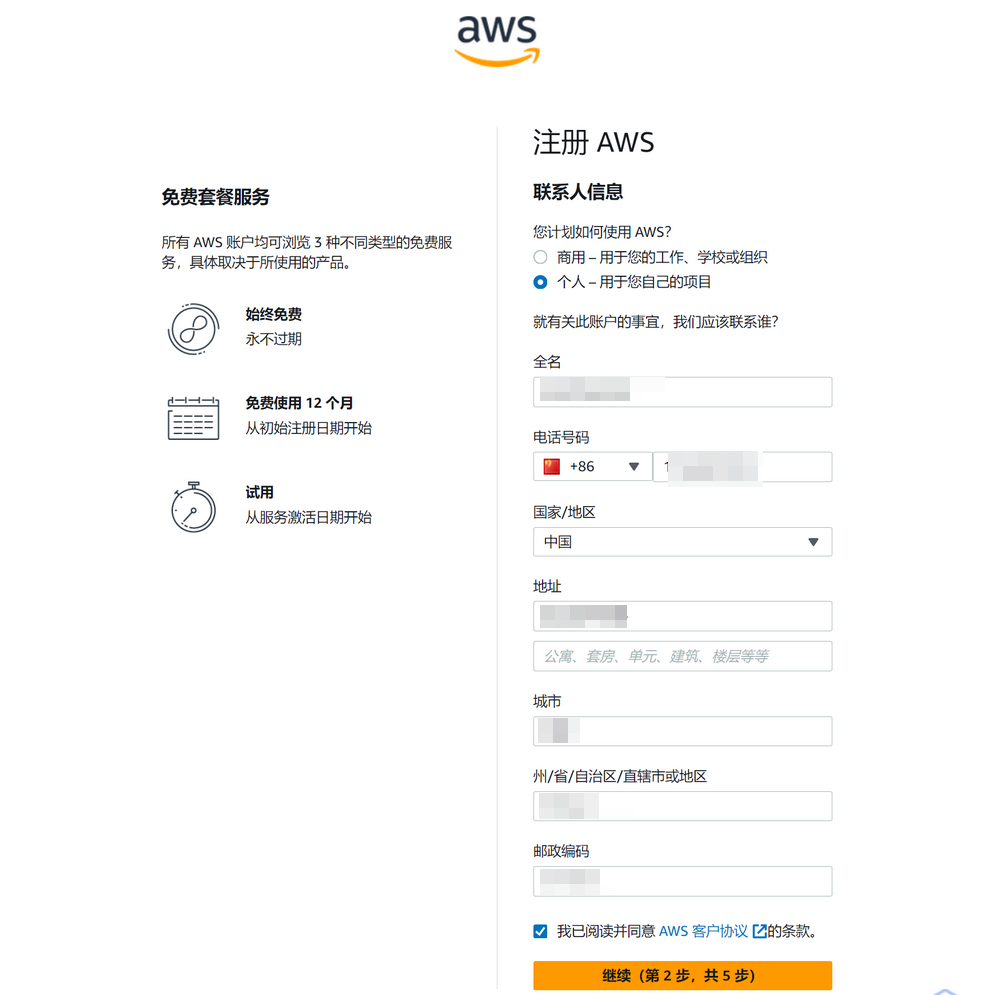
Next, fill in your contact information. Please note:
- Select "Individual" or "Business" based on your actual situation (the author selected "Individual").
- Ensure that your full name, phone number, address, and other information are filled in truthfully. Do not fabricate information, as this may trigger risk control measures.
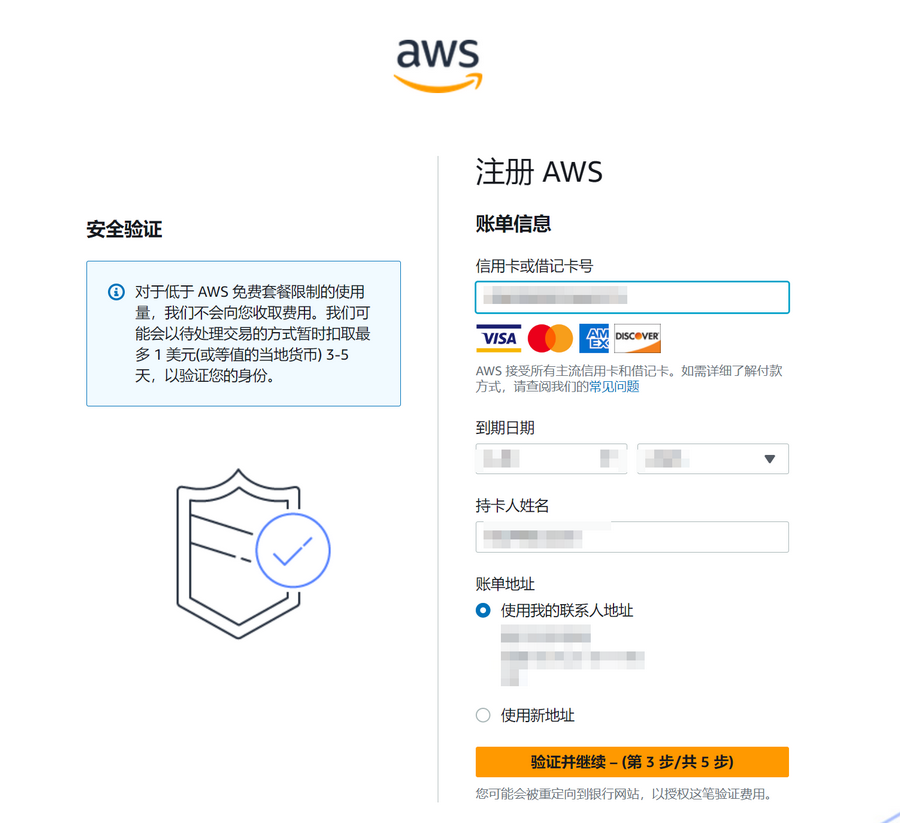
You will also need to verify your account using a credit card. UnionPay/VISA/MasterCard/American Express cards are supported. Fill in your credit card, name, and address information according to your actual situation. A temporary hold of up to $1 will be applied during verification and will be refunded upon successful verification.
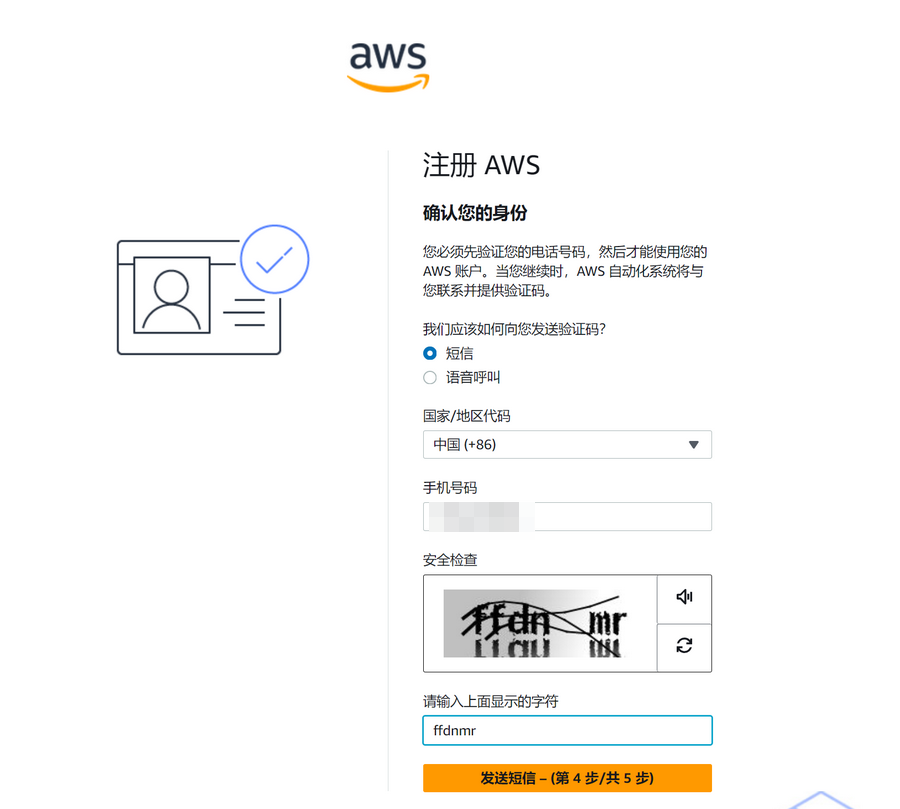
Continue to verify your phone number.
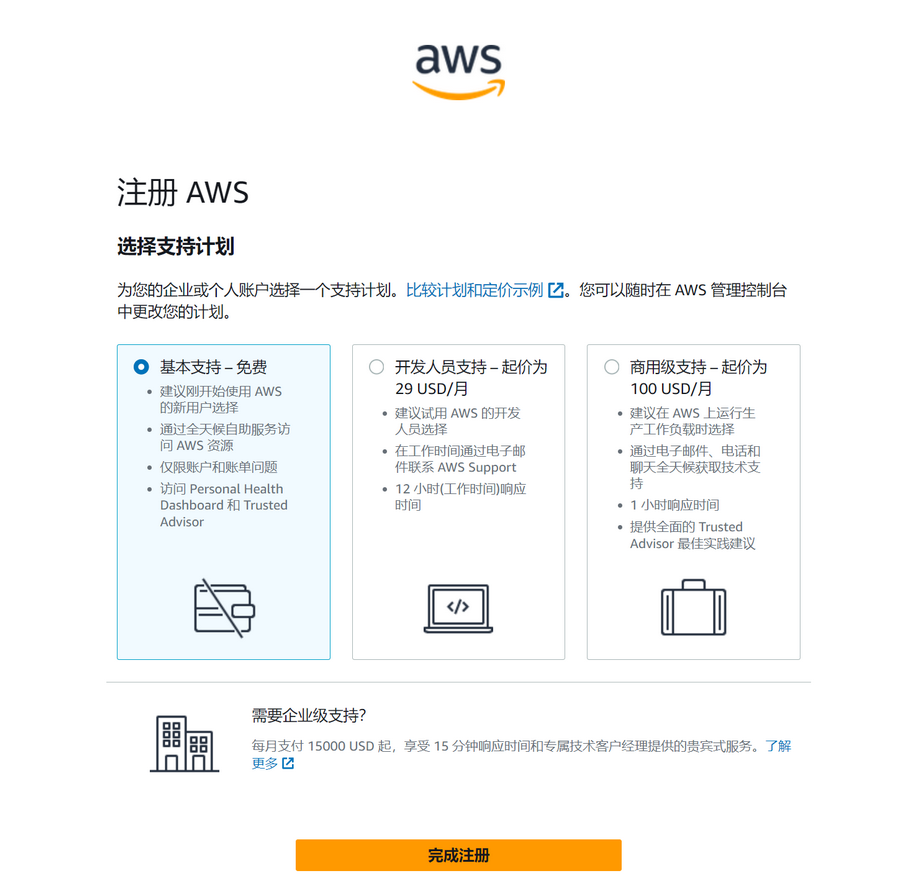
In the final step, select the "Support Plan." The author selected "Basic Support - Free."
After registration, wait for the account verification to be completed before starting to experience the free tier provided by Amazon Web Services.
Create an Amazon Lightsail Instance
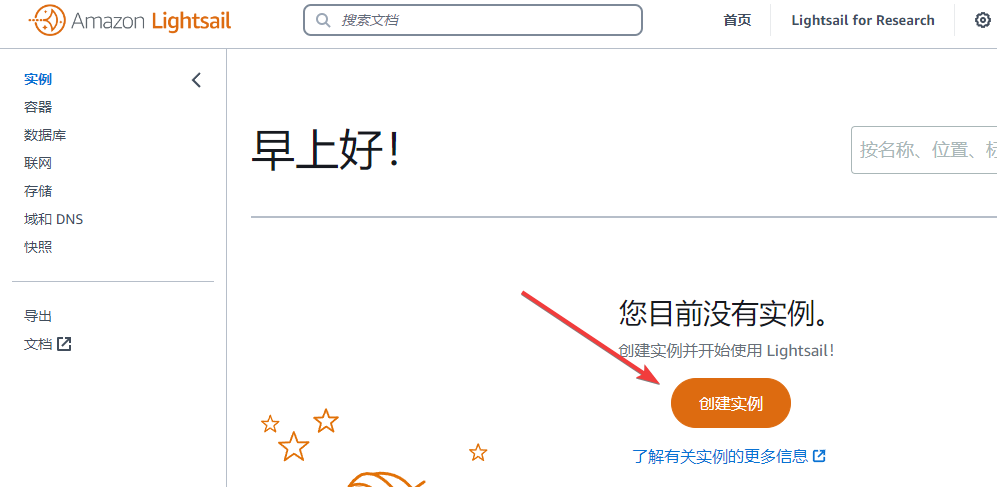
Next, go to the Amazon Lightsail Console and click Create Instance.
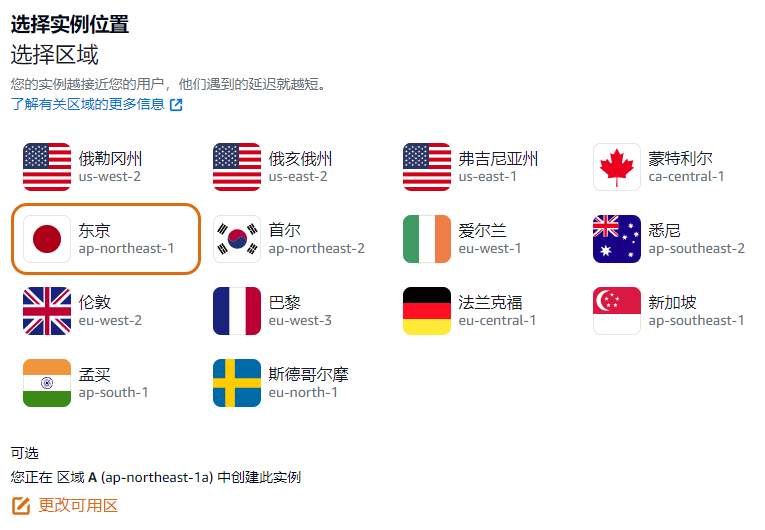
Region: Choose based on your situation. The author selected Tokyo, Japan.
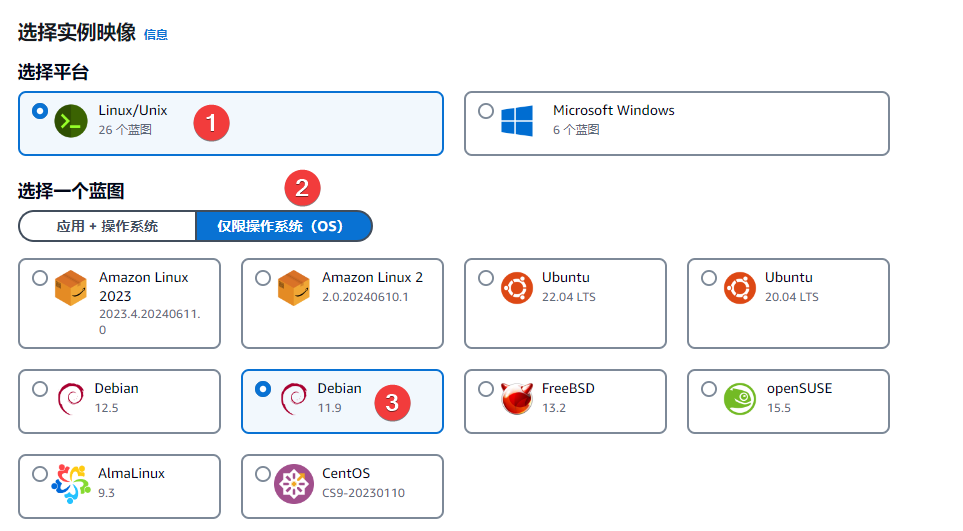
Platform: Select Linux/Unix. Switch the blueprint to OS Only. Choose a system you are familiar with. If you are unsure, you can choose Debian 11.x, the same as the author.
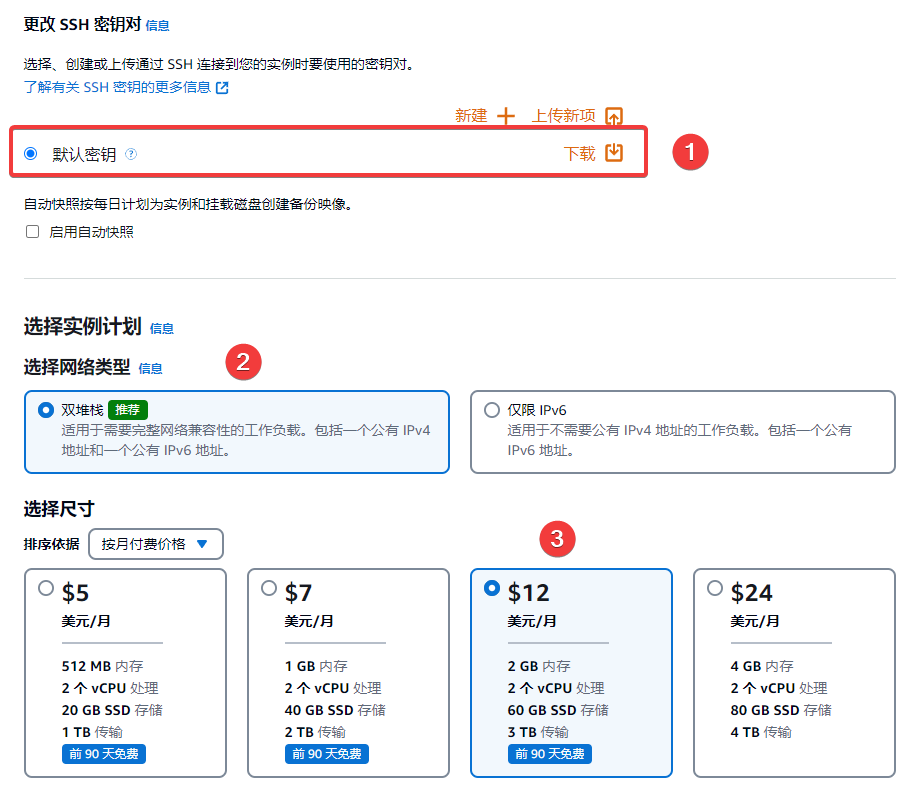
Download the Default Key to your local machine for backup. Select Dual Stack for the network type. Choose the size according to your needs. Since the first 3 months are free, the author selected the 12$/month specification (specifications exceeding this are not free).
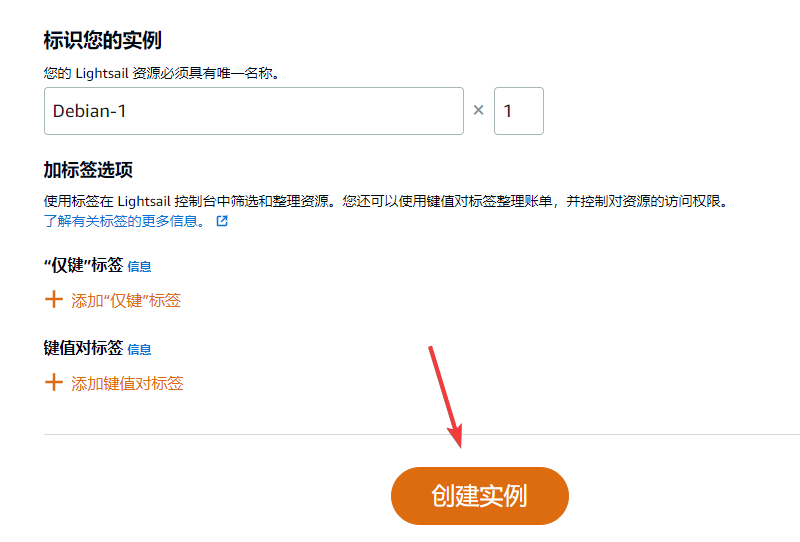
Finally, click Create Instance and wait a few seconds for it to be created.
Install Zdir on Amazon Lightsail
Once the Amazon Lightsail instance is created, click the Terminal icon.
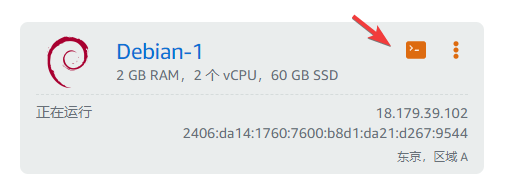
After entering the terminal, the first step is to reset the root password (since installing Zdir requires the root user). Use the command sudo passwd root to reset it.
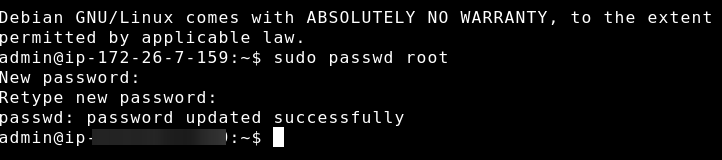
After setting the root password, enter the command su - to switch to the root user.

Next, enter the command apt-get update && apt-get install -y curl to update the system software.

Continue by entering the command curl -s "http://soft.xiaoz.org/zdir/sh/install.sh" | bash -s install to start the one-click installation of Zdir.

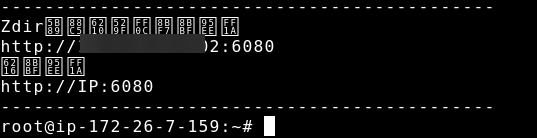
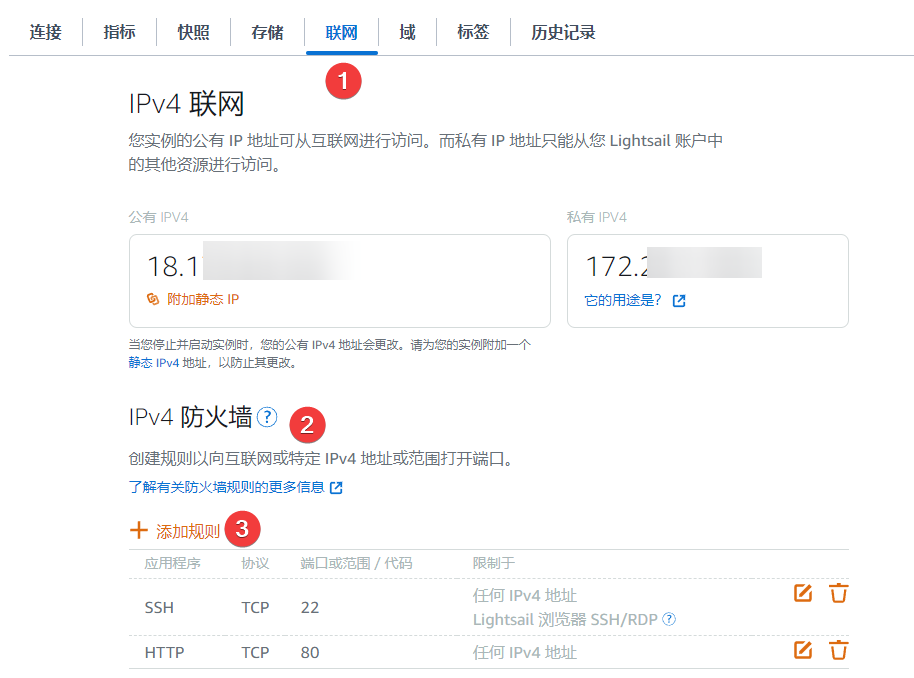
After Zdir installation is complete, you will be prompted to visit http://IP:6080. However, you may find that it does not open. Do not worry; this is because the Amazon Lightsail firewall is blocking it. You need to allow port 6080 in the firewall.
Go to the Amazon Lightsail management page, switch to Networking >> IPv4 Firewall >> Add Rule.
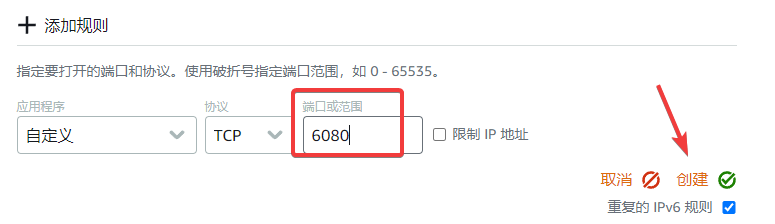
Enter port 6080 and create the rule.
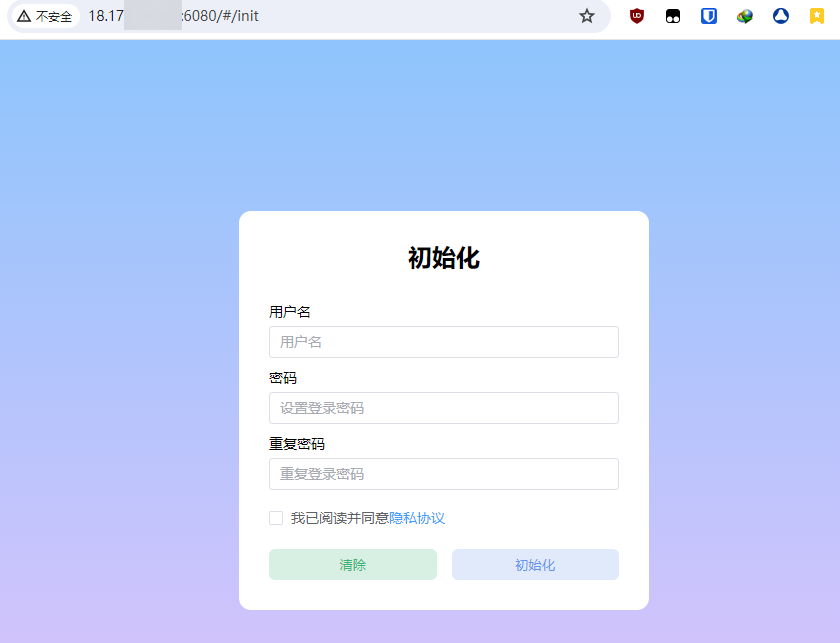
Now, when you visit http://IP:6080 again, the Zdir initialization interface should open successfully.
Important Notes
New Amazon Web Services users can enjoy a 3-month free trial of Amazon Lightsail, but:
- If you stop using the service after 3 months, remember to delete the server in advance to avoid charges.
- Pay attention to the specifications of the trial machine you activated. If the monthly traffic exceeds the limit, additional fees will be charged.
Conclusion
If you are interested in other free services provided by Amazon Web Services, you can visit the AWS Free Tier page to learn more details. Through these free services, you can further explore and utilize various cloud solutions from Amazon Web Services to improve your work efficiency and business capabilities.