How to Fix VSCode Remote - SSH Plugin Not Showing SSH Host List
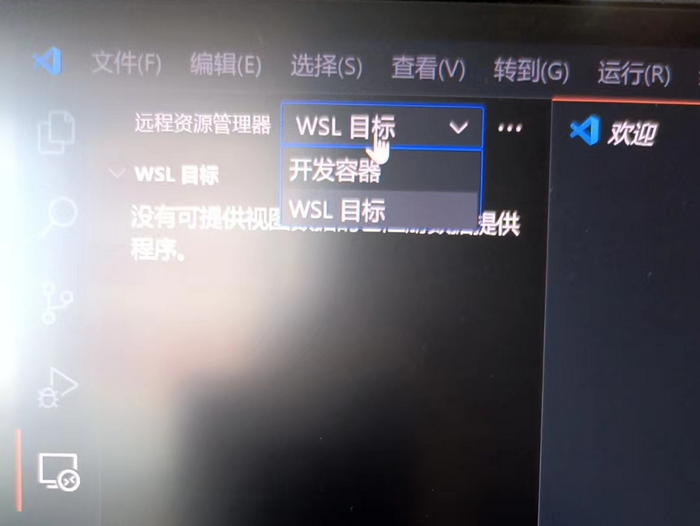
Recently, I installed VSCode on a new computer, and my GitHub account automatically synced the extensions. I usually use "Remote - SSH" for remote development, but after adding SSH hosts on the new machine, the host list did not appear. The Remote Explorer only showed "Dev Containers" and "WSL Targets," as shown in the screenshot below.
Solution
Abnormal Situation
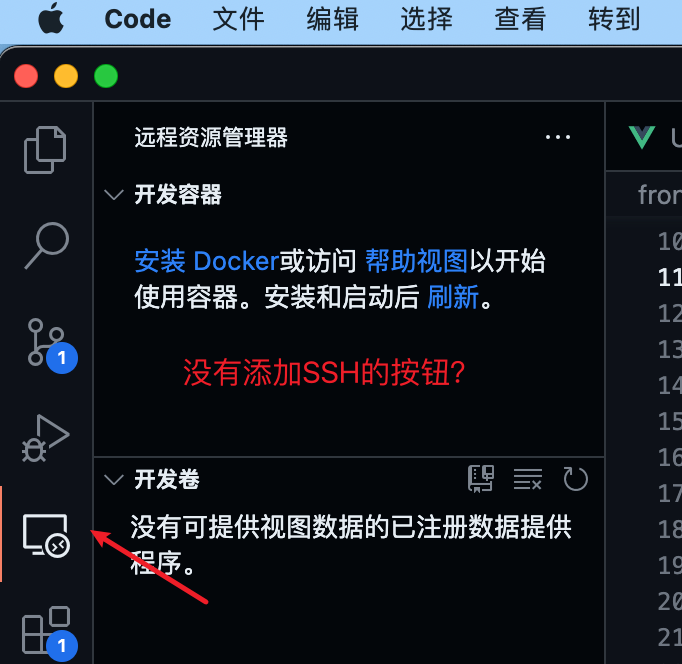
The Remote Explorer does not have the "Remote (Tunnel/SSH)" option, as shown below.
The SSH host list is not displayed, as shown below.
Normal Situation
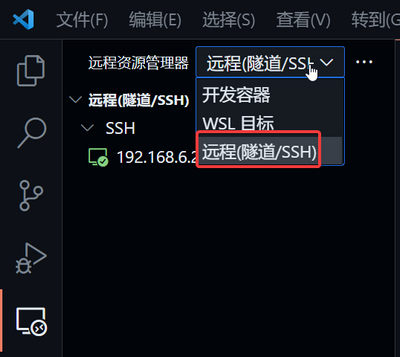
The Remote Explorer should have an option for "Remote (Tunnel/SSH)."
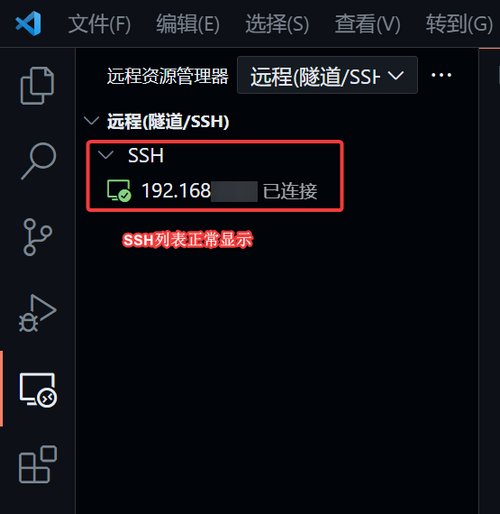
The SSH host list should also display correctly, as shown below.
Solution Steps:
I found a similar issue reported by a user on GitHub: Remote Explorer not showing SSH targets. A final reply suggested downgrading the VSCode version, but I believe this is not an ideal solution, and Microsoft has not provided an official explanation or fix, suggesting it may be a plugin bug.
After searching online without finding a perfect solution, I tried various methods and finally resolved the issue using the following steps. If you encounter a similar problem, feel free to try this approach:
- Sign out of your account in VSCode Sync.
- Uninstall the "Remote - SSH" extension, then restart VSCode.
- Reinstall the "Remote - SSH" extension; the SSH list should reappear.
- Sign back into your sync account.