Edifier M25 Desktop Speakers: A Budget-Friendly Review
It has been nearly a year and a half since my last speaker purchase (Double 11 2021, see Double 11 Electronics Haul). The previous Philips SPA33 Bluetooth + wired dual-mode speaker failed and was returned.
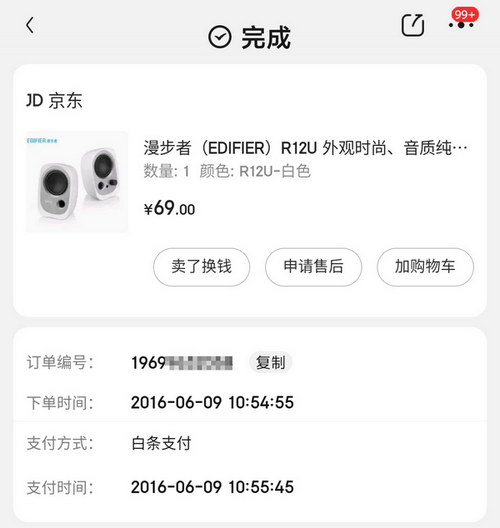
I am currently using the Edifier R12U, purchased in June 2016. After nearly 7 years of use, it still functions normally. I must say, "the quality of this product is truly excellent."
Recently, I planned to equip my Intel Nuc 8 with a desktop speaker and chose the Edifier M25 again.
Edifier M25 Purchase Link
Priced slightly over 100 yuan, I secured it for under 120 yuan using a Plus coupon.

JD.com Purchase Link: https://u.jd.com/bb9oKtf
Unboxing
The box is wider than my desk and heavier than I expected.
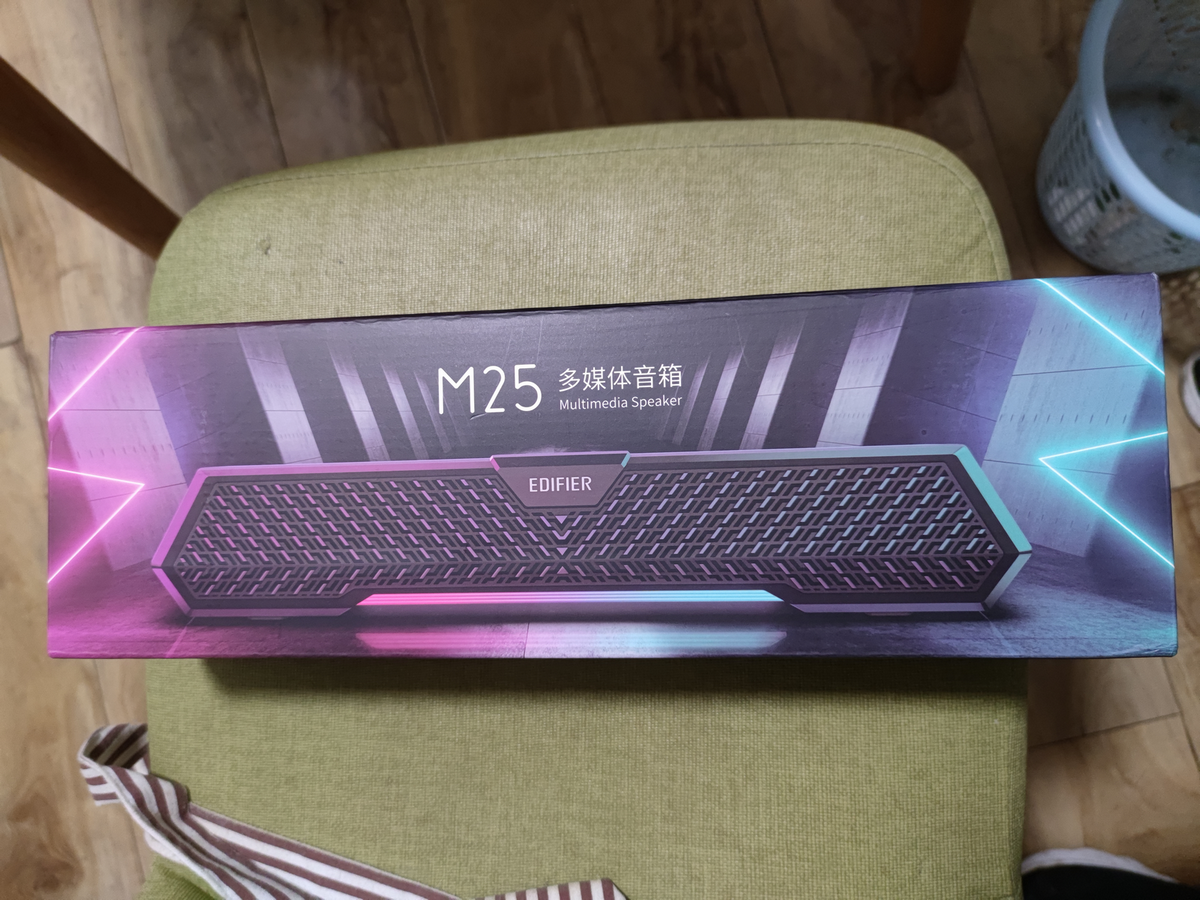
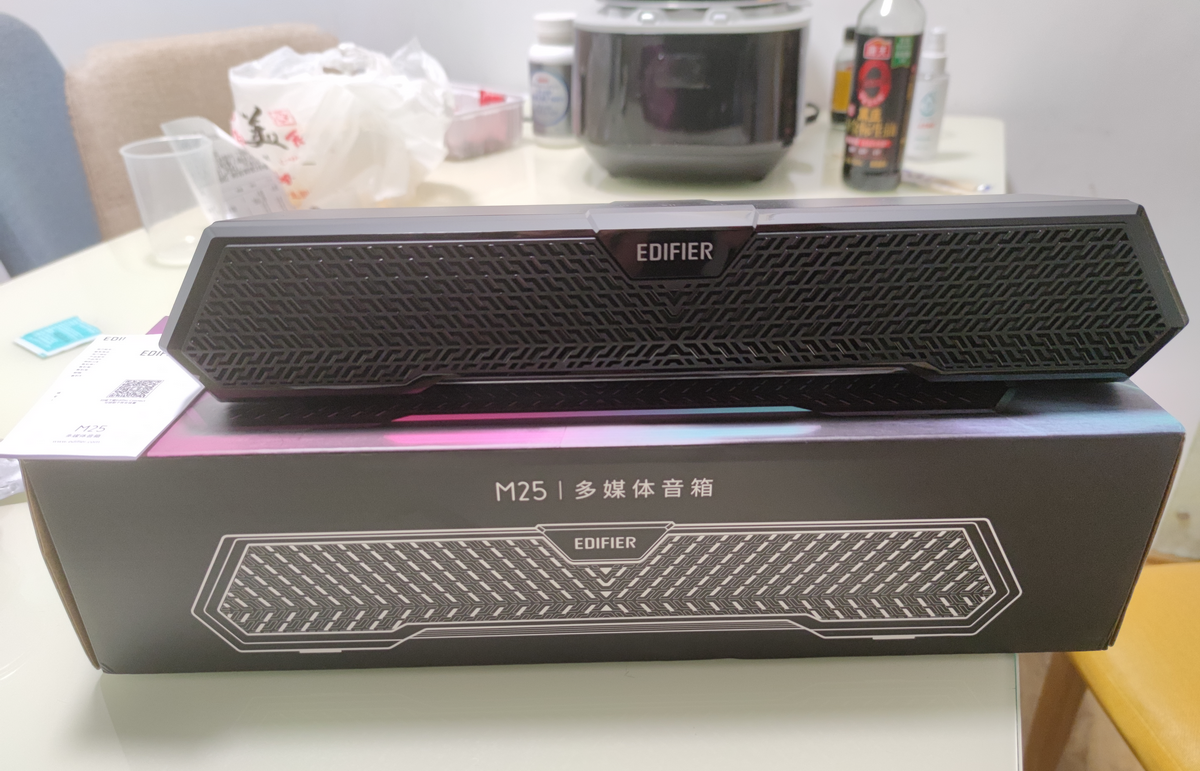
The accessories are simple: just the speaker unit, a manual, and a warranty card. The appearance is average.
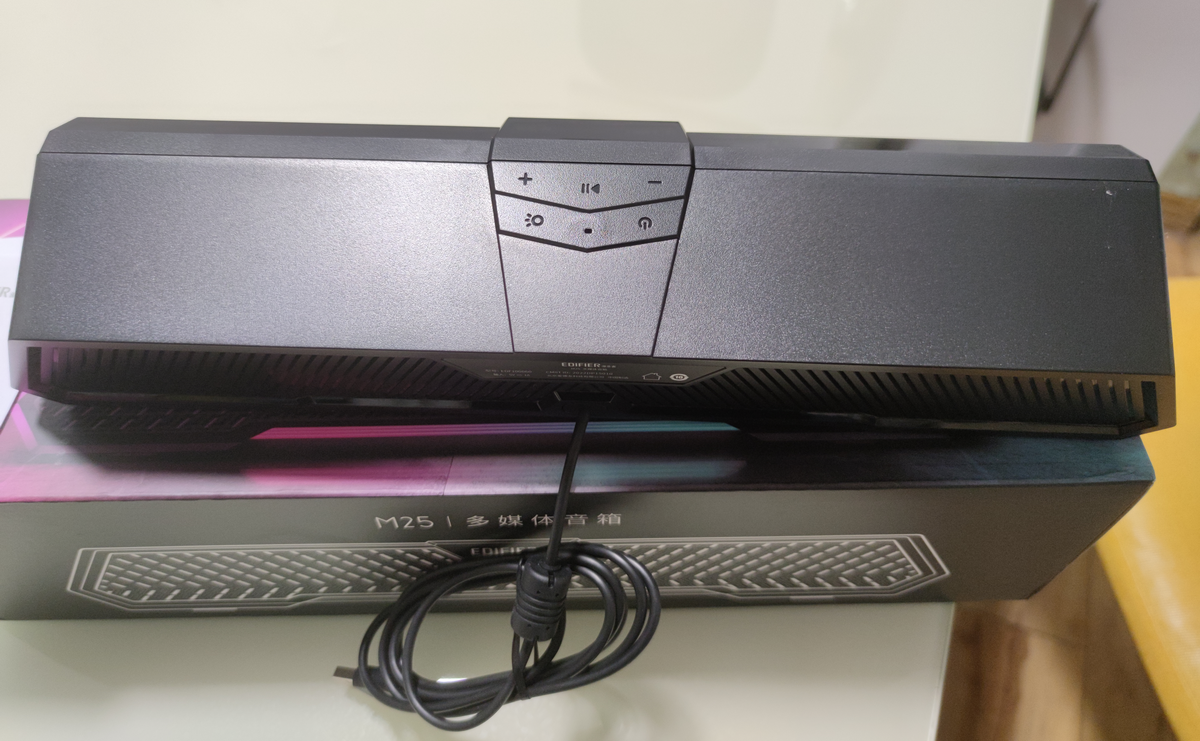
The top features several function buttons.
Here is a view of the desktop setup.
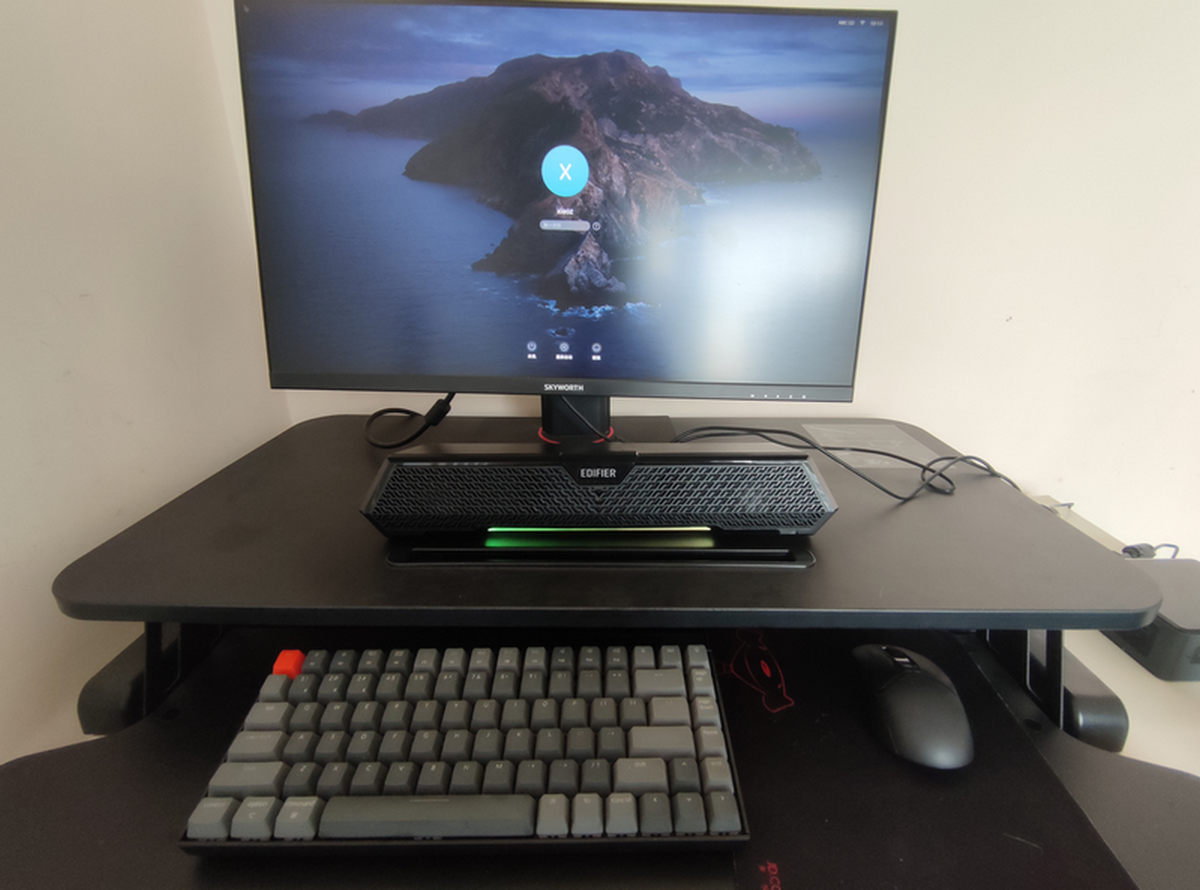
Edifier M25 First Impressions
The M25 has a built-in sound card and only requires a USB connection, eliminating the need for a 3.5mm headphone jack. This helps reduce cable clutter and keeps the desktop tidy. However, this is also a drawback for users who require a 3.5mm interface.
The M25 supports Bluetooth connectivity using the Bluetooth 5.3 protocol, which is more advanced than other speakers in the budget category. You can switch Bluetooth connections with a short press of the power button on the top.
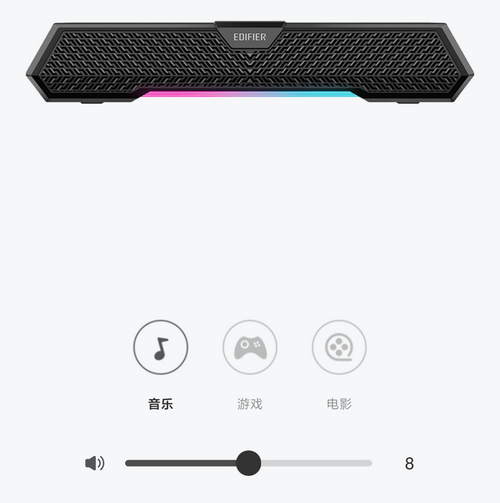
Users can download the official "Edifier Connect" app for connection control. Inside the app, you can switch modes including "Music," "Game," and "Movie." However, the difference in effect feels negligible.
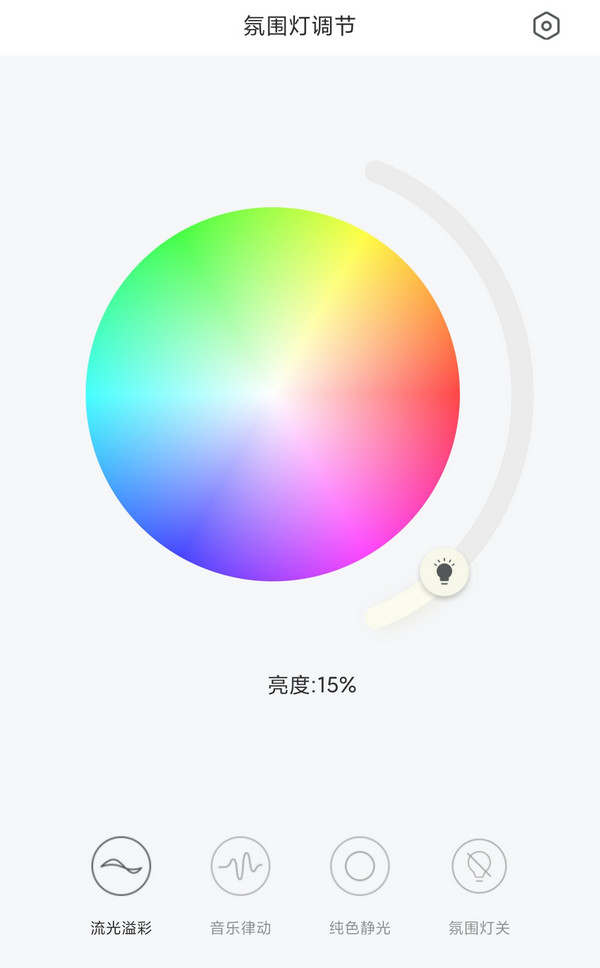
The app also allows adjustment of the ambient lighting. Those who dislike the lights can turn them off. I personally do not like overly flashy lighting, but I am glad it can be disabled.
Before buying the Edifier M25, I returned two speakers from another brand (a while ago) because they produced a buzzing static noise when idle. I was worried about encountering the same issue with the M25, but it did not happen.
Additionally, the Edifier M25 supports a microphone, but I have not tested or used it yet. I will add more details once I have tried it.
Edifier M25 Sound Quality
For speakers in the budget range, the primary requirement is simply to produce sound, so expectations for sound quality are not high. Consequently, the sound quality of such speakers is usually average, and in some cases, even inferior to my Xiaomi 10s phone.
Conclusion
The Edifier M25 offers rich functionality at a reasonable price, making it worth considering. However, its appearance is mediocre, and it lacks a 3.5mm headphone jack. Therefore, if you prioritize aesthetics or require a headphone jack, I do not recommend the Edifier M25.
JD.com Purchase Link: https://u.jd.com/bb9oKtf