Which Free SSH Tool Do You Use? A Comparison of Top Options
SSH stands for Secure Shell, a protocol developed by the IETF's Network Working Group. SSH tools are used to remotely connect to Linux hosts. This article lists several commonly used and free SSH tools for your reference.

Putty
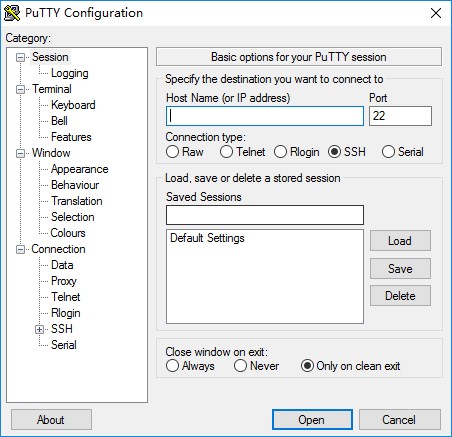
PuTTY is a connection software for Telnet, SSH, rlogin, pure TCP, and serial interfaces. The entire package is less than 1MB in size, yet it is fully functional. It requires no installation; simply download and use it.
Tip: This software does not support Chinese by default. While Chinese versions are available online, it is recommended to exercise caution and download directly from the official website.
Official Address: Download PuTTY
Xshell 5
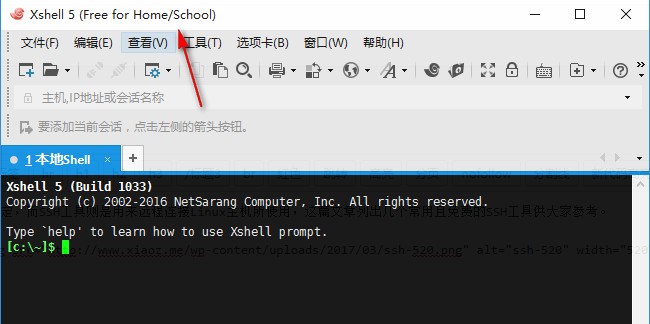
Xshell is a powerful secure terminal emulation software that supports SSH1, SSH2, and the Microsoft Windows platform's TELNET protocol. Many people mistakenly believe it is paid software; in fact, the official Home/Education version is completely free, though you need to provide an email address to obtain it. When installing, be sure to select the Home/Education usage option to ensure it remains free. The software supports Chinese by default.
Xshell 5 also supports multi-window mode, allowing for seamless switching. Tip: It is recommended to download from the official website. Additionally, the company offers an FTP/SFTP software called Xftp, which pairs well with Xshell for better results.
Official Address: Xshell 5
Bitvise SSH Client
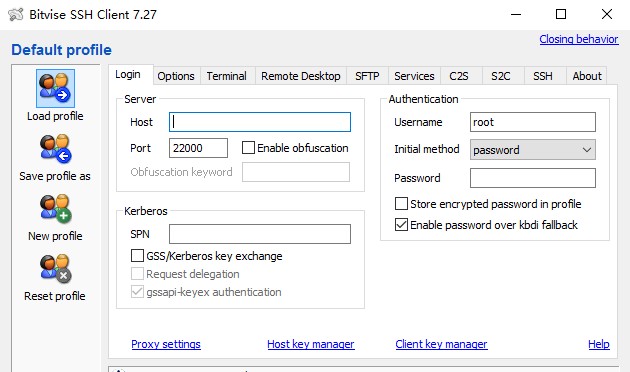
Bitvise SSH Client is an SSH and SFTP client for Windows, professionally developed and supported by Bitvise. The SSH client is powerful, easy to install, and easy to use. It supports all features that PuTTY supports. The only perceived shortcoming is the lack of multi-window support.
Official Address: Bitvise SSH Client
Cmder
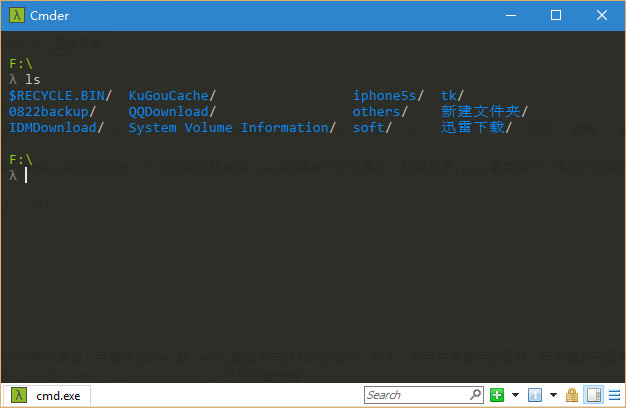
Cmder was previously introduced in the article "Windows Console (cmd) Enhancement Tool Cmder." Strictly speaking, it is not a true SSH tool, but it supports many Linux terminal commands. If you wish to use it to connect to Linux servers, you can use the following command:
ssh -p port_number root@server_ip
Download Address: Cmder
Summary
If you are interested, you can install all the tools mentioned above to experience them and choose the one that suits you best. Since these tools interact with Linux servers, for security reasons, it is recommended to download them from official websites and avoid third-party sites offering cracked or translated versions.