Memory Usage Comparison: ZPad vs CotEditor and Notepad--
Recently, xiaoz released their own native lightweight text editor, ZPad: I Built a Native Lightweight Text Editor ZPad: No WebView, Cross-Platform Native Rendering. I was also curious about the memory usage of this Golang-developed editor. Fortunately, I already had CotEditor and Notepad-- installed on my computer. Since I hadn't uninstalled them yet, I decided to conduct a simple memory usage comparison. The data is for reference only and may not be entirely accurate.
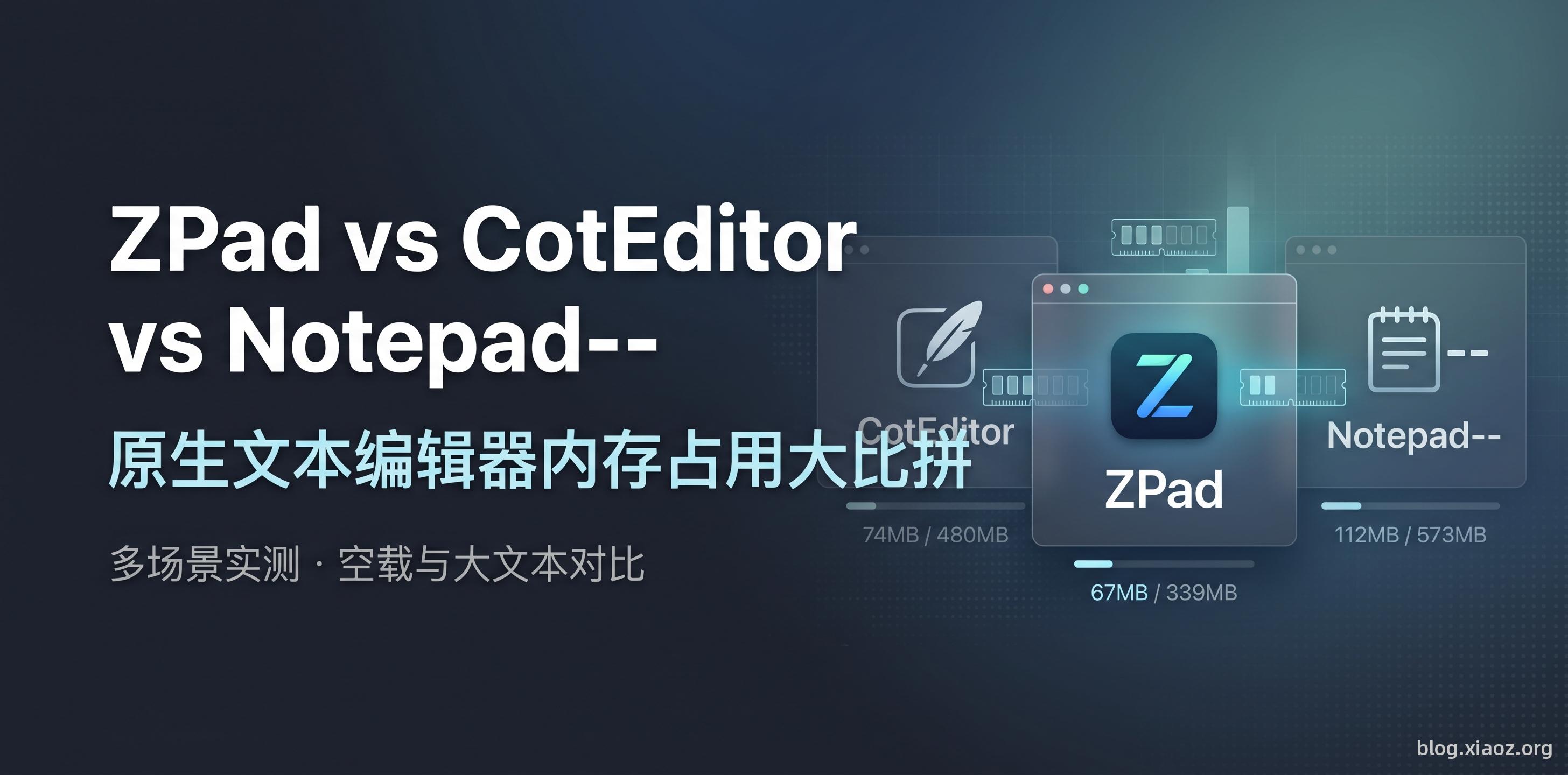
ZPad Official Website: https://zpad.xphub.dev/
Test Platform Information
- Computer: MacBook Air M3
- Operating System: macOS 15.7.7
- CotEditor Version: 5.0.3
- Notepad-- Version: 3.8.0
- ZPad Version: 0.7.2
Memory Usage Comparison: ZPad && CotEditor && Notepad--
All three software applications—ZPad, CotEditor, and Notepad--—use native rendering and do not rely on WebView. Let's examine their memory usage.
Idle Memory Usage
Memory usage when all three applications are open but no tabs or files are loaded.
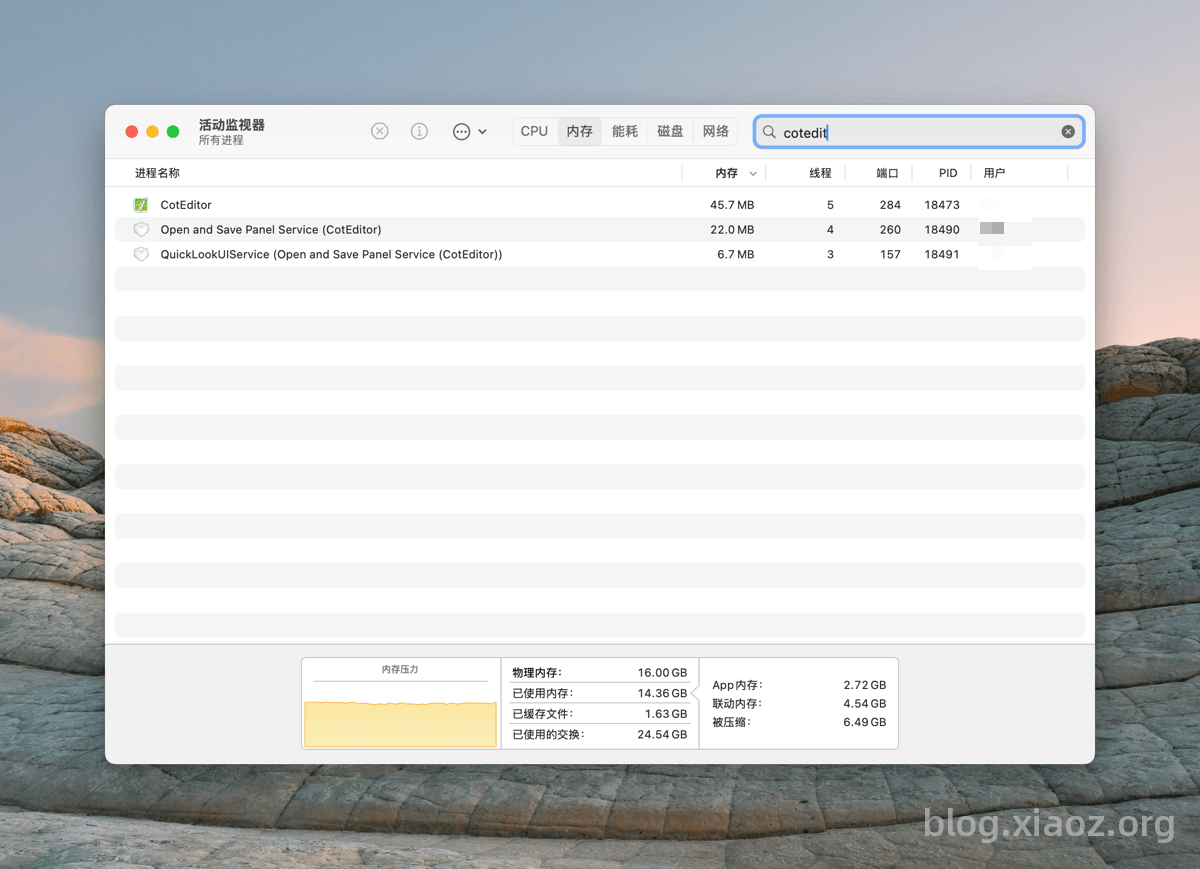
CotEditor idle memory usage is approximately 74MB.
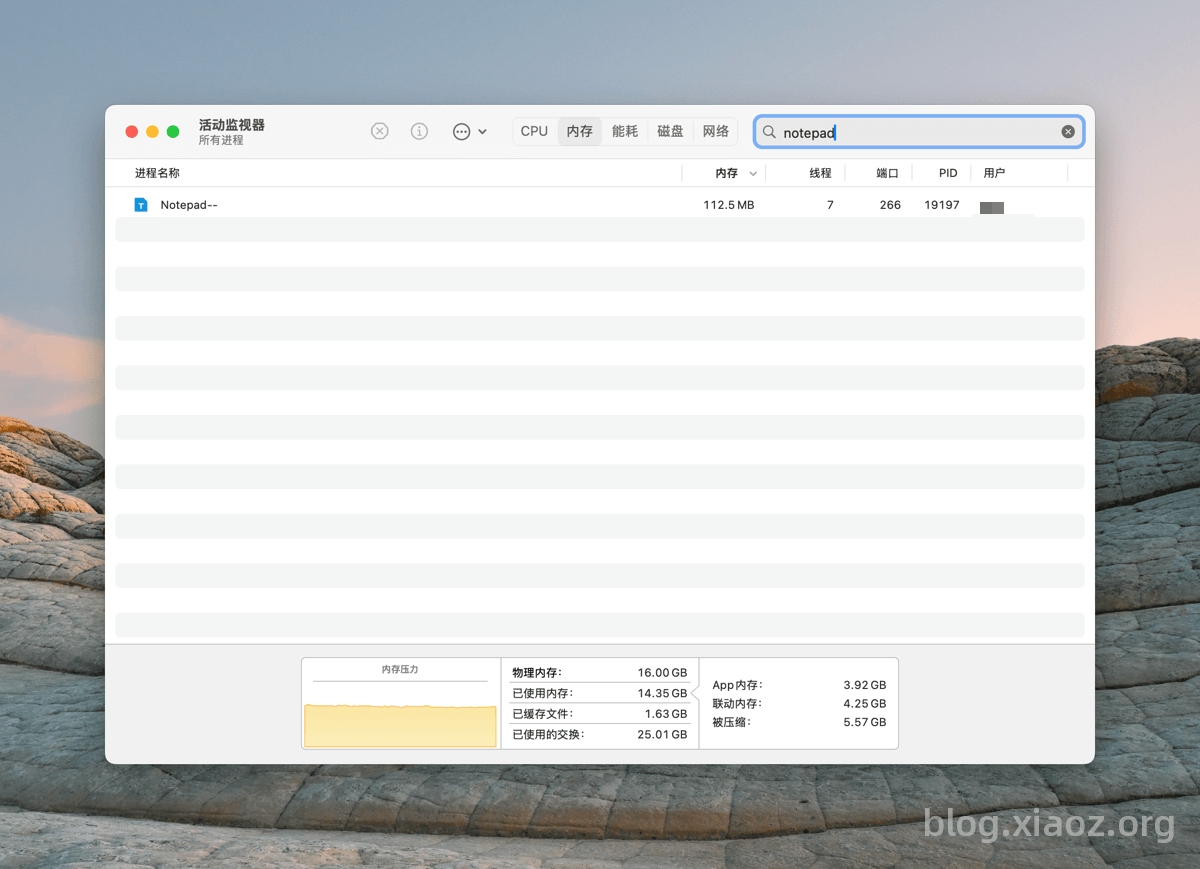
Notepad-- idle memory usage is approximately 112MB.
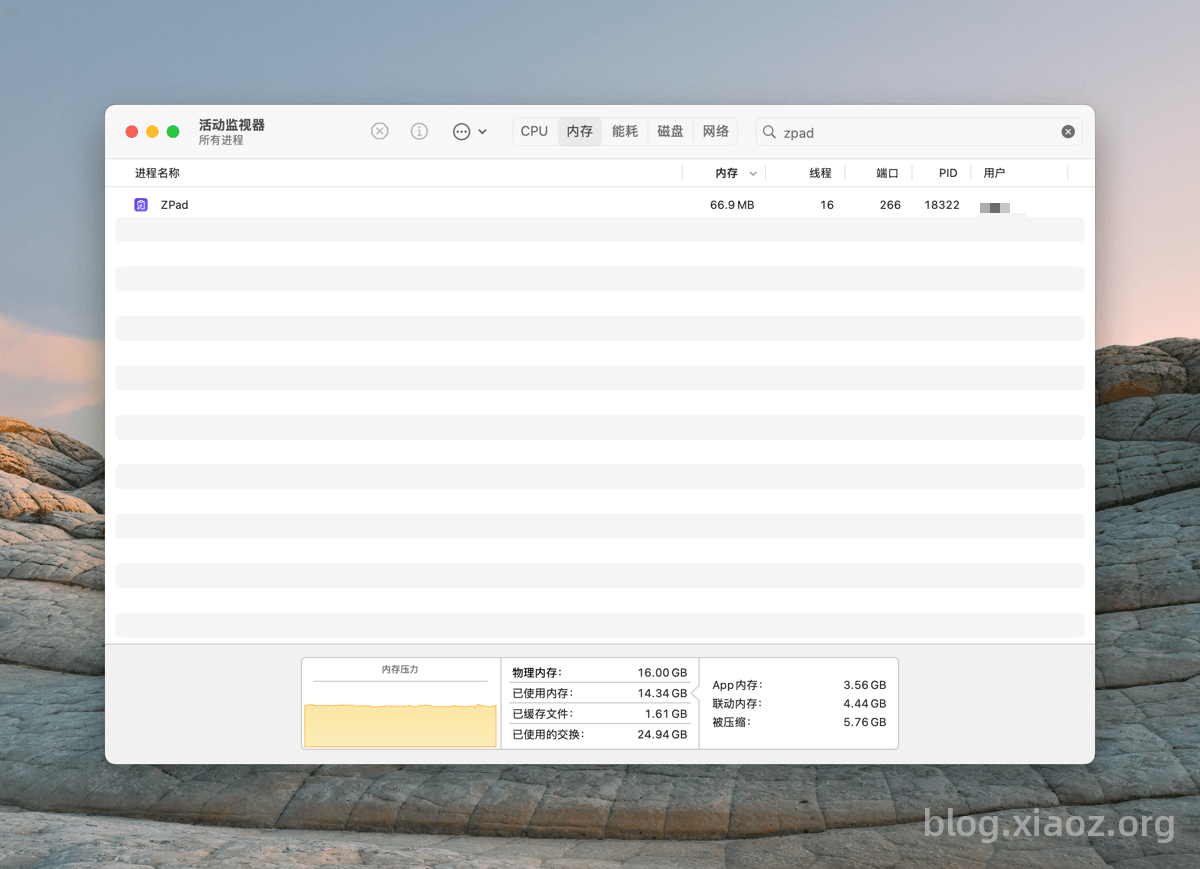
ZPad idle memory usage is approximately 67MB.
Large File Test
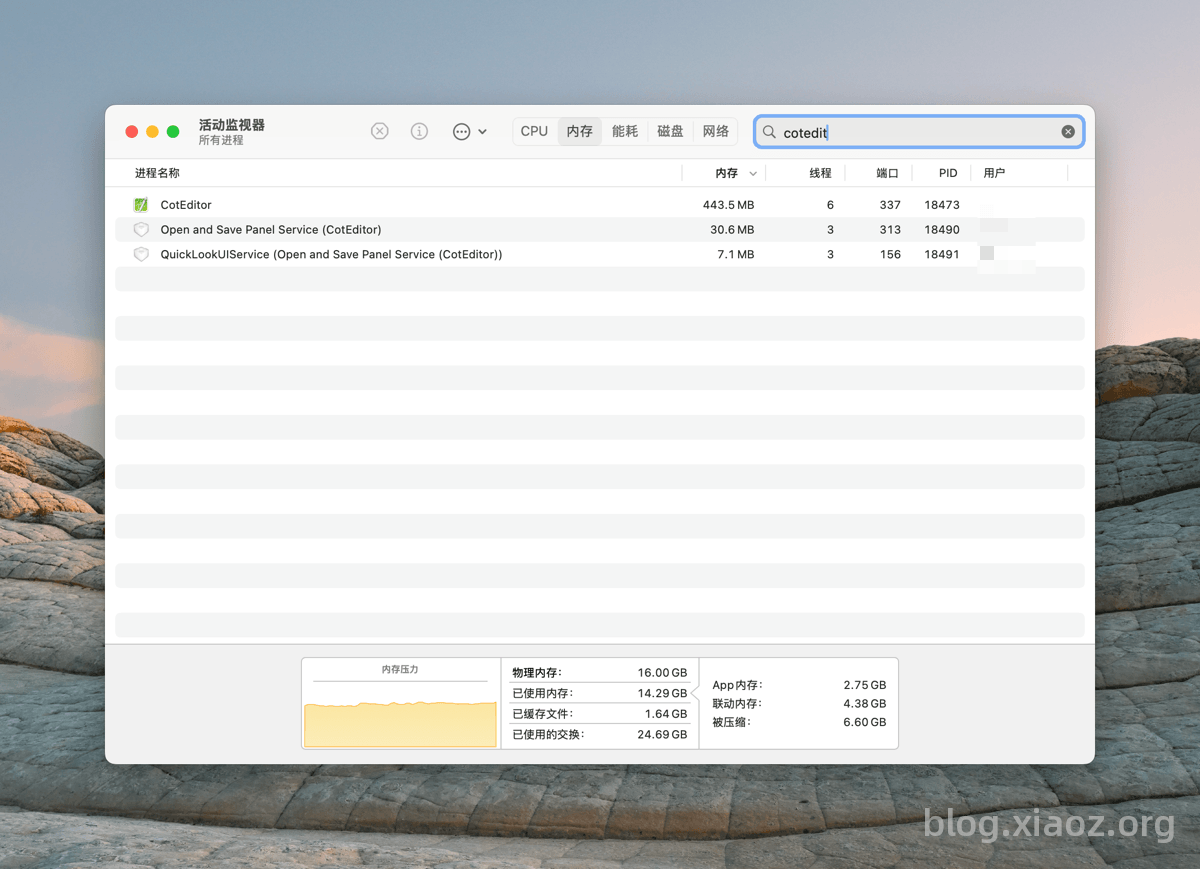
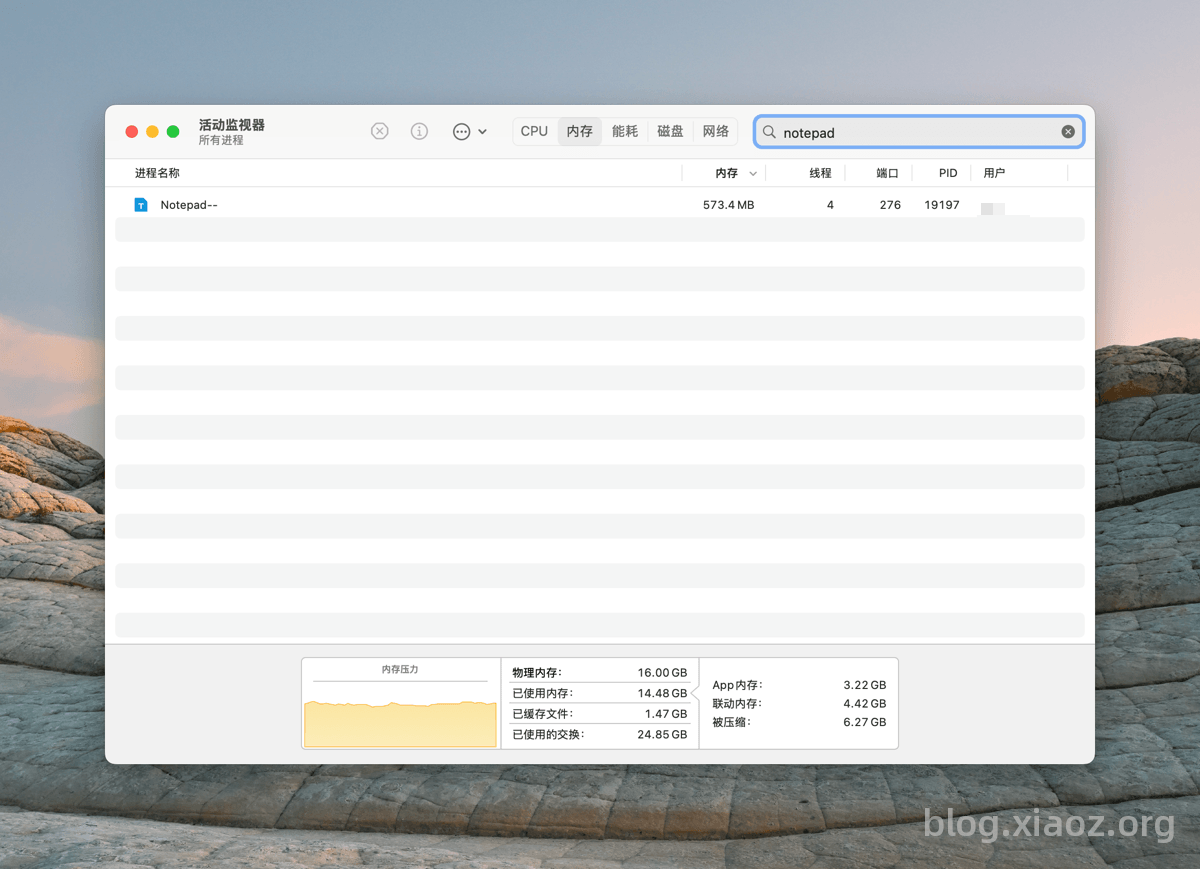
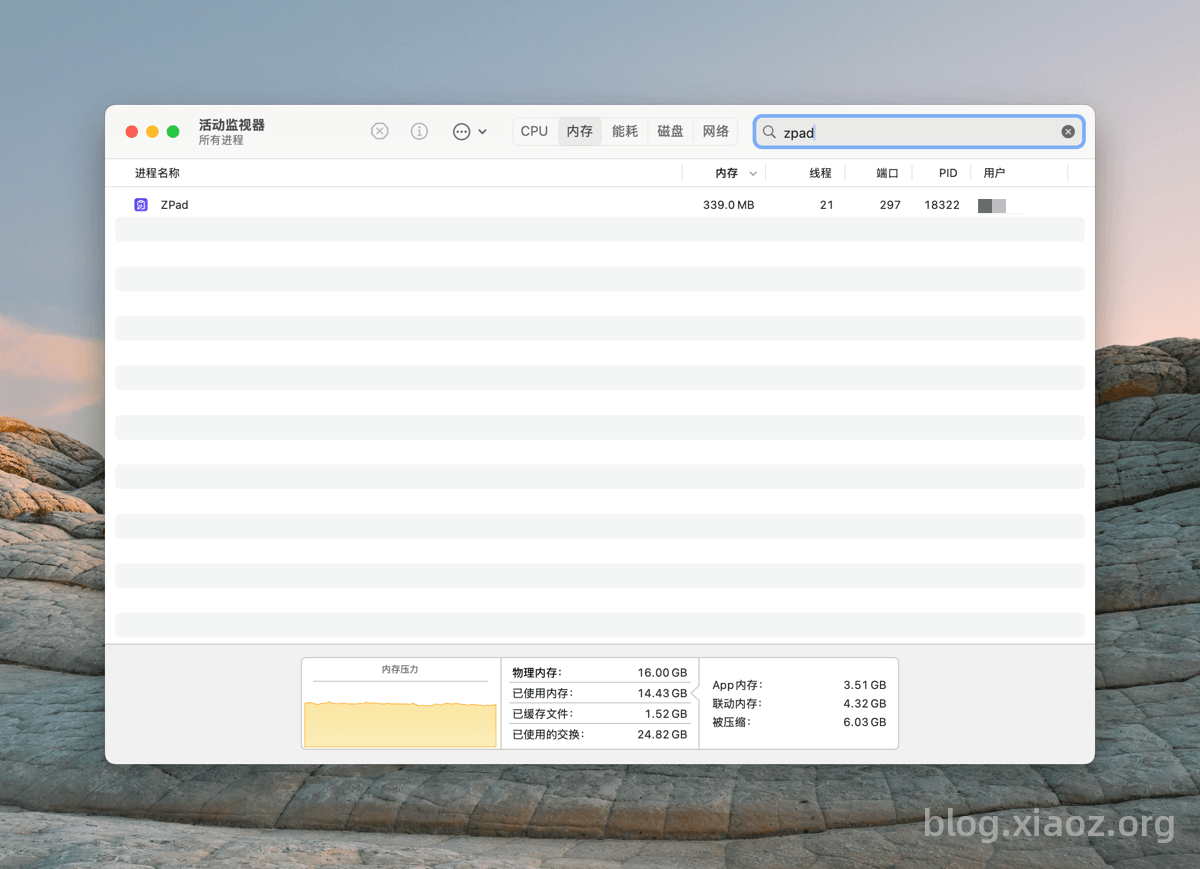
ZPad, CotEditor, and Notepad-- were each opened with a 50MB text file and a 100MB text file to observe memory usage.
CotEditor usage is approximately 480MB.
Notepad-- usage is approximately 573MB.
ZPad usage is approximately 339MB.
Memory Release
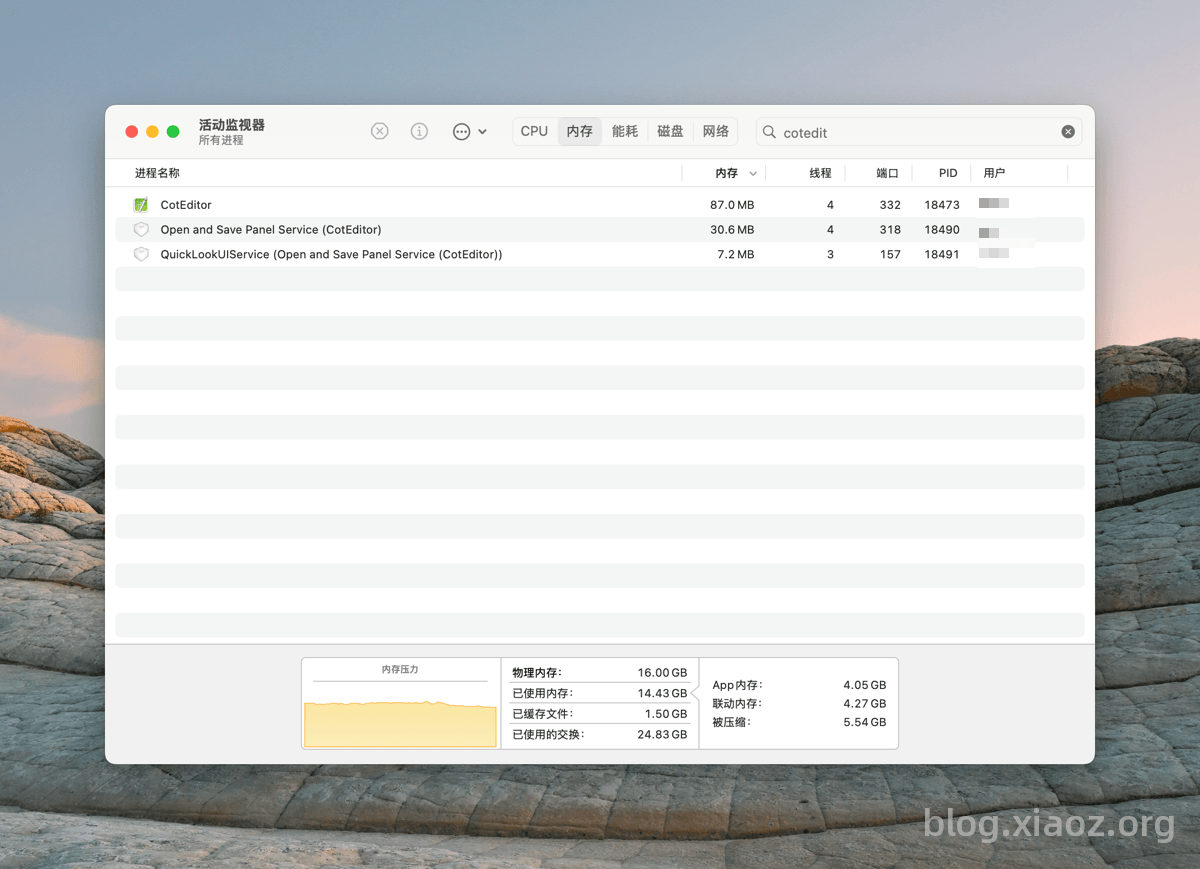
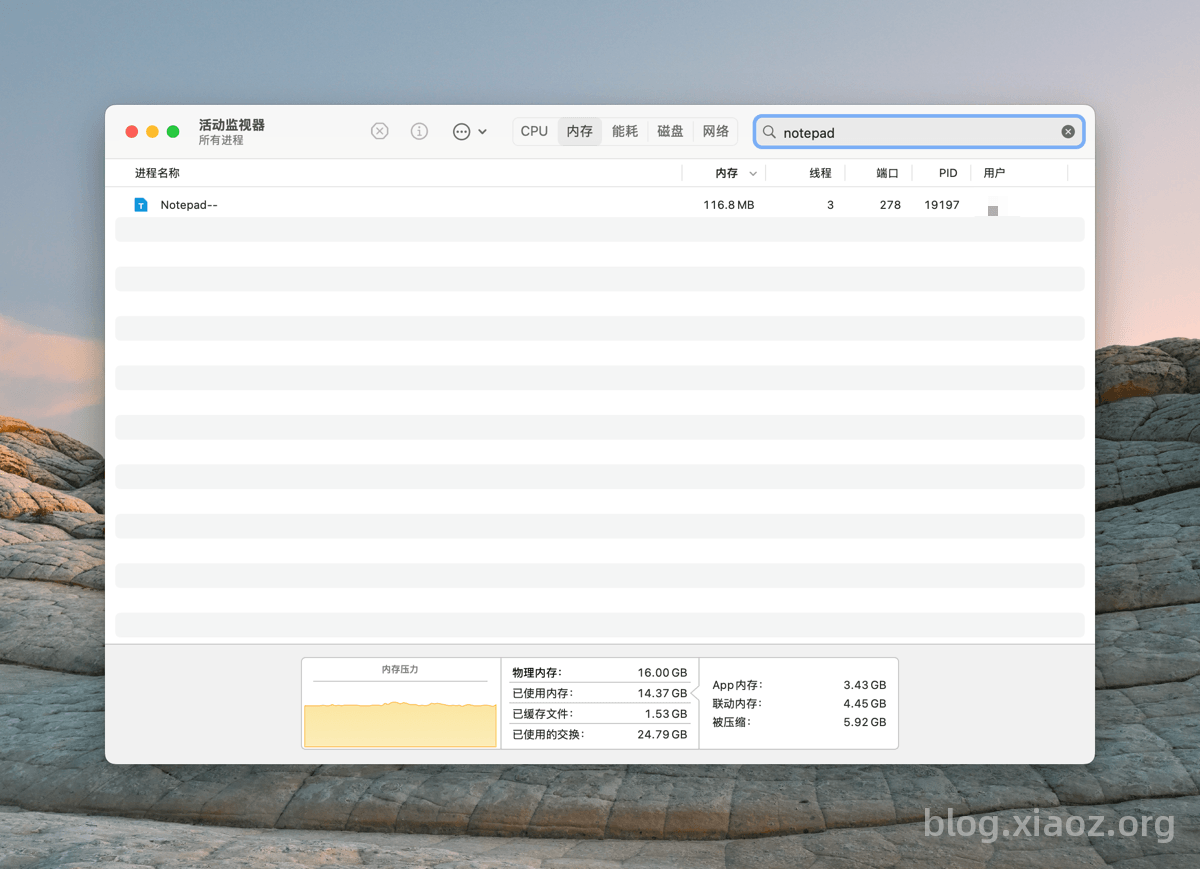
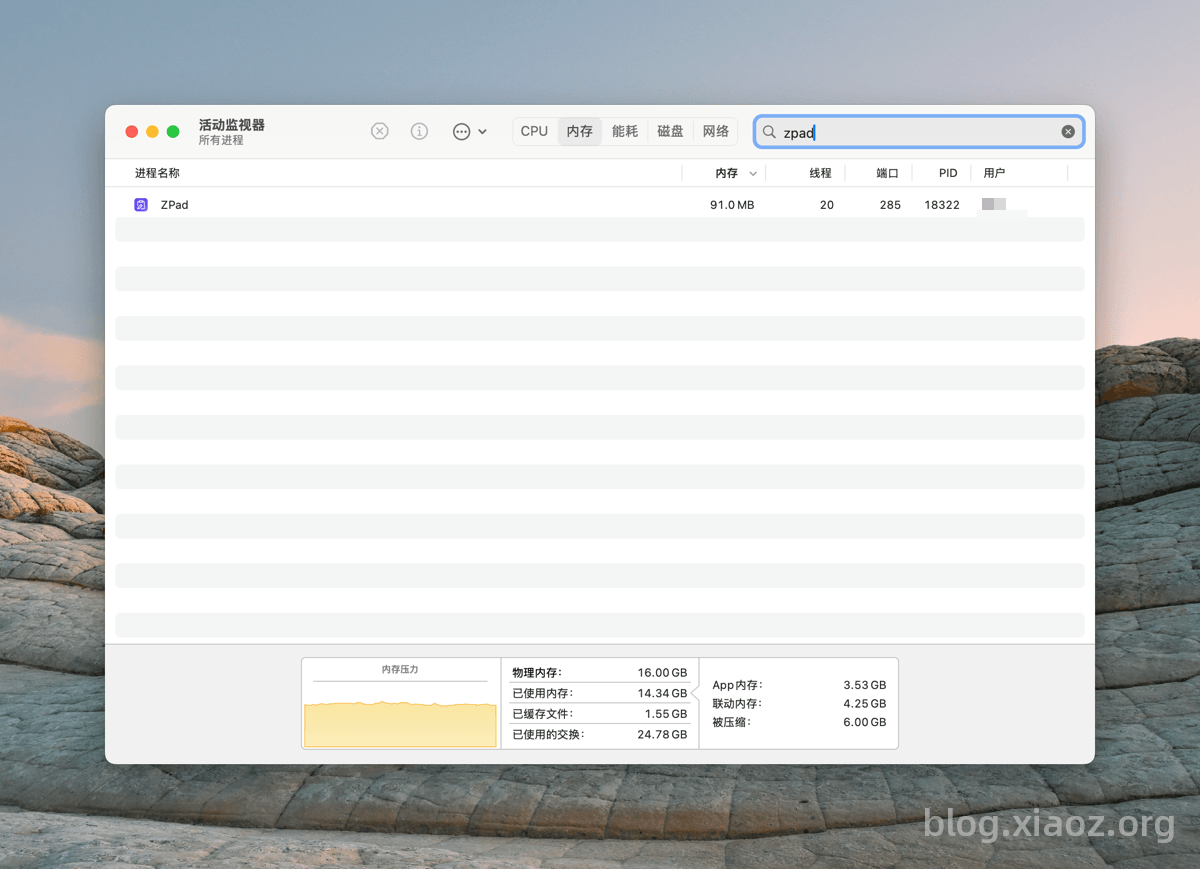
After closing the 50MB and 100MB text files, we observed how much memory was reclaimed.
CotEditor usage dropped to approximately 124MB.
Notepad-- usage dropped to approximately 116MB.
ZPad usage dropped to approximately 91MB.
This concludes the three rounds of comparison. The results are summarized in the table below.
| Software | Version | Idle Memory Usage | Large File Test Memory Usage | Memory After Closing Files |
|---|---|---|---|---|
| CotEditor | 5.0.3 | ~74 MB | ~480 MB | ~124 MB |
| Notepad-- | 3.8.0 | ~112 MB | ~573 MB | ~116 MB |
| ZPad | 0.7.2 | ~67 MB | ~339 MB | ~91 MB |
These results do not definitively prove that ZPad has the best memory efficiency; this was merely a simple comparison without covering more scenarios or deeper testing, so the data remains somewhat one-sided. Additionally, due to differences in operating system memory scheduling strategies and software version updates, results may change at any time, so they should be taken as reference only.
Conclusion
Overall, the memory usage difference among the three software applications during daily use is not significant. All utilize native rendering, share most functionalities while having unique features. In this simple comparison, ZPad showed relatively lower memory usage, but the limited test scenarios are insufficient to claim it is always optimal. Actual selection should consider platform support, functional requirements, and user habits; choose whichever feels most convenient.