Introducing ZPad: A Lightweight Native Text Editor Without WebView
ZPad is a lightweight, native, and pure text editor developed based on the MyGo framework. It is a "five-no" product featuring no plugins, no cloud sync, no Git integration, no AI capabilities, and no WebView. Instead, it utilizes cross-platform native rendering and was developed by blogger xiaoz.
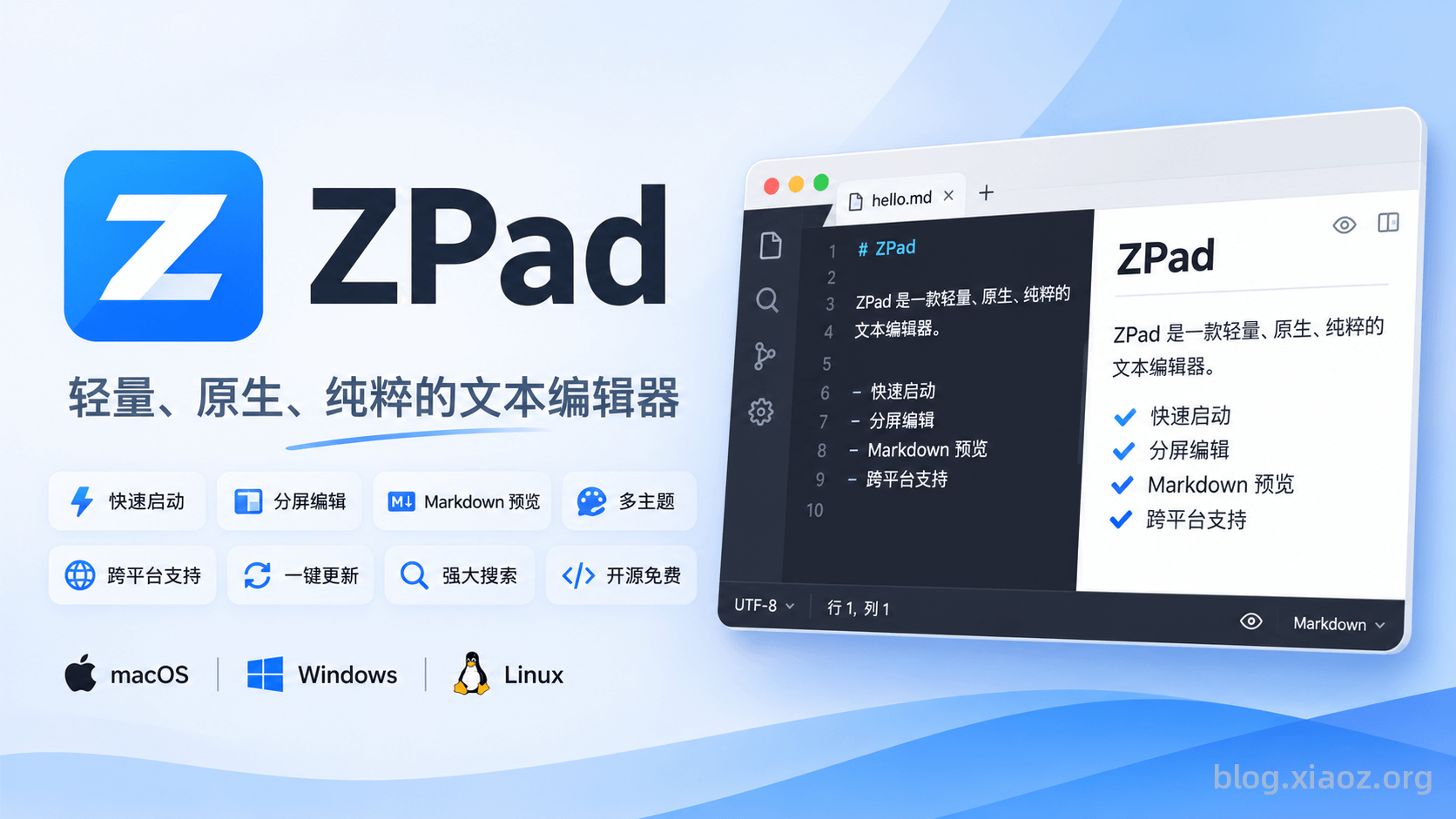
ZPad Editor Official Website: https://zpad.xphub.dev/
Key Features of ZPad
- Supports opening entire directories as projects
- Supports common text formats such as txt, md, css, js, json, yaml, yml, html, conf, toml, go, py, php, etc.
- Cross-platform native rendering without WebView for lower memory usage
- Cross-platform support: macOS, Windows, Linux
- Supports left/right and top/bottom split-screen viewing and editing
- Supports one-click online updates
- Supports Markdown preview
- Built-in selection of over 10 themes
- Supports switching between Chinese and English languages
- Supports search, global search, replace, case conversion, and other functions
- Open source and free
Installing ZPad
ZPad now supports the three major operating systems: macOS, Windows, and Linux. You can download it from the official website.
ZPad Official Download Page: https://zpad.xphub.dev/download/
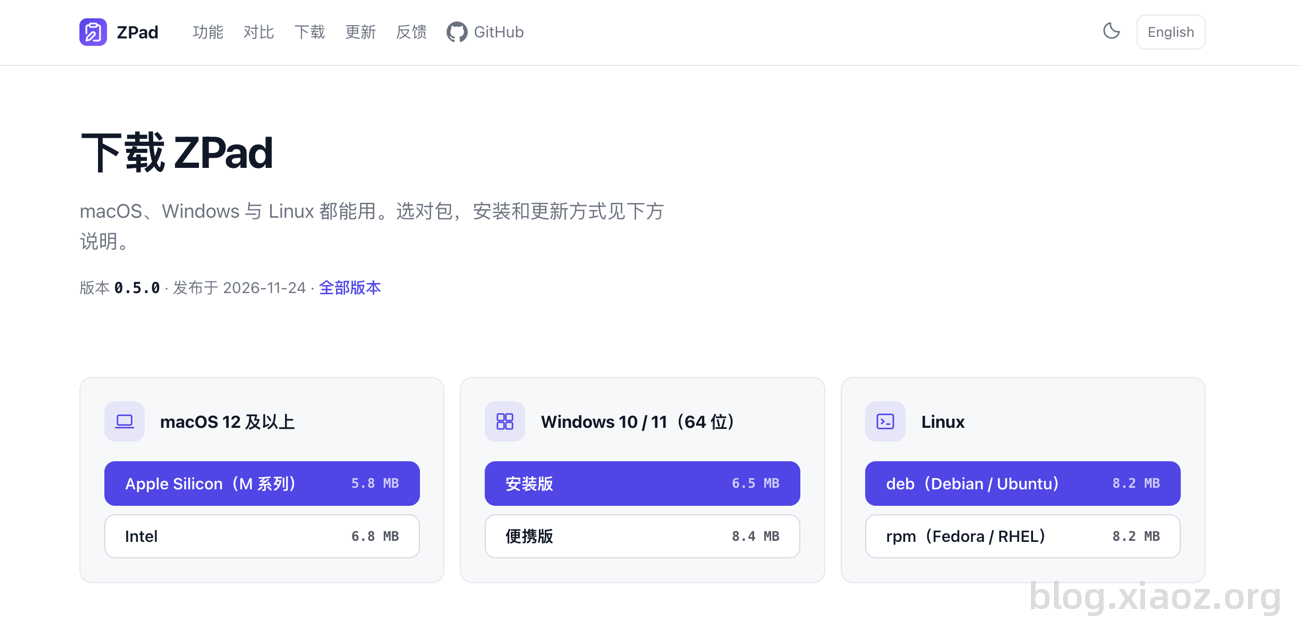
Important Notes
- The official download link is provided via GitHub; please ensure your network can access GitHub.
- Since ZPad does not have a built-in signature, it may be falsely reported or blocked by the operating system or antivirus software. You may need to perform the following steps:
macOS
- When opening ZPad for the first time, Gatekeeper may block it. Go to System Settings → Privacy & Security and select Open Anyway.
- If you still see errors like "Damaged" or "Cannot verify developer," run the following command in Terminal:
sudo xattr -dr com.apple.quarantine /Applications/ZPad.app
Windows
- Windows may prompt "Unknown Publisher" or indicate a security risk. Click More info → Run anyway.
Screenshots
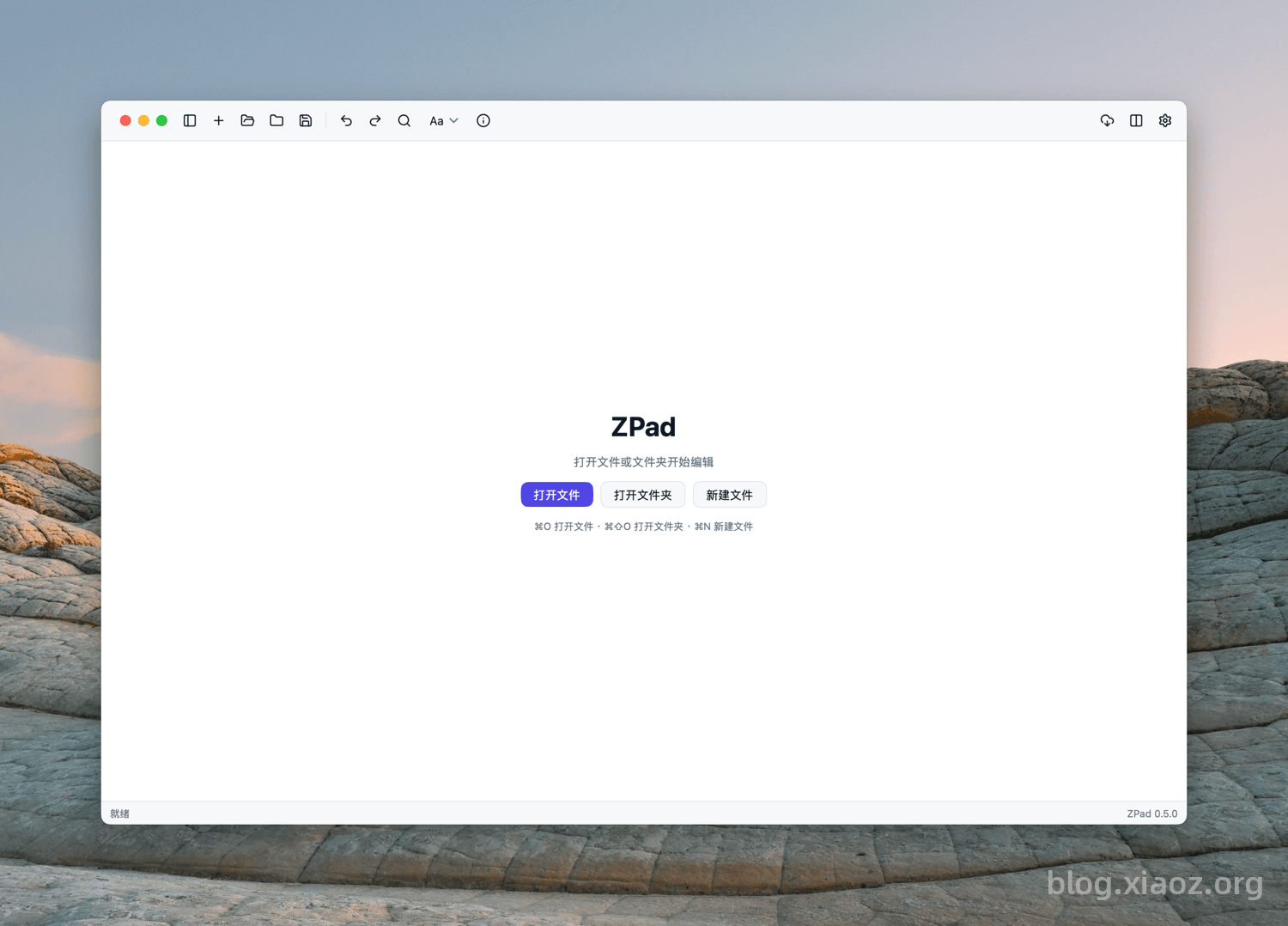
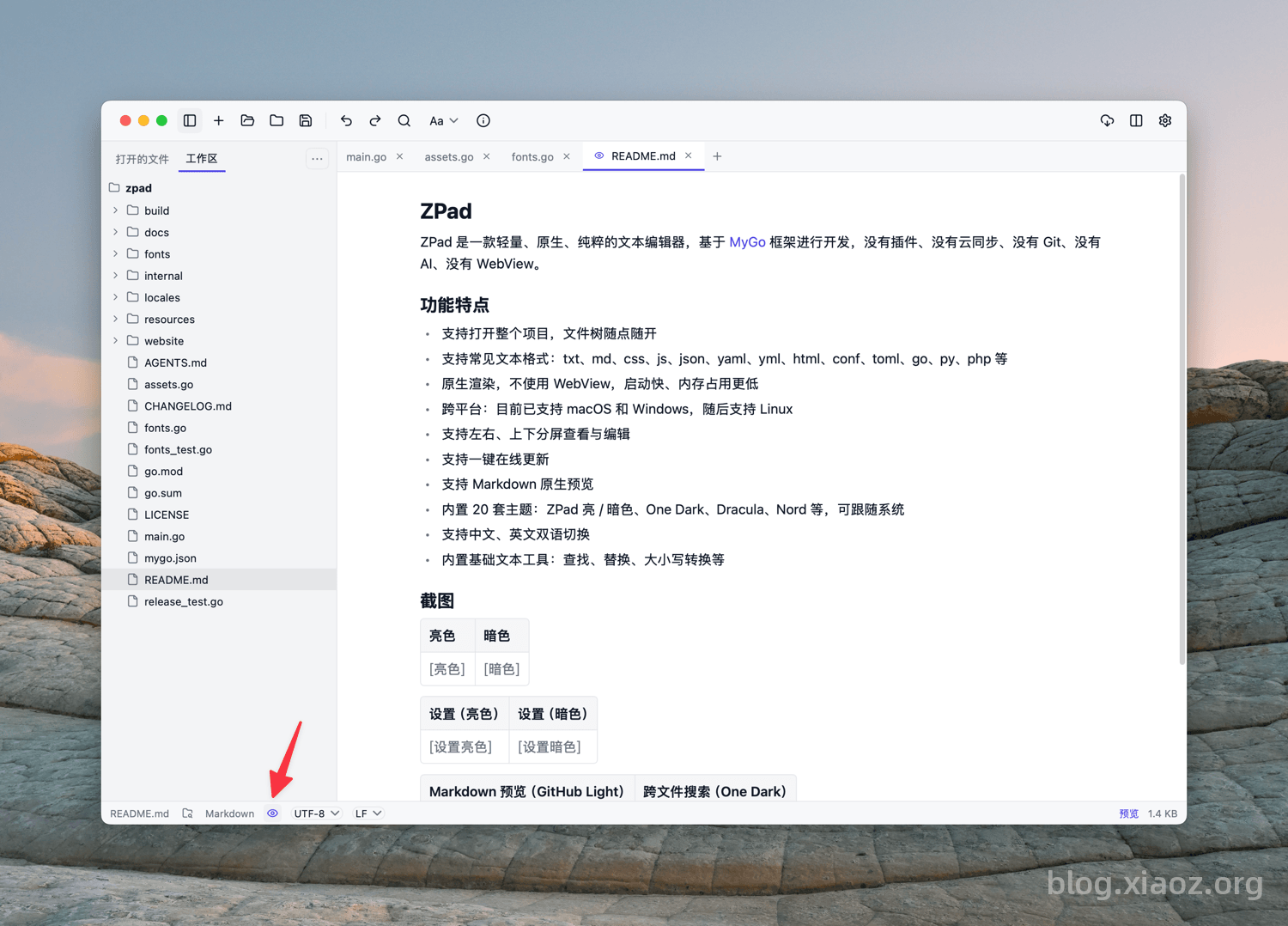
The main interface looks clean and simple after opening.
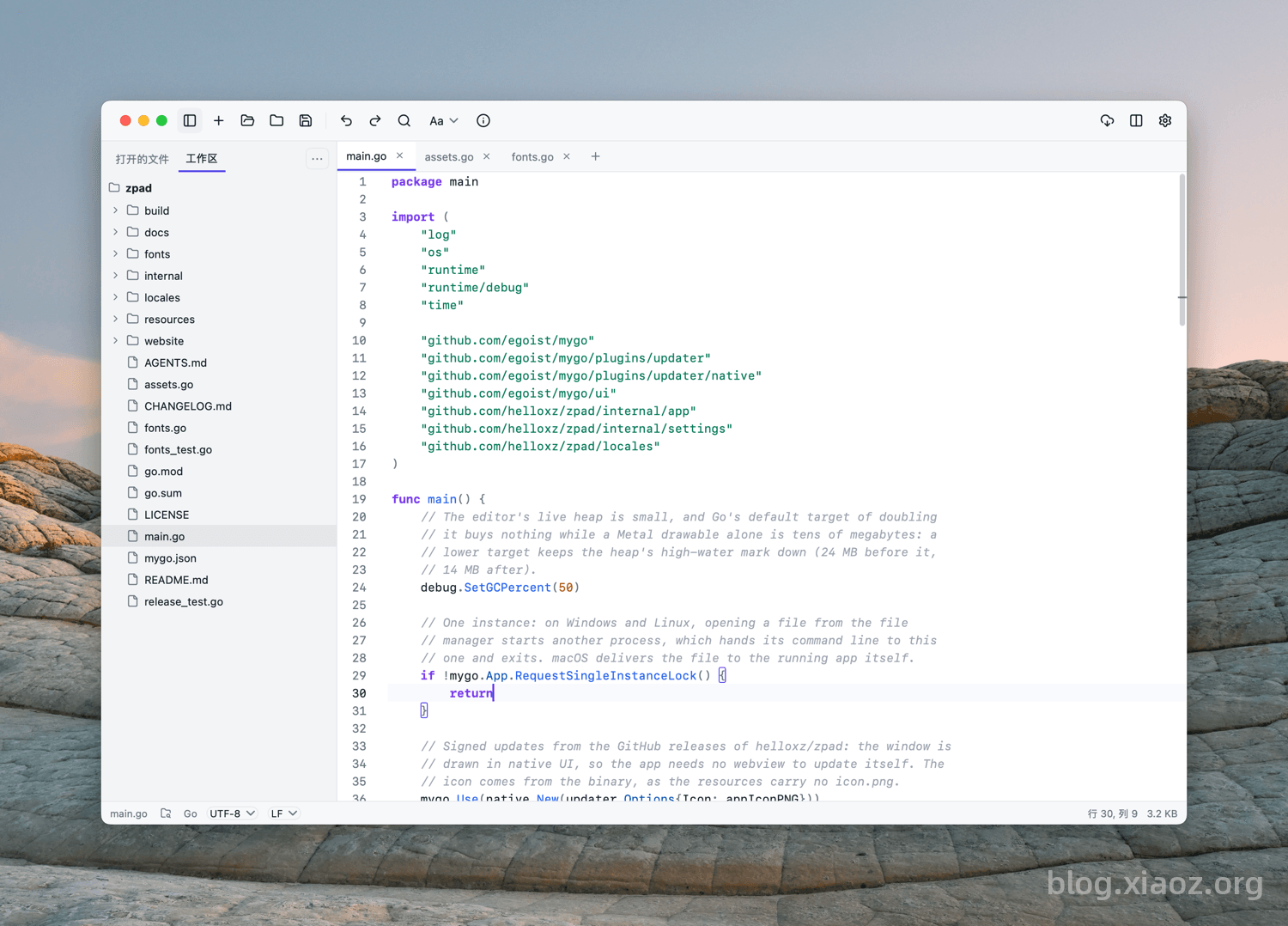
Basic features include multi-tab support, syntax highlighting, line numbers, and code folding.
ZPad includes built-in Markdown preview. Simply click the eye icon in the bottom status bar to preview.
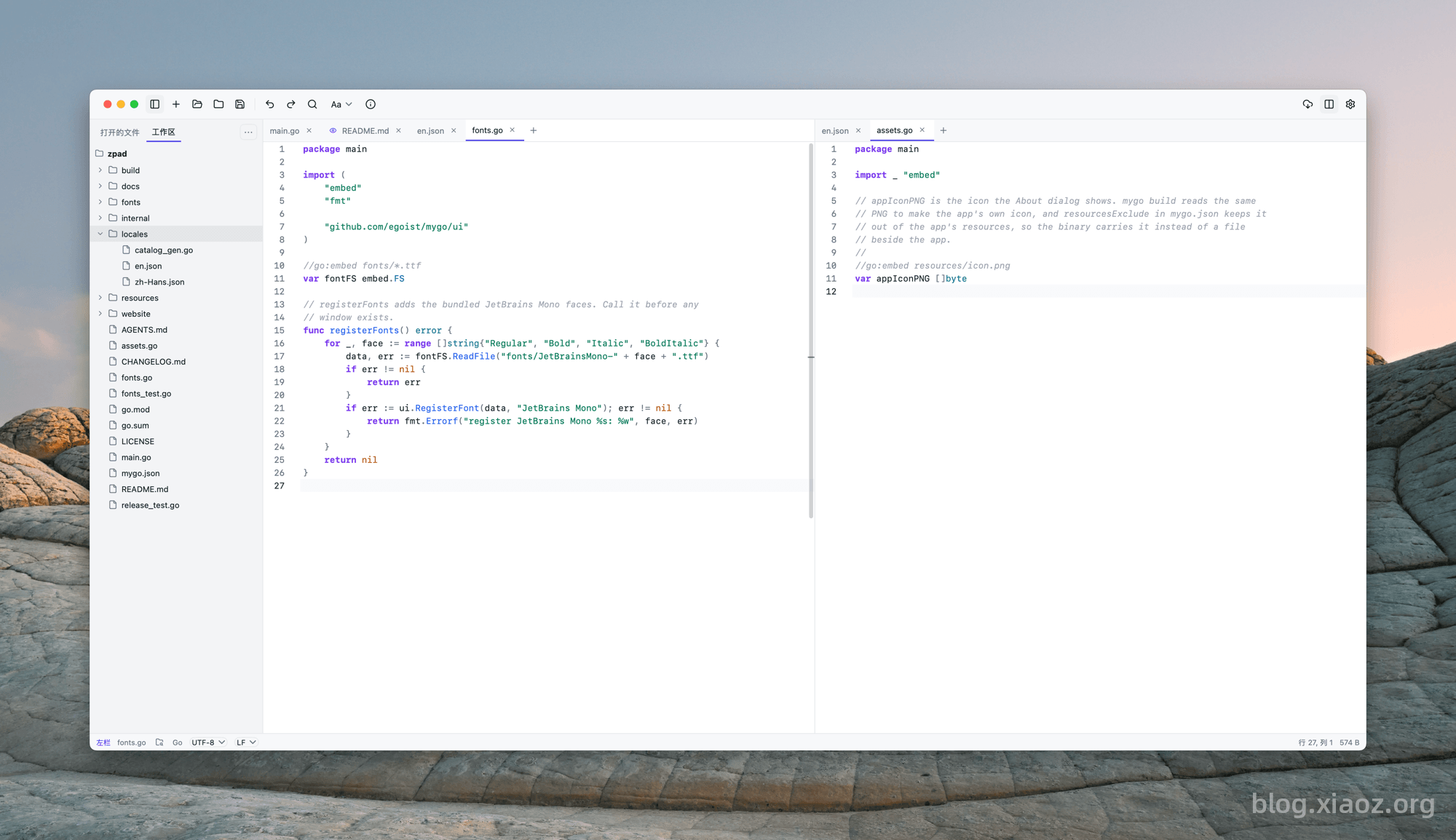
It supports both left/right and top/bottom split-screen viewing and editing.
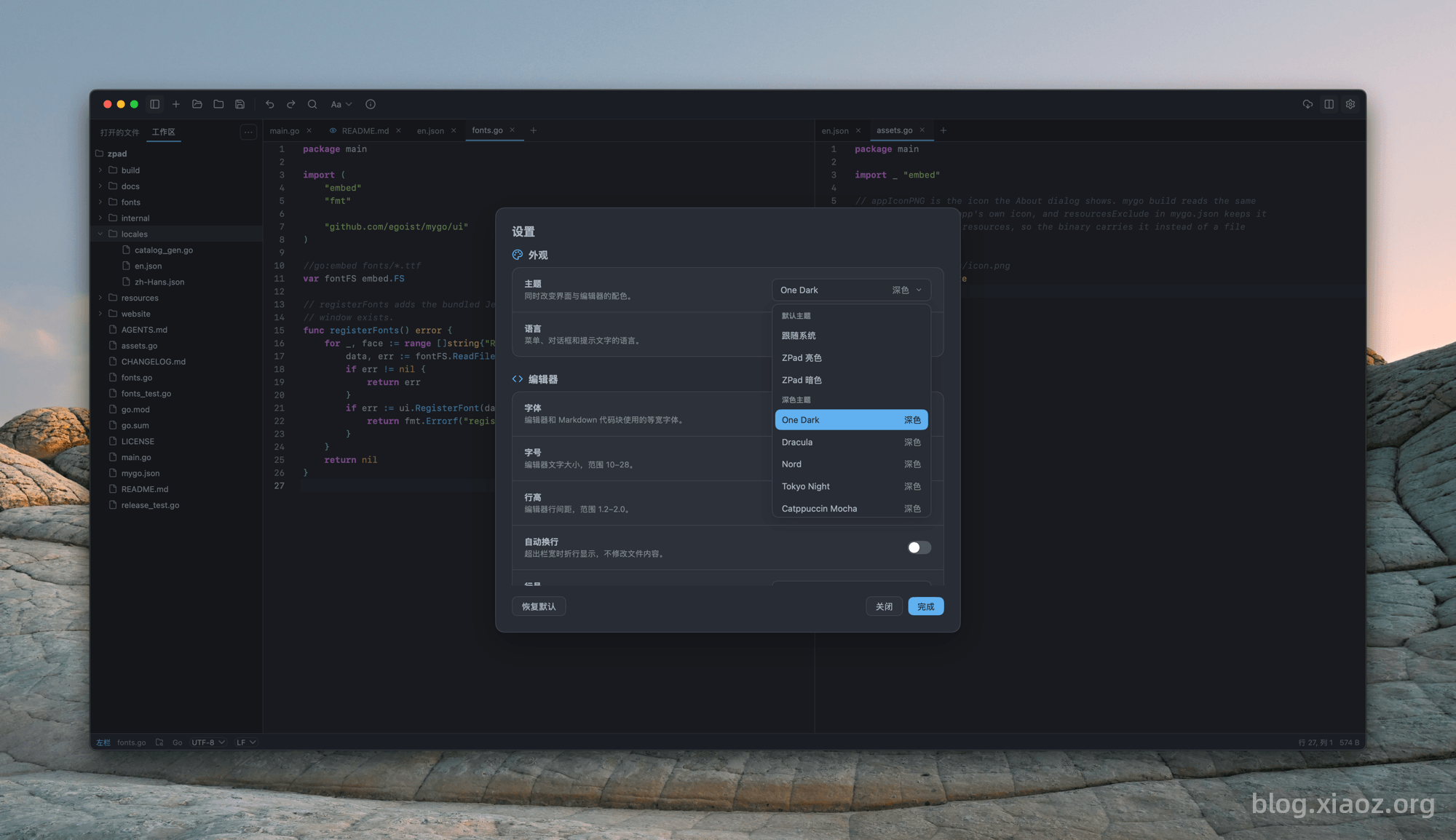
Don't like the default theme? No problem. ZPad comes built-in with over 10 themes, so there's sure to be one that suits you.
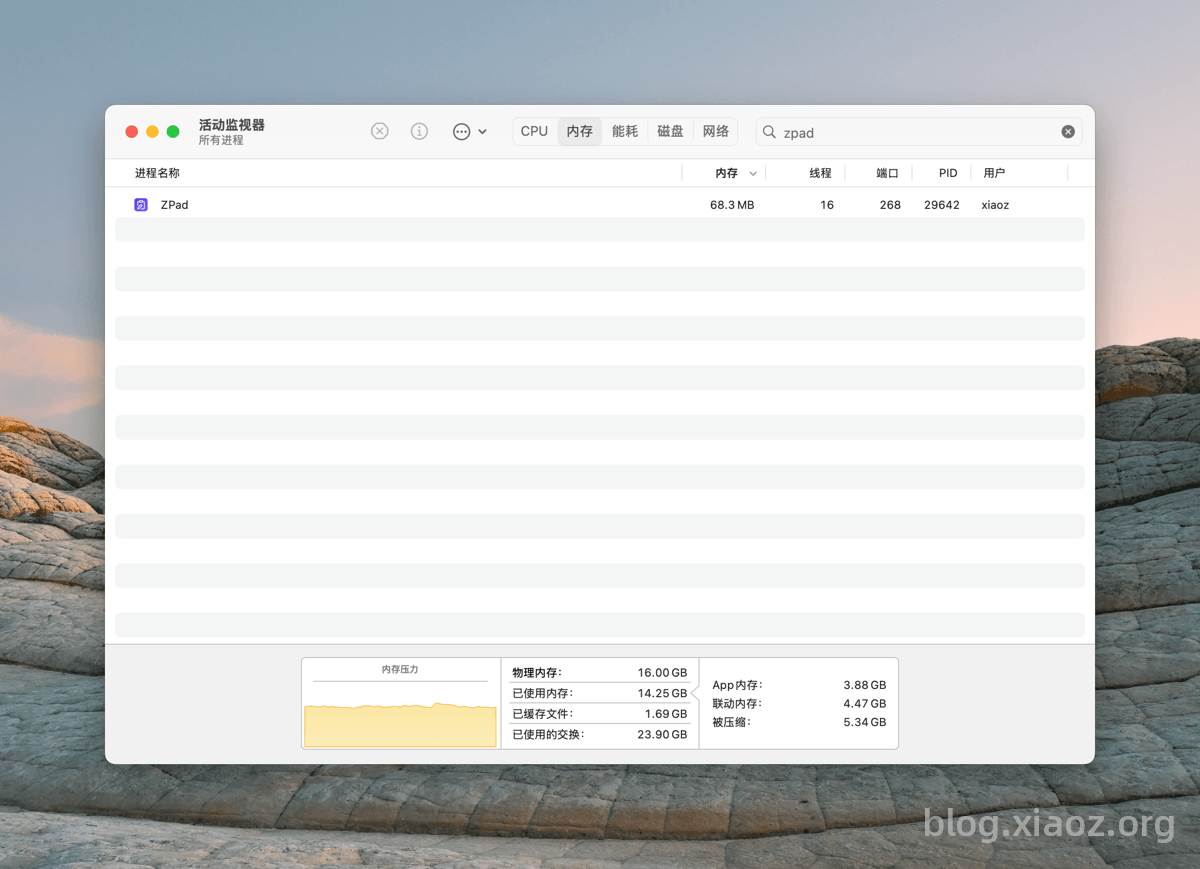
Thanks to the native rendering of the MyGo framework, memory usage typically stays between 60MB and 200MB, making it very lightweight.
Comparison with Sublime Text and Notepad++
Sublime Text and Notepad++ are excellent legacy editors. ZPad's goal is not to replace them but to offer another choice for native cross-platform text editors. Use whichever feels most comfortable. Here is a simple comparison:
| Feature | ZPad | Sublime Text | Notepad++ |
|---|---|---|---|
| Supported Platforms | macOS, Windows, Linux | macOS, Windows, Linux | Windows only |
| Price & License | Free · AGPL-3.0 Open Source | $99 Lifetime · Includes 3 years of updates · Unlimited trial | Free · GPL-3.0 Open Source |
| Interface Language | Chinese / English (Built-in) | Requires community localization plugin (Official only English) | Built-in multi-language (including Simplified Chinese) |
| Encoding & Line Endings | UTF-8, BOM, UTF-16, GB18030 (Auto-detect), preserves original line endings on save | UTF-8, UTF-16, GB18030, etc. (Manual selection required) | UTF-8, UTF-16, Local Code Page (Auto-detect) |
| Split Screen & Tabs | Left/Right dual columns × Multi-tabs per column, shared buffer for same file | 2–4 columns × Multi-tabs | Dual view × Multi-tabs |
| Markdown Preview | Built-in (Source + Preview split-screen) | Requires plugin | Requires plugin |
| Plugin Ecosystem | None (Intentional trade-off) | Package Control | Plugin Admin |
| Online Updates | Yes (Requires writable directory) | Yes | Yes (WinGUp, optional during install) |
How ZPad Differs from VS Code and Zed
VS Code is a code editor with a rich extension ecosystem, often used as an IDE by developers. Zed is a modern code editor focusing on high performance and collaboration. Both target general development workflows and offer stronger capabilities in plugins, language services, and collaboration.
ZPad is positioned not as an IDE, but as a lightweight, pure text editor, closer to tools like Sublime Text and Notepad++. It intentionally sacrifices plugin ecosystems, AI, Git, and terminal capabilities to focus solely on core text editing experiences: fast opening, stable editing, and reliable encoding handling.
Conclusion
ZPad has no grand ambitions; it simply aims to create a lightweight, native, and pure text editor. It doesn't pile on features nor does it aim to replace others. It hopes to be a convenient choice when you need to quickly open files, edit stably, and save reliably. It is free and open source. Feel free to try it and provide feedback.
ZPad Open Source Repository: https://github.com/helloxz/zpad