Review: ORICO USB 3.0 Hub for Desk Cable Management and Port Expansion
Due to limited desktop space, I placed my desktop computer under the desk. This made plugging in USB devices inconvenient. Additionally, with the electric height-adjustable desk, the cables for the mouse and keyboard were often pulled when the desk was raised. For these two reasons, I decided to optimize my setup. Ultimately, I purchased an ORICO USB 3.0 hub from JD.com. On one hand, it expands my USB ports; on the other, it solves the problem of mouse and keyboard cable pulling.
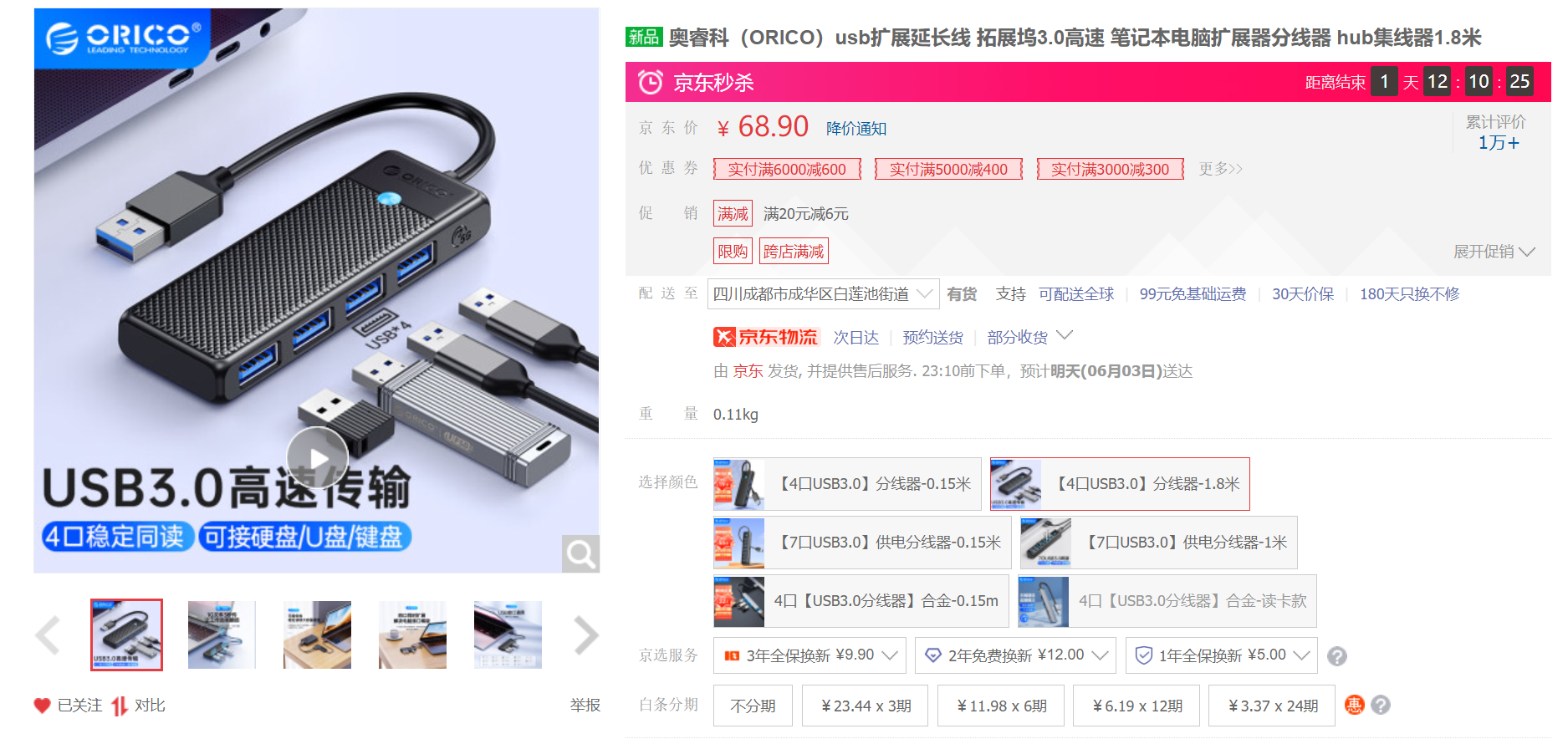
Suitable Scenarios for a USB 3.0 Hub
- Not enough USB ports; need to expand USB interfaces
- Desktop is placed in an inconvenient location; want to extend and expand USB interfaces
Purchasing the ORICO USB 3.0 Hub
I chose this ORICO USB hub for the following reasons:
- It uses a USB 3.0 interface.
- The cable length is sufficient (1.8m). Most other brands have cables no longer than 1.5m, which is not suitable for my height-adjustable desk.
Purchase Link: https://u.jd.com/azyHu5k
Unboxing
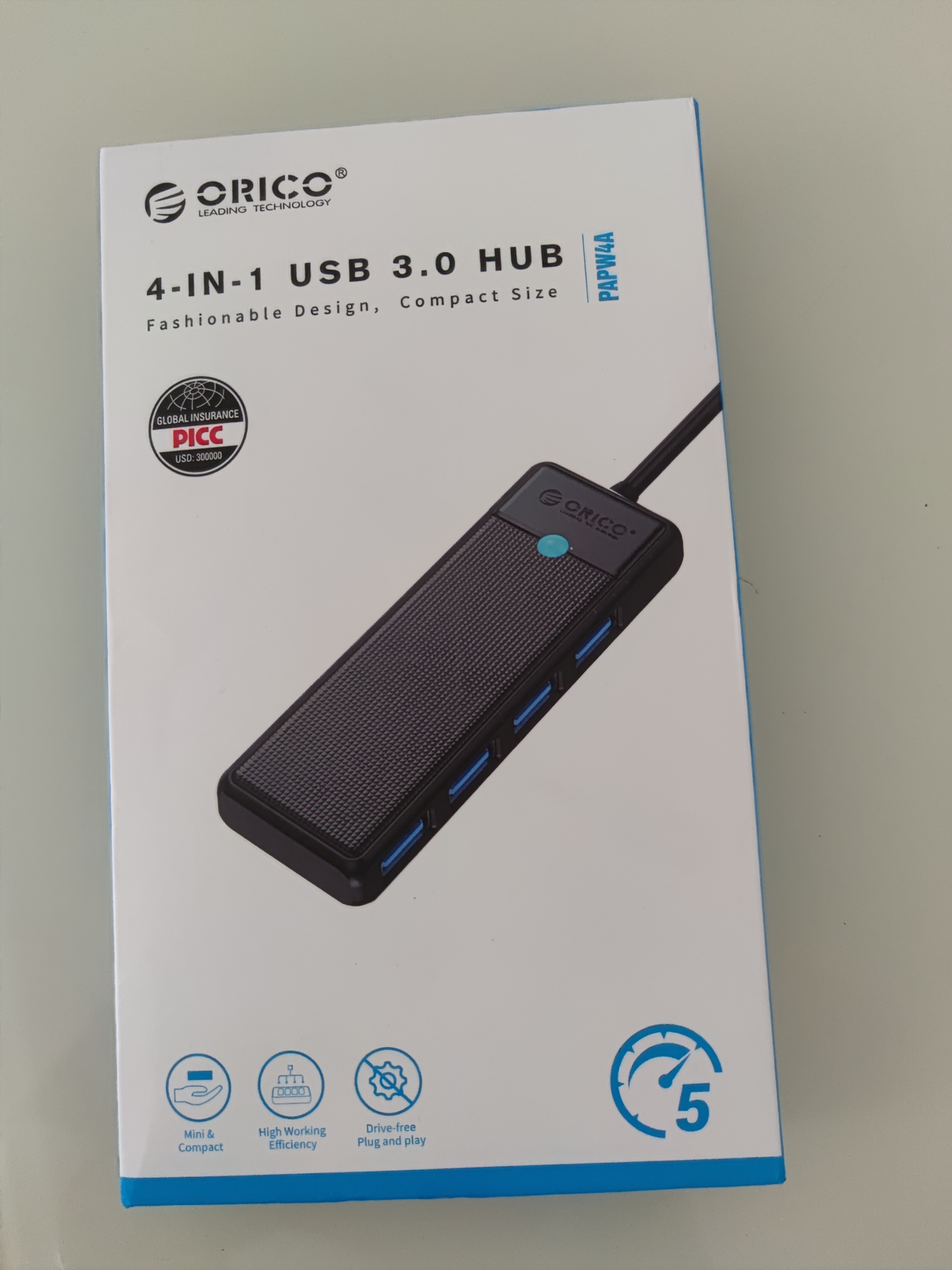
The packaging.
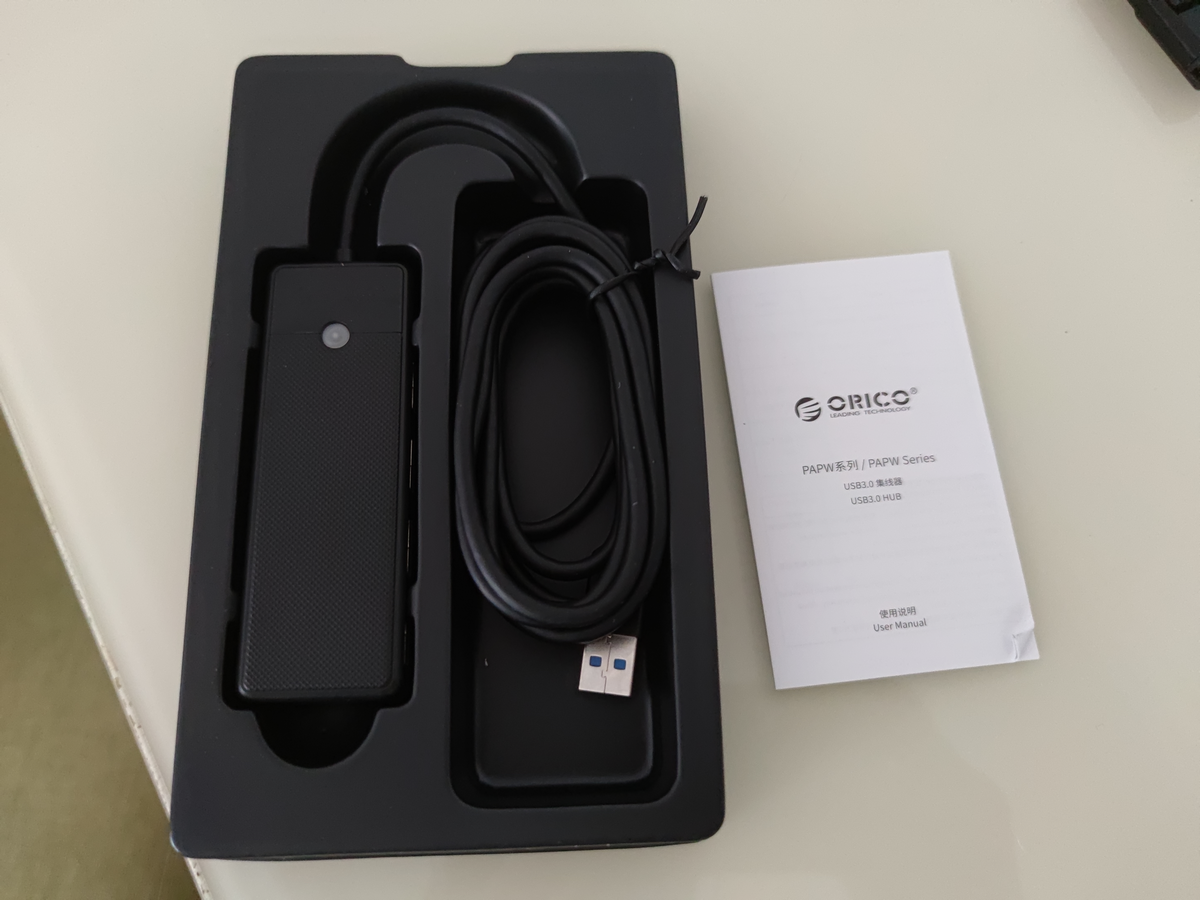
Inside the box, there is the USB hub and a user manual. That's all (no certificate of conformity?).
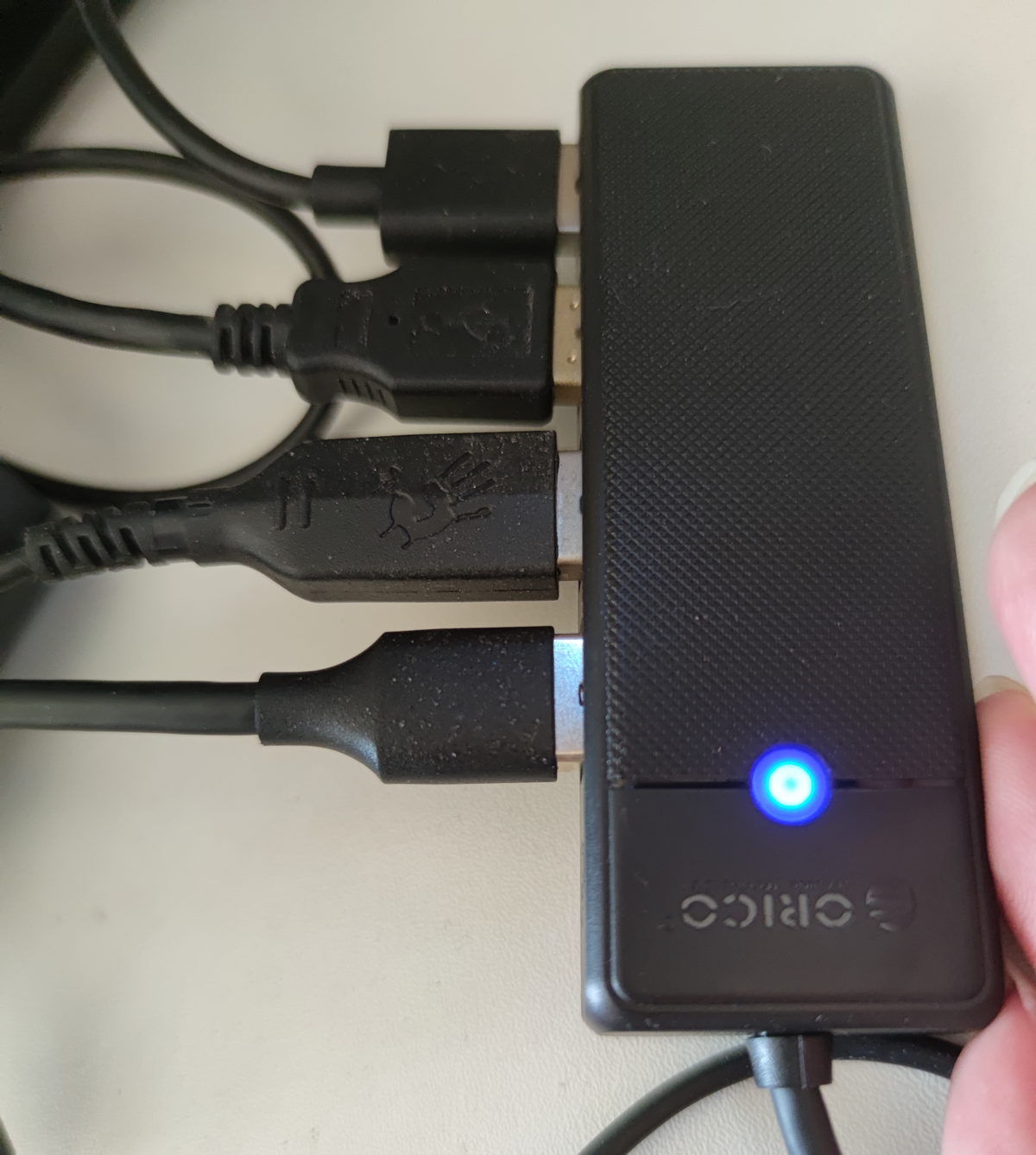
It provides 4 USB 3.0 ports with a 1.8m cable.
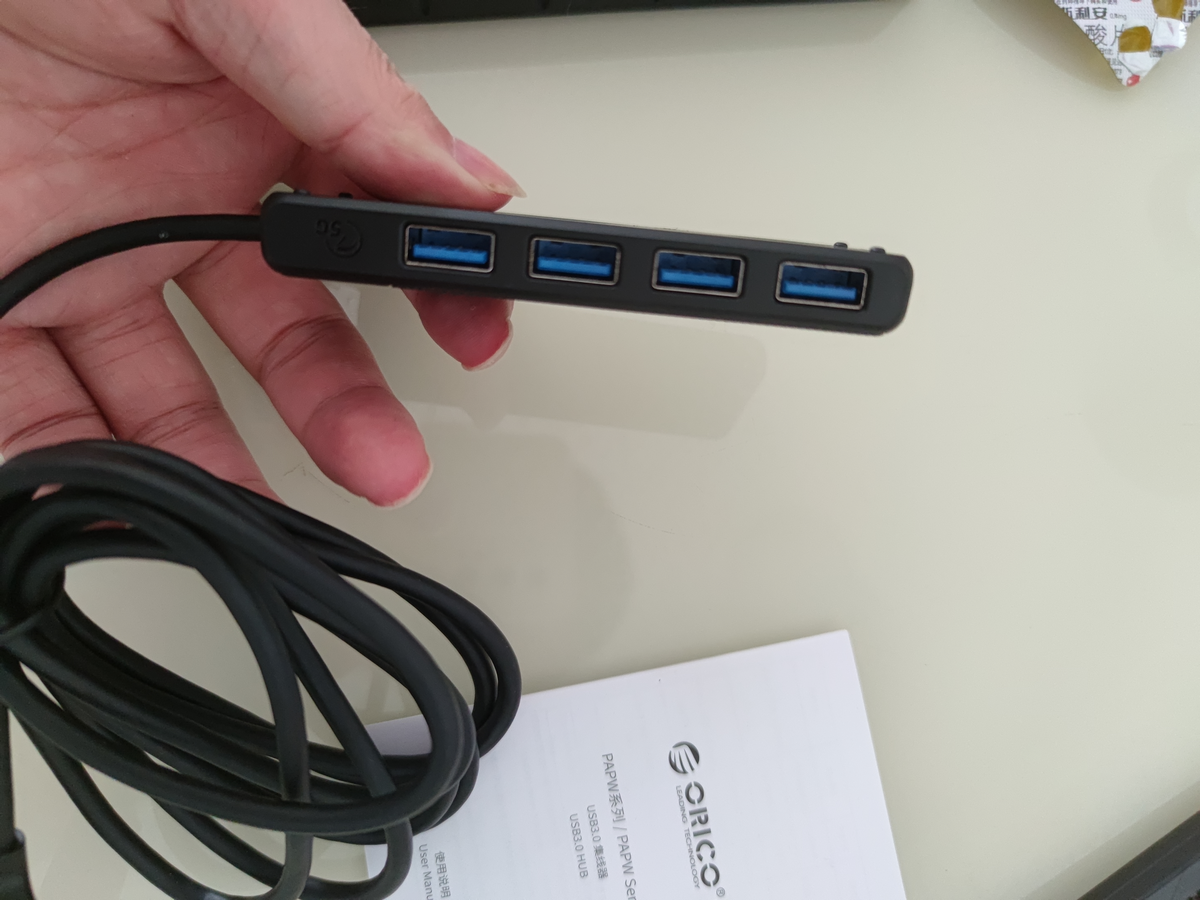
With all 4 ports plugged in, everything works normally. There is a small blue indicator light that stays constant during operation.
Speed Test
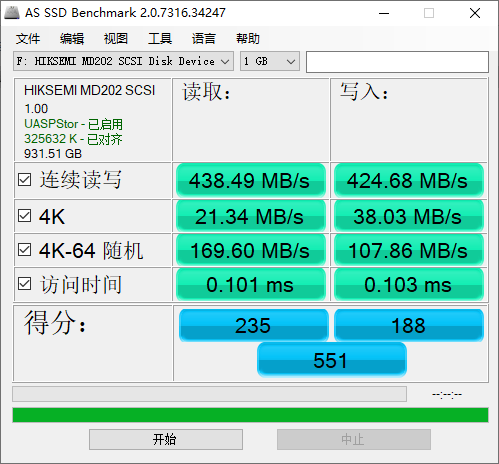
This is a Hikvision hard drive enclosure I bought previously (link), with speed testing done via direct USB connection.
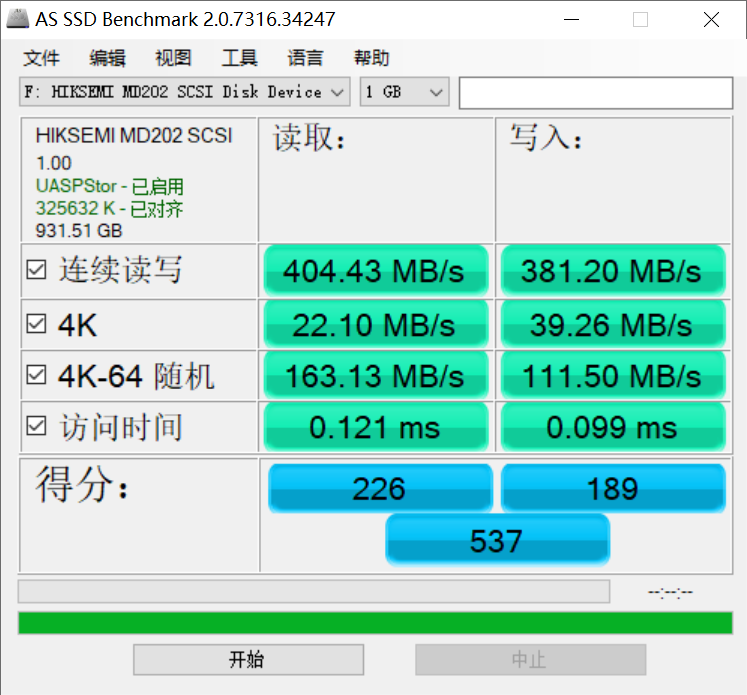
Now, I tested the speed with the hard drive enclosure connected to the USB hub. There is some loss, but it is not significant and is acceptable.
User Experience
- This ORICO hub has a strong plastic feel and the appearance is slightly ugly.
- During daily use, the hub generates very little heat.
- Using the hub results in some speed loss, but it is not significant.
- The 1.8m cable length is sufficient and very suitable for my height-adjustable desk setup.
Purchase Link: https://u.jd.com/azyHu5k