I Built Another Soft Router: Beelink GK55 Mini PC Review
I purchased a Beelink J4125 soft router during the Double 12 sale, but after reading reviews stating it only runs at base frequency without dynamic turbo boost and lacks a fan, I felt uneasy (though I wasn't entirely sure of the actual situation). Consequently, I returned it before it even arrived.
There are very few manufacturers producing soft routers, mostly small companies. Many products may not have passed 3C certification, leading to inconsistent quality, which is quite worrying. The soft router market is quite complex; for instance, the price range for the J4125 CPU varies significantly from 600 to 1200 yuan, making it difficult to find a reliable product.
I posted a request for help on the恩山 (Enshan) forum, where someone recommended the Beelink GK55 (reportedly available for around 800 yuan on Xianyu). This is the main subject of today's review. This mini PC supports dual "Crab" (Realtek) network ports, making it very suitable for use as a soft router and appearing relatively more reliable.
About the Brand
Before this, I had never heard of the Beelink (Lingke) brand. A quick online search revealed it is a company based in Shenzhen, seemingly primarily exporting to foreign markets.
I am not sure if this is the official website: https://www.bee-link.com/, as the interface defaults to English.
Configuration and Price
- CPU: J4125
- Memory: 8GB DDR4 (2400MHz)
- Storage: 128GB NVMe (supports an additional 2.5-inch drive bay)
- Wired Network: RTL8168/81111/8112 x 2
- Wireless: Supports Wi-Fi and Bluetooth
- Purchase Link: https://s.click.taobao.com/8UGkVcu
Here is a screenshot from Taobao showing the price and configuration:
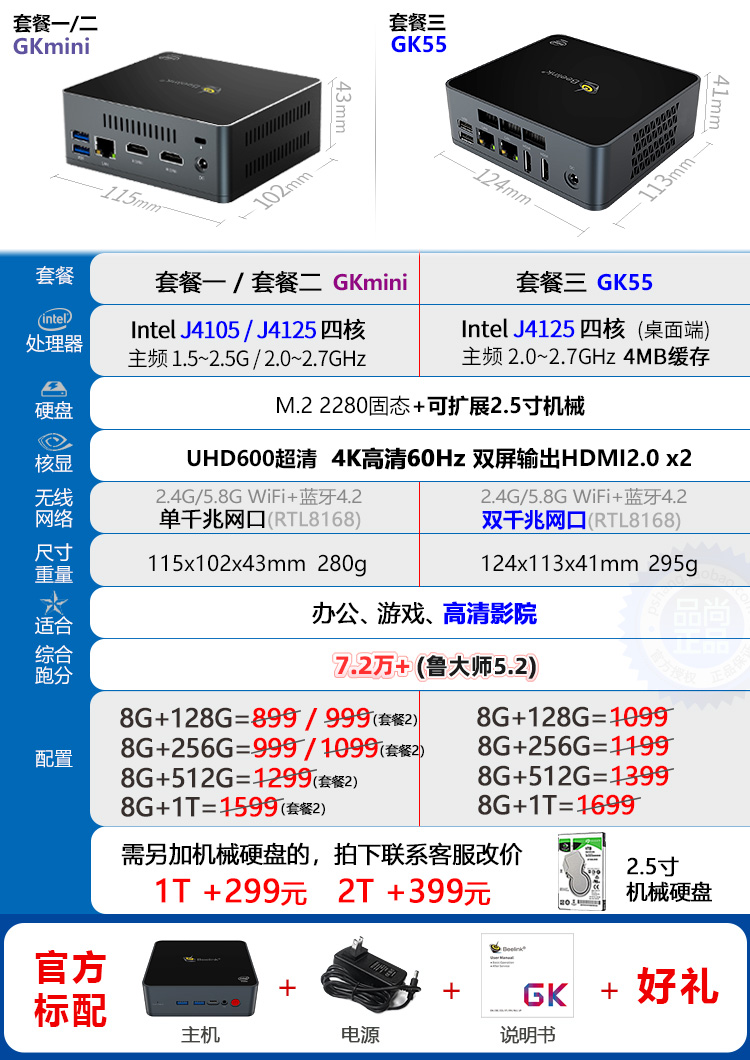
Note: The GKmini has a single network port, while the GK55 has dual ports. Do not buy the wrong one if you intend to use it as a soft router.
Unboxing
It arrived very light. Inside the outer box was a product inner box, all in English.
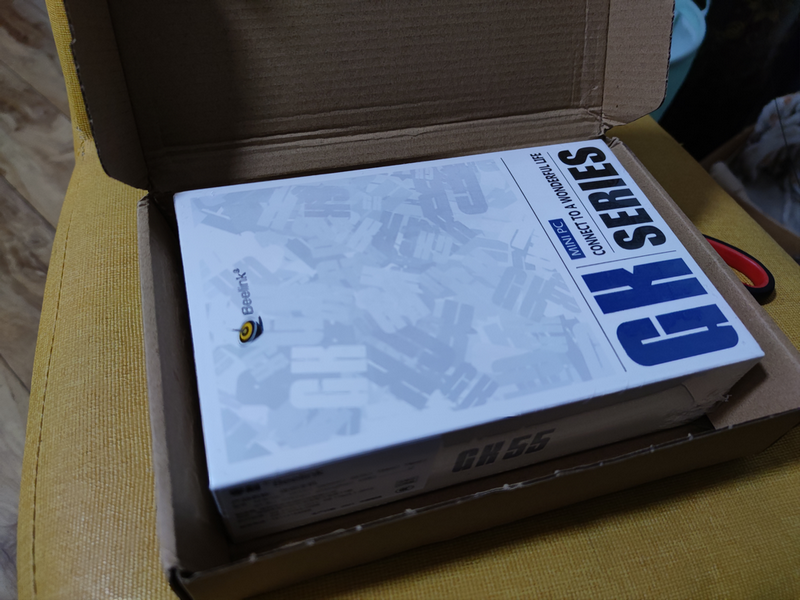
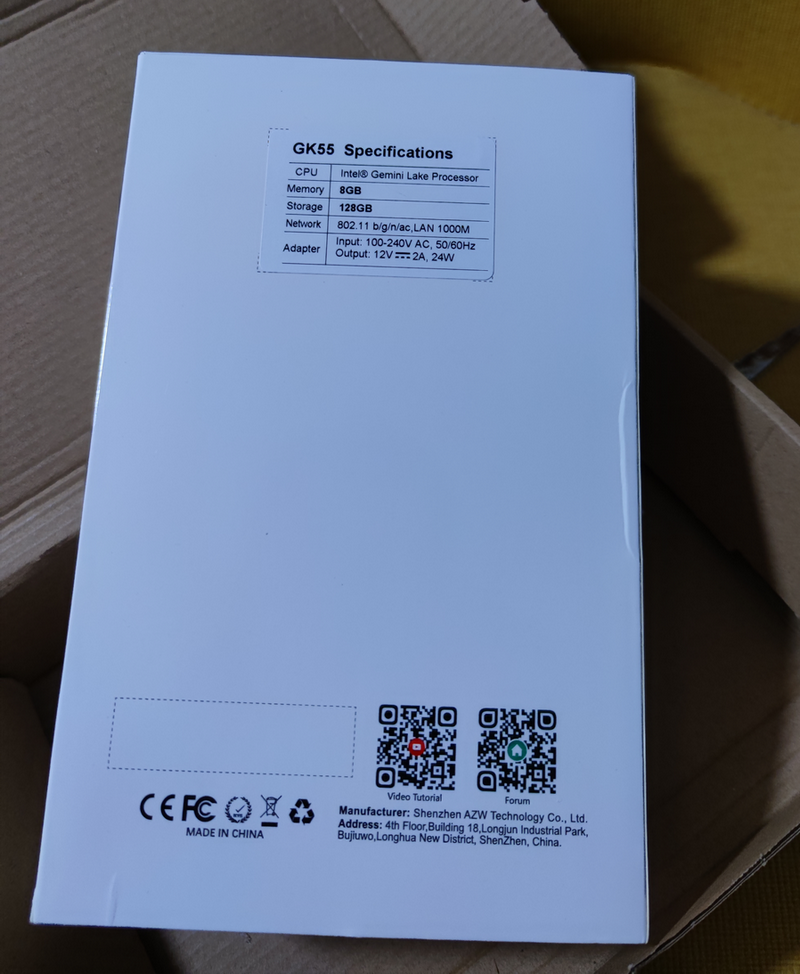
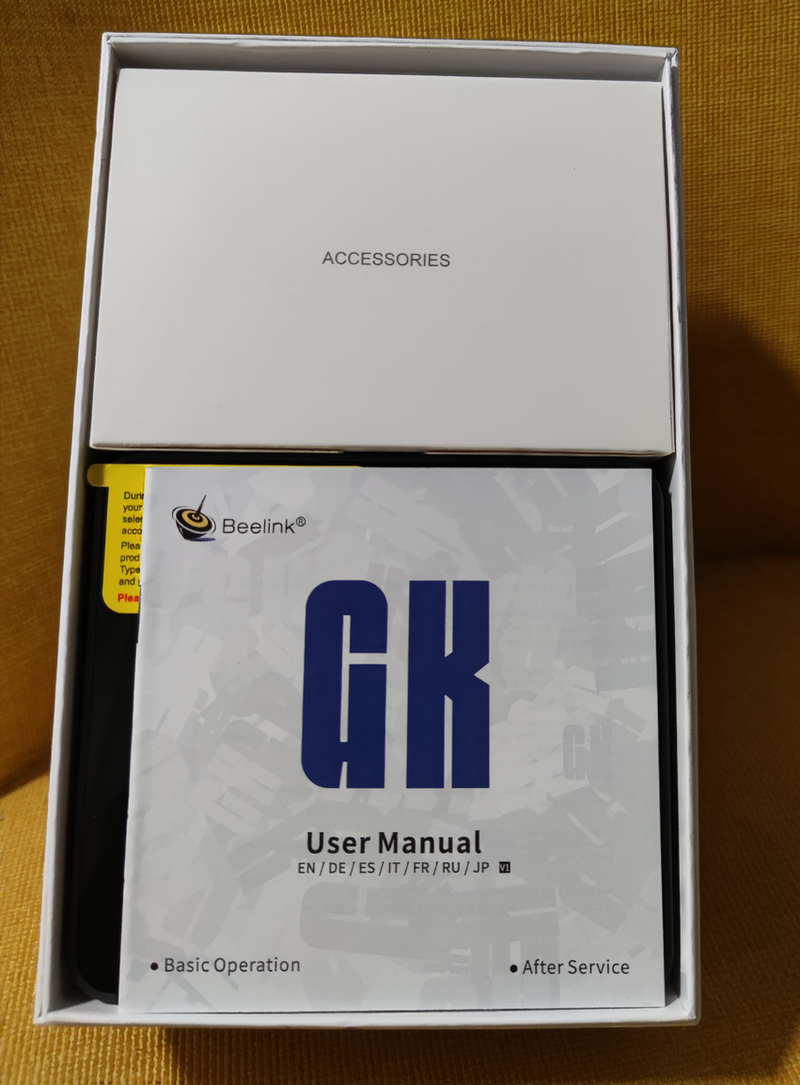
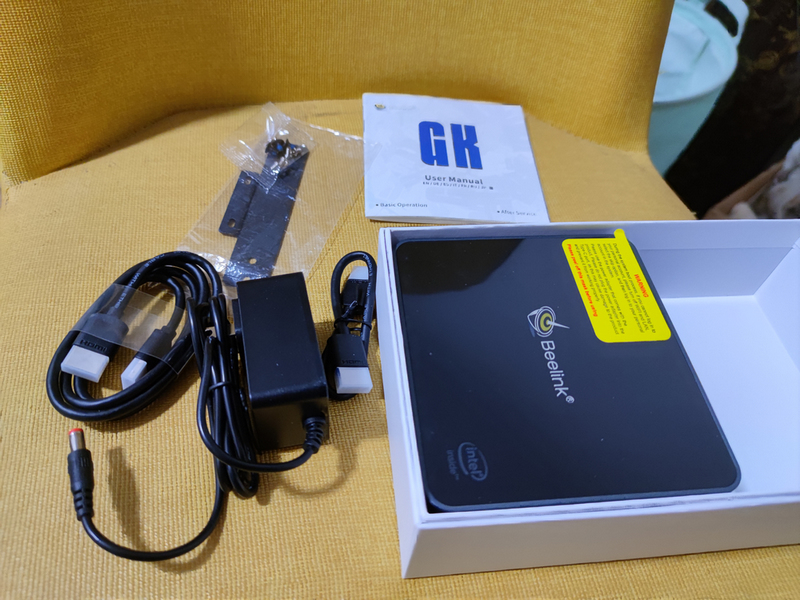
Next were the manual and accessories. The manual includes multiple languages but notably lacks Simplified Chinese. It came with two HDMI cables (one long, one short) and a power adapter.
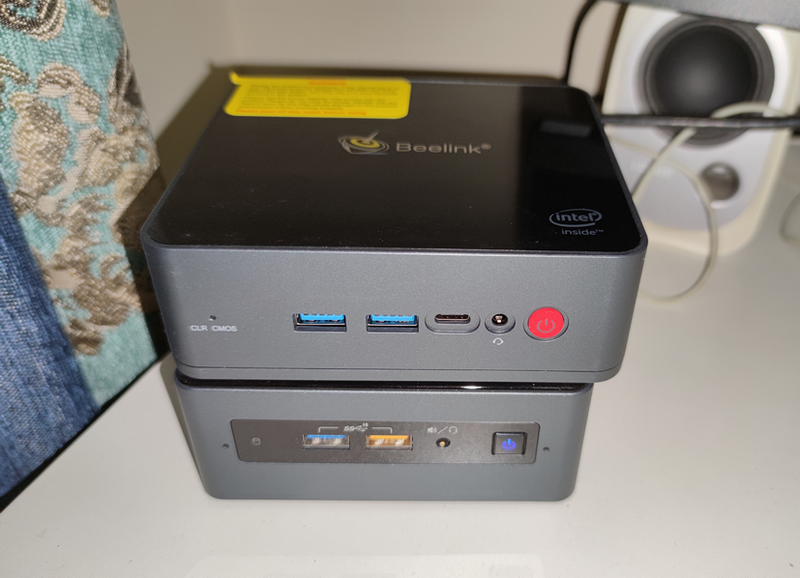
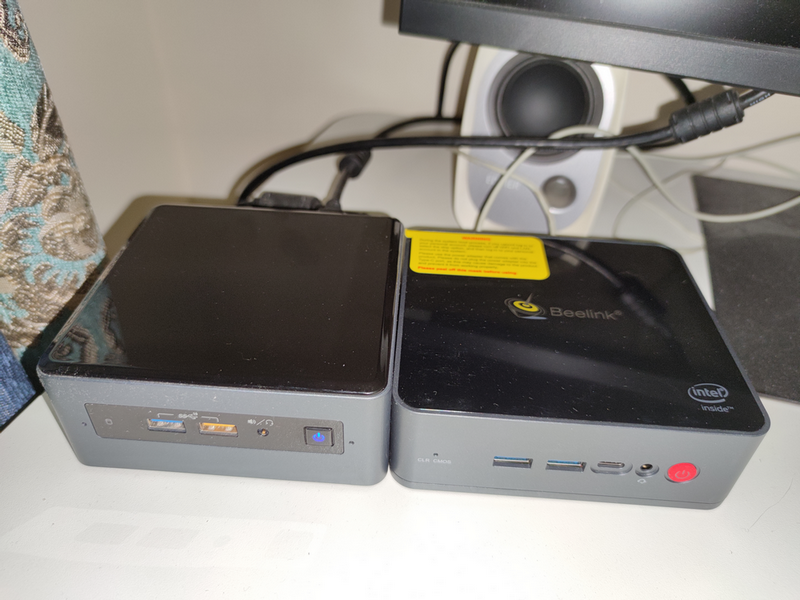
The front features two USB 3.0 ports, one Type-C port, and an audio jack. It is slightly wider than my NUC8i5BEH (Beelink on top, NUC below).
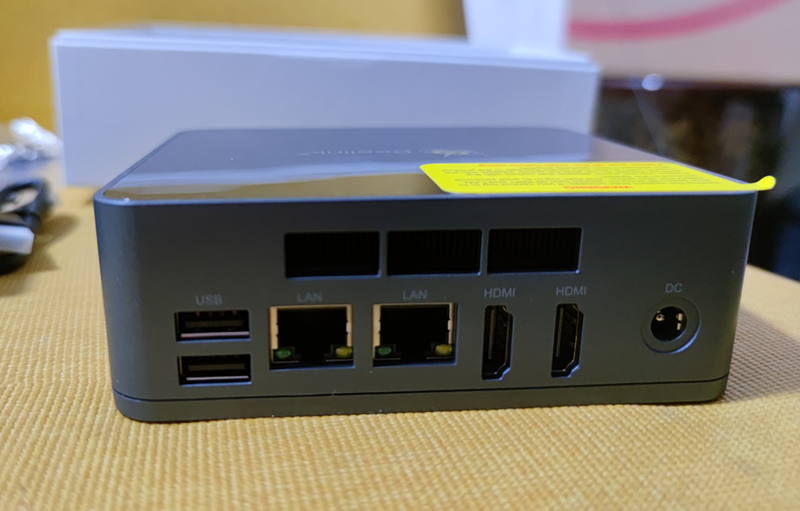
The back includes dual network ports, dual HDMI interfaces, and dual USB 2.0 ports. Overall, the interface selection is quite rich.
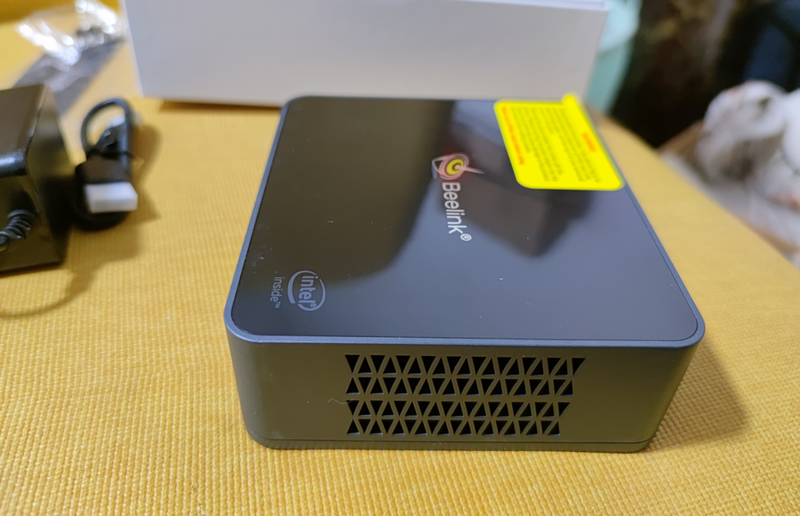
It has a built-in fan with ventilation holes on both sides.
The bottom has four rubber pads and four screws. After disassembly, you can see the memory and NVMe SSD. The SSD even has a heatsink attached (a thoughtful touch), and you can add a 2.5-inch hard drive yourself (note that the hard drive cable is connected to the case, so do not pull it off).
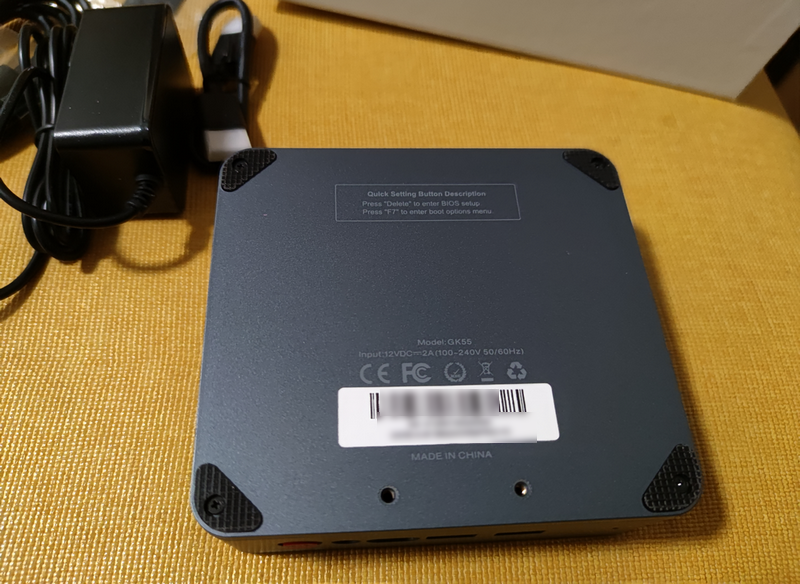
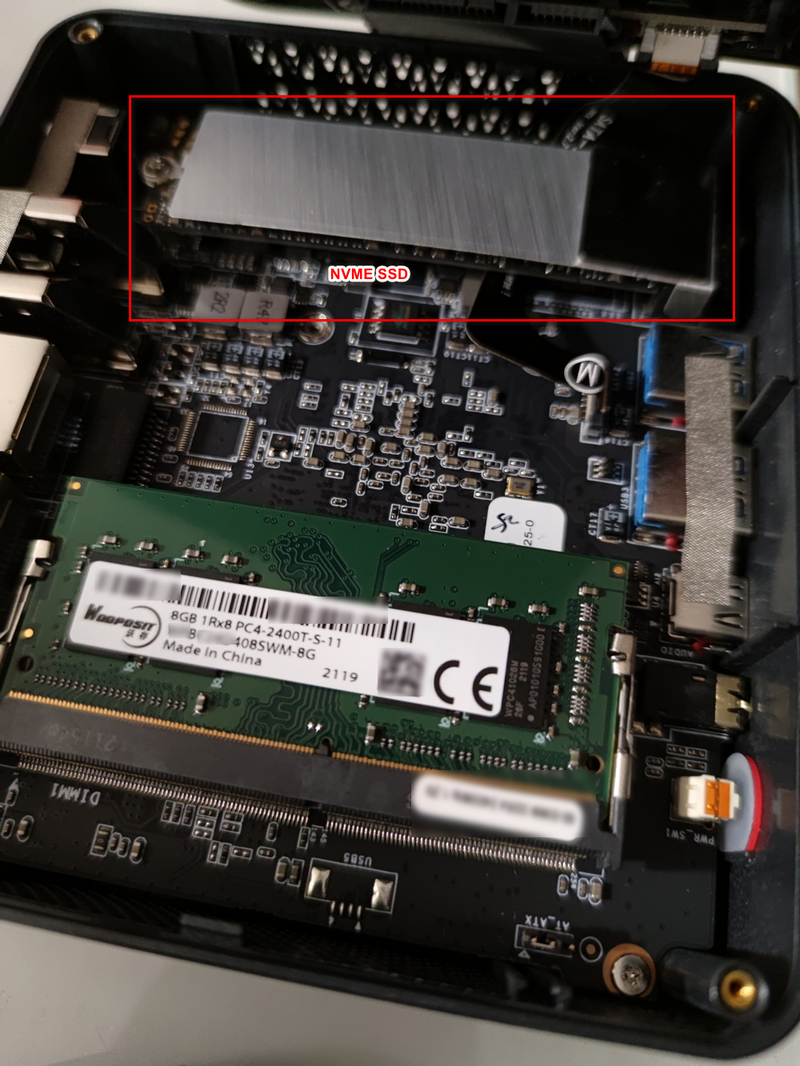
The GK55 is slightly wider than the NUC8i5BEH but thinner, making it very compact overall.
Review
The Beelink GK55 comes with a genuine Windows 10 system pre-installed. It requires manual initialization and contains no third-party software, keeping it very clean.
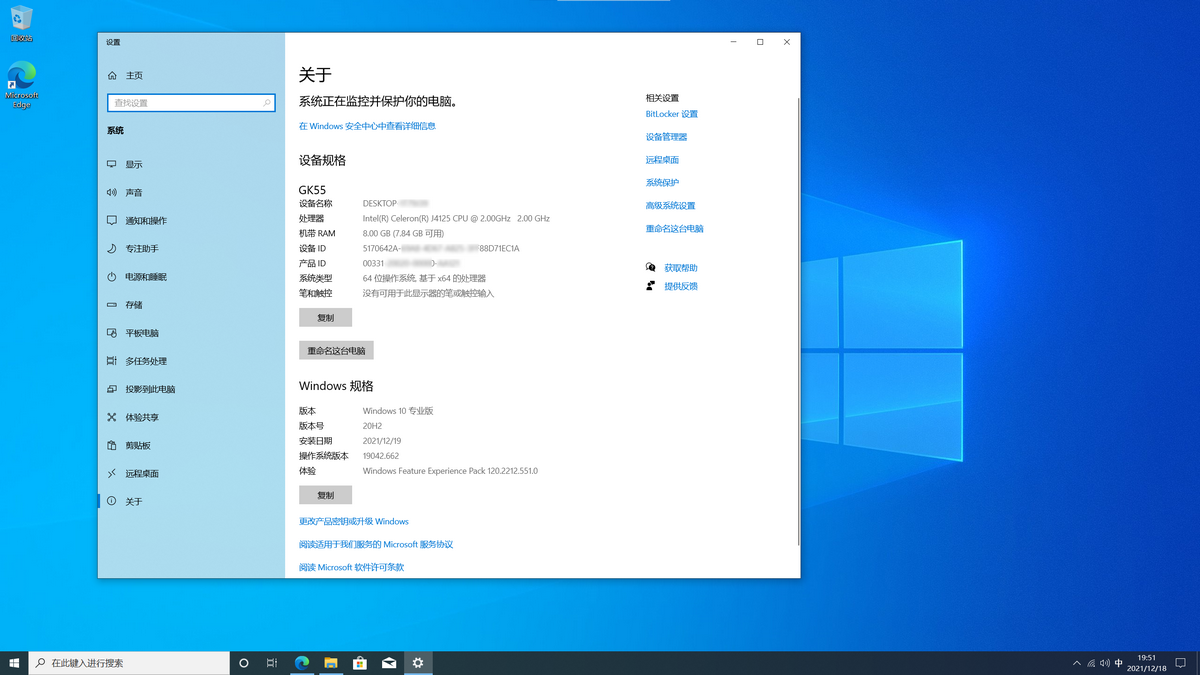
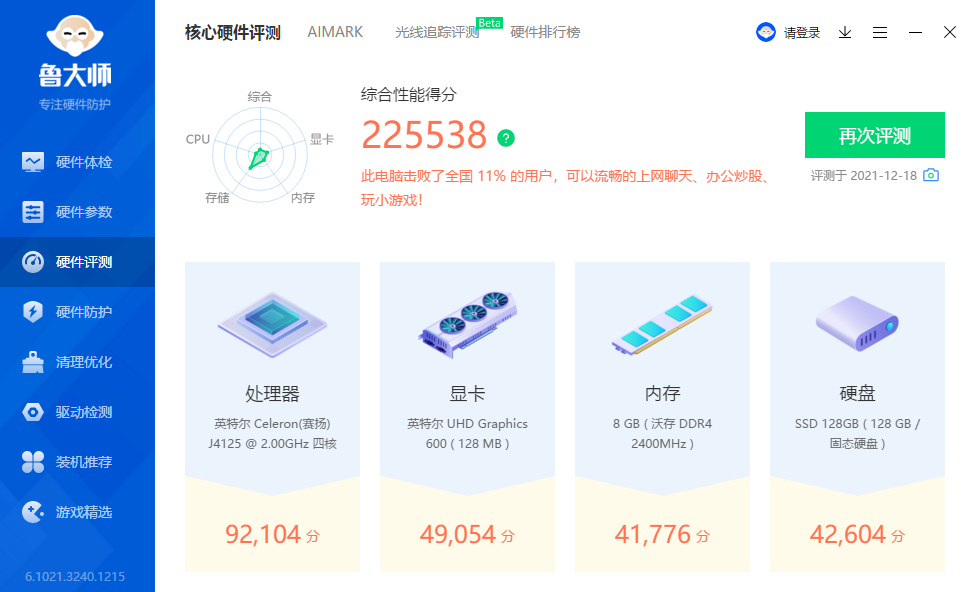
Here are some screenshots from the "Master of Entertainment" (Zhuji) benchmark tool:
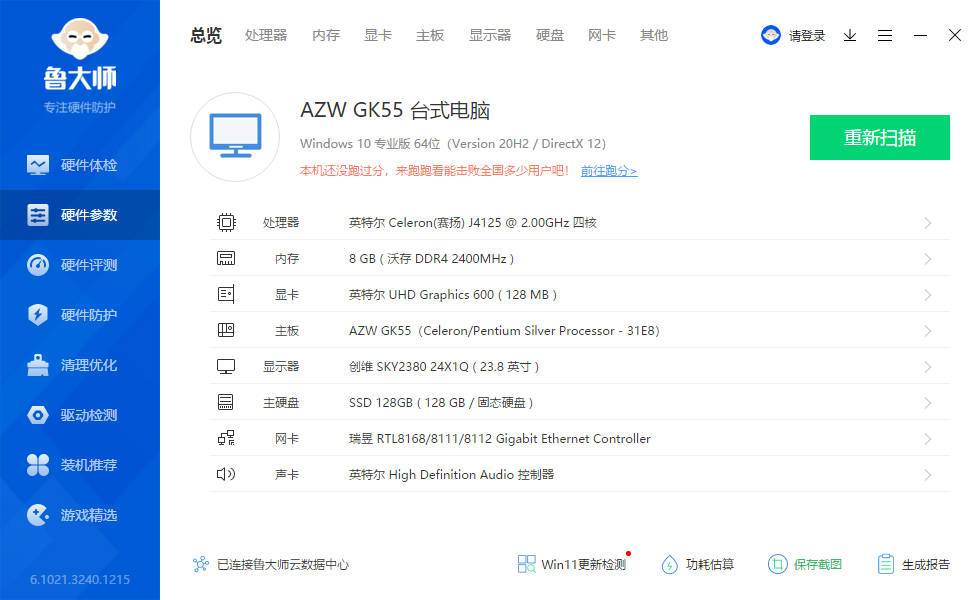
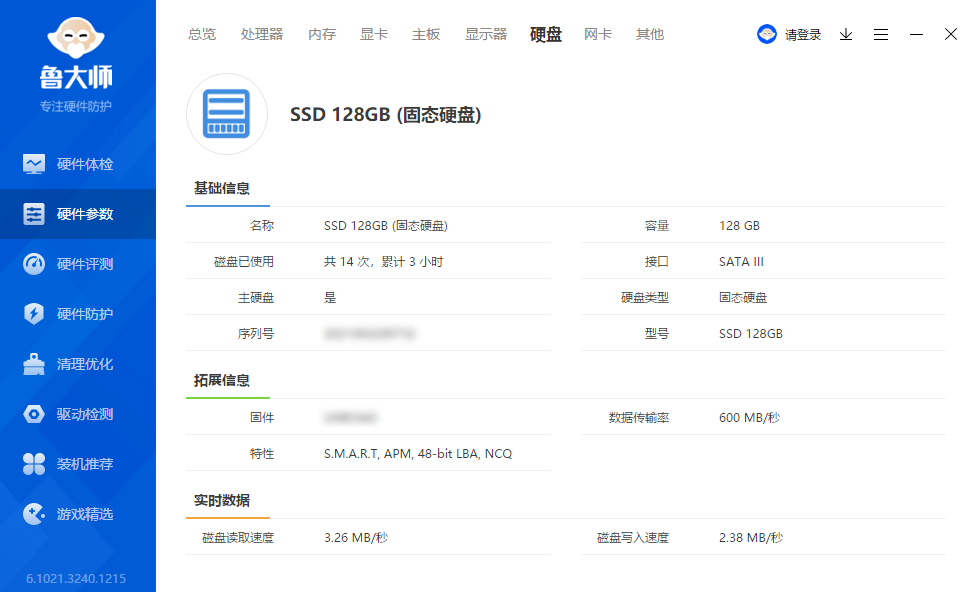
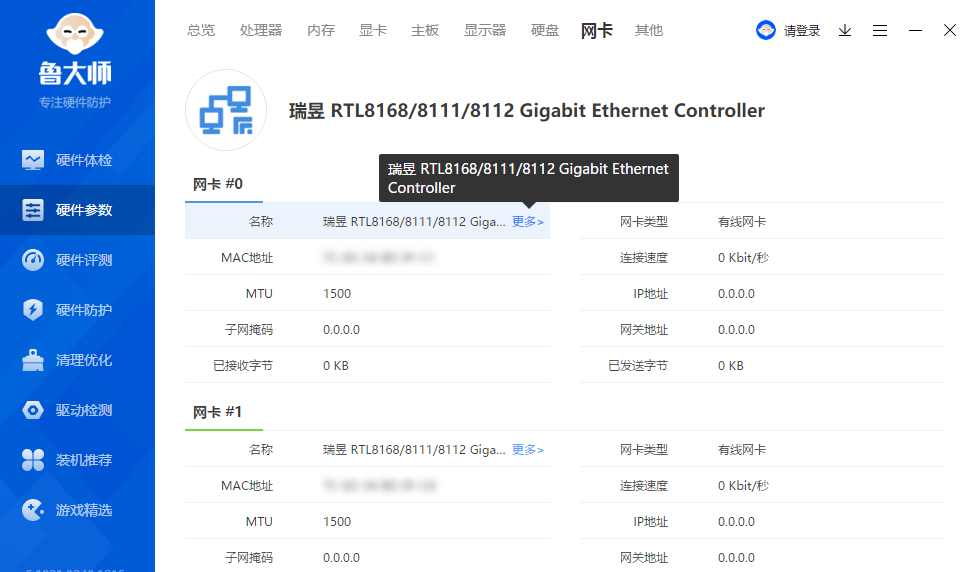
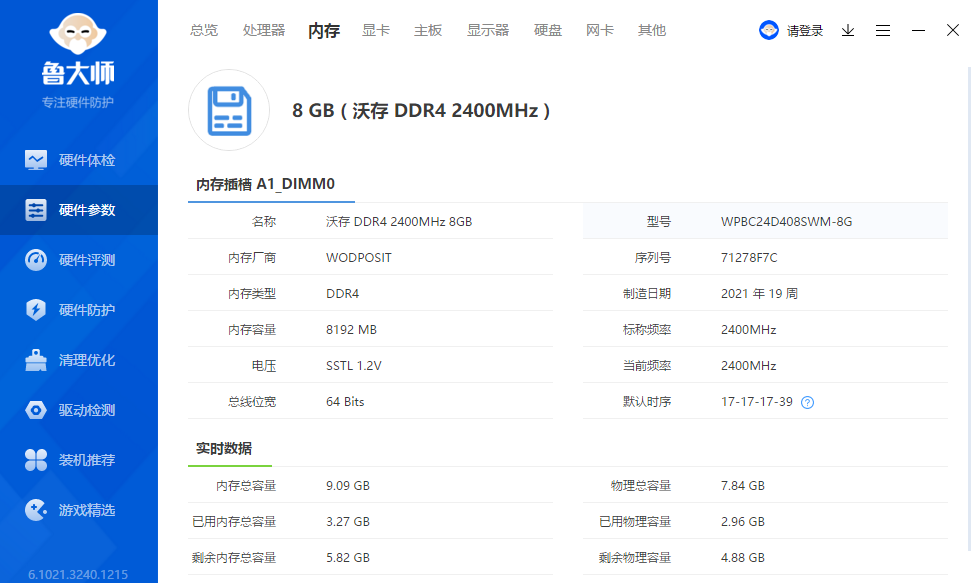
The Master of Entertainment score is 225,538, beating 11% of users nationwide, which is sufficient for smooth web browsing and chatting.
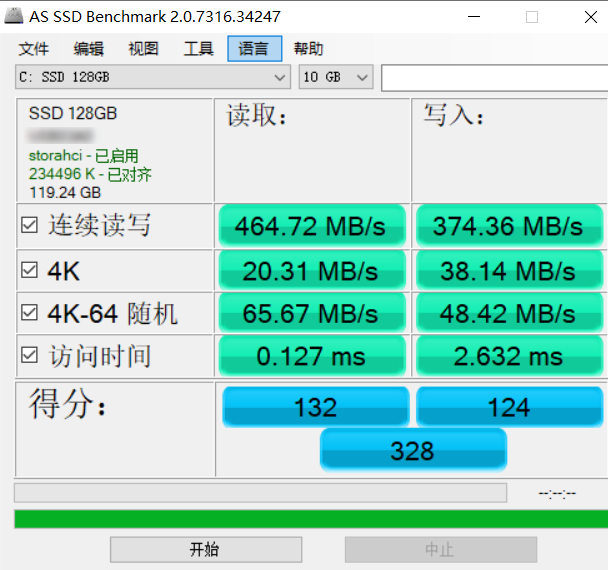
I tested the SSD with AS SSD, and the results are as follows (performance is average):
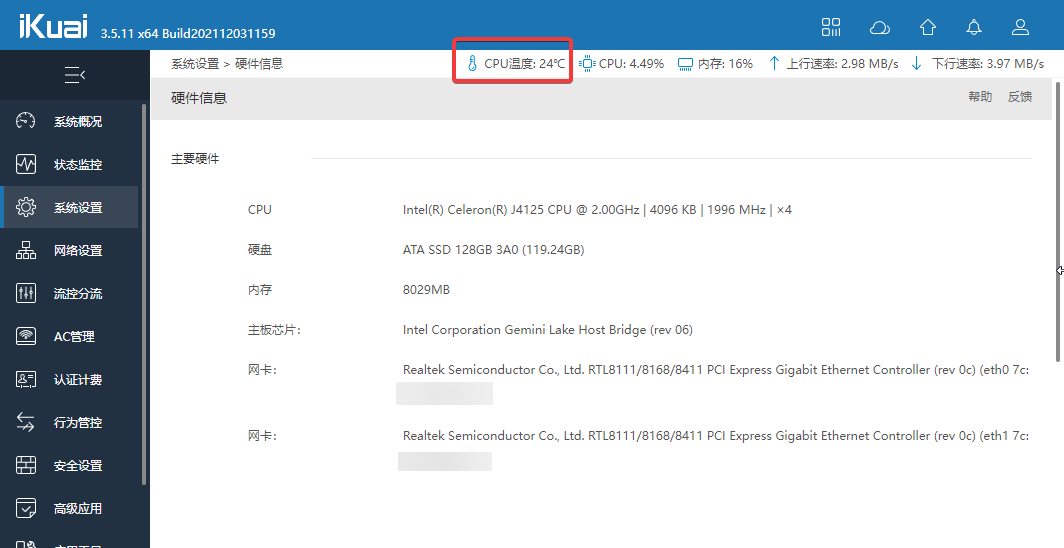
The J4125 is decent for browsing the web and watching videos, but I feel the performance is insufficient for office work or heavier tasks, so I do not recommend buying the GK55 for those purposes. I am using it as a soft router, where the performance is more than enough. After receiving it, I installed the iKuai soft router system (sadly, this meant losing the genuine Windows 10). With the built-in fan and the winter weather, the temperature stays below 30°C.
Conclusion
The Beelink GK55 is compact. Although it has a plastic casing, the build quality feels quite good, and it offers a rich selection of ports. It is very suitable for web browsing, watching videos, or acting as a soft router. If you need a machine for office work, I recommend a more powerful mini PC, such as an Intel NUC or the "Tianbao Mini PC" I previously purchased.
- Beelink GK55 Purchase Link: https://s.click.taobao.com/8UGkVcu
- Suspected Beelink Official Website: https://www.bee-link.com/