What to Do When WordPress Post Comments Are Disabled
wordpress comments disabledenable comments wordpresswordpress quick editfix comments not showingwordpress post settings
Published·Modified·
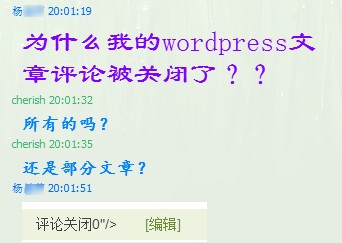
Recently, a friend messaged me on QQ saying their article comments were mysteriously closed. I have encountered this situation as well, and the solution is quite simple.
1. Find the Article with Comments Disabled in the Dashboard
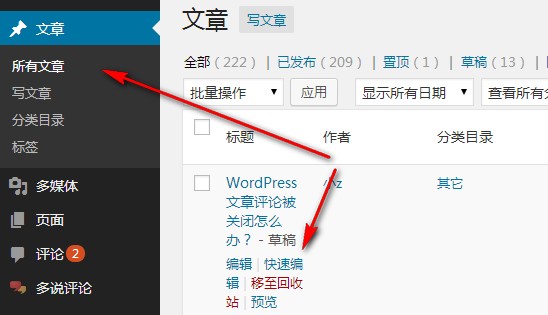
Go to All Posts and click Quick Edit on the specific article.
2. Enable Comments and Save
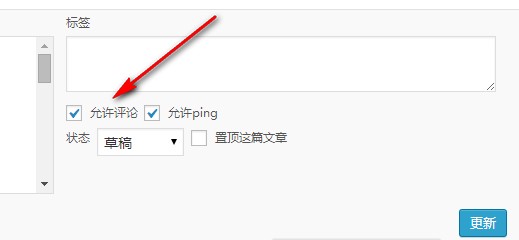
In the Quick Edit panel, locate the Allow Comments checkbox and ensure it is checked. Click Update to save the changes. After refreshing the page, the comment box will reappear.