Mercury SE109 Pro 2.5G Switch Review: Easily Upgrade Your Home Network
Recently, I planned to upgrade my home internal network from Gigabit to 2.5G, which required replacing the switch and network cables (some hardware devices already support 2.5G). Considering a limited budget, I ultimately chose the Mercury SE109 Pro 2.5G switch. Below is my personal experience sharing.
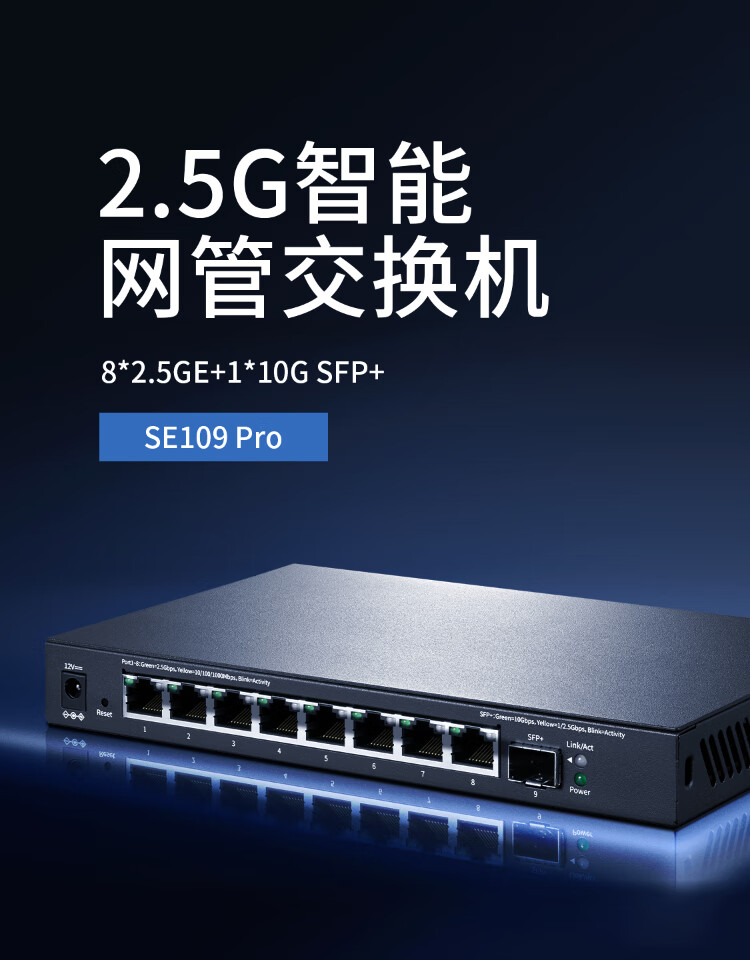
SE109 Pro Specifications
- 2.5G Ports: 8
- 10G Port: 1
- Web Management: Yes
SE109 Pro Purchase Link
The SE109 Pro costs just over 200, offering great value for money, especially with its management features.
SE109 Pro Purchase Link: https://u.jd.com/8GqeUW7
I purchased CAT6A network cables, which theoretically support up to 10Gbps. However, I must say that network cables are really expensive, and options for pre-made 2.5G cables are limited. Considering the budget, I chose the Shanzhe brand.
Shanzhe CAT6A 10G Network Cable: https://u.jd.com/8Oz1yfy
SE109 Pro Unboxing
The outer packaging is heavier than I expected.

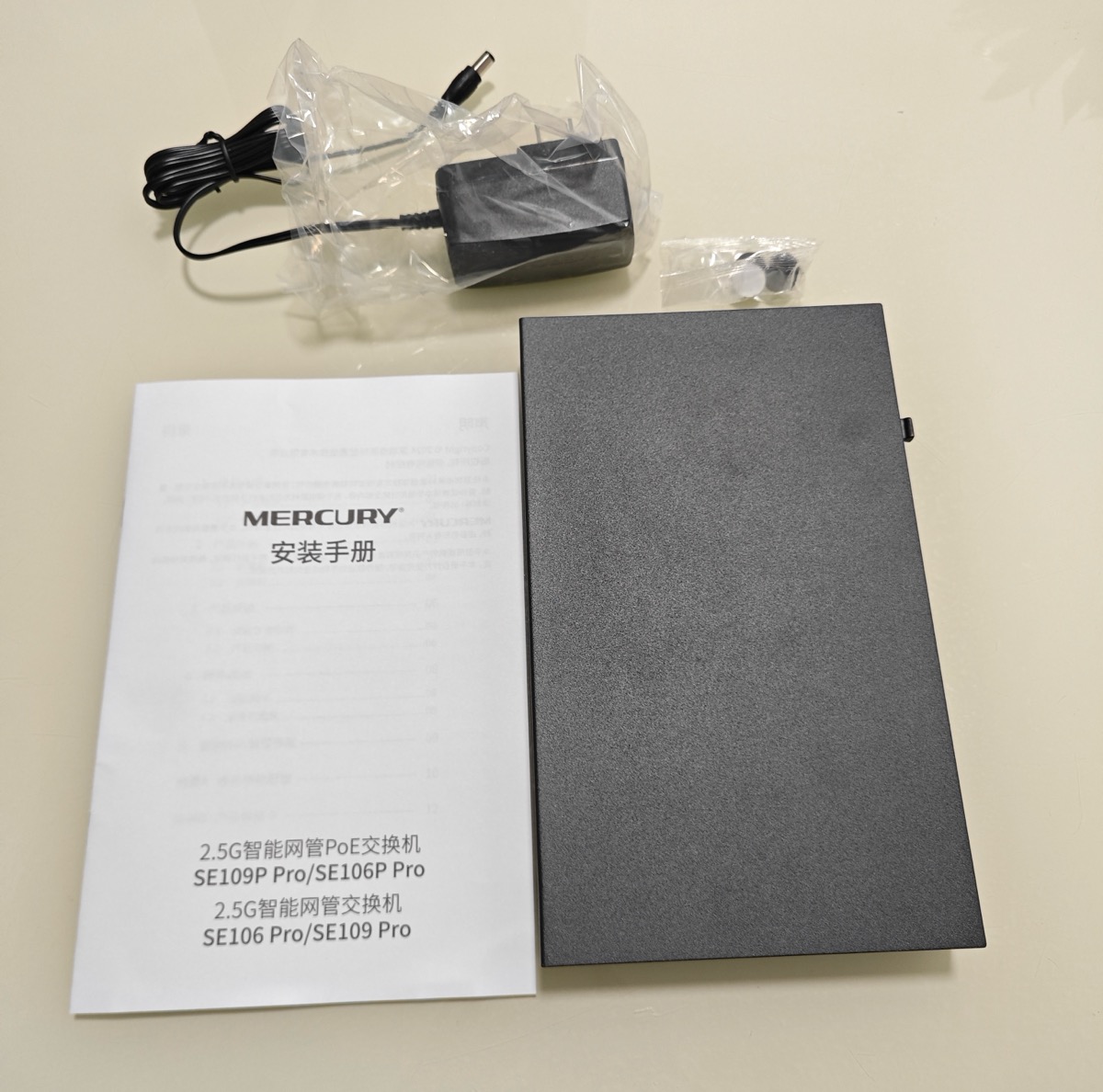
The accessories are simple, including the switch, power cord, manual, and rubber feet.
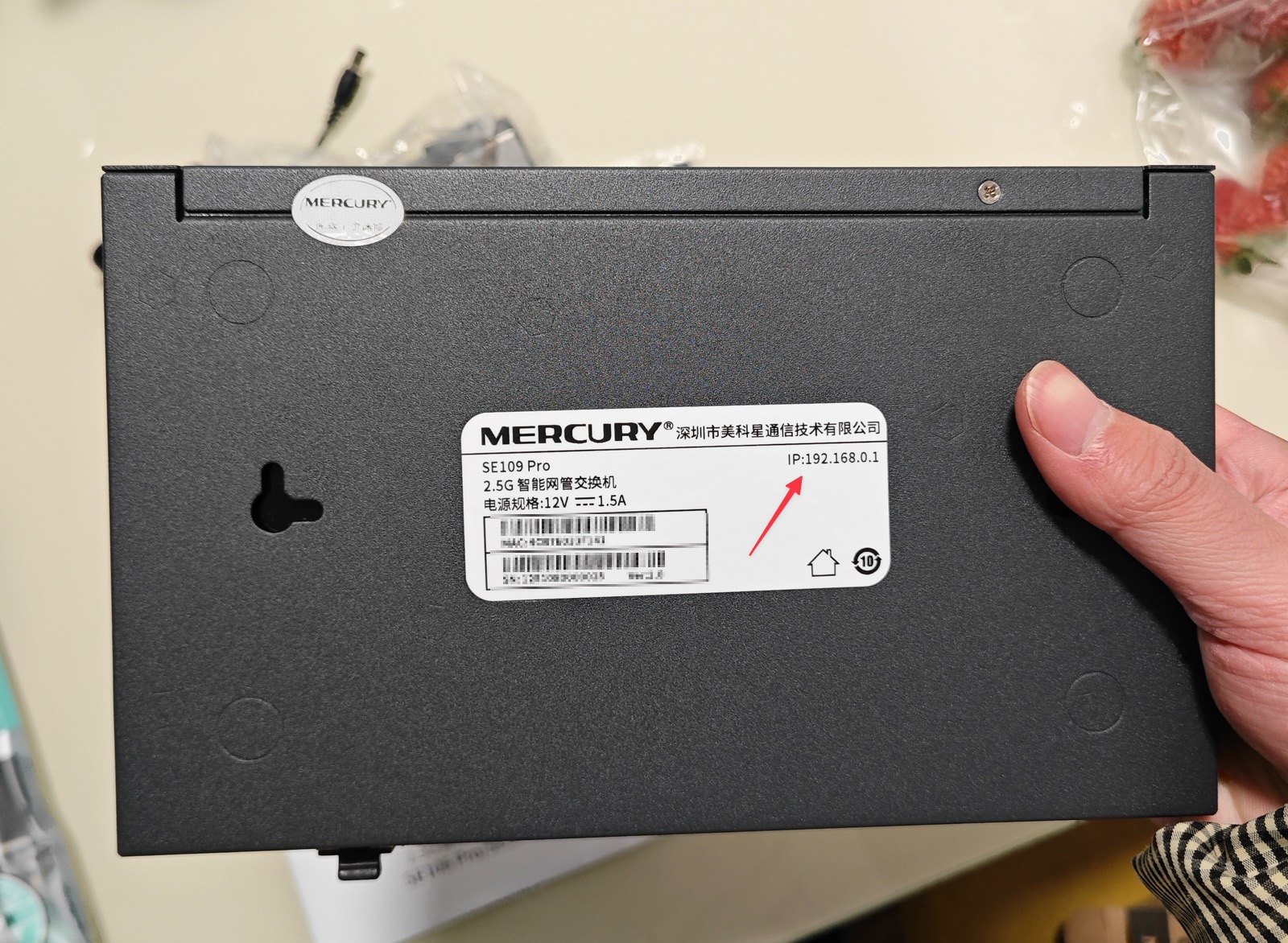
The back of the device indicates the web management address is: 192.168.0.1
Usage
The Mercury SE109 Pro features automatic recognition, making it easy for beginners to get started. If you don't need features like VLAN segmentation or port speed limiting, you generally don't need to log into the management interface; just plug in the cables and it works.
If you need to log into the management interface, there are two scenarios:
Scenario 1: Not Connected to a Router
If not connected to a router, after powering on the switch, connect it to a computer via a network cable. Set the computer's IP to the 192.168.0.x subnet, then access 192.168.0.1. The first time you visit, you will be prompted to set an account and password.
Scenario 2: Connected to a Router
If the switch is connected to a router, it will default to obtaining an IP via DHCP. In this case, you can only guess the switch's IP address by checking the terminal IP list on the router.
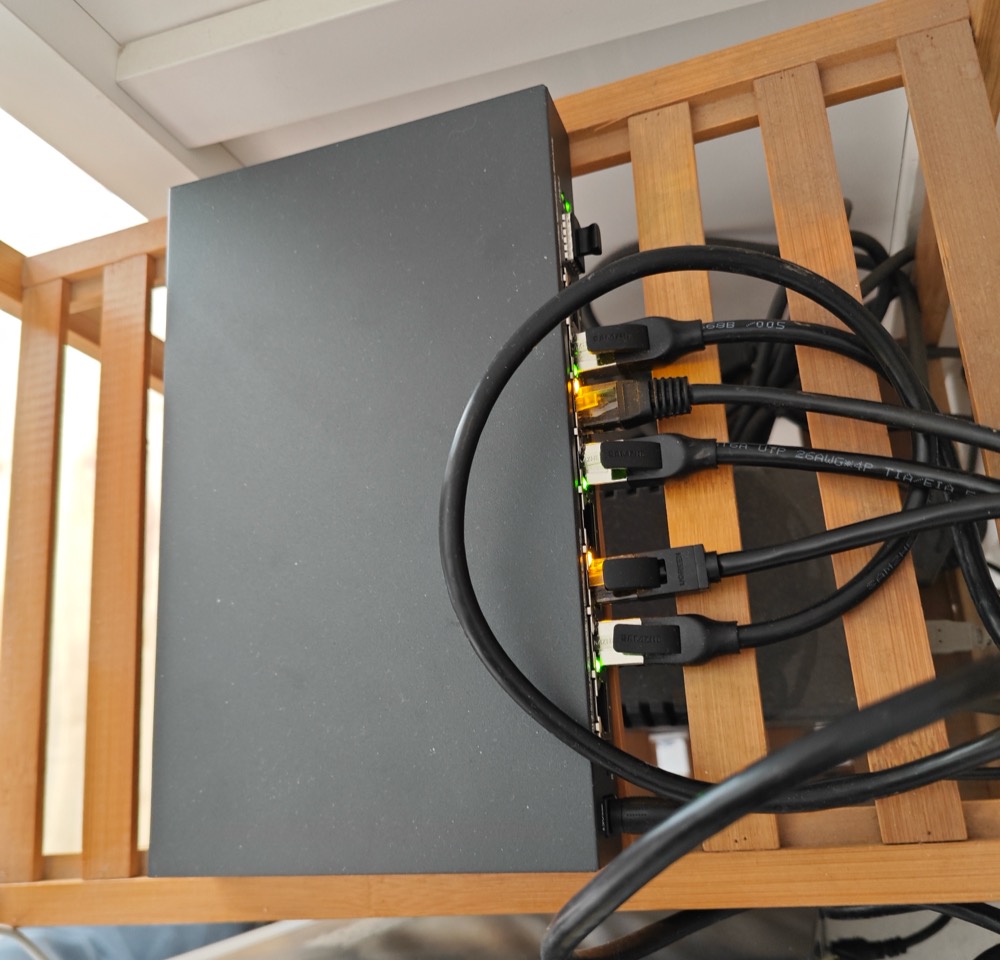
The backend allows you to view the status of each port.
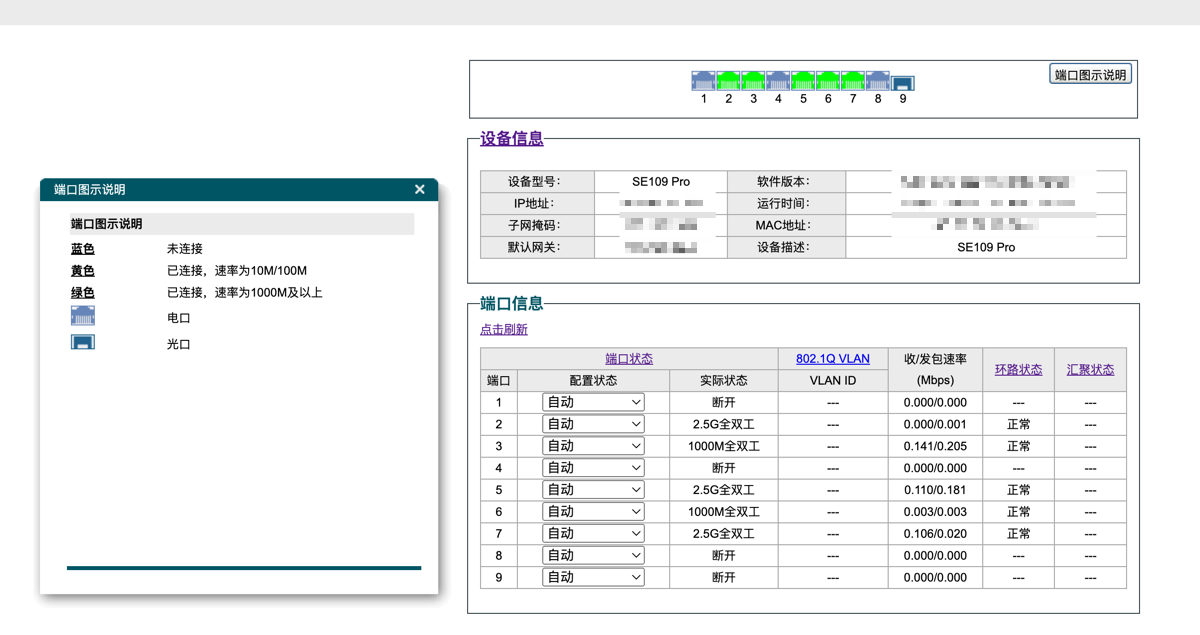
According to the prompts, a green indicator light means 1000M or higher. However, in my personal testing, 2.5G connections show green, while Gigabit connections show yellow (uncertain if this is due to inaccurate detection or the cable type).
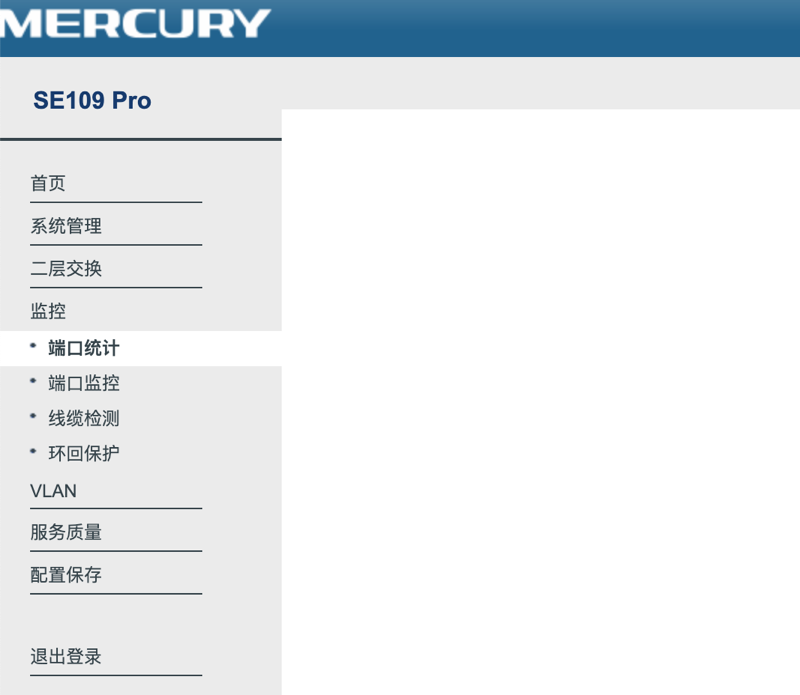
The management backend functions are shown below, allowing for VLAN segmentation, QoS speed limiting, etc. Getting a managed switch at this price point is quite good.
Conclusion
After upgrading to a 2.5G switch, both the network cables and device ports must support 2.5G or higher; otherwise, there will be no actual speed improvement. Currently, the 2.5G solution is still relatively expensive, and Gigabit remains the mainstream standard. If there is no urgent need, I personally suggest not rushing to upgrade. Waiting for prices to drop before replacing equipment would be more cost-effective.
Although I have upgraded to a 2.5G network, including replacing cables and using 2.5G network cards, actual speed tests ranged between 1.5Gbps and 2Gbps. While there is an improvement, it did not reach full capacity, and the cost increased significantly.
SE109 Pro Purchase Link: https://u.jd.com/8GqeUW7