GitMind: A Simple, Versatile, and Free Online Mind Mapping Tool
GitMind is a lightweight, free online mind mapping software with a clean and easy-to-use interface. It can be accessed directly via PC browsers, WeChat on mobile, and mobile browsers, featuring automatic cloud storage for seamless usage.
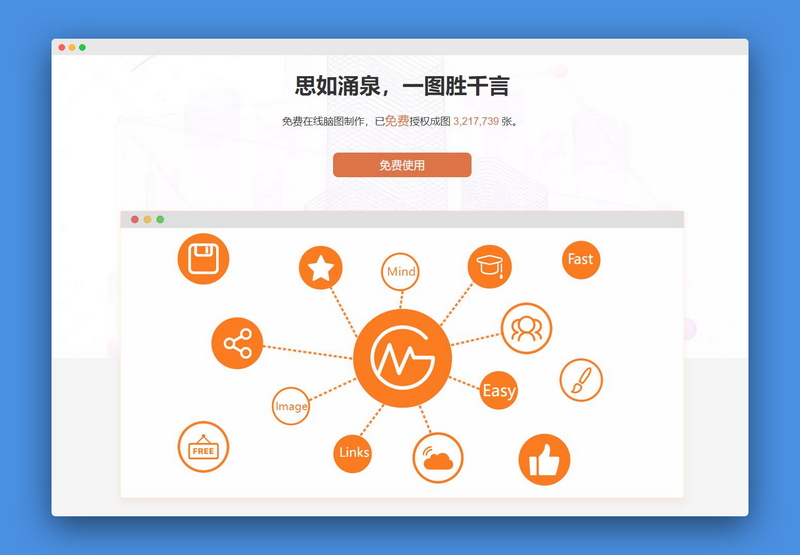
The software supports automatic layout adjustments with a single click, offers over 10 diverse themes, and enables rich text editing including image and link insertion. Users can create folders for batch file management, export high-quality images and TXT files, and utilize collaboration and sharing features to create mind maps, logic structure diagrams, and organizational charts.
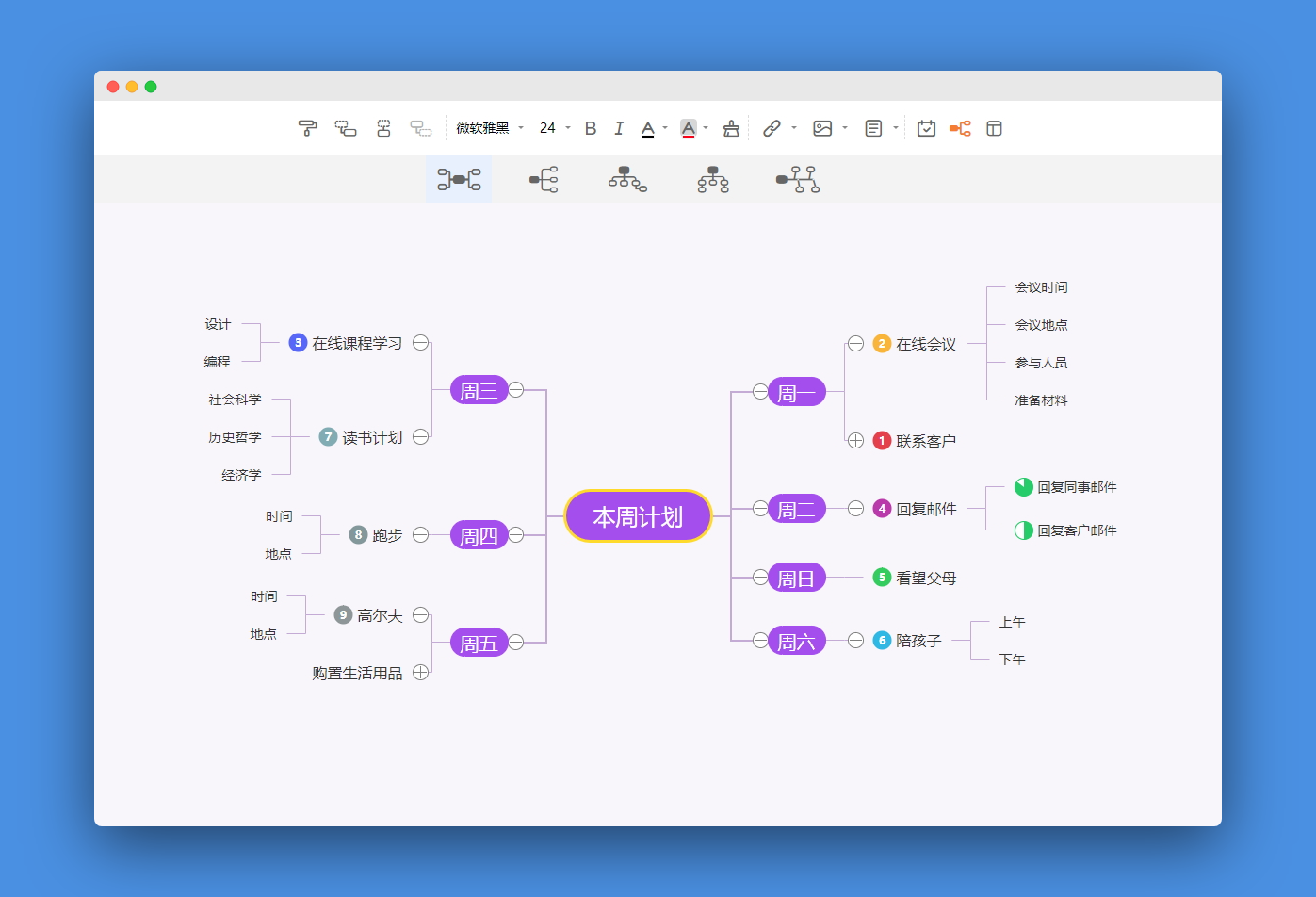
GitMind Official Website: https://gitmind.cn/
You can also use the WeChat version by following the official account "GitMind".

Software Features
1. Shortcut Keys
With appropriate shortcuts, you can quickly create the desired mind map. Use the "Enter" key to add sibling nodes, "Tab" for child nodes, and "Shift + Tab" for parent nodes. If a node is unsatisfactory, you can delete it using the "Delete" key.

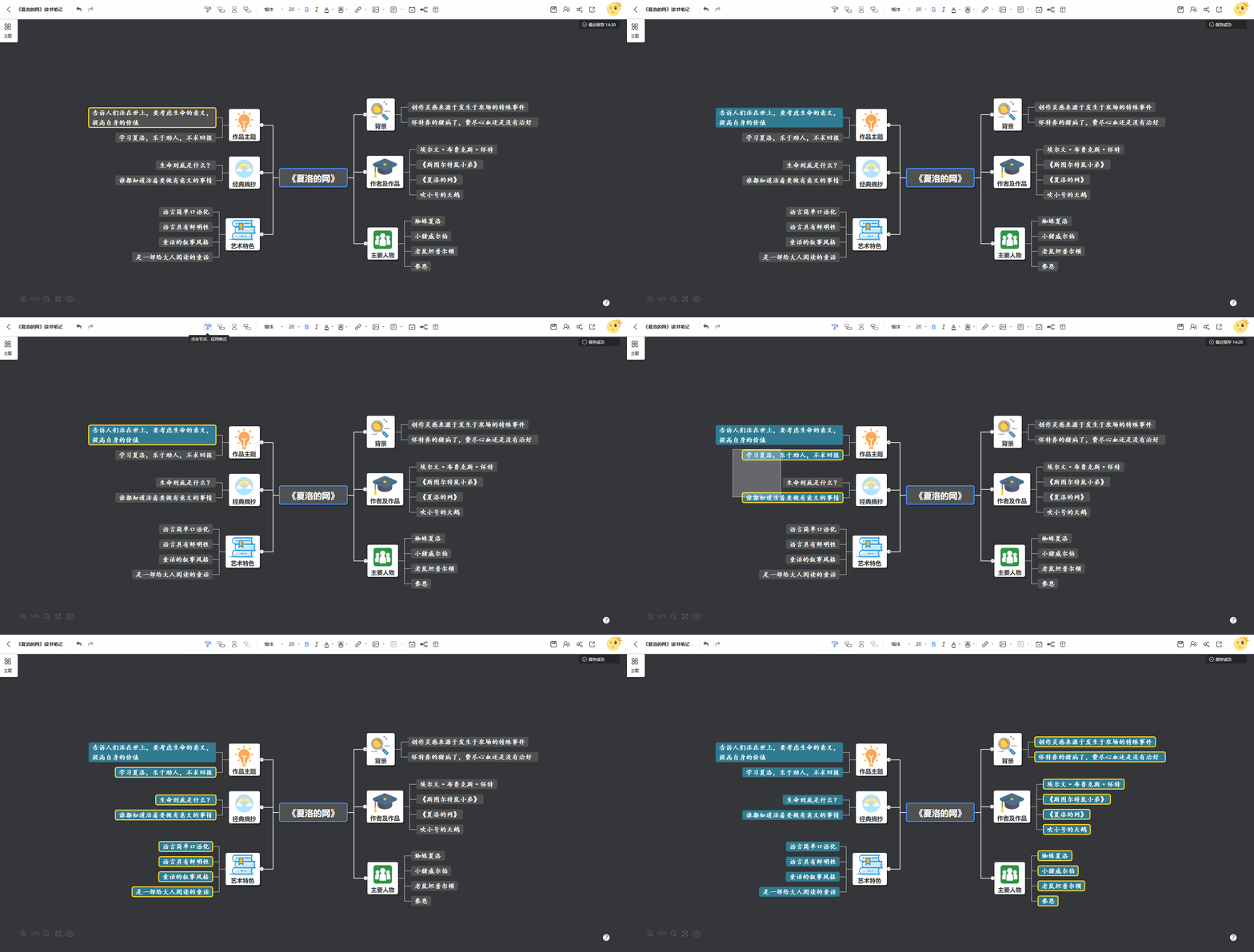
2. Format Painter
Select a theme or text, click the [Format Painter] icon, and then click the target theme or text. The formatting will be automatically copied to the selected elements.
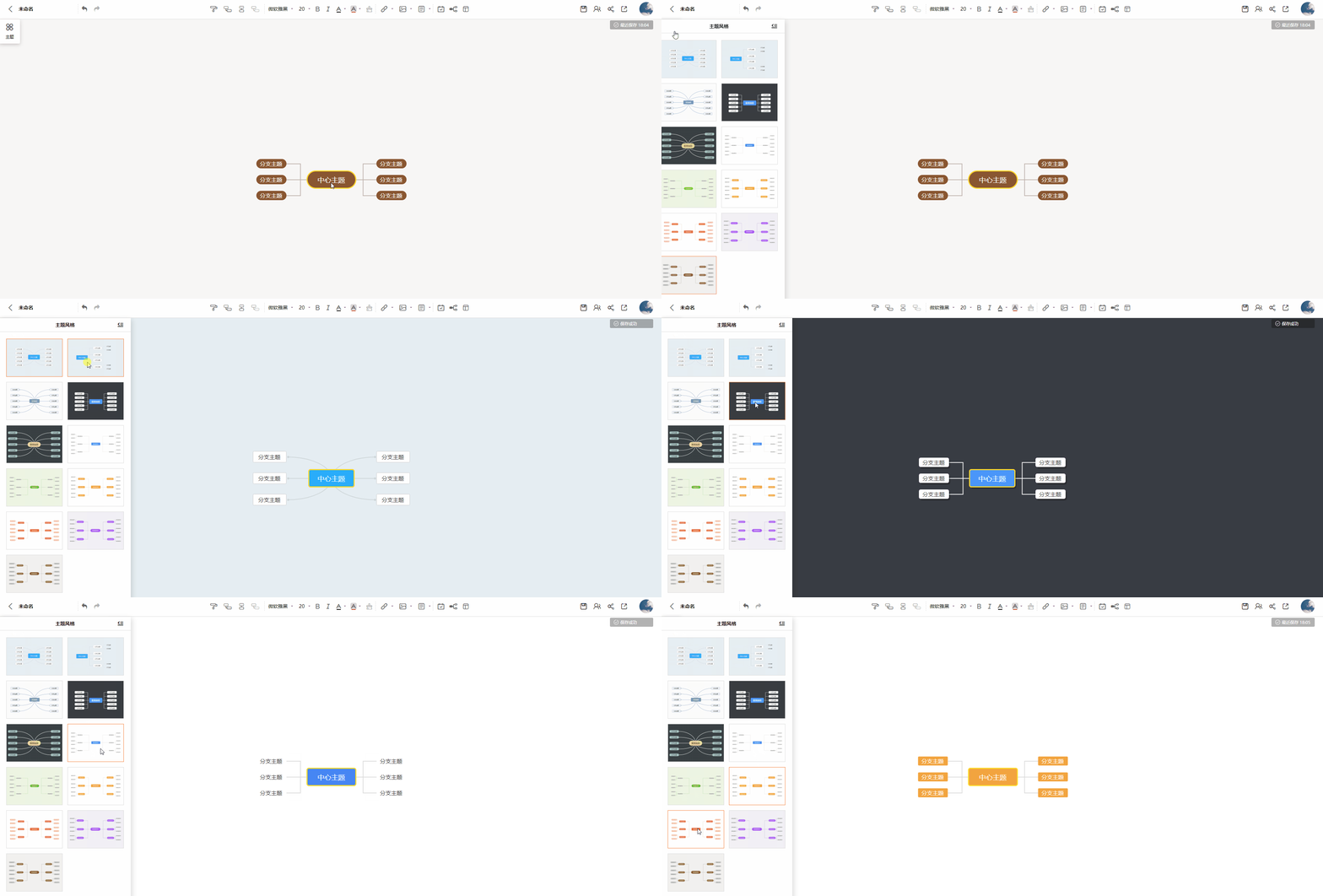
3. Rich Themes
After creating a new mind map, click [Theme] to choose from over 10 available themes.
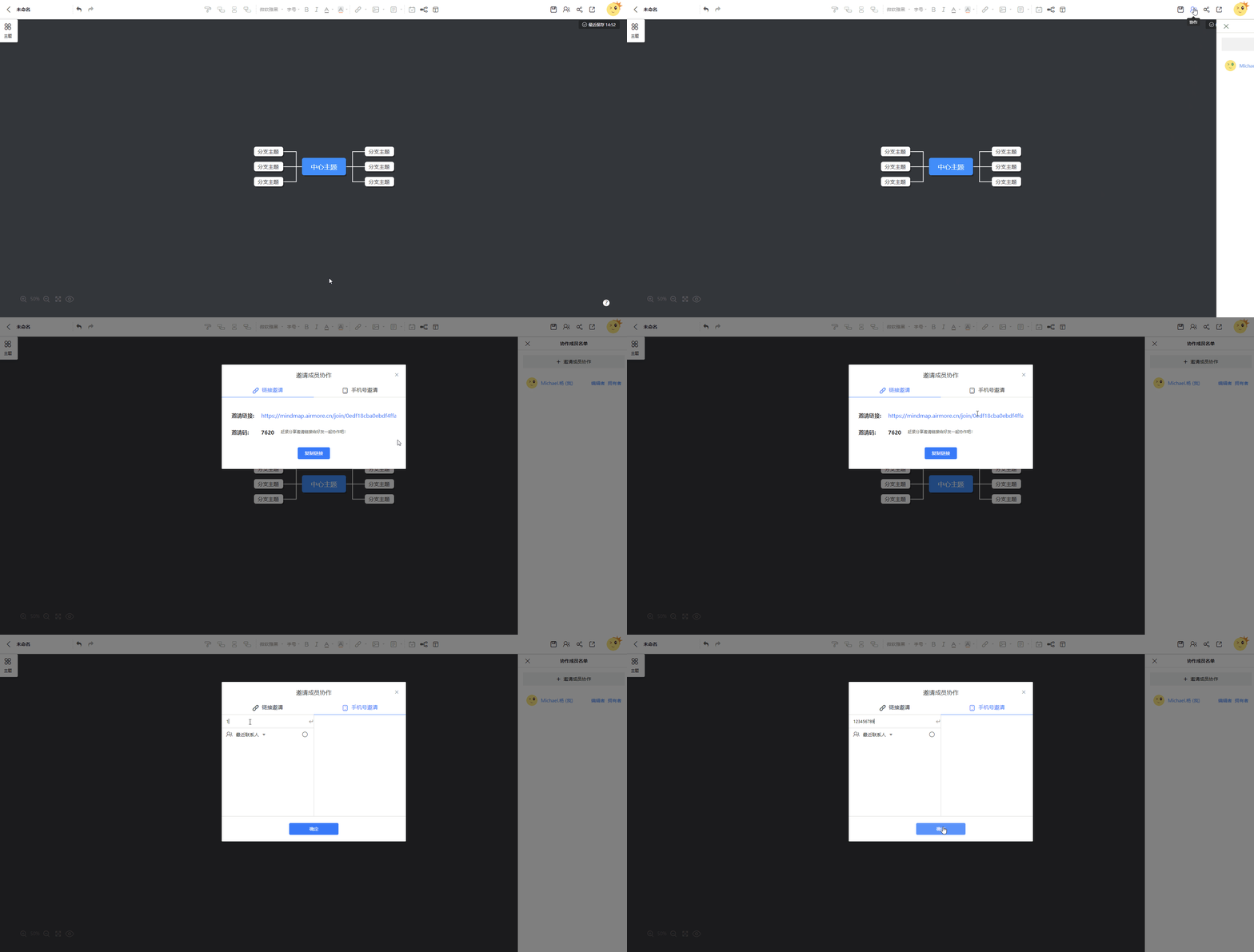
4. Multi-user Cloud Collaboration
Click [Collaboration], select [Invite Members to Collaborate], and invite others via link or phone number.
Other Notes
GitMind is currently available for use within WeChat on mobile devices. The official team is actively developing a dedicated App version, with more practical features to be expected in the future!
GitMind Official Website: https://gitmind.cn/