I Refactored My Generic Network Toolbox TCPLab: Can It Be Your Backup?
Several years ago, xiaoz created a network toolbox called TCP.mk. While such common tools may not have many users, that doesn't matter; the most important thing is personal satisfaction. Recently, I spent a few days refactoring this network toolbox, launching it under a new name (TCPLab) and a new domain: https://tcp.lc/. If you already have a reliable network tool, please continue using it. However, if you are looking for a backup option, I recommend my TCPLab.
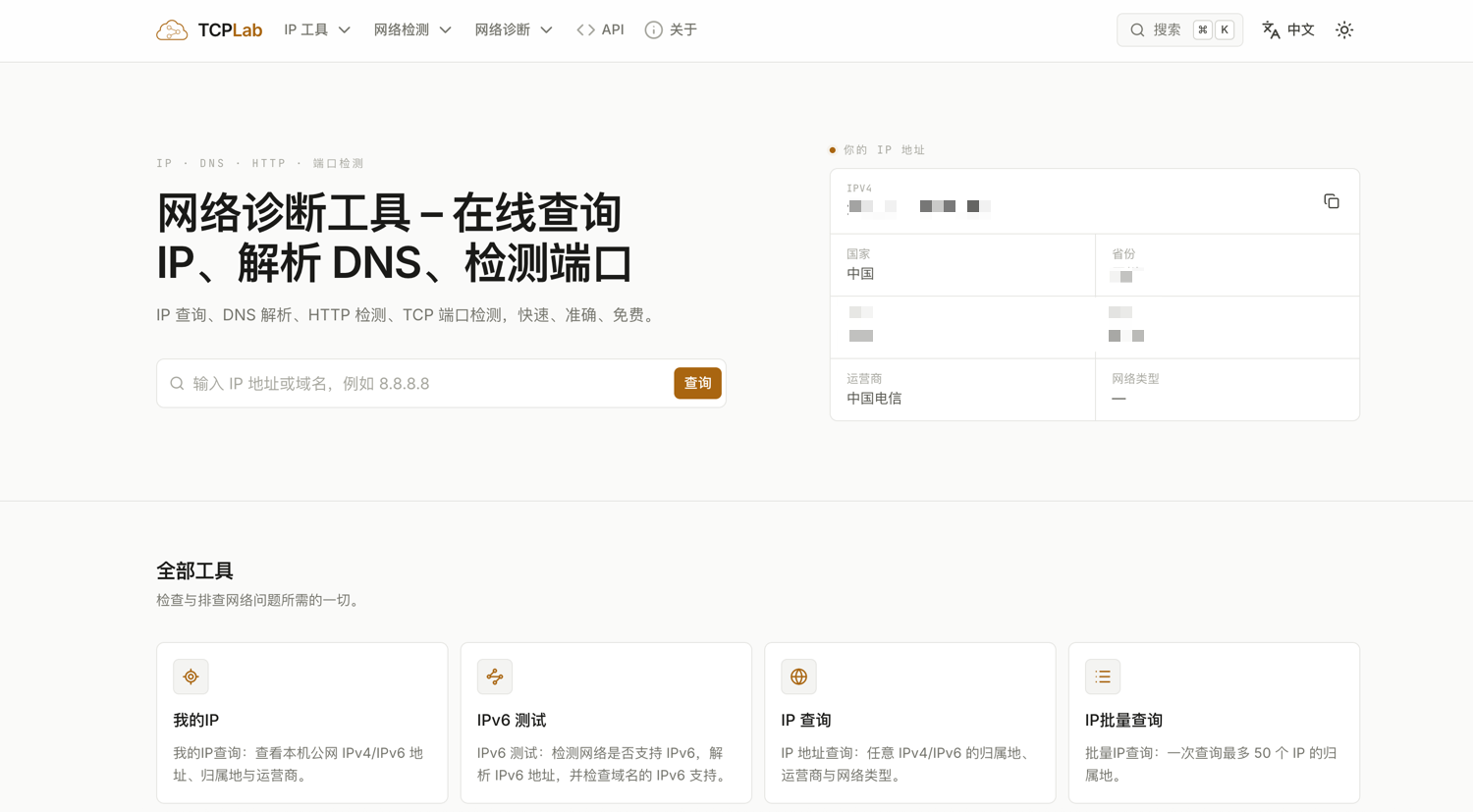
TCPLab Official Website: https://tcp.lc/
Supported Tools
- IP Query: Supports IPv4/IPv6, batch queries, and API integration.
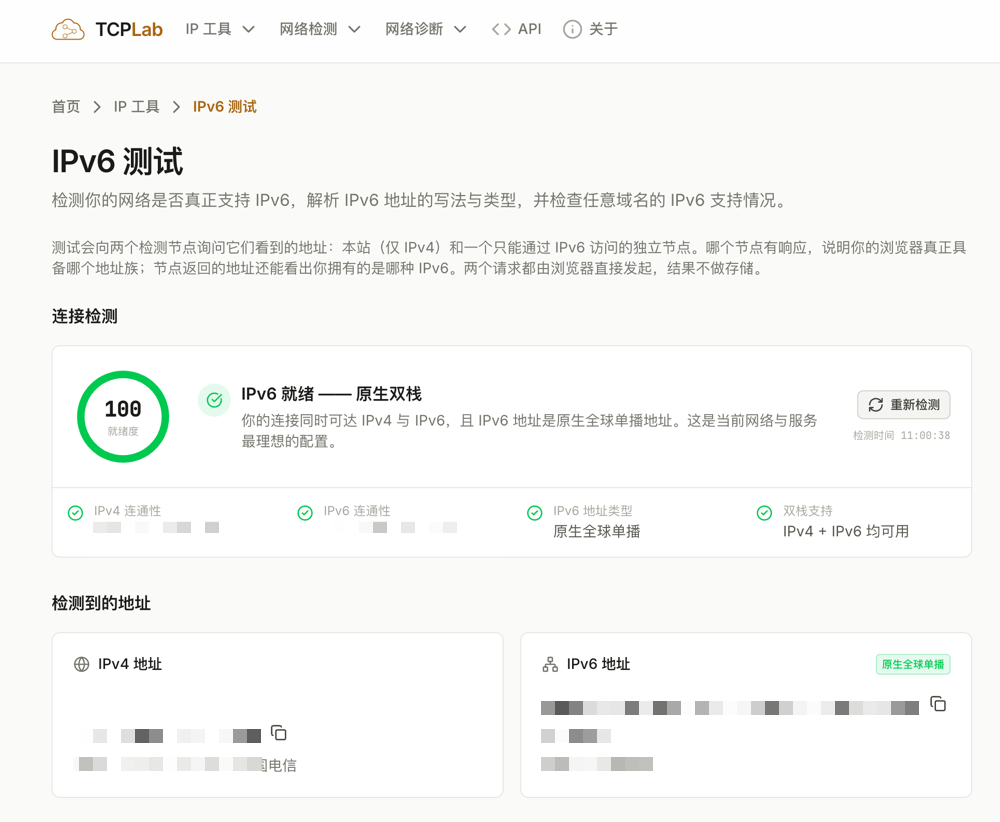
- IPv6 Detection
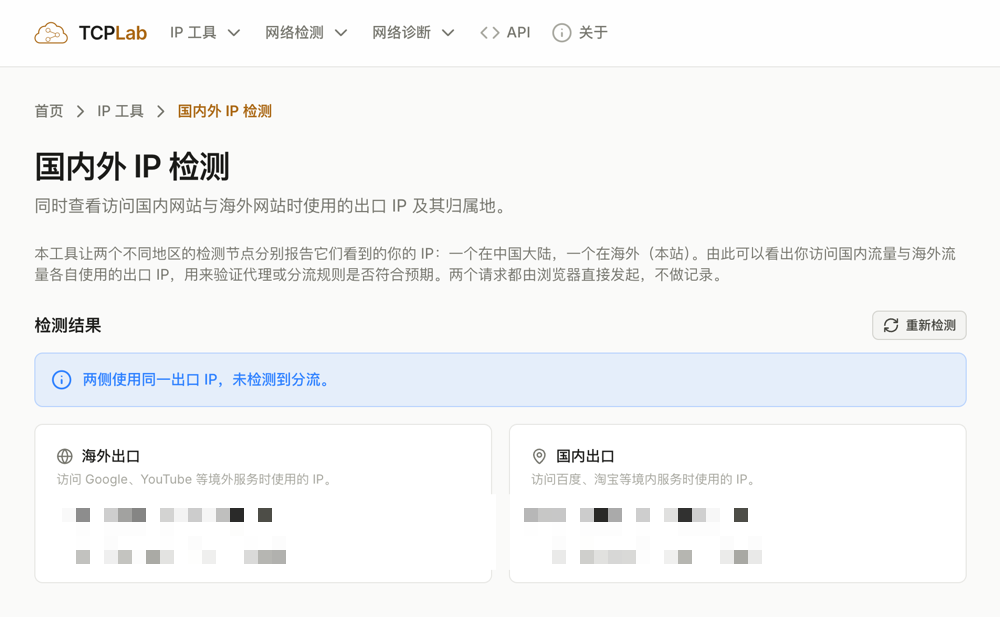
- Domestic and Foreign IP Access Detection
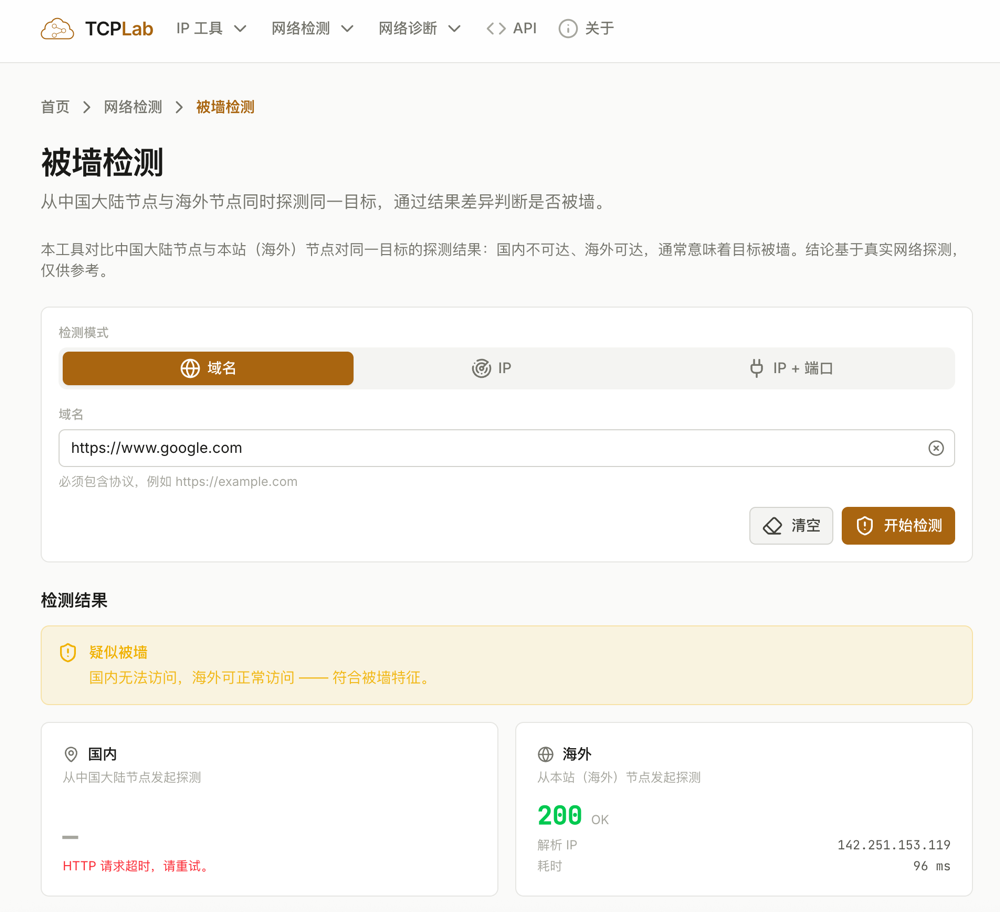
- GFW Blocking Check: Supports checking by domain name, IP address, or IP + port.
- HTTP Status Code Detection
- TCP Port Detection
- Online DNS Query
Tool Introductions
GFW Blocking Check: Tools of this type are rare on the market. As for their purpose, those who understand will know without further explanation. It supports detection via domain name, IP address, or IP + port. The URL is: https://tcp.lc/zh/gfw-check
Domestic and Foreign IP Access Detection: This tool can simultaneously detect the IP addresses used to access domestic and foreign websites, making it easy to verify if split-tunneling rules are working correctly. The URL is: https://tcp.lc/zh/dual-ip
IPv6 Test: There are many similar tools on the market, but they tend to be traditional and provide limited information. I have optimized this one to offer more detailed data. The URL is: https://tcp.lc/zh/ipv6-test
Other tools will not be introduced in detail. Feel free to try them out yourself. If you have any suggestions, please leave a comment. Thank you all.
Conclusion
After some twists and turns, TCPLab (tcp.lc) has made a comeback. Although it is a "common" tool, personal satisfaction is what matters most. From GFW detection to domestic/foreign IP split-tunneling tests, every feature is designed to be more user-friendly. If you already have a reliable tool, please stick with it. If you happen to need a "backup," feel free to give it a try. Comments and feedback are welcome!