HexHub: The Ultimate All-in-One DevOps Tool for Developers and Ops
HexHub is a one-stop DevOps tool designed for programmers and operations personnel. It not only supports connecting to SSH servers but also integrates Docker and common database management functions. This means you do not need to switch frequently between multiple software during the development process; HexHub can handle both operations and database operations at once.
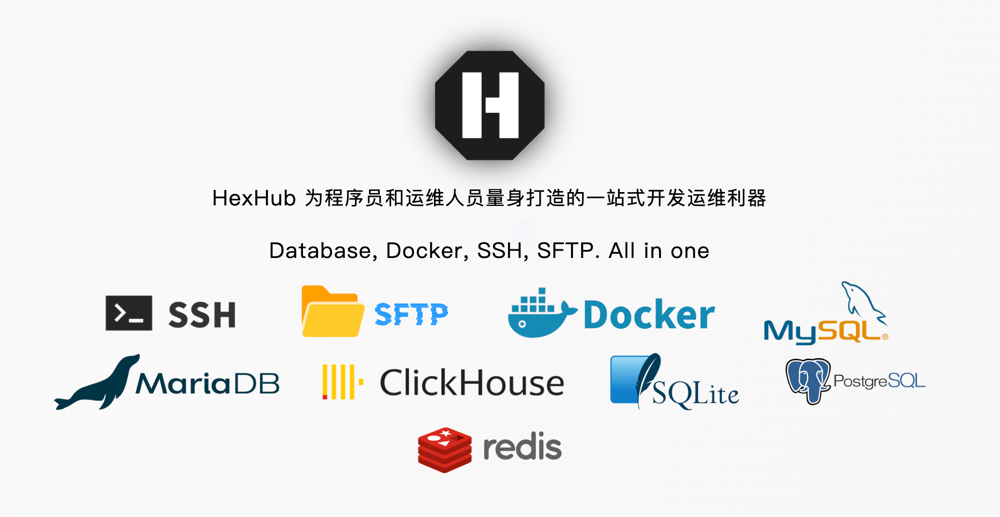
HexHub Feature Highlights
- Support SSH connection
- Cross-platform support: macOS, Windows, Linux
- Support RDP connection (Windows only)
- Database management: Redis, MySQL, SQLite, PostgreSQL, etc.
- Asset cloud synchronization: Supports official sync server, WebDAV, S3
- Support SFTP
- Support Docker management
- Support quick commands
- Support jump hosts
- Support SOCKS5, HTTP/HTTPS proxy
- Too many features, cannot write them all down...
Installing HexHub
HexHub supports three major operating systems: macOS, Windows, Linux. Simply open the official website: https://www.hexhub.cn/, and download/install according to your platform.
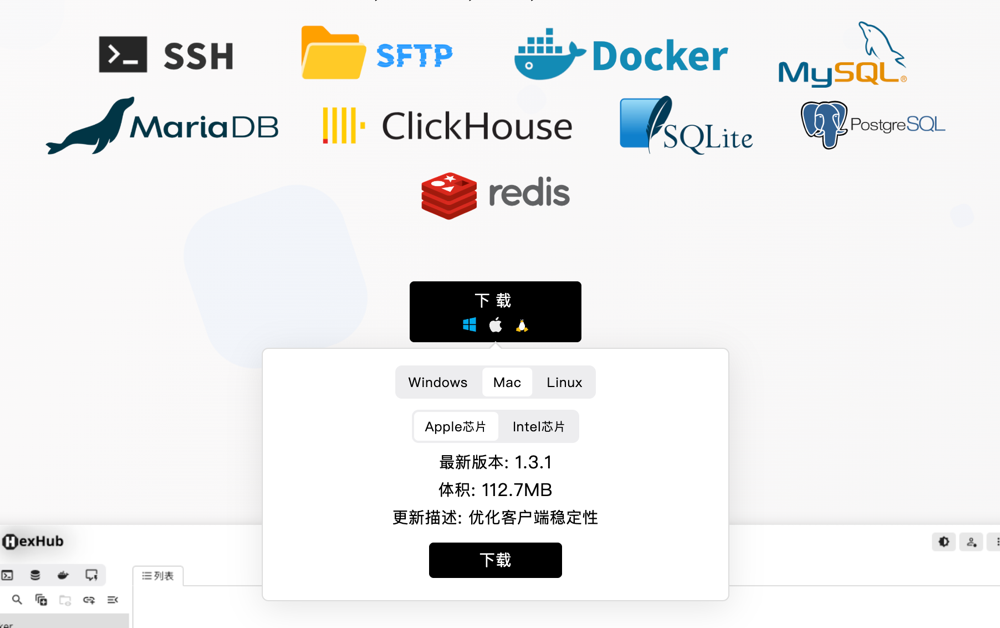
HexHub Basic Features Introduction
Cloud Synchronization
HexHub supports asset cloud synchronization, allowing use across different devices without repeated configuration, greatly improving efficiency and saving time. In addition to using the HexHub official sync server, it also supports configuring WebDAV and S3 protocols for synchronization, suitable for privacy-sensitive users.
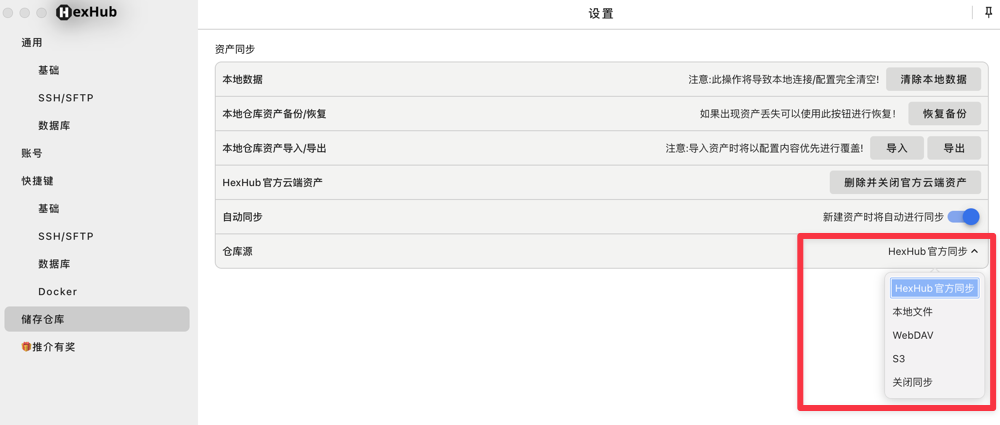
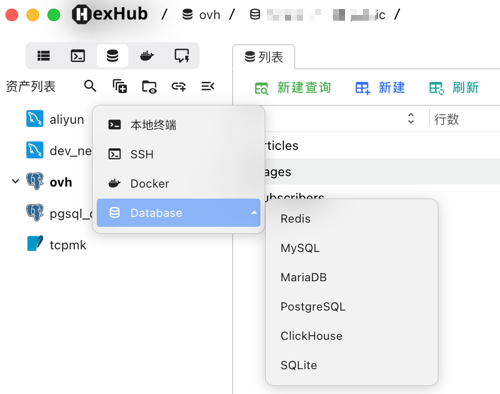
Rich Database Types
HexHub supports connecting to multiple database types to meet DBA needs, including: Redis, MySQL, SQLite, PostgreSQL, MariaDB, ClickHouse, etc., and is constantly expanding.
Database Synchronization
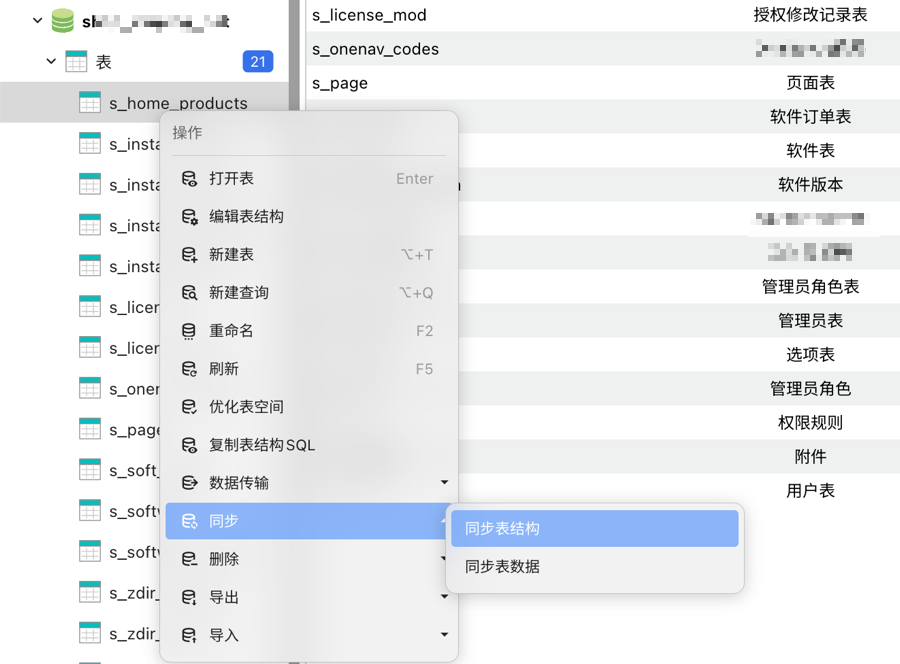
HexHub supports synchronizing table structures and table data, helping you easily transfer data between multiple databases.
Quick Commands
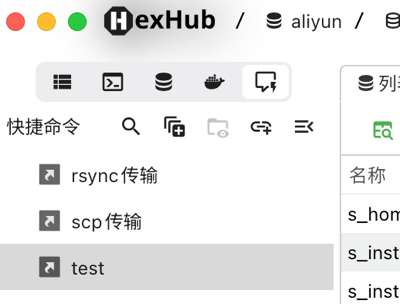
No need to repeatedly input complex commands; just add a quick command once and use it multiple times.
SSH Proxy and Jump Host Support
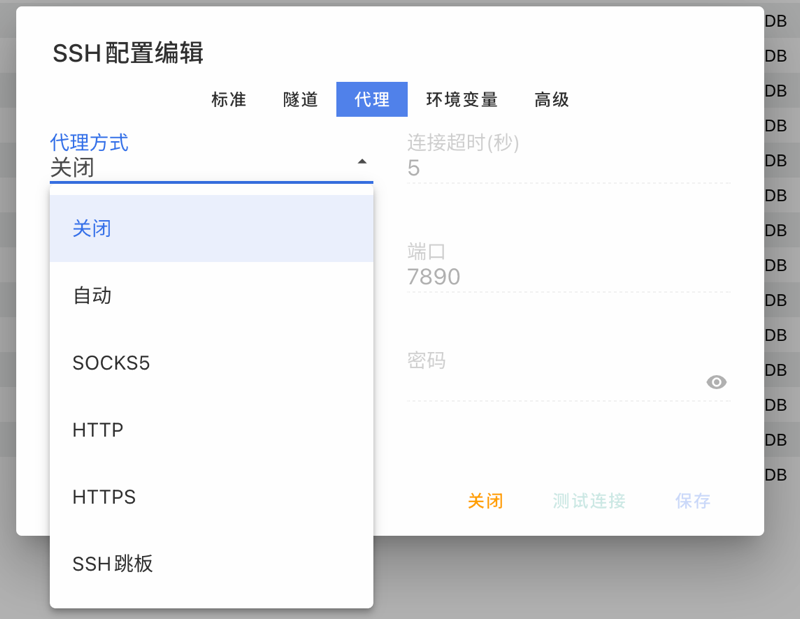
If connecting to overseas servers is not smooth, don't worry. HexHub supports SOCKS5, HTTP/HTTPS proxies, and also supports selecting jump hosts to easily resolve network lag issues.
Since HexHub has too many features, the author cannot introduce all functions in one article, please understand. Interested friends can install and experience it themselves.
HexHub Pro Version
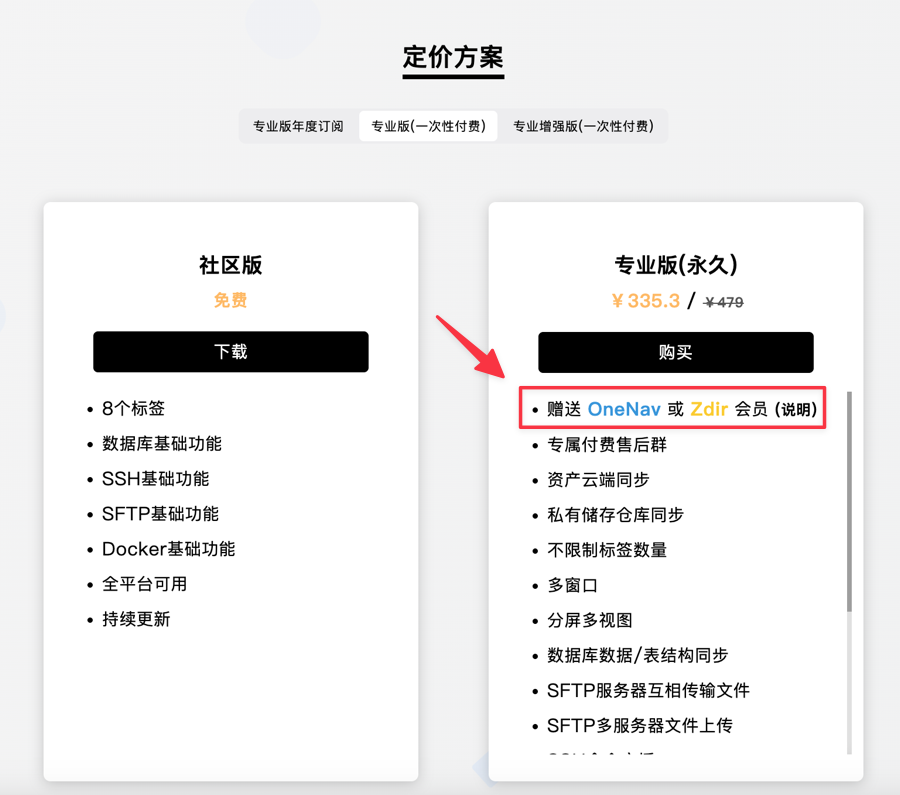
The HexHub free version has very loose restrictions. For most users, the free version is sufficient. If you want asset cloud synchronization and more tag numbers, you can subscribe to the more powerful Pro version. The following is a comparison screenshot of the free version and Pro version (incomplete comparison).

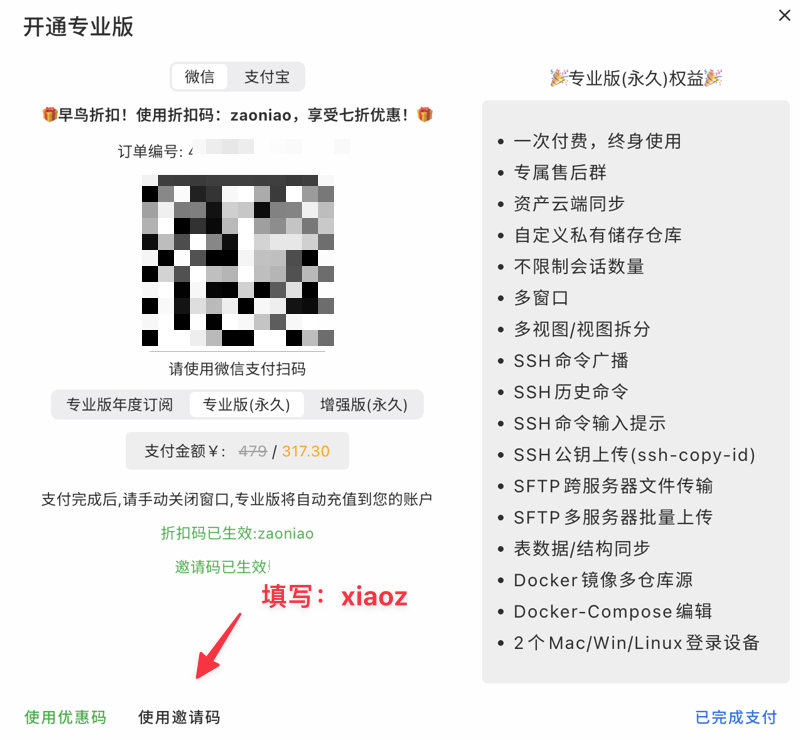
When purchasing the Pro version, note that using the coupon code: zaoniao enjoys a 30% discount. Using the author's exclusive invite code: xiaoz can also provide an additional discount:
- Pro Version Annual: Discount 10 CNY
- Pro Version Lifetime: Discount 15 CNY
- Enhanced Version Lifetime: Discount 20 CNY
In addition, before December 31, 2025, purchasing HexHub Pro version can also additionally obtain OneNav/Zdir Pro one-year subscription (choose one of the two), detailed explanation see: https://dwz.ovh/gt06
Summary
HexHub is an integrated DevOps tool for programmers and operations personnel, integrating SSH connection, Docker, and multiple database management into one, achieving cross-platform one-stop operation; its Pro version provides unlimited cloud synchronization and other advanced functions, and enjoys exclusive discounts and gifts.
- HexHub Coupon Code:
zaoniao(30% discount) - HexHub Exclusive Invite Code:
xiaoz(Order discount) - Limited Time Gift: One-year OneNav or Zdir Pro License
HexHub Official Website: https://www.hexhub.cn/