AWS Free Tier 2.0 Launch: New Users Can Get Up to $200 in Credits
To help developers and enterprise users explore the cloud at a lower cost and more easily, Amazon Web Services (AWS) has officially launched the new version of Free Tier 2.0, bringing significant optimizations and upgrades to the free tier services. Please note that this new benefit is currently only available in overseas regions (excluding Beijing and Ningxia regions), making it the perfect time to register and start your AWS overseas journey.
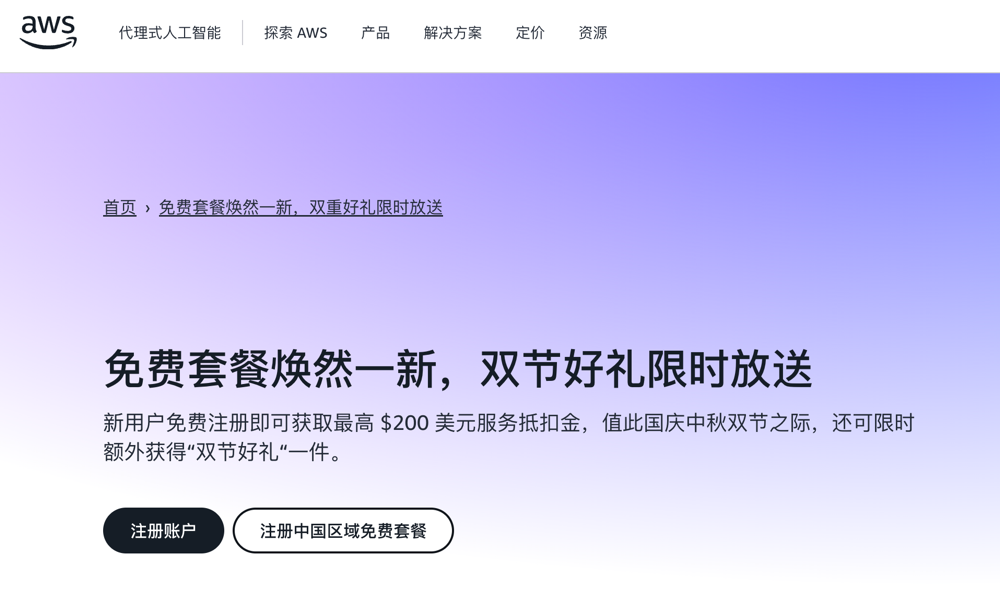
This article will cover:
- Registering an Amazon Web Services account
- Verifying and activating the account
- Completing reward tasks: Launching an Amazon EC2 instance
Register an Amazon Web Services Account
Before registering, you need to prepare:
- A common email address
- A common mobile phone number
- A debit card or VISA/MasterCard credit card
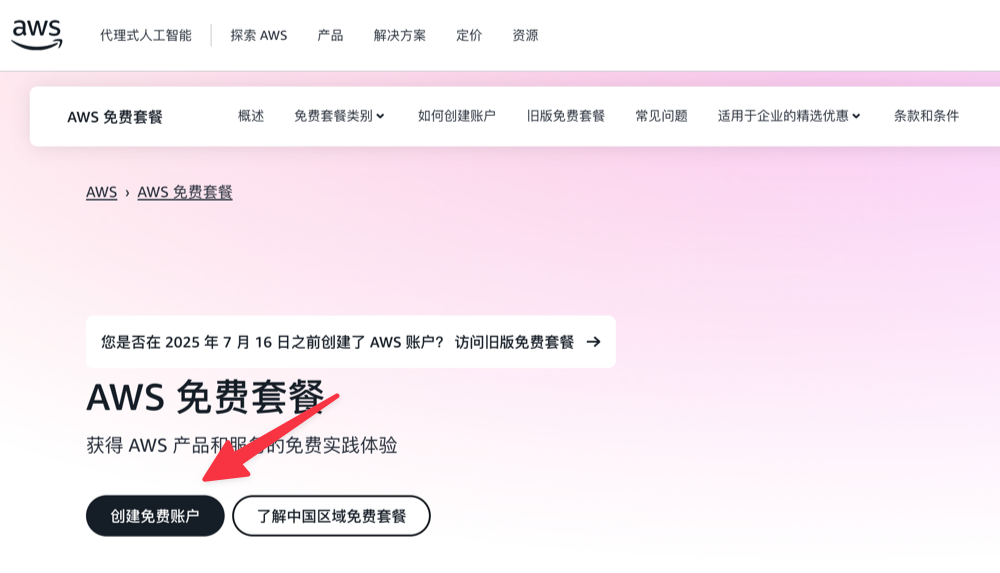
First, open the AWS registration page and click Create a Free Account.
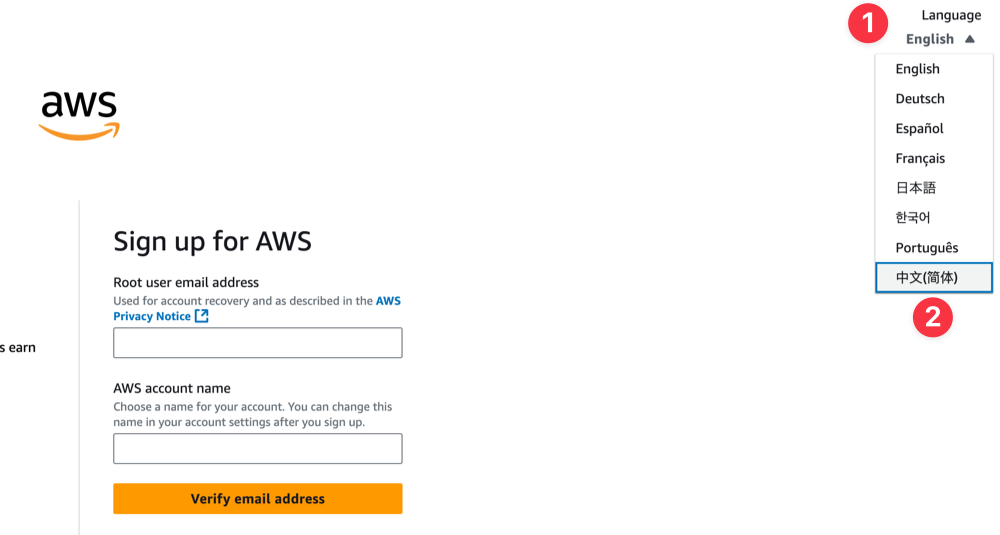
Switch the Language to Chinese in the top right corner to facilitate the subsequent registration process.
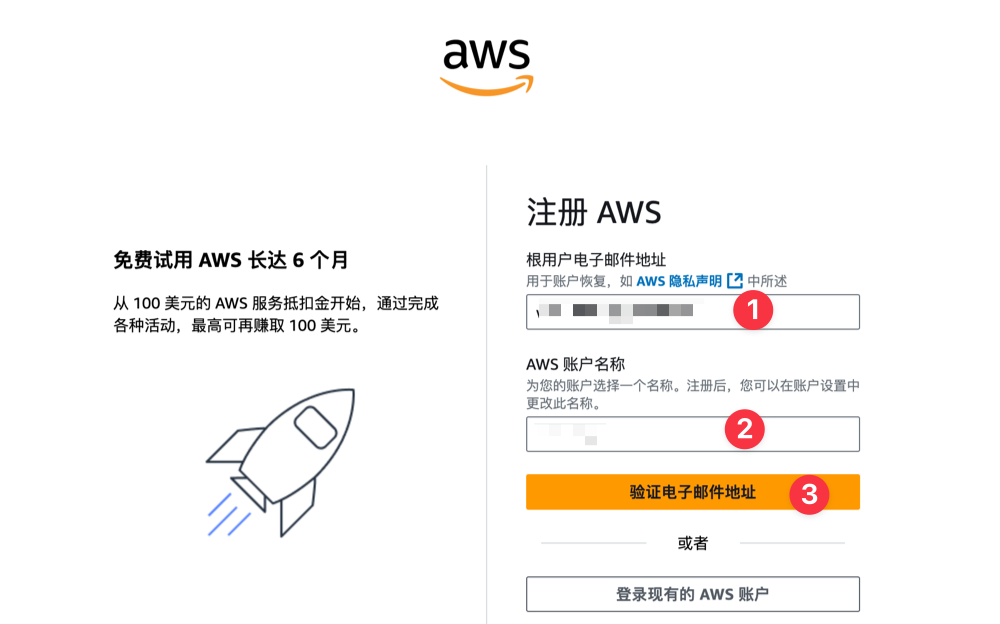
Then enter your email address and set a username, then click the Verify Email Address button.
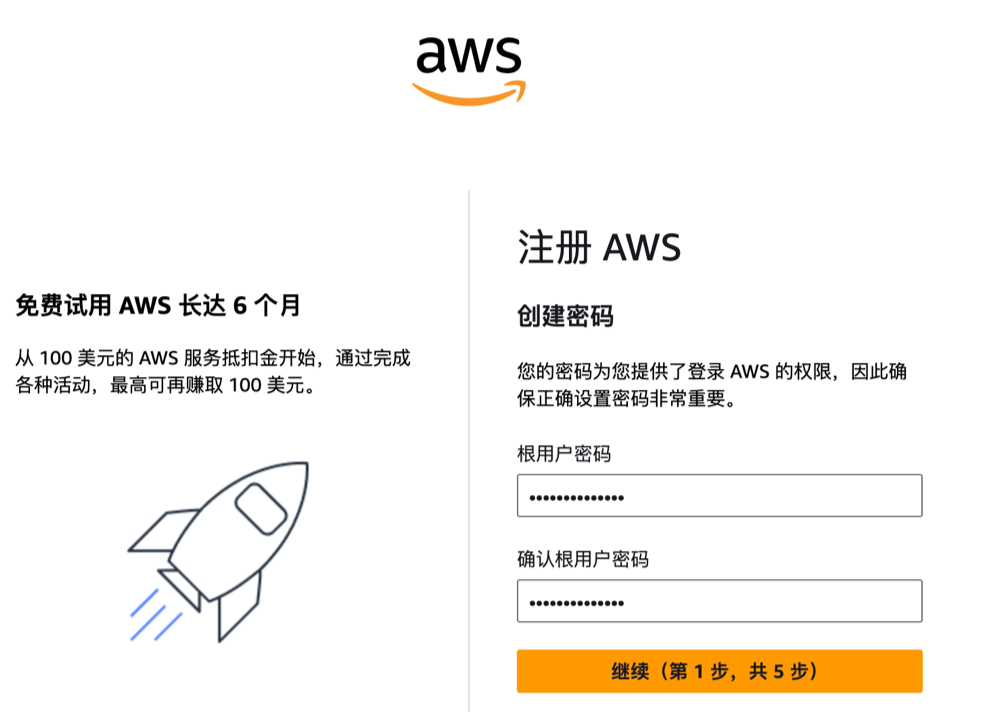
After entering the email verification code to complete verification, set an account password.
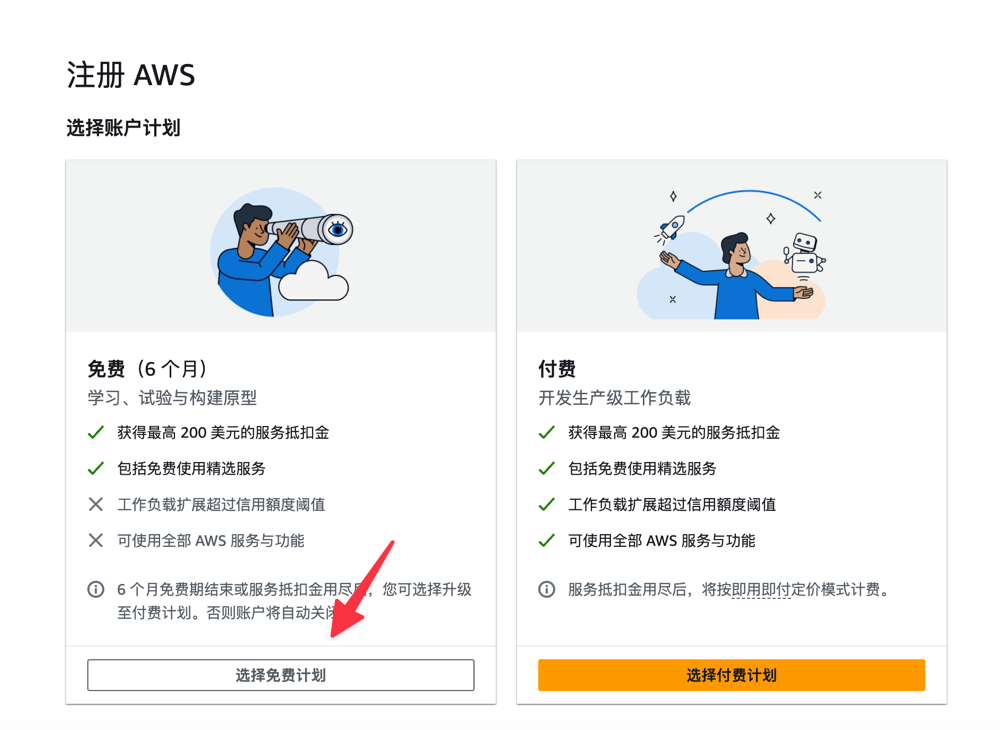
Then select the Account Plan. It is recommended to choose the Free Plan first, and consider upgrading to a paid plan later based on usage.
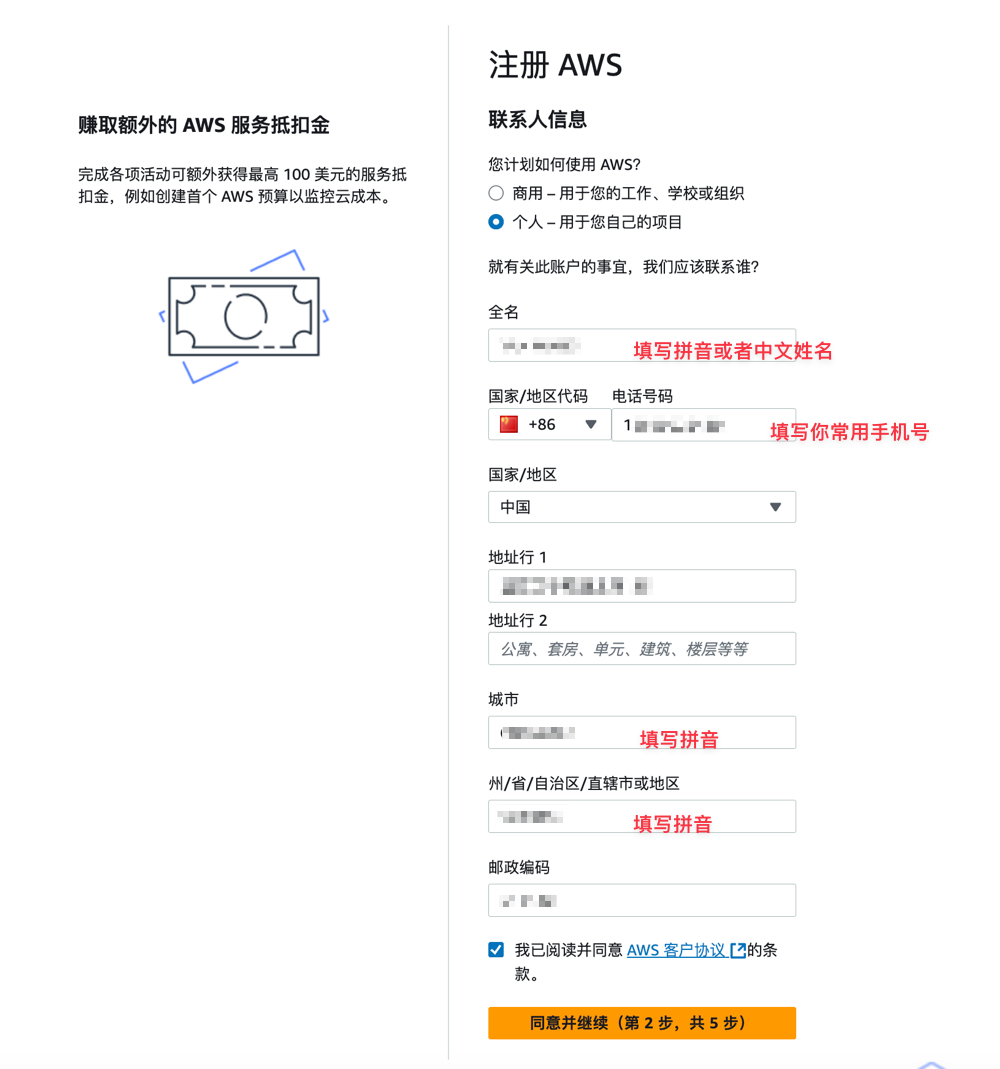
Next, fill in the contact information. This step is very important. Please fill in the information truthfully and do not fill it randomly, otherwise it may trigger risk control.
Bind UnionPay Card / Credit Card
Next, you need to bind a domestic UnionPay card or VISA/MasterCard credit card for verification. If you have a VISA/MasterCard, it is recommended to choose Other Credit or Debit Card first (this verification process is simpler). If you do not have a VISA/MasterCard credit card, choose China UnionPay Credit Card, as this verification step is slightly more cumbersome.
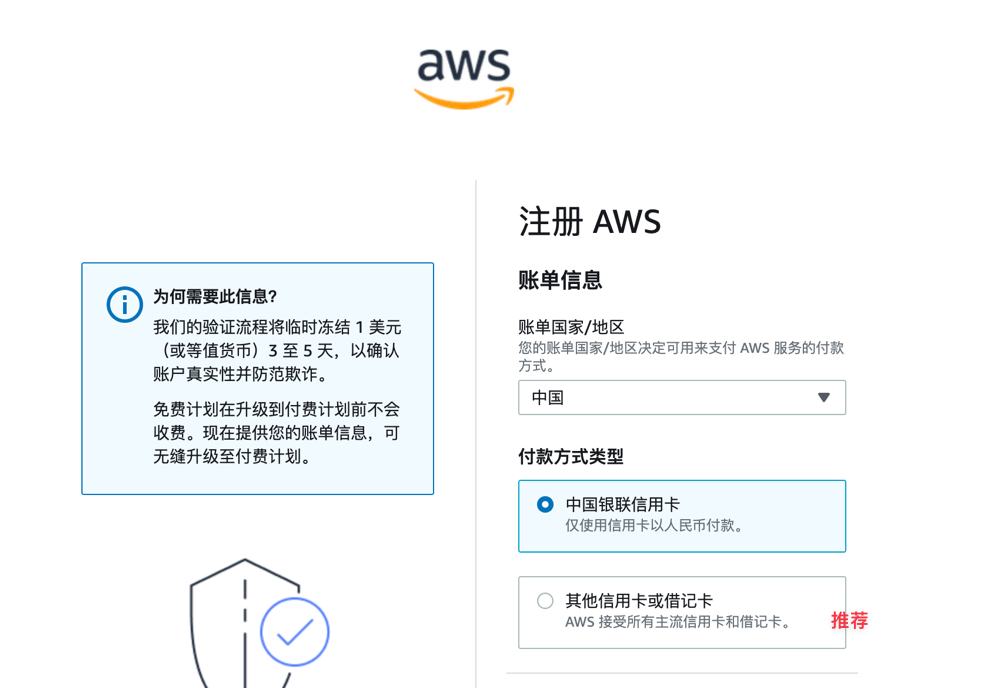
After the credit card binding is successful, a small fee will be deducted for verification and will be automatically refunded later.
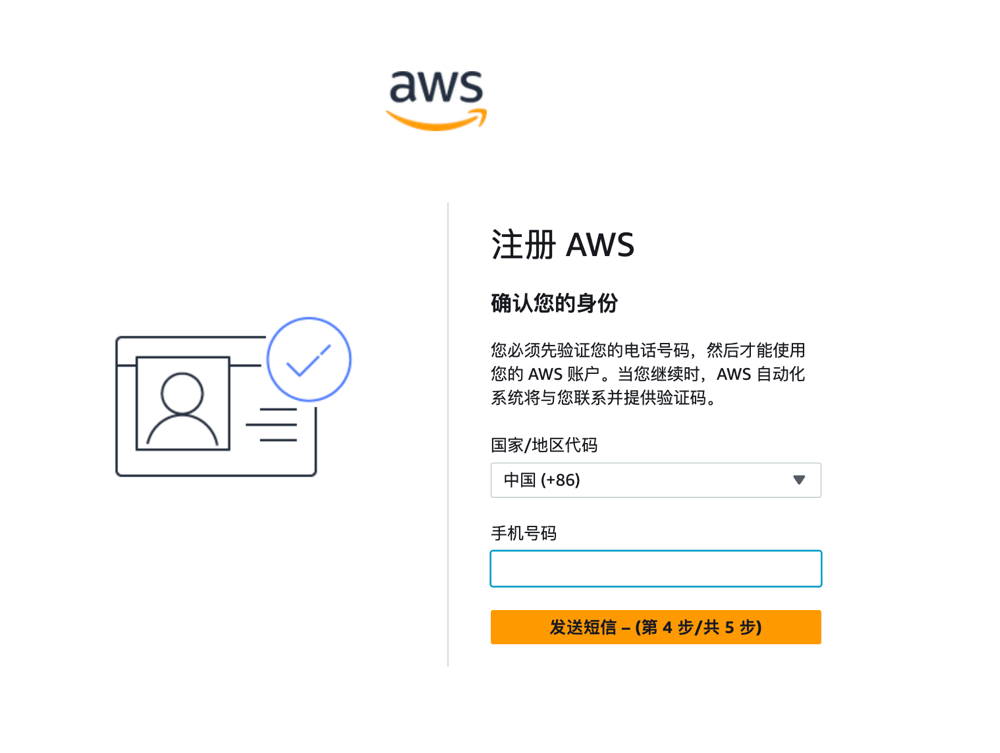
The next step will continue to require binding a mobile phone number for verification. It is recommended to select China (+86) for the country.
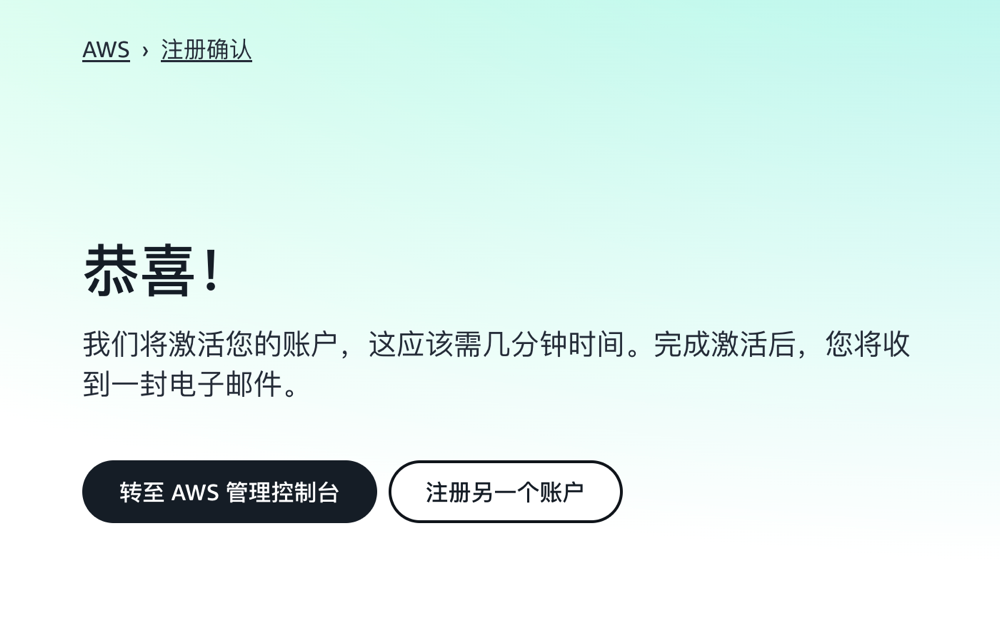
If everything goes smoothly, you will be prompted that the account activation is successful, and then receive a success email.
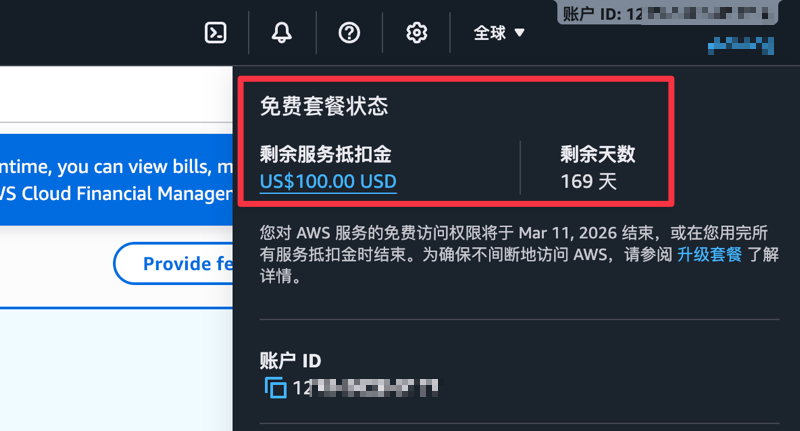
Log in to the Amazon Web Services console. Click on the ID in the top right corner to see the gifted $100 credit and the expiration time (valid for half a year).
Complete Tasks
In addition to the $100 credit coupon gifted upon registration, Amazon Web Services has also arranged 5 simple tasks to help us familiarize ourselves with the products. You can get a $20 credit coupon for completing each task. These tasks are relatively simple, almost like freebies.

Next, the author will demonstrate one of the tasks: Learning how to launch and terminate an Amazon EC2 instance.
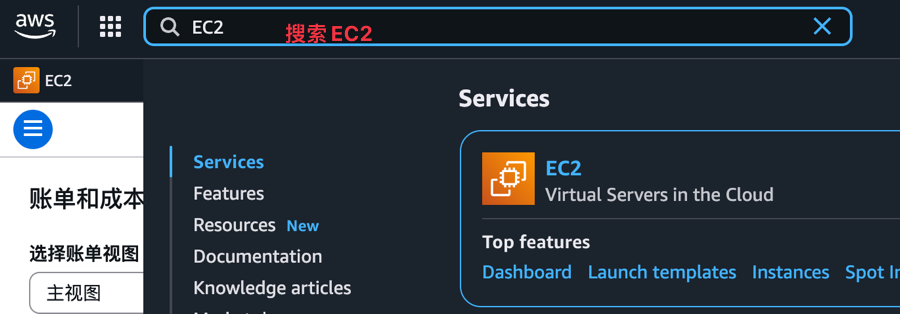
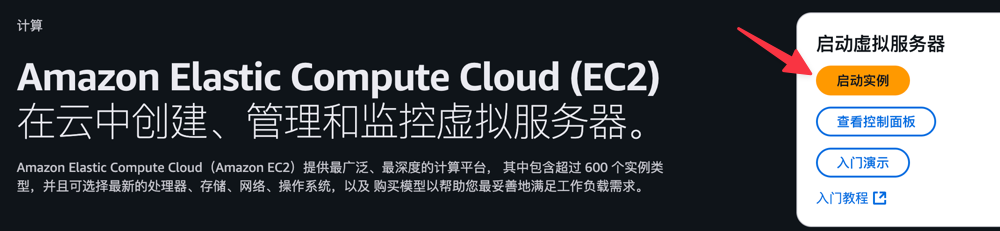
In the Amazon Web Services console search box, search for EC2 to enter.
Then click Launch Instance.
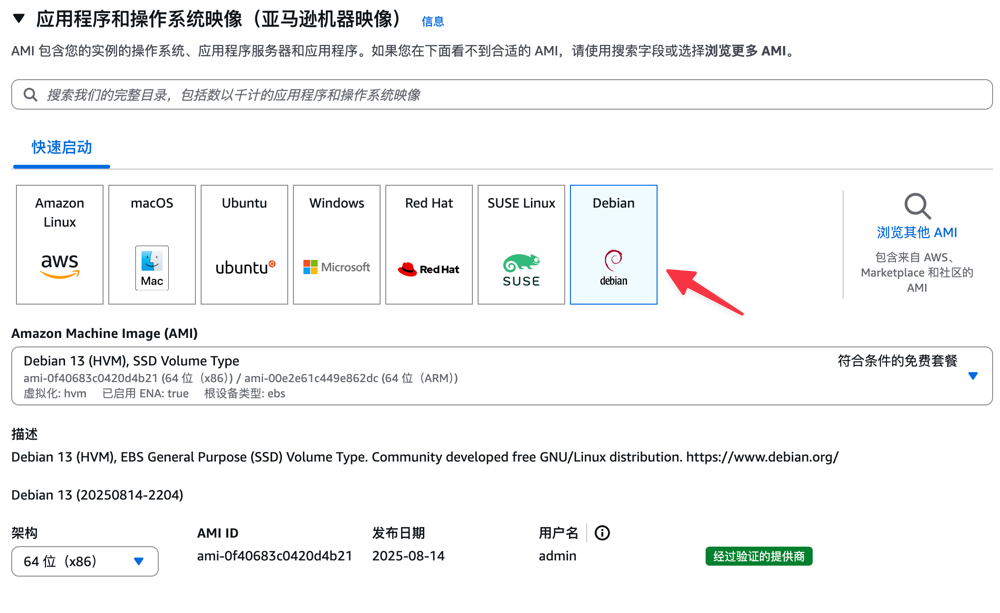
In the Quick Start section, choose an operating system you are familiar with. The author chose Debian, and keep others as default.
Note that for the first creation, we need to create a new key pair for subsequent server login. The key pair name can be filled in randomly, select type RSA and create.
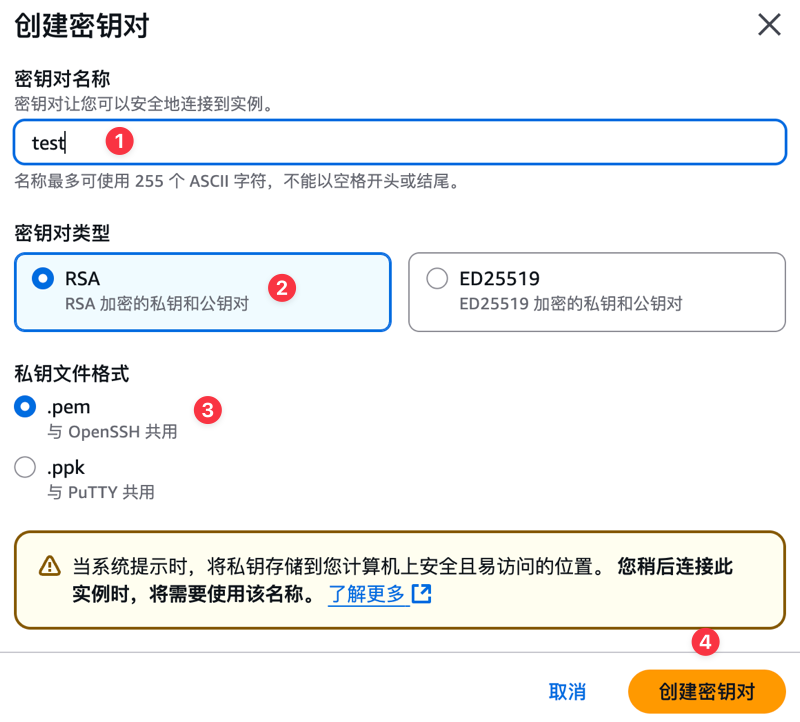
After the key pair is created, the public key will be automatically downloaded to the local machine. Please save it properly, as we will need it to log in to the server later.
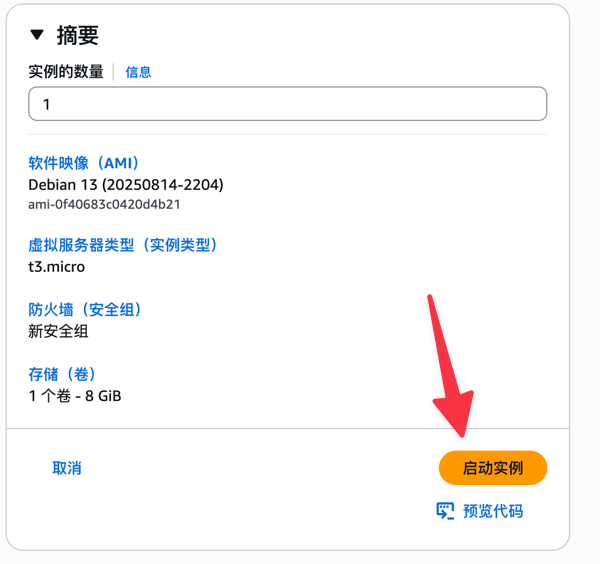
Keep other information as default, and finally launch.
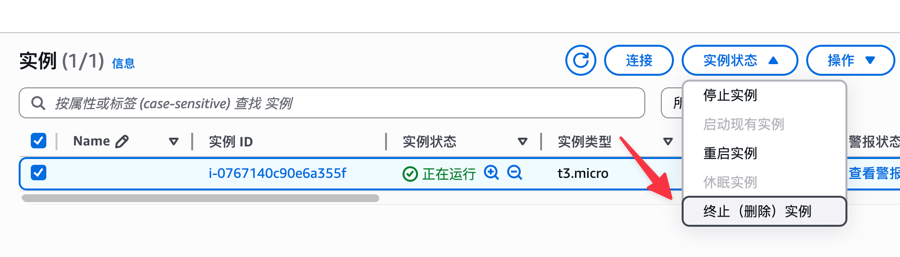
In the instance, find the server we just launched, then select Terminate Instance. This completes the first task "Learning how to launch and terminate an Amazon EC2 instance".
After completing the task, generally wait a few hours, and the system will automatically send the credit coupon.
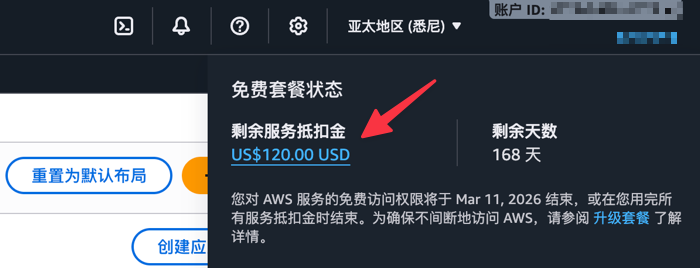
You can get a $20 credit coupon for completing 1 task. There are 5 tasks in total. After completing all tasks, you can get a $100 credit coupon. Adding the $100 credit coupon gifted to new users upon registration, the total is $200.
Conclusion
In short, by registering and completing simple onboarding tasks, you can not only experience the ease of use and powerful functions of Amazon Web Services core services, but also accumulate up to $200 in credits. This provides solid cost assurance for your cloud exploration and practice. Start your Amazon Web Services overseas journey now, get started easily, and start infinite possibilities at a low cost.
Warm Tip: If you decide not to use the service, remember to close and delete the service in the console to avoid generating fees!