eM Client Review: A Professional Cross-Platform Email Client
eM Client is a powerful and intuitive cross-platform email client that supports email, calendar, tasks, and contact management. I (xiaoz) have been using this email client for over half a year and now recommend it to everyone.
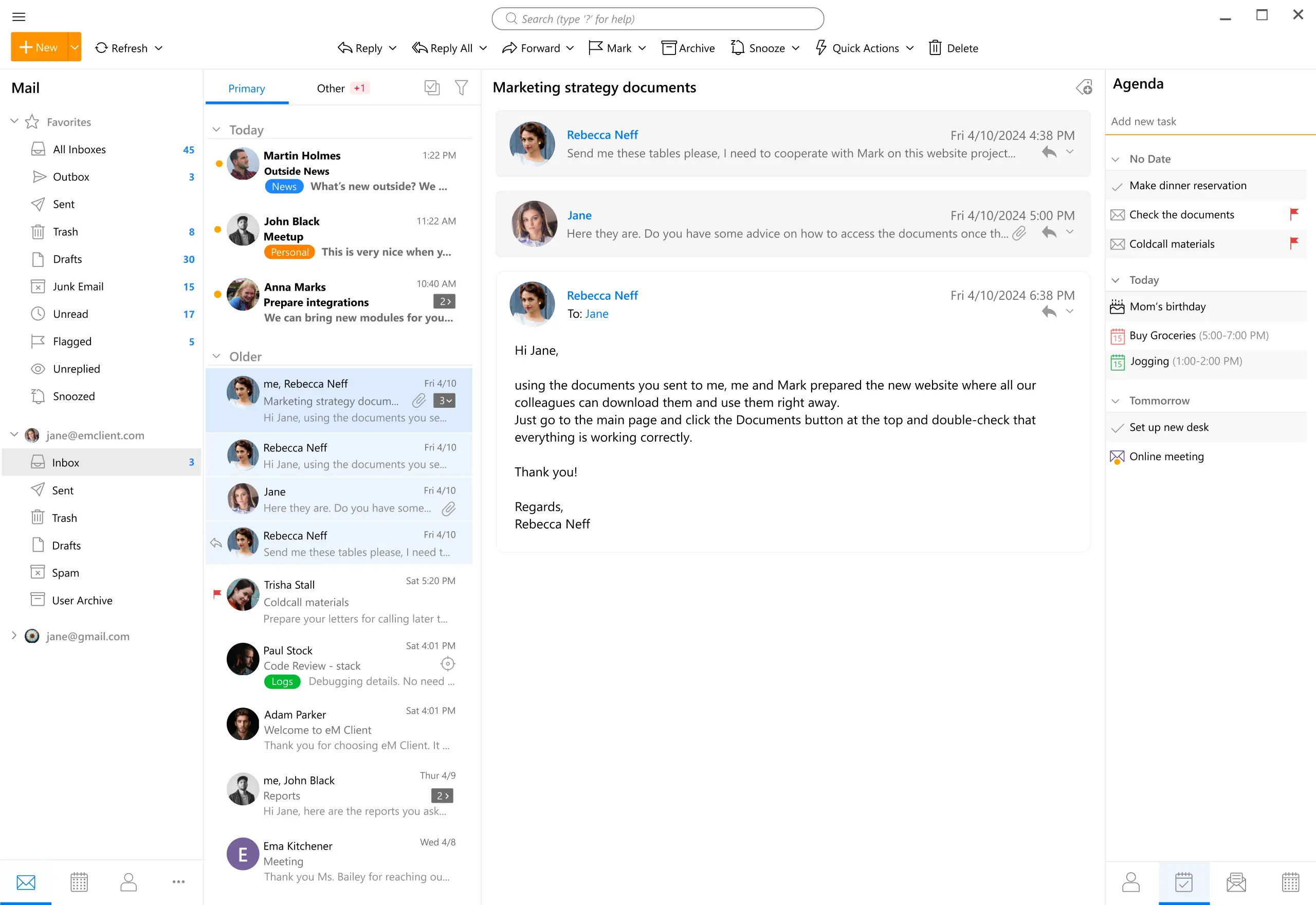
eM Client Features
- PGP encryption support for enhanced email security
- Email translation support
- AI-powered email processing
- Cross-platform compatibility
- Integrated calendar, tasks, and contacts
- Offline usage support
Purchasing eM Client
Please note that eM Client is paid software, supporting a 30-day free trial. The annual cost is approximately 100 RMB, and it also supports a one-time purchase. If you are a heavy email user, this email client is very worth buying. However, if you do not use email clients frequently, it is not recommended, as there are many free software alternatives.
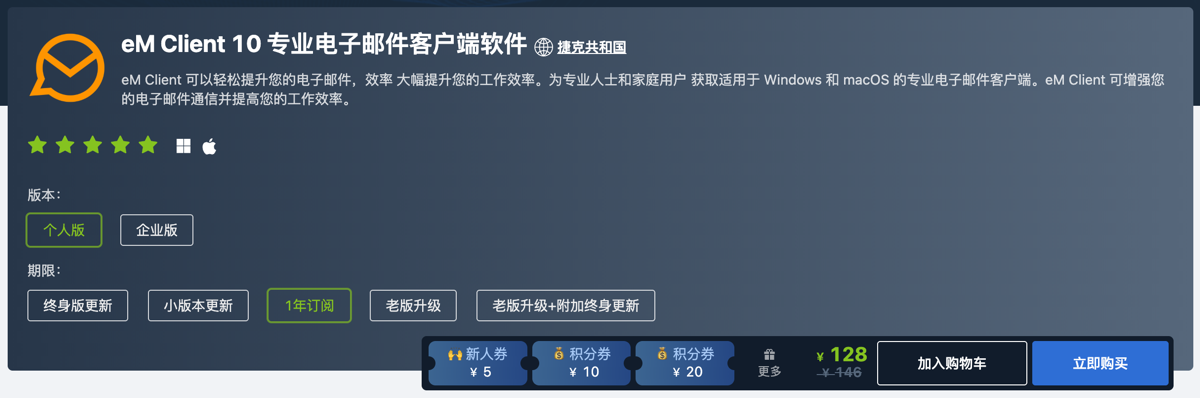
eM Client Purchase Address: https://apsgo.cn/9u9GgG
eM Client Official Website: https://www.emclient.com/
eM Client Usage Guide
Adding Email
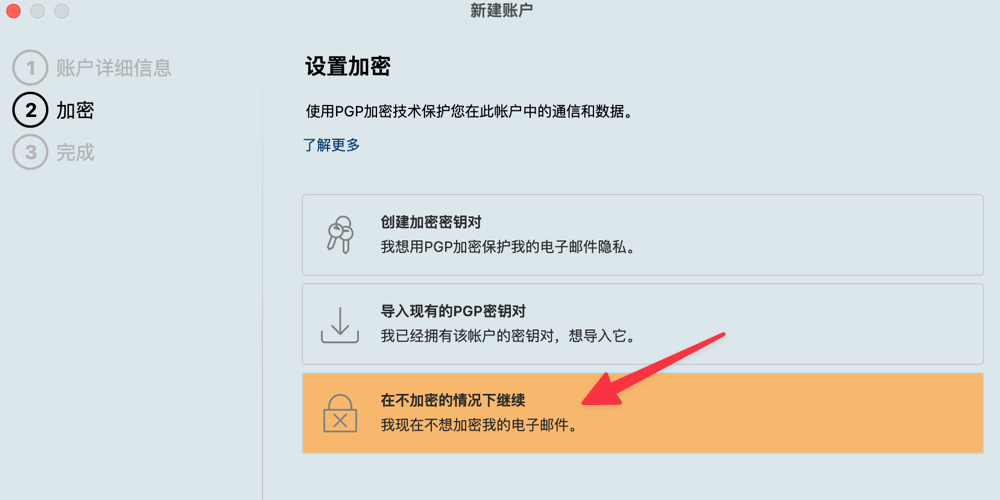
When adding an email, eM Client asks whether to use PGP encryption. This feature is unnecessary for most ordinary users unless you frequently handle confidential emails, so just select no encryption when adding an email.
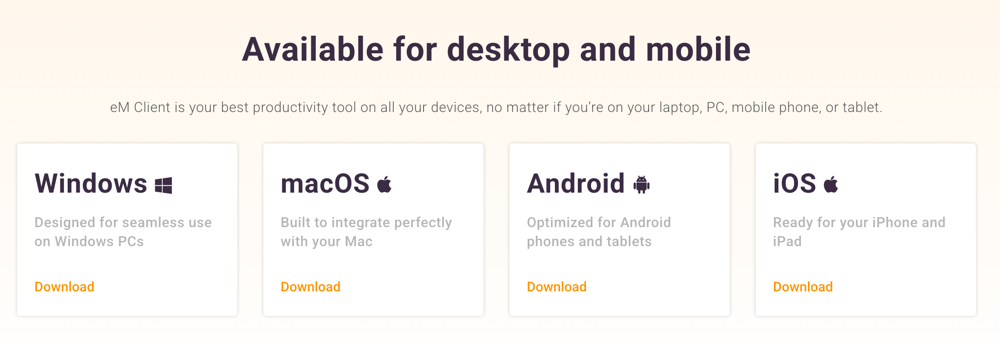
Cross-Platform Sync
eM Client currently supports Windows, macOS, Android, and iOS. Currently, only the PC platform requires authorization (Windows, macOS), while mobile devices do not require authorization.
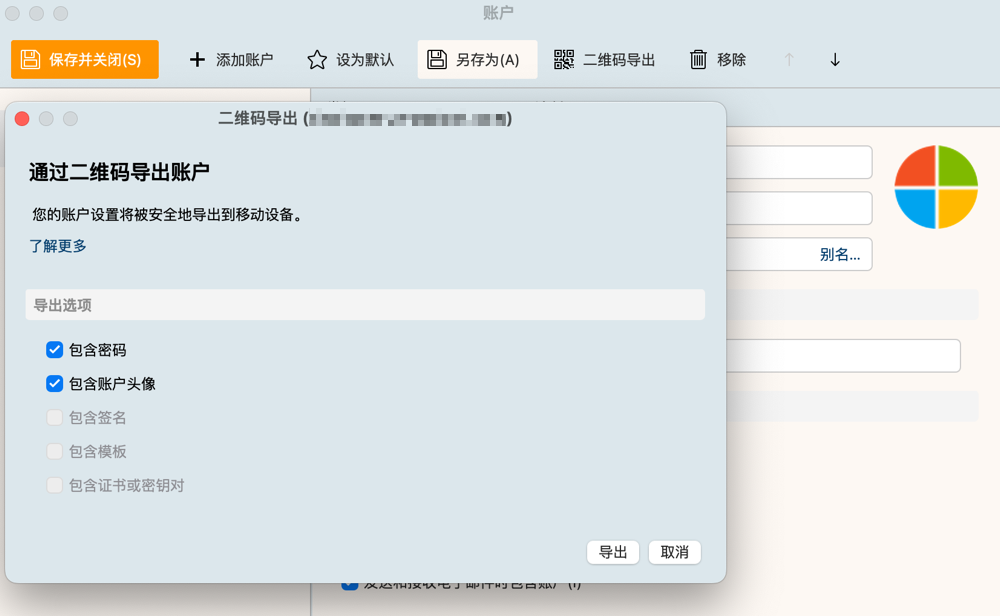
Although eM Client has not launched cloud sync features for security reasons, it provides QR code export. We only need to select QR code export in the PC client, and the exported QR code can automatically sync the configuration by scanning it with the mobile client, without configuring each platform one by one, which is very worry-free.
Email Translation
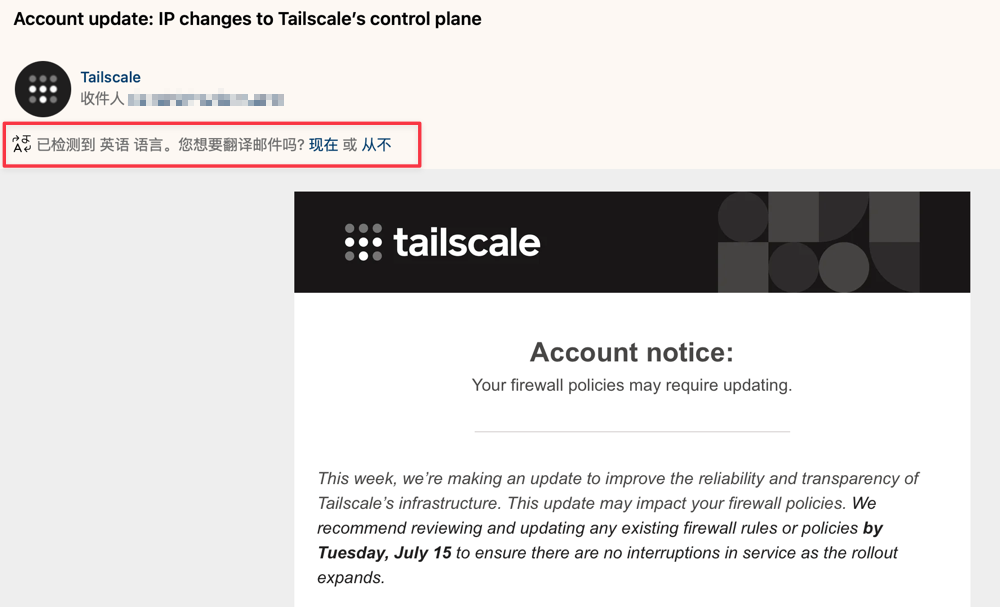
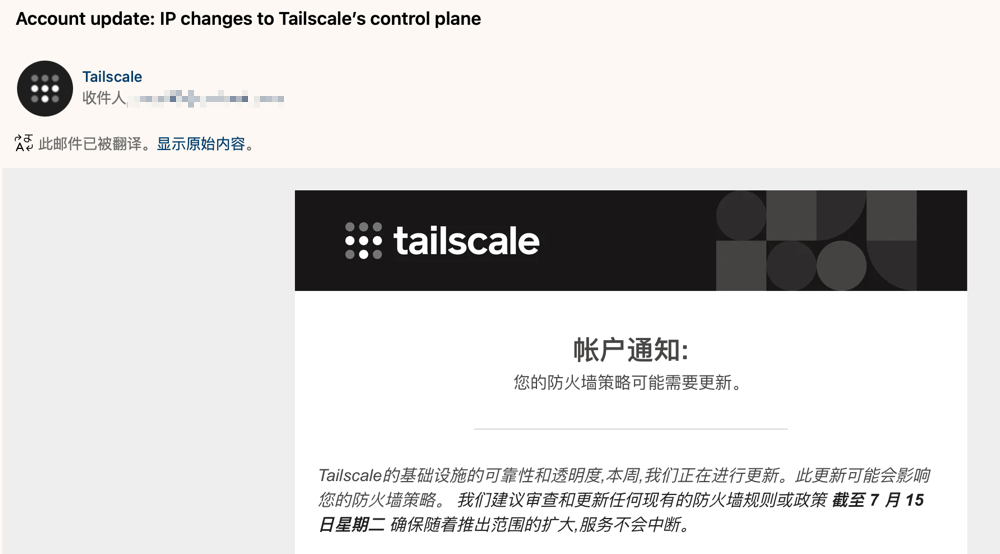
I registered many foreign websites and subscribed to some foreign website services, and the emails received are in English. As someone with weak English skills, I find it quite difficult to read, but fortunately eM Client provides an email translation function. No matter what language the email is, just click translate once, the effect is as shown below.
AI Processing
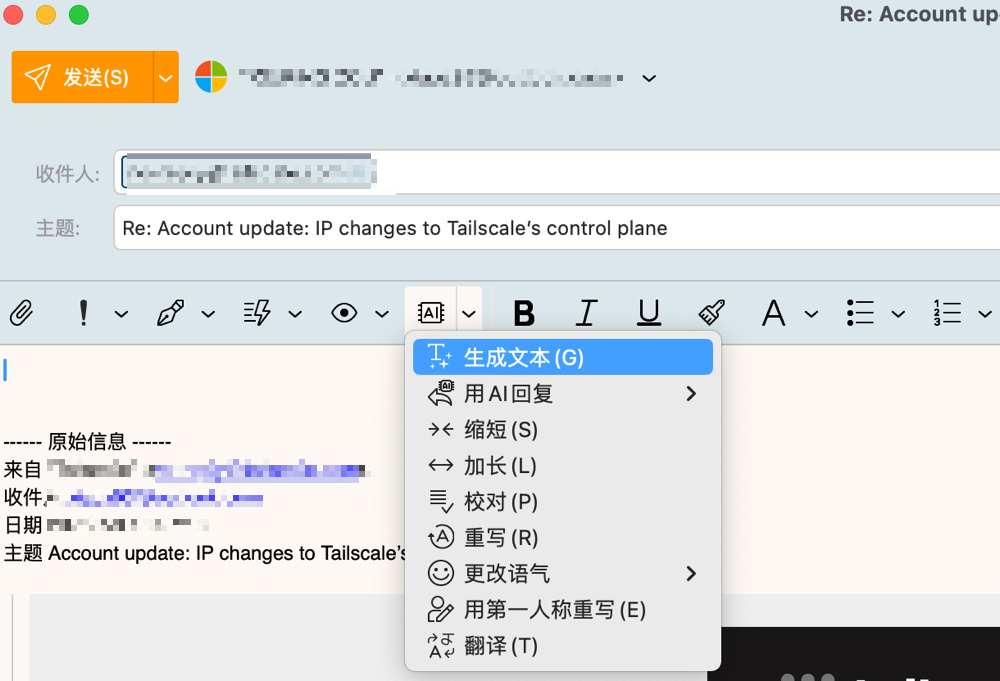
When you are composing or replying to emails, you can also use the AI function provided by eM Client for replies, rewriting, translation, and other operations.
For other functions of eM Client, everyone can install and experience them if interested.
Conclusion
eM Client is a comprehensive and user-friendly cross-platform email client, supporting PGP encryption, email translation, AI assistance, and multi-account management. After half a year of deep use, the experience is smooth and efficient. Suitable for heavy email users, the paid version is about 100 RMB/year, supports one-time purchase. If needs are not high, use other free software.
eM Client Purchase Address: https://apsgo.cn/9u9GgG
eM Client Official Website: https://www.emclient.com/