NameCrane Permanent Domain Email Service: $75 for 15 Domains and Unlimited Aliases
NameCrane is an independent brand under BuyVM, focusing on domain registration and email services. Recently, xiaoz discovered their permanent email service is only $75, which is quite competitive. If you need a reliable and affordable domain email, you might want to try NameCrane.

Register NameCrane
NameCrane does not support direct registration; you must purchase a service to complete registration.
NameCrane Domain Email Purchase Link: https://namecrane.com/r/156/email
Registration Notes:
- Avoid using proxies if possible.
- Keep name and country information as real as possible.
- Address should look realistic.
- Email verification is required to activate the account.
- Choose Alipay for payment to avoid potential order risk control.
Please follow the above notes when purchasing and registering to avoid triggering system blocks.
NameCrane Domain Email Service
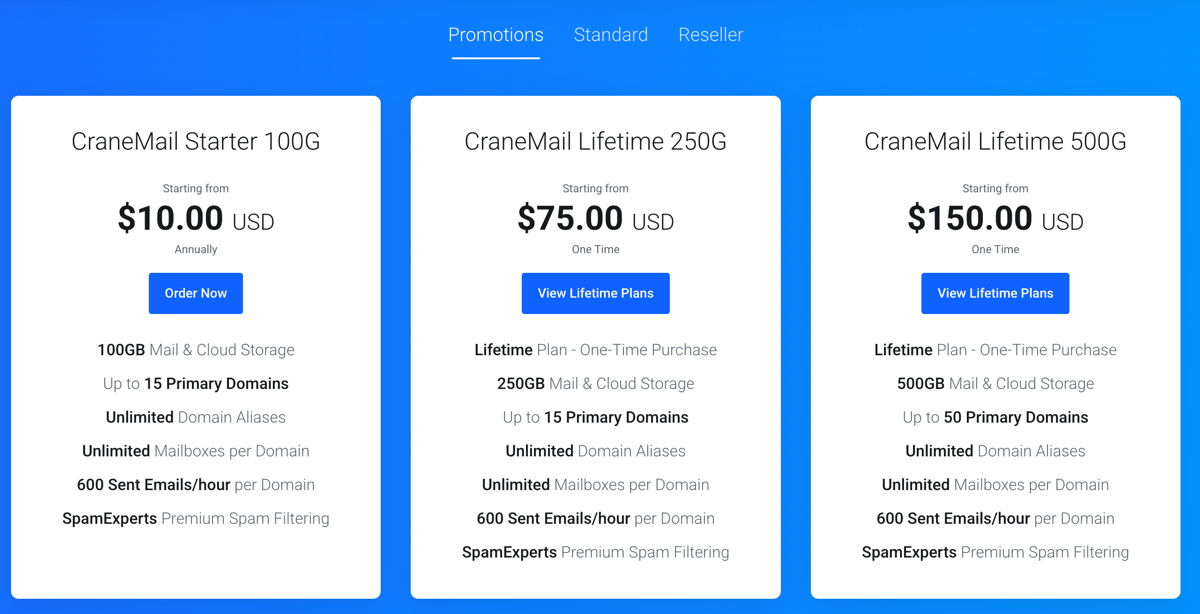
The cheapest permanent domain email service costs $75. The package includes:
- 250GB permanent storage (supports FTP protocol)
- Supports 15 main domains
- Supports unlimited aliases
- Unlimited email accounts per domain
- Each domain limited to 600 emails per hour
- Free eM Client license included
Refer to the screenshot below for other plans:
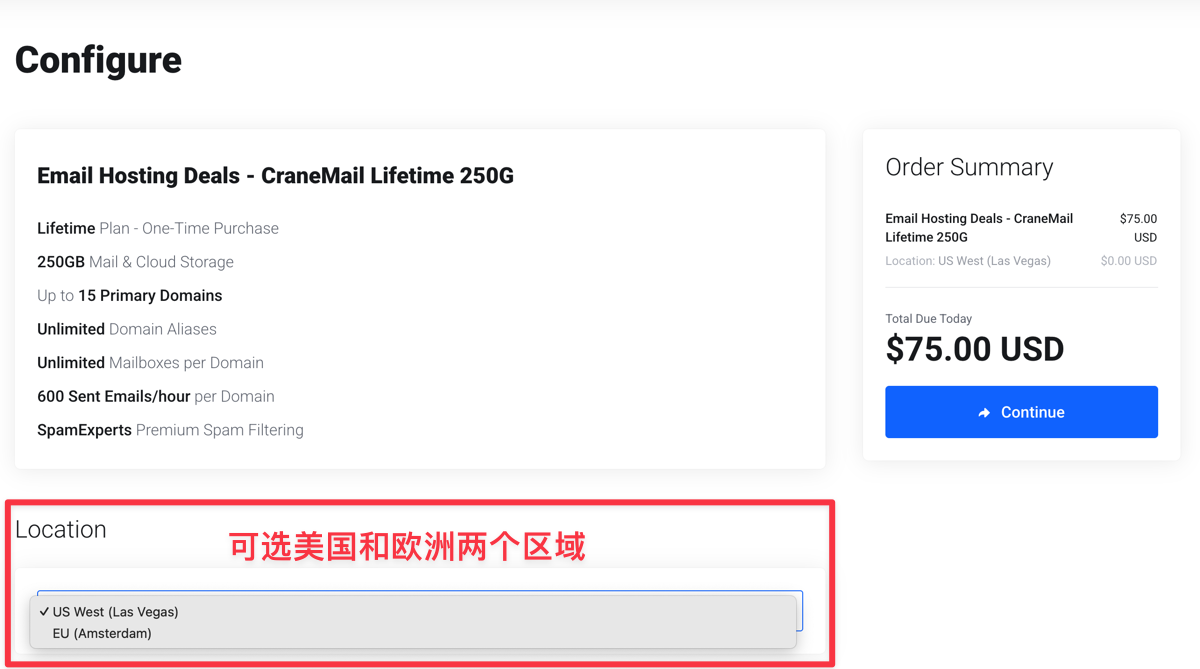
Domain email services are available in US and EU regions. It is recommended to choose the region closest to your server; xiaoz chose the US.
Getting Started
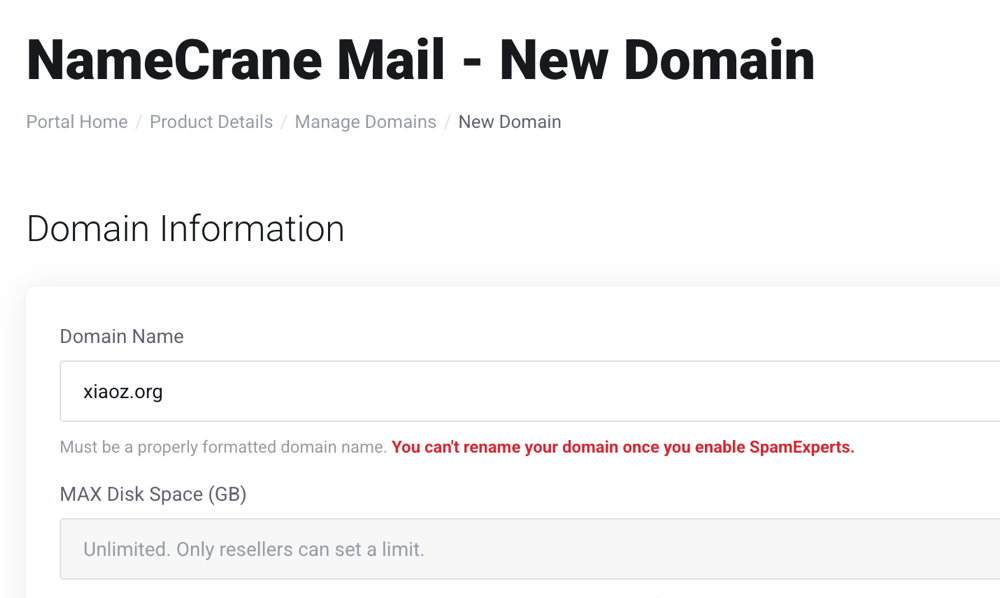
First, add a domain, for example xiaoz.org.
Then set the administrator account and password for that domain email.
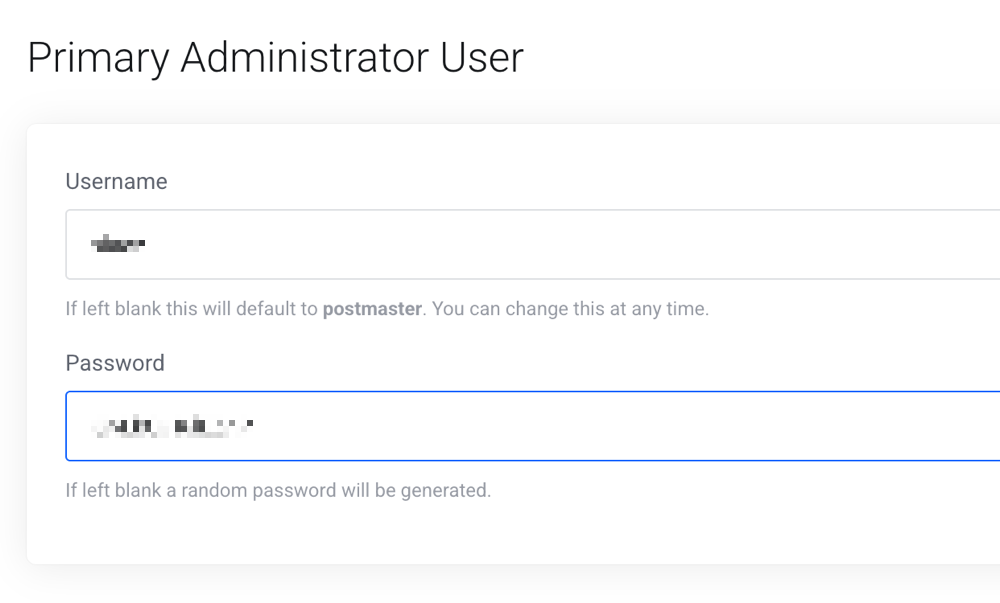
For unclear parameters, keep them as default, then complete domain resolution according to system prompts.
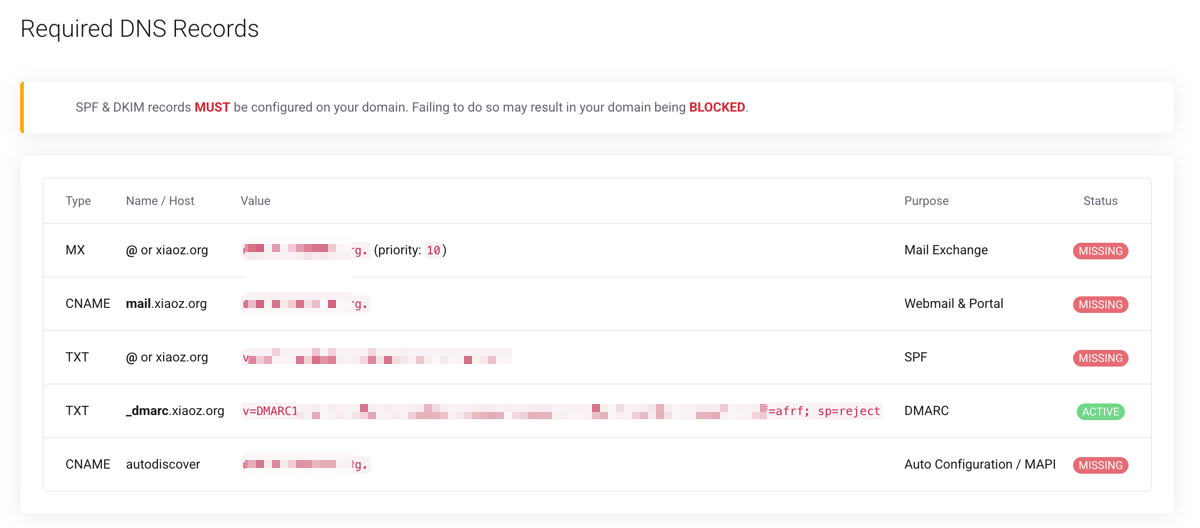
After resolution is complete, wait about 30 minutes to visit https://mail.yourdomain.com to log in, using the domain email administrator account and password you just set.
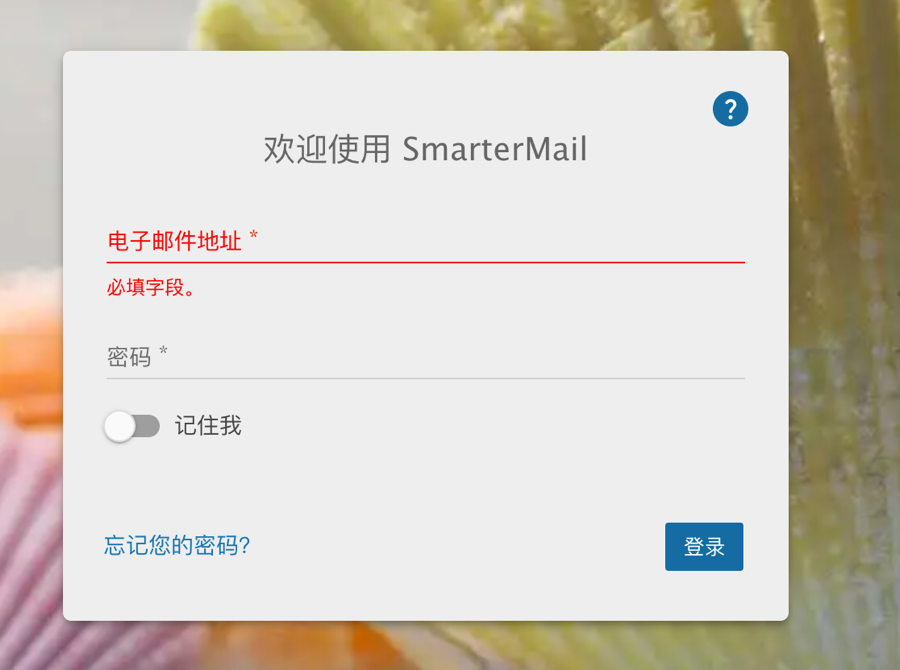
Note: HTTPS will take about 30 minutes to take effect. If you want to access it earlier, you can use the http protocol.
Mount NameCrane FTP with Zdir
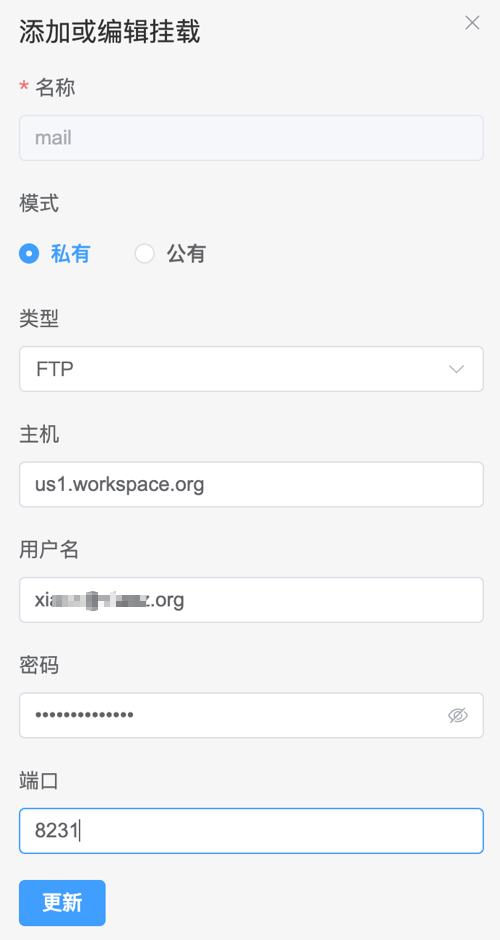
NameCrane's domain email service includes cloud storage. You can connect via FTP or use third-party tools like Zdir to mount it. Mounting information is as follows:
- Host:
us1.workspace.org(US),eu1.workspace.org(EU) - Username: Your email account
- Password: Your email password
- Connection Port: 8231
As shown in the figure below:
Claim eM Client License
NameCrane email service also comes with a free eM Client email client license. If needed, you can claim it according to the prompts below.
eM Client is a powerful and user-friendly email client, supporting multi-account management, calendar, tasks, and contact synchronization, suitable for Windows, macOS, Android, and iOS platforms. See official site: https://www.emclient.com/
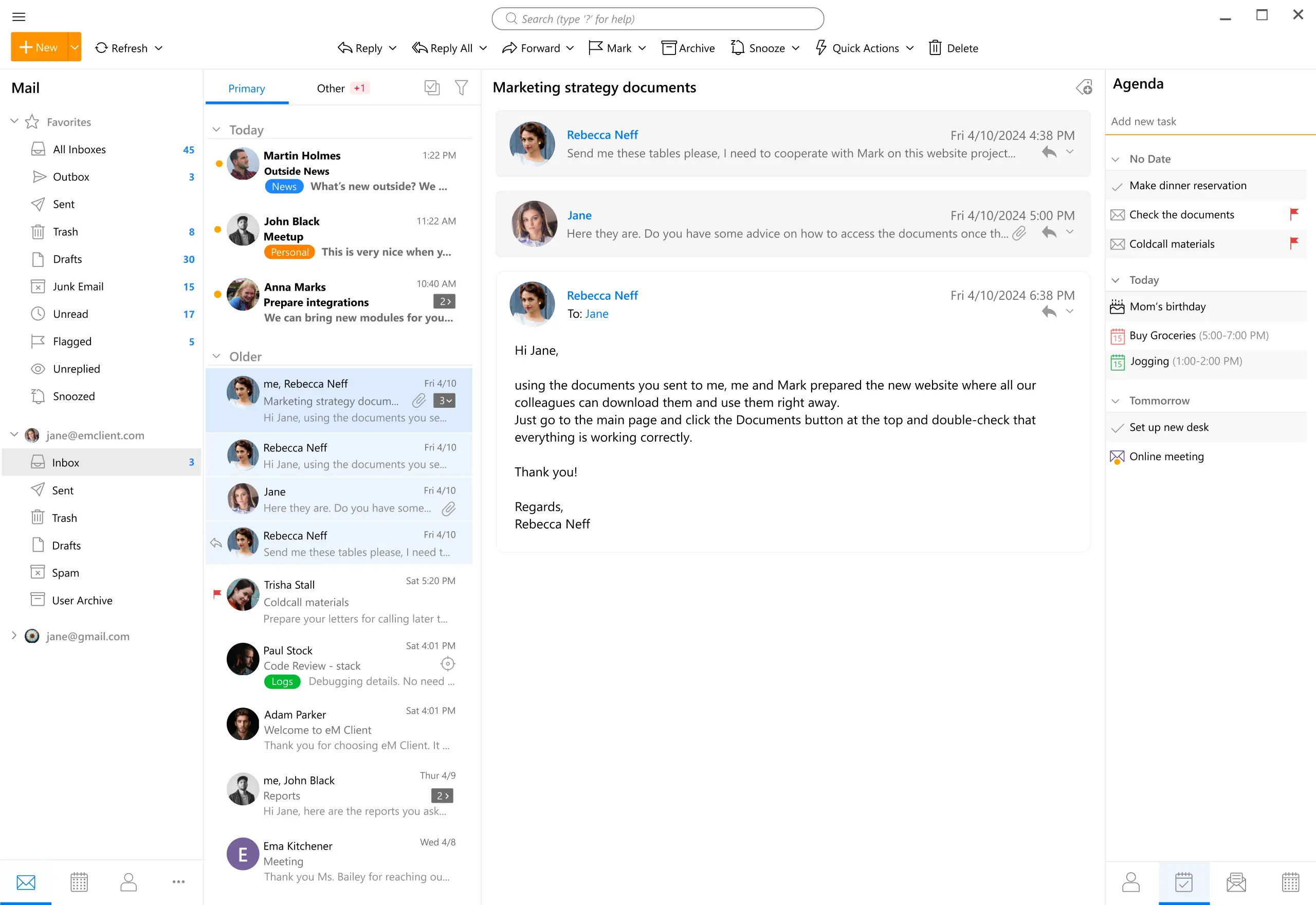
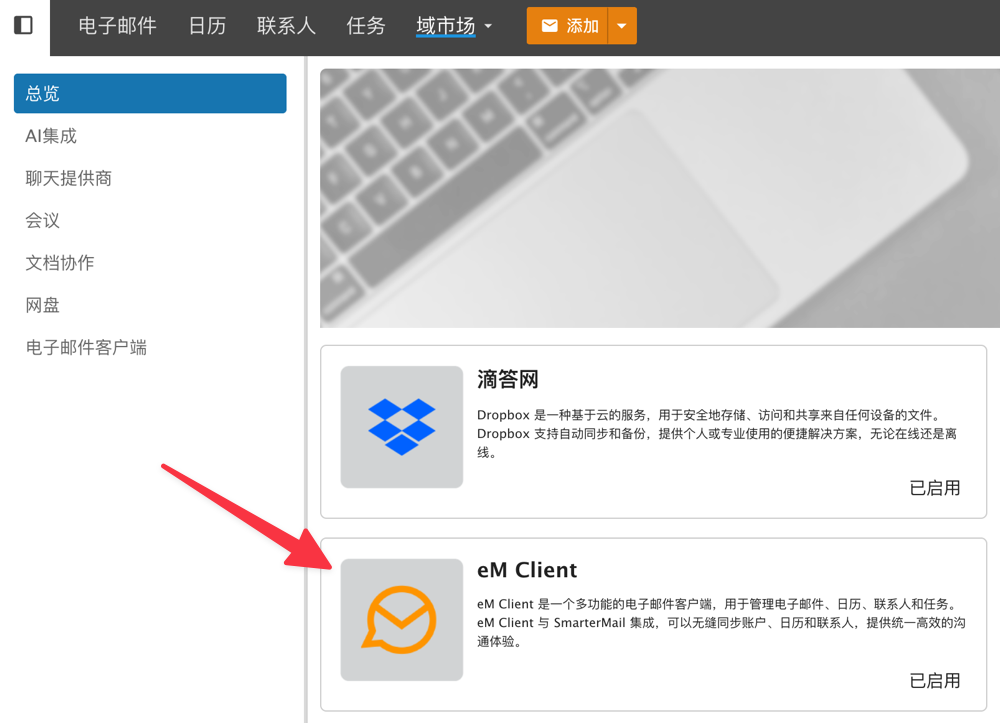
Log in to WebMail with your administrator account, then find eM Client in the [Domain Market].
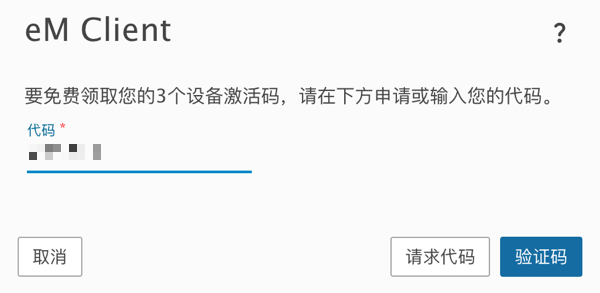
Click Request Code first, then a verification code will be sent to your email. After authorizing with the code, you will get 3 eM Client device activation codes.
Finally, complete activation at [eM Client - Help - License].
Conclusion
NameCrane offers a permanent domain email service at a great value of $75, paired with 250GB storage, unlimited aliases, and other practical features, offering extremely high cost-performance. Please pay attention to registration notes and make good use of the included FTP space and eM Client license.
NameCrane Exclusive Referral Link: https://namecrane.com/r/156/