Summarize Web Pages in 5 Seconds with LinkSumm AI Tool (Docker Supported)
With AI assistance, xiaoz spent 2 days developing a small tool LinkSumm. LinkSumm helps users summarize web page content; users only need to input a URL and click a button to complete the summary, making it ideal for long-content pages.
LinkSumm differs from browser plugins for content summarization. It is an independent web tool, making it more flexible with no dependencies—just open it in a browser. The tool is currently open-sourced on Github, and anyone can deploy it via Docker.
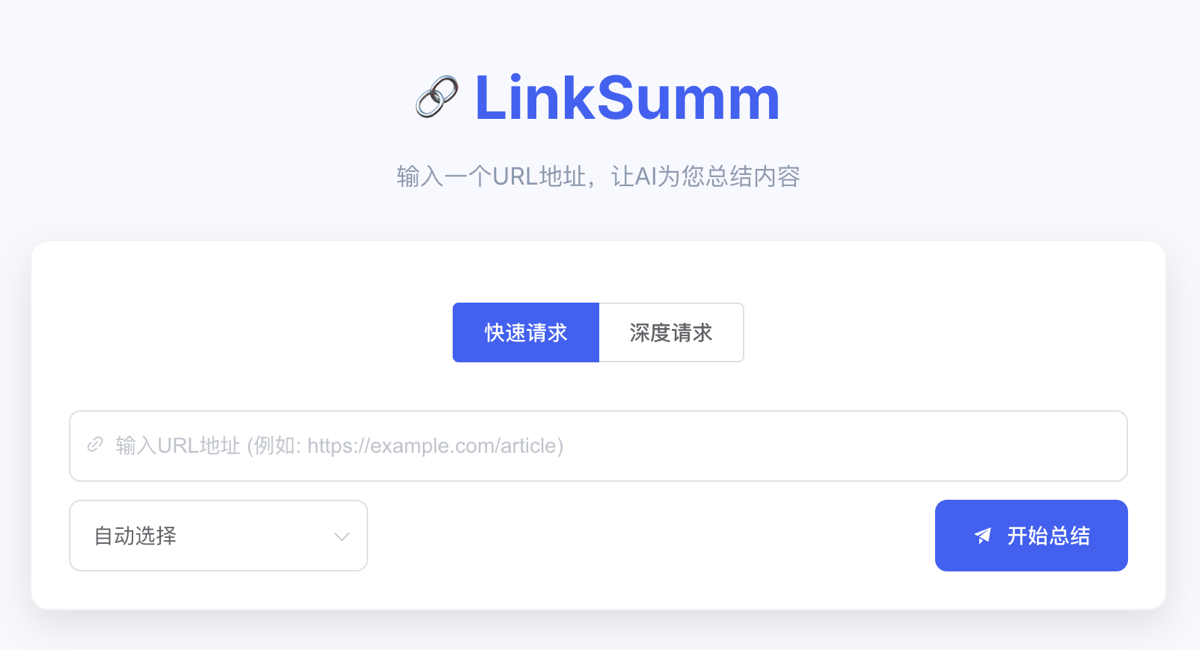
Online Experience: https://linksumm.aimerge.cc/
Main Features
- Summarize content by inputting a URL
- Supports integration with multiple AI large models, compatible with any OpenAI API interface.
- Supports streaming transmission
- Supports IP request frequency limiting
- Supports limiting summary string length
- Supports requesting SPA pages
Using LinkSumm
We provide a LinkSumm online service for anyone to use. Visit: https://linksumm.aimerge.cc/
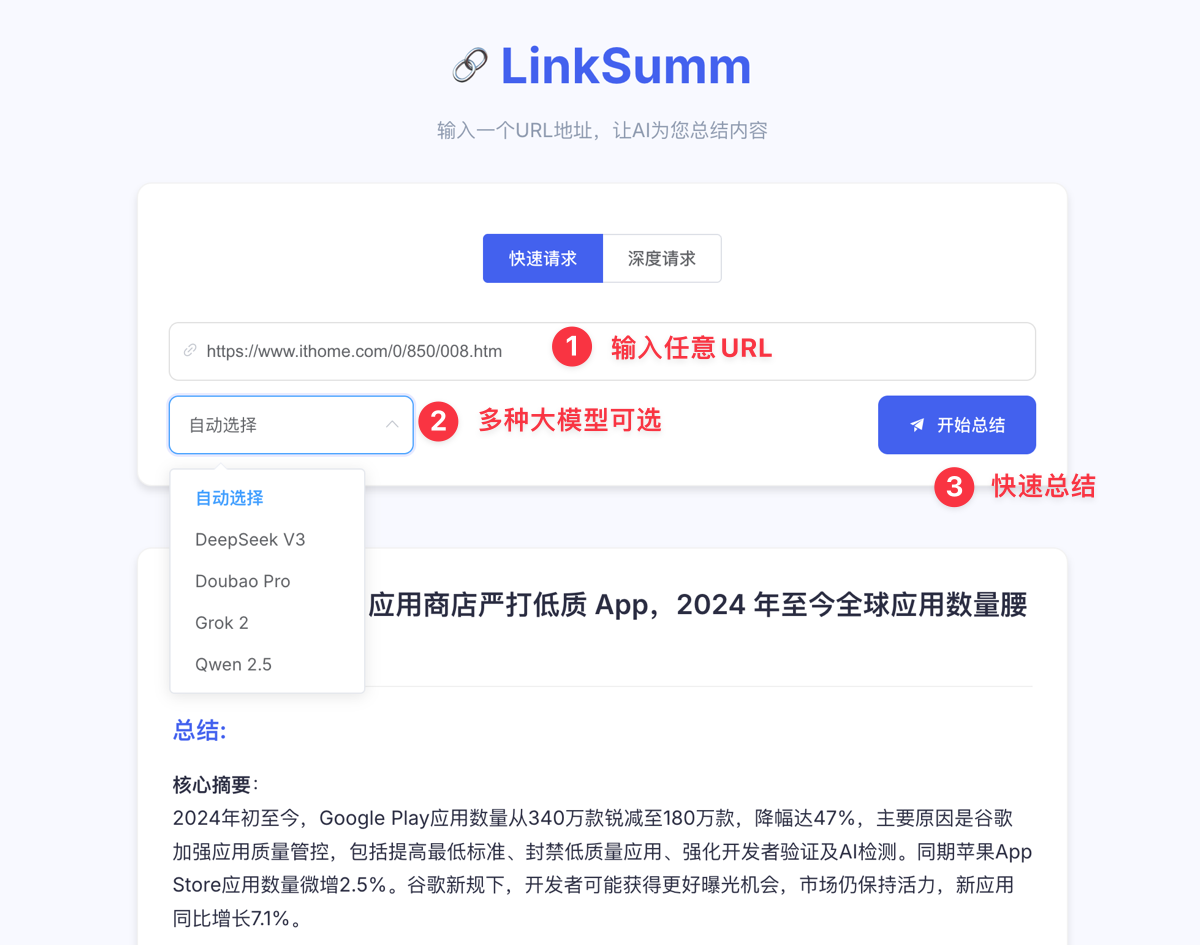
Input any URL, click the summarize button, and wait about 5 seconds to quickly summarize the web page content. It is very convenient.
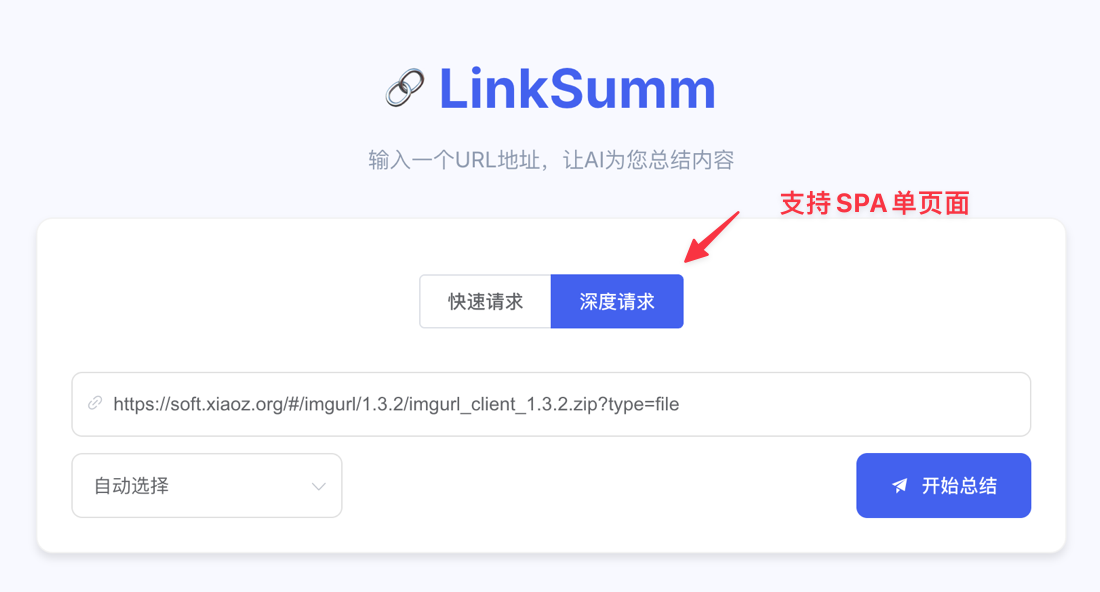
For SPA single-page applications like Vue, where data is returned via backend interfaces and rendered on the frontend, LinkSumm's Deep Request can also be used for content summarization (Deep Request supports requesting SPA applications, but is slower).
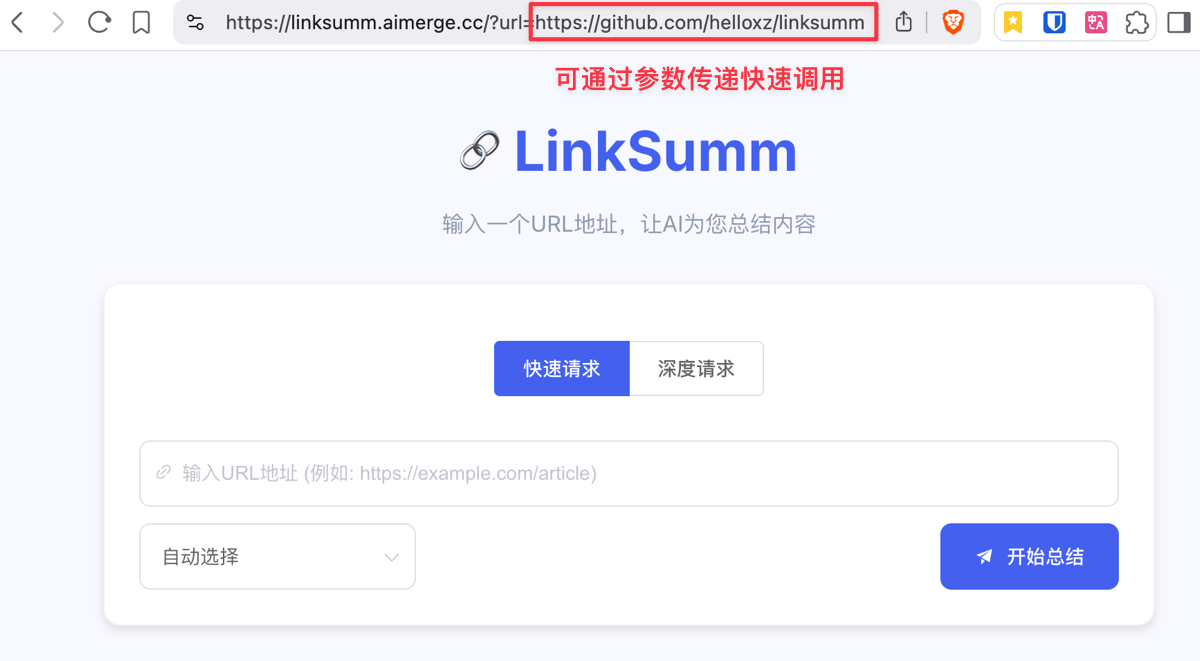
You can also add the url parameter to quickly call LinkSumm for summarization, for example: https://linksumm.aimerge.cc/?url=https://github.com/helloxz/linksumm
Docker Deployment of LinkSumm
If you do not want to use the official online tool provided by LinkSumm (https://linksumm.aimerge.cc/), you can also privately deploy LinkSumm via Docker to create your own intelligent summarization tool. The method is as follows.
It is recommended to use Docker Compose to deploy LinkSumm. Create a new docker-compose.yaml and fill in the following content:
version: '3.8'

services:
  linksumm:
    container_name: linksumm
    image: helloz/linksumm
    ports:
      - "2083:2083"
    restart: always
    volumes:
      - ./data:/opt/linksumm/app/data
Then input docker-compose up -d to start. If there are no errors, visit http://IP:2083 to open LinkSumm.
LinkSumm's configuration file is located at config/config.json under the mounted directory, using standard JSON format. For first-time use, you also need to configure the AI large model interface and set frequency limits, etc. Please refer to the project documentation: https://github.com/helloxz/linksumm
Conclusion
LinkSumm solves the problem of lengthy web page content in a minimalist way—input a URL and get a summary of the essence in 5 seconds. Whether it is a regular web page or an SPA application, LinkSumm can accurately extract key information. As an open-source tool, it supports multi-model access and private Docker deployment, balancing flexibility and security.
LinkSumm Online Use: https://linksumm.aimerge.cc/
Github Open Source: https://github.com/helloxz/linksumm