MacZip: The Essential Free Unzip Tool for Mac with Archive Preview
On macOS, most decompression tools either do not support previewing archive contents or require payment. Recently, xiaoz discovered a free decompression tool that not only supports previewing archive contents but is also completely free! This software, named MacZip (formerly eZip), is specifically designed for macOS and is a powerful free decompression tool.

Features
- Supports previewing archive contents
- Supports reading rich formats
- Supports file filtering
- Supports image preview
- Supports RAR, ZIP, 7Z encrypted compression formats
- Supports batch encryption and decryption of files
Download & Installation
Official download link: https://ezip.awehunt.com/download?s=web
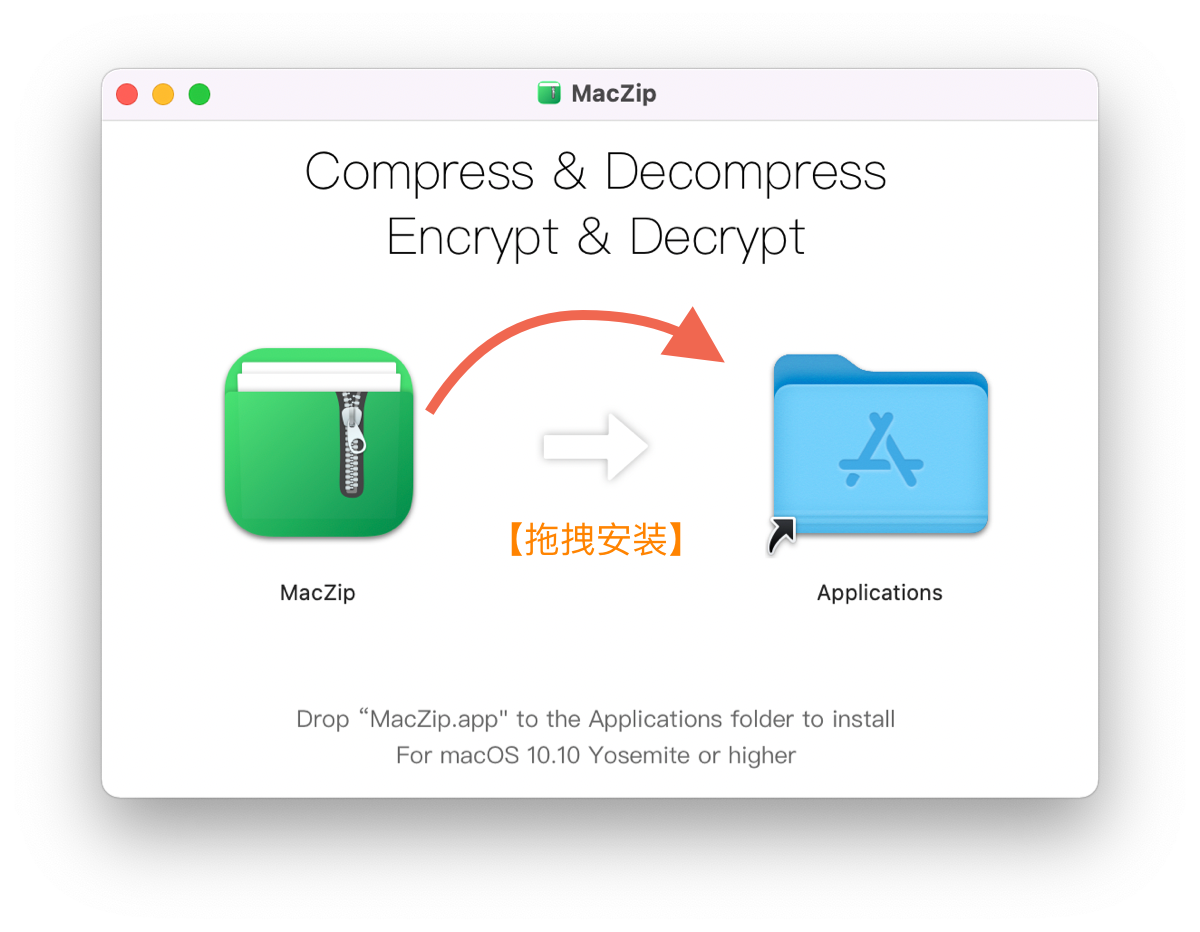
After downloading MacZip.dmg, double-click to open it. Then drag MacZip to the Applications folder to complete the installation!
Usage
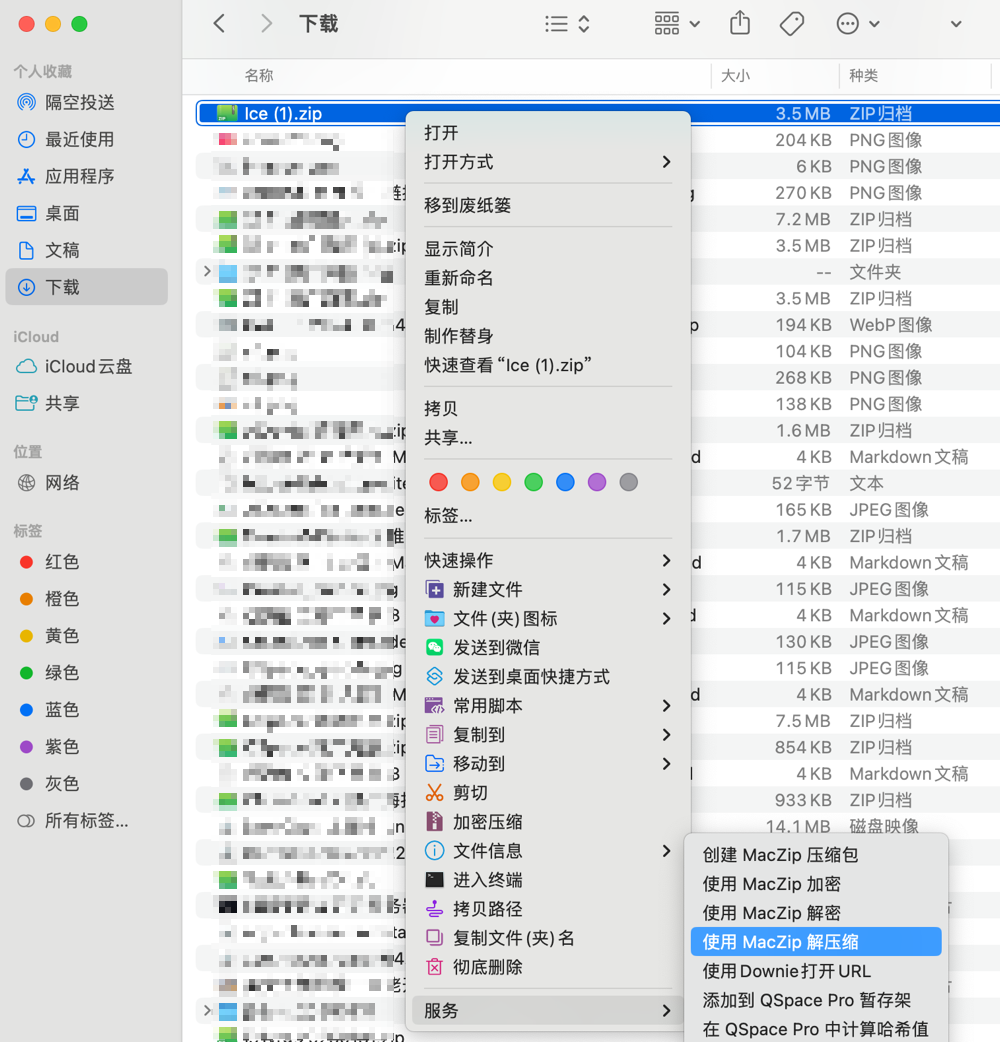
You can right-click on an archive >> Services >> Use MacZip to quickly decompress.
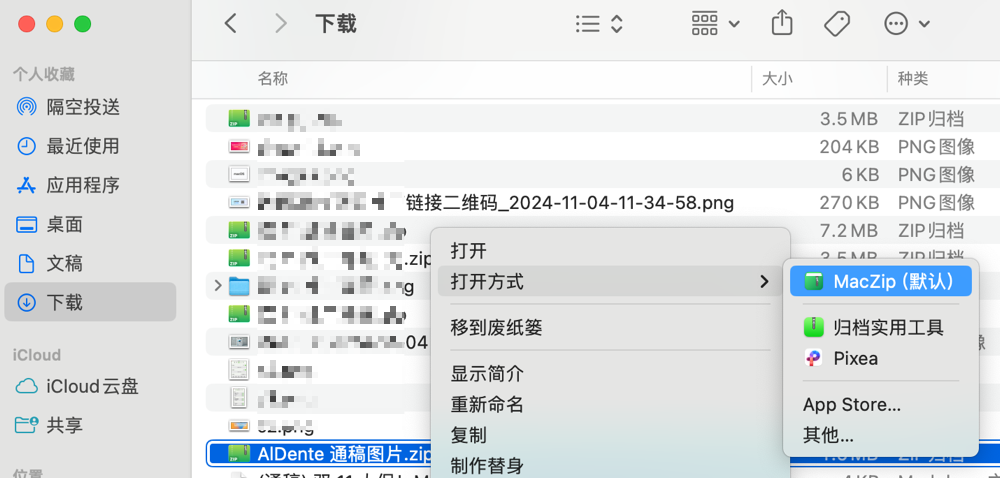
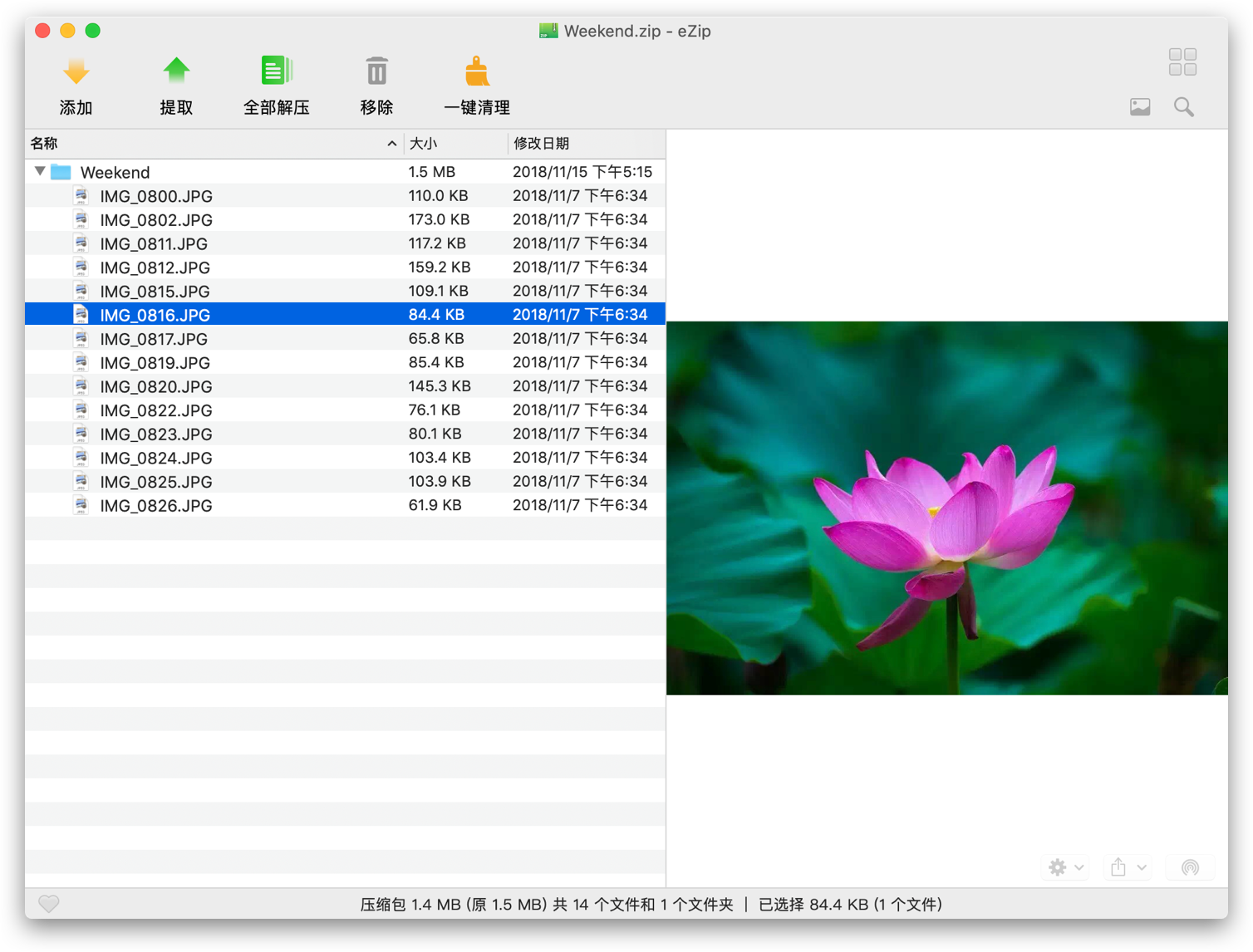
If you want to preview the files inside the archive first, you can choose to open the archive with MacZip.
This allows you to easily preview files.
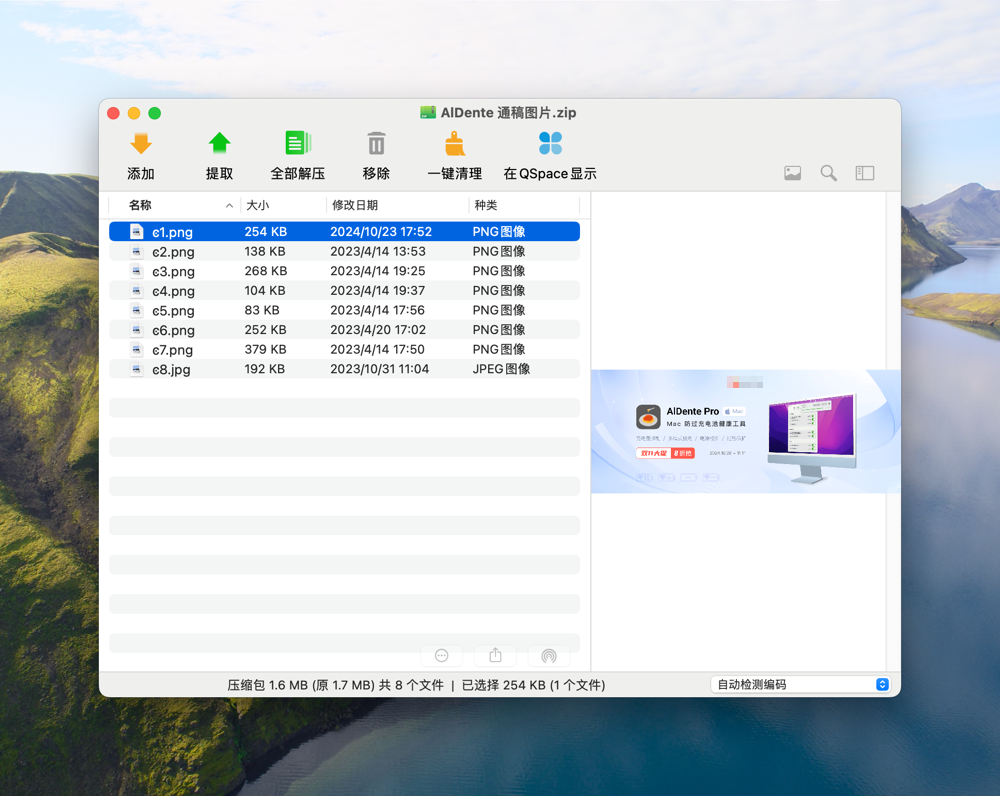
If your archive contains image files, you can preview the images directly without decompressing them.
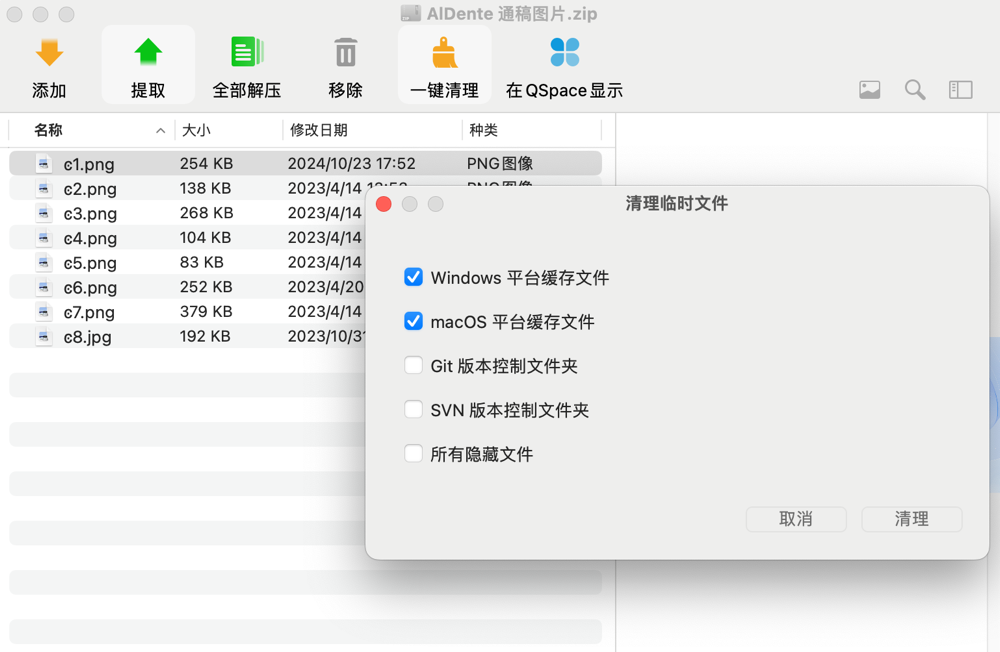
MacZip also conveniently includes a one-click cleanup feature to remove hidden files (files starting with a dot) and unnecessary temporary files inside archives.
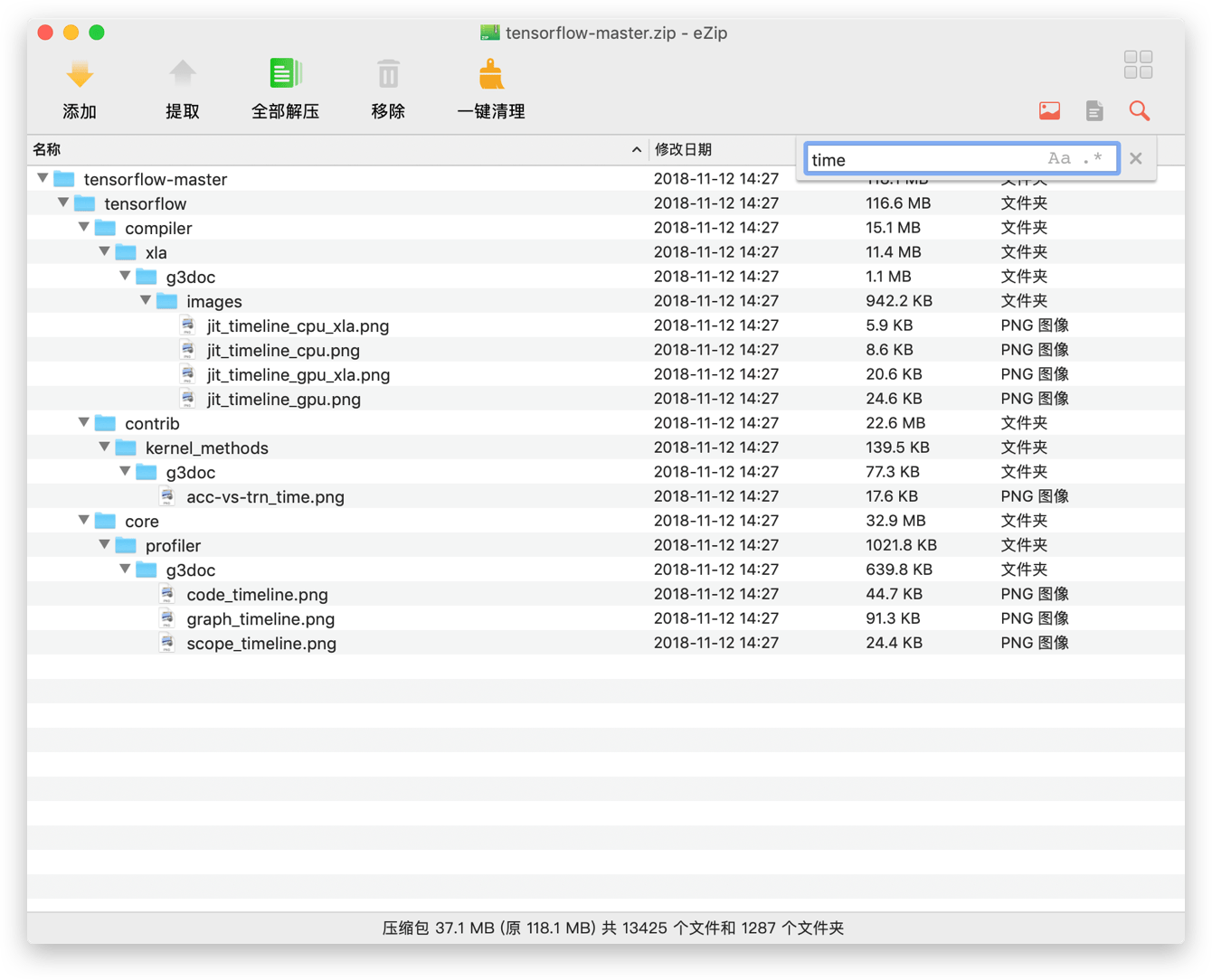
It supports filtering by filename to quickly screen for the files you want.
Other
Additionally, the author of MacZip has developed Qspace, an efficient multi-pane file manager for Finder. Interested users can visit: https://qspace.awehunt.com/zh-cn/index.html to check it out.
QSpace Pro exclusive invitation code
HD7KGU(save 10 yuan on purchase)
Conclusion
MacZip provides Mac users with a fully functional, completely free decompression tool that supports previewing and rich formats, as well as quick filtering and file encryption/decryption, meeting various decompression needs. If you need a simple and efficient decompression tool, give MacZip a try.
You can scan the QR code below with WeChat to join our group chat. If the QR code has expired, please contact WeChat xiaozme to invite you (please note: Software Exchange).